
How to Make AI Videos Using Happy Horse 1.0 | 8 Steps

In this article, we’ll look at how to make AI videos with Happy Horse 1.0
Happy Horse 1.0 is Alibaba's AI video model, and it arrived making noise for all the right reasons. It shot straight to the top of the Artificial Analysis leaderboards, holding its own against ByteDance'sSeedance 2.0 in blind tests, which is no small feat.
Today I'm walking you through how to make AI videos with Happy Horse 1.0 so you can judge the results for yourself.
Let's get rolling.
Happy Horse 1.0 AI Video Review | Video Breakdown
Below is an episode of our AI Film News YouTube series where we put Happy Horse 1.0 head to head against Seedance 2.0, break down the pricing, and give you our honest verdict on where it stacks up against the competition.
How to Generate AI Videos with Happy Horse 1.0
Everything you need to know to get your first AI video generated with Happy Horse 1.0, straight to the point.
1. Head Over to Happy Horse 1.0's Page on fal.ai
Your first stop is fal.ai, a generative media platform that gives creators access to hundreds of top AI models in one place.
Since Happy Horse 1.0 doesn't have an official platform yet, fal.ai is where we're running it today as their official API partner.
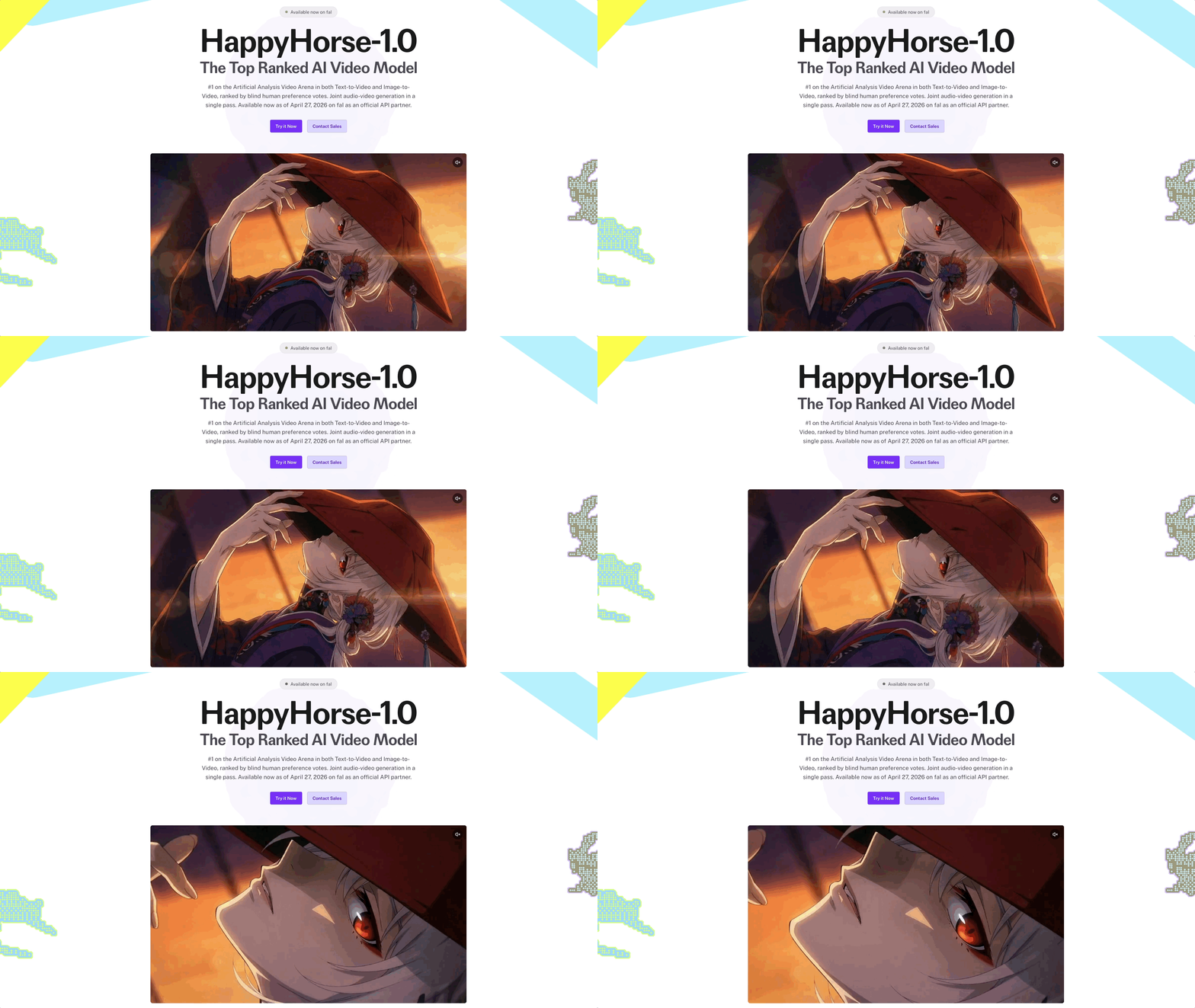
Pull up Happy Horse 1.0's dedicated page and you're good to go.
2. Click 'Try it Now'
See that purple 'Try it Now' button sitting right in the middle of the page?
That's your next move. fal.ai dedicates a whole landing page to Happy Horse 1.0, which is a pretty good sign of how seriously they're taking the partnership.
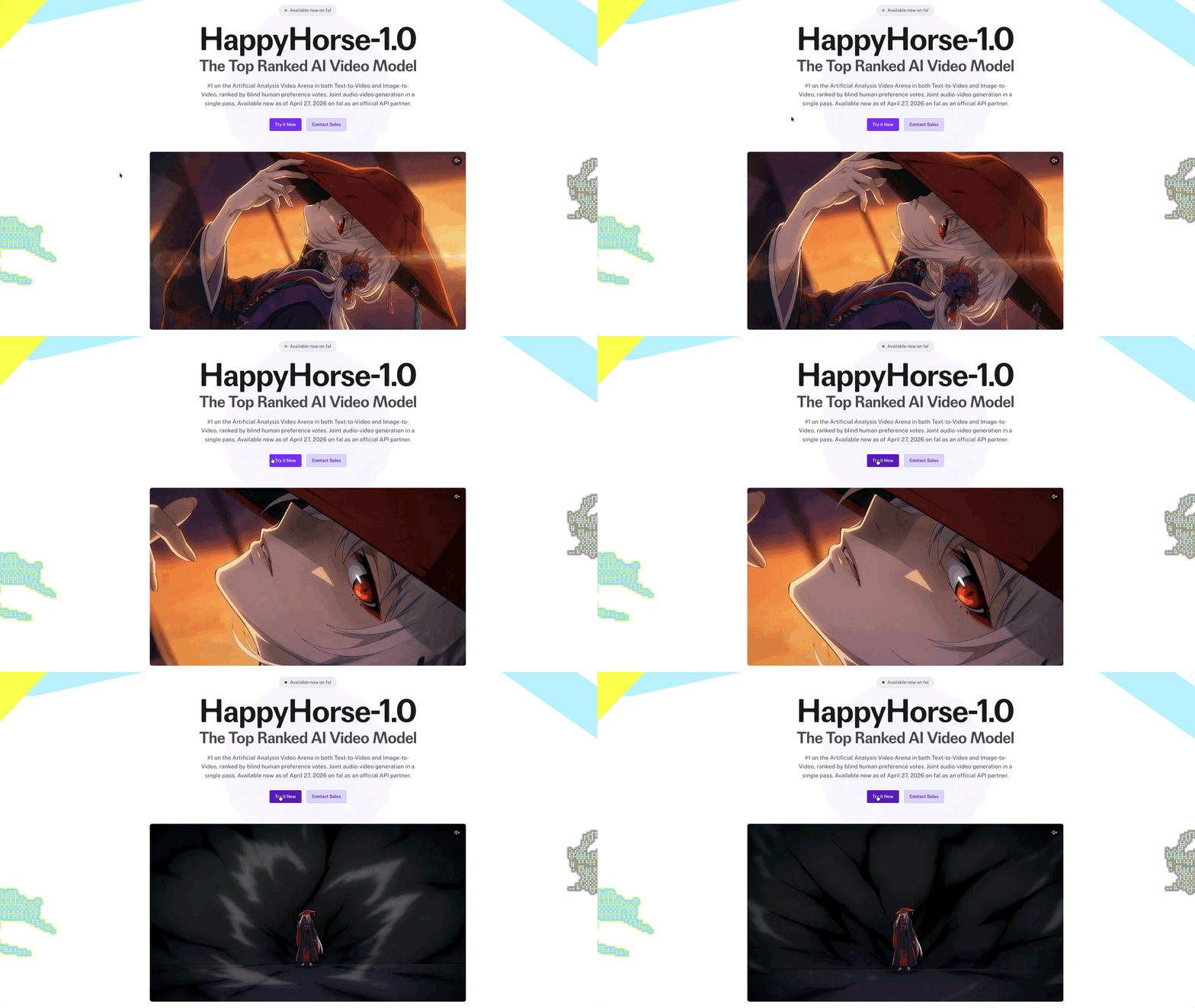
Go ahead and click it to get into the actual generation tool.
3. Click 'Sign in to Run'
No rushing, we're not generating anything (yet)
Once you click 'Try it Now' you'll land on Happy Horse 1.0's playground, which is where all the action happens today. But before we get there, click the purple 'Sign in to run' button and get your account sorted.
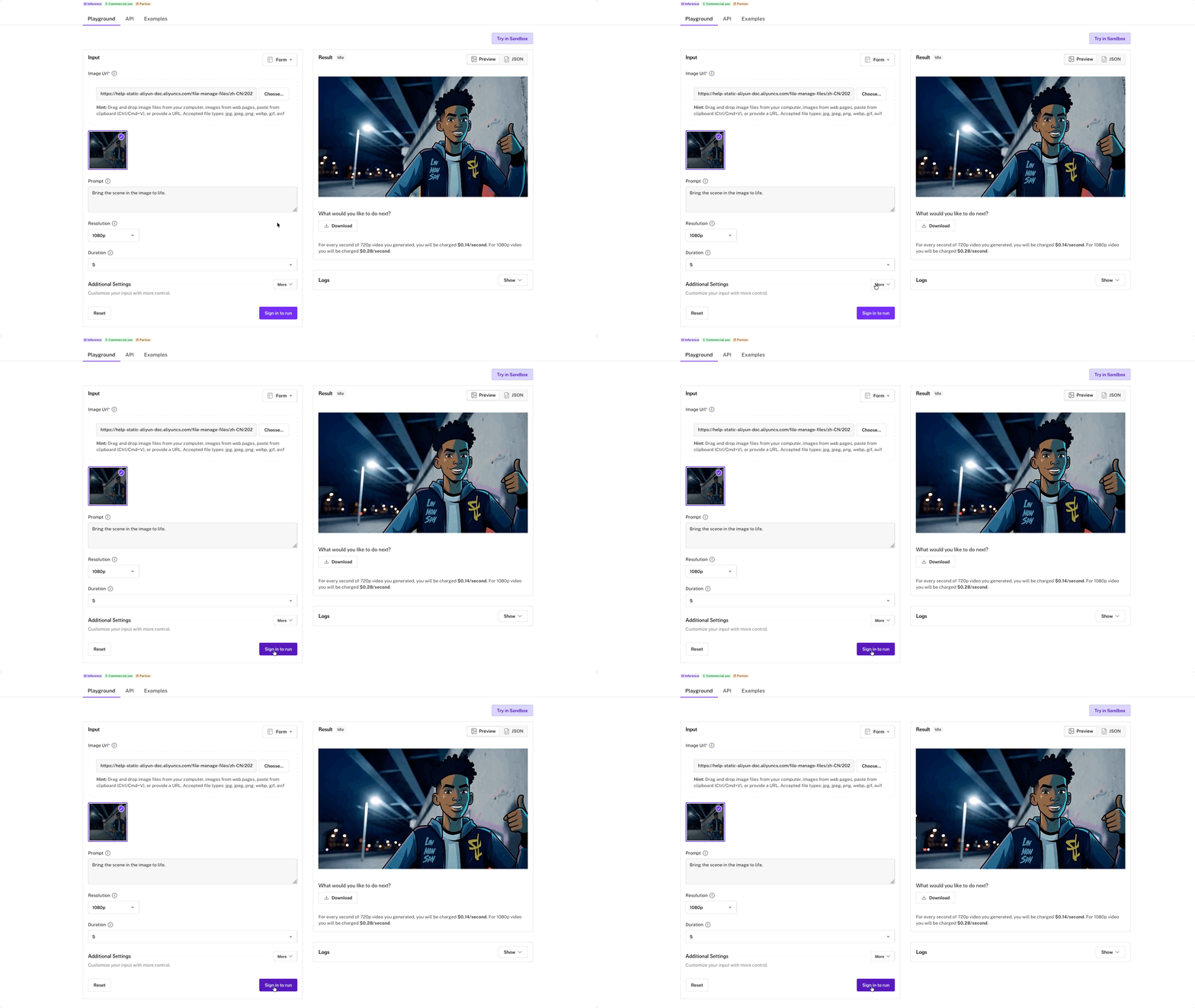
You can do it with GitHub, Google, or SSO. Worth knowing before you jump in: fal.ai runs on a prepaid credit system, meaning you'll need to add credits to your account before you can start generating.
4. Drag and Drop Your Image
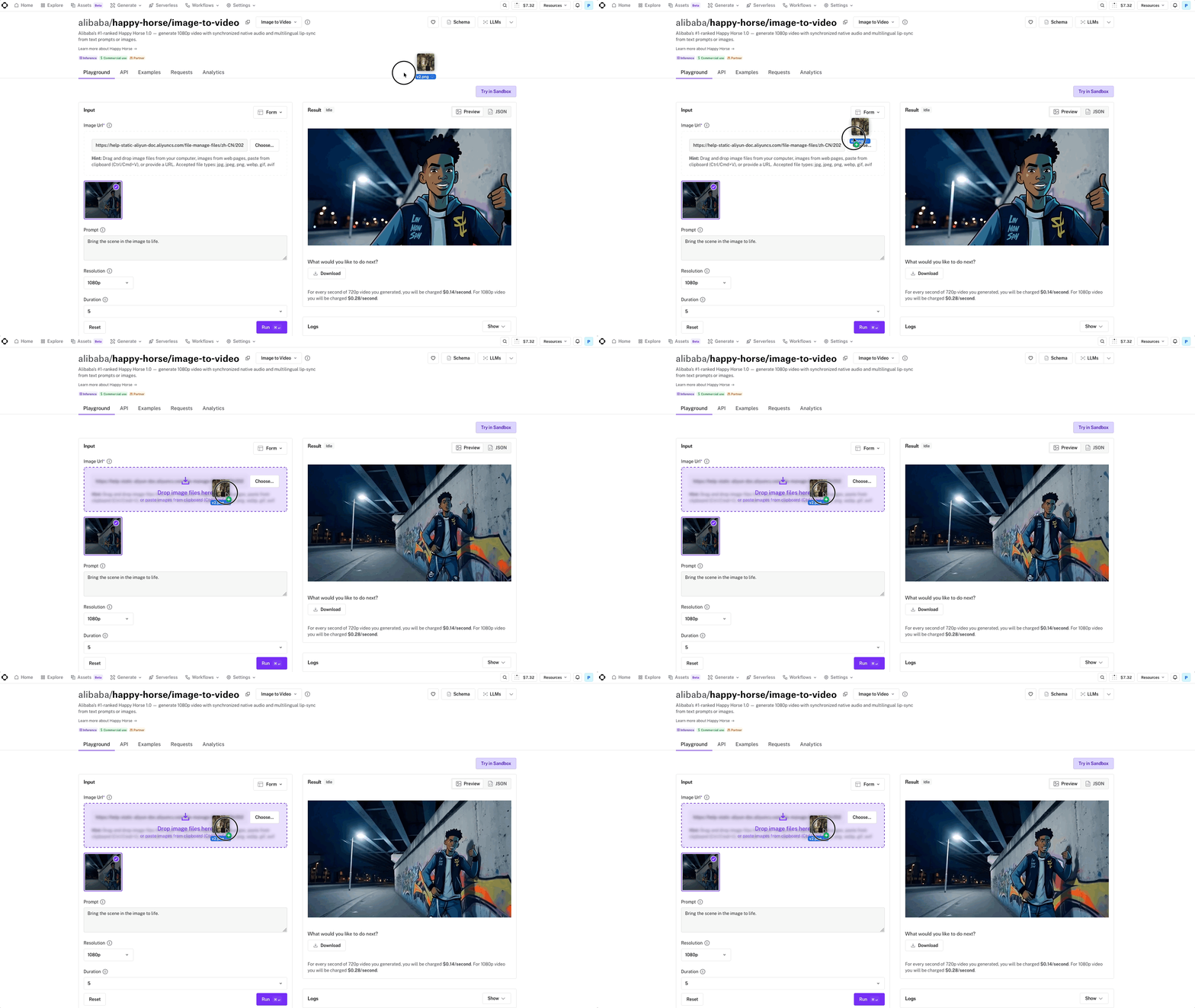
Grab your image and drag it into the dashed box sitting under the 'Image URL' field. You don't need to worry about pasting any URLs, just drop it straight in and fal.ai will handle the rest.
5. Write Your Prompt
Our favorite prompting structure for AI video is the CCR method: Camera -> Character -> Reaction.
You first describe what the camera is doing, then address the subject, then the action of the shot.
Here's an example: a low-angle push-in on the figure as a flock of birds explodes out of the far archway, the figure ducking instinctively as wings and feathers fill the frame.
Above is the output video of the example prompt ran through Happy Horse’s AI Video Model.
6. Take a Look at the Settings
Before you hit Run, there are a few options worth knowing about:
Resolution: 720p or 1080p. Go with 1080p and don't look back.
Duration: Default is 5 seconds. Bump it up if your shot needs more room to breathe.
Seed: Keeps results reproducible. Leave it random for now, but if you land on something great, save that number for next time.
7. Press 'Run'
Prompt written, settings dialed in, image uploaded? Great. Go ahead and click that purple 'Run' button at the bottom right and hand things over to Happy Horse.
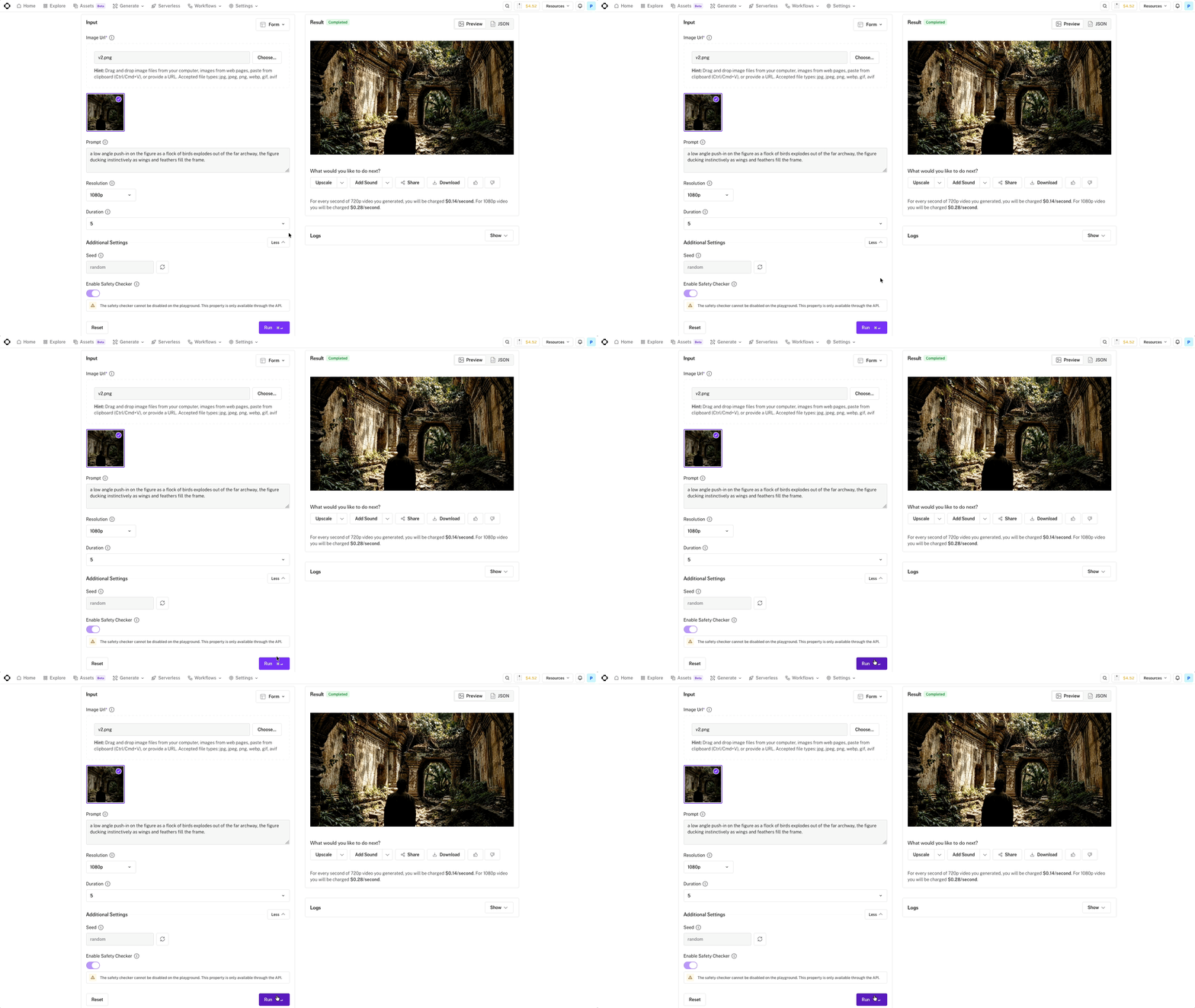
The result will appear on the right side of the screen once it's ready.
8. Review and Prompt Again if Needed
Take a close look at your output on the right side of the screen.
If Happy Horse nailed it on the first try, hit download and you're done. If not, don't stress, just adjust the prompt slightly and run it again. Getting the perfect shot sometimes takes a round or two.
Bonus Tip: Don't Over-Prompt
Happy Horse 1.0 is one of those models where a tighter prompt beats a longer one almost every time. Around 20 words is the sweet spot.
Too much detail and the model spreads itself thin, which shows up as generic faces, shaky motion, and inconsistent results. Write like a director calling a shot, clear, direct, and to the point.
Free AI Storytelling Course
If you really want to dive into the world of AI video tools, we highly recommend taking advantage of our free intro to AI storytelling course.
Fill out the form above to get instant, free access. You also get access to our community of creatives and AI filmmakers from around the world.
We would love to see you in the course.
