
How to Get Consistent AI Voices: 3 Workflows
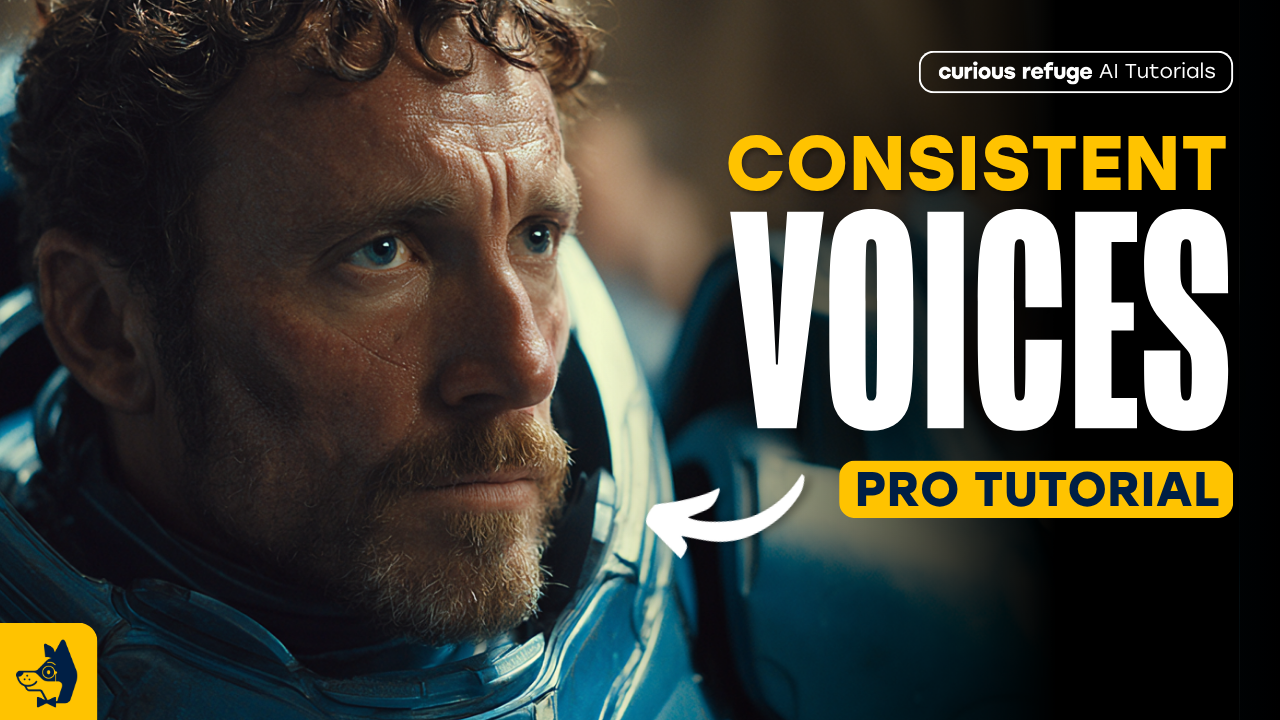
In this article and video tutorial, I’ll show you 3 workflows for getting consistent AI voices in your AI Films.
Native audio in your AI Video generations has become the standard, but there’s an issue that every creator has come across. Everybody wants to answer the question: How do you get a consistent voice across each of the video generations?
In this article, I’ll show you three ways to get consistent audio across your AI Video generations.
Here are the workflows below:
Prompting: This workflow is simply prompting for the specific voice, accent, and tone. It’s not preferred, but sometimes you can get somewhat similar outputs in your generations.
Speech-to-Speech: This is a pretty underused tool when it comes to AI audio. It produces some pretty solid output.
Reference Audio Cloning (Our Favorite): This workflow uses a reference audio when prompting inside of an omni model. This is the best workflow in our experience.
Alrighty, let’s hop in and take a look at exactly how to execute each of these workflows. In the article, we also show the output from each.
Let’s get to it!
Consistent AI Voices | Video Breakdown
Below is a video tutorial where we break down the 3 workflows for getting consistent AI voices in your AI Film.
Consistent AI Voices | 3 Workflows
Below we break down the top workflow for getting consistent AI voices in your AI Film.
Consistent AI Voice Workflow #1. Native AI Prompting
This method relies entirely on the text-to-video model's internal engine to generate both the visual performance and the audio.
Workflow: You upload a starting frame and use a text prompt to define the character's performance and dialogue.
Seedance 2.0 Shot #1
Pros: It is the simplest and fastest method, requiring no external audio processing tools.
Cons: It often produces "metallic" audio artifacts and lacks consistent vocal characteristics across different shots. It’s generally better suited for stylized or over-the-top characters rather than realistic, nuanced performances.
This workflow would, of course, take the most iterations, but it would also be most likely to force you to be okay with inconsistency inside of your AI film.
Consistent AI Voice Workflow #2. Speech-to-Speech and Audio Isolation
This is a technical, multi-step "post-production" approach designed to override the native, inconsistent AI audio.
Here’s the workflow:
Voice Replacement: Use a tool like ElevenLabs Speech-to-Speech to replace the original AI audio with a consistent, cloned voice.
Audio Extraction: Use Meta’s Sam Audio to isolate the original "room tone" and sound effects from the native video generation.
Final Mix: Combine the new voice-over and the isolated background sounds in a video editor, applying EQ and reverb to make the new audio sit naturally in the scene.
Speech to Speech Workflow
Pros: Significantly improves vocal consistency and allows for professional-grade voice control.
Cons: It is a labor-intensive process requiring external software, manual sound mixing, and careful EQ adjustments to avoid a disjointed feel.
This workflow is pretty impressive given the stack of tools we have and are able to utilize, but the output of speech to speech comes off very rerveb-y and low quality.
Consistent AI Voice Workflow #3. Reference Audio Cloning
This method integrates directly into the video generation process, using an audio "seed" to inform the model's output.
Workflow: Provide the AI tool (such as Kling or similar models with "Omni" capabilities) with a reference audio clip, ideally about 15 seconds long, of the voice you want to add to your character. The model uses this to generate the new, consistent voice in subsequent shots.
You can see the example above!
Shot 1
Shot 2
Pro Tip: For the best results, provide varied reference clips, like 15 seconds of the character sounding sad followed by 15 seconds of them sounding excited, to help the AI understand the character’s full tonal range.
Pros: Produces the highest level of consistency without requiring manual ADR or complex external mixing.
Cons: While highly effective, it may still not be 100% identical to a live human actor, though it is currently the most efficient balance of quality and ease.
This workflow consistently produces the best quality and most accurate AI voices of any of the others. This is actually the workflow that Kavan Cardoza teaches in our course, Advanced AI Filmmaking.
If you are interested in learning to utilize professional workflows just like this one, we would recommend exploring the course.
Explore AI Filmmaking Workflows for Free
We would love for you to join our free intro to AI storytelling course. Fill out the form below to join and get started today!
You also get access to our community, where you can connect with creatives from all over the world.
We would love to see you there, but no pressure at all!
