
How to Use Seedance 2.0 4K: The Complete Guide
In this article and video tutorial, we’ll show you how to utilize Seedance 2.0 4K.
AI video generation is moving at a breakneck speed, but native 4K output? That’s the real game-changer. We’re finally moving past the era of relying on messy AI upscaling workflows. With Seedance 2.0 4K, you’re generating cinematic-quality footage directly at the resolution you need.
Here’s some of what this update means for creators:
True native 4K resolution.
Realistic physical simulation.
Rock-solid motion consistency.
Multi-shot storytelling control.
Deep support for image, video, and audio references.
In this guide, I’m going to break down exactly how to use Seedance 2.0 4K, which settings you actually need to care about, and how to get professional-grade results from the platform.
How to use Seedance 2.0 4k | Video Breakdown
In the video below, we take a deep dive into exploring Seedance 2.0 4k.
Seedance 2.0 4K | Full Breakdown
Below, we’ll show you step by step how to utilize Seedsance 2.0 4k.
What Is Seedance 2.0 4K?
Seedance 2.0 4K isn't just another model; it’s a native 4K powerhouse.
Most traditional AI workflows force you to generate low-resolution footage and then run a separate, time-consuming upscaling pass. Seedance cuts the middleman.
Step 1: Accessing the Model
Seedance 2.0 4K is currently rolling out across several AI platforms. If you want the fastest way to get your hands on it, Dreamina is currently your best bet for a direct, seamless integration.
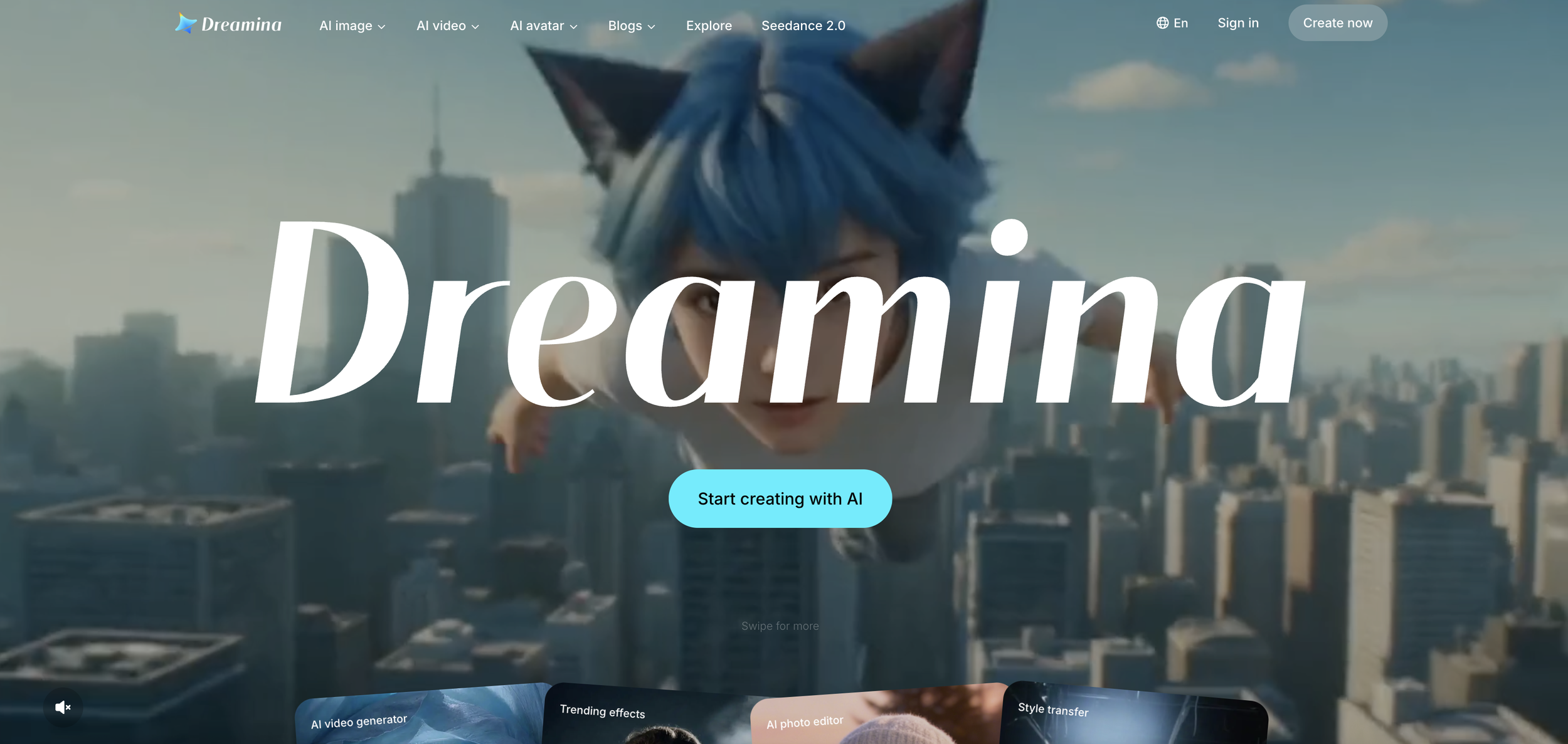
Once you’re in, follow these steps:
Hit the Create button.
Toggle over to AI Video mode.
Select Seedance 2.0 from the model dropdown.
Ensure the 4K output option is enabled.
Set your aspect ratio. I typically stick to 16:9 for YouTube or 21:9 if I’m chasing that cinematic look.
Step 2: Writing Your Prompt
Don't overcomplicate it. Start with a clear, concise description and iterate. Focus on these pillars:
Camera movement (e.g., "Slow push-in").
Character action.
Shot type (e.g., "Cinematic close-up").
Lighting & Atmosphere.
Example:
"A cinematic close-up of a woman sitting on a train during heavy rain. Slow push-in camera movement. Realistic lighting. Emotional atmosphere."
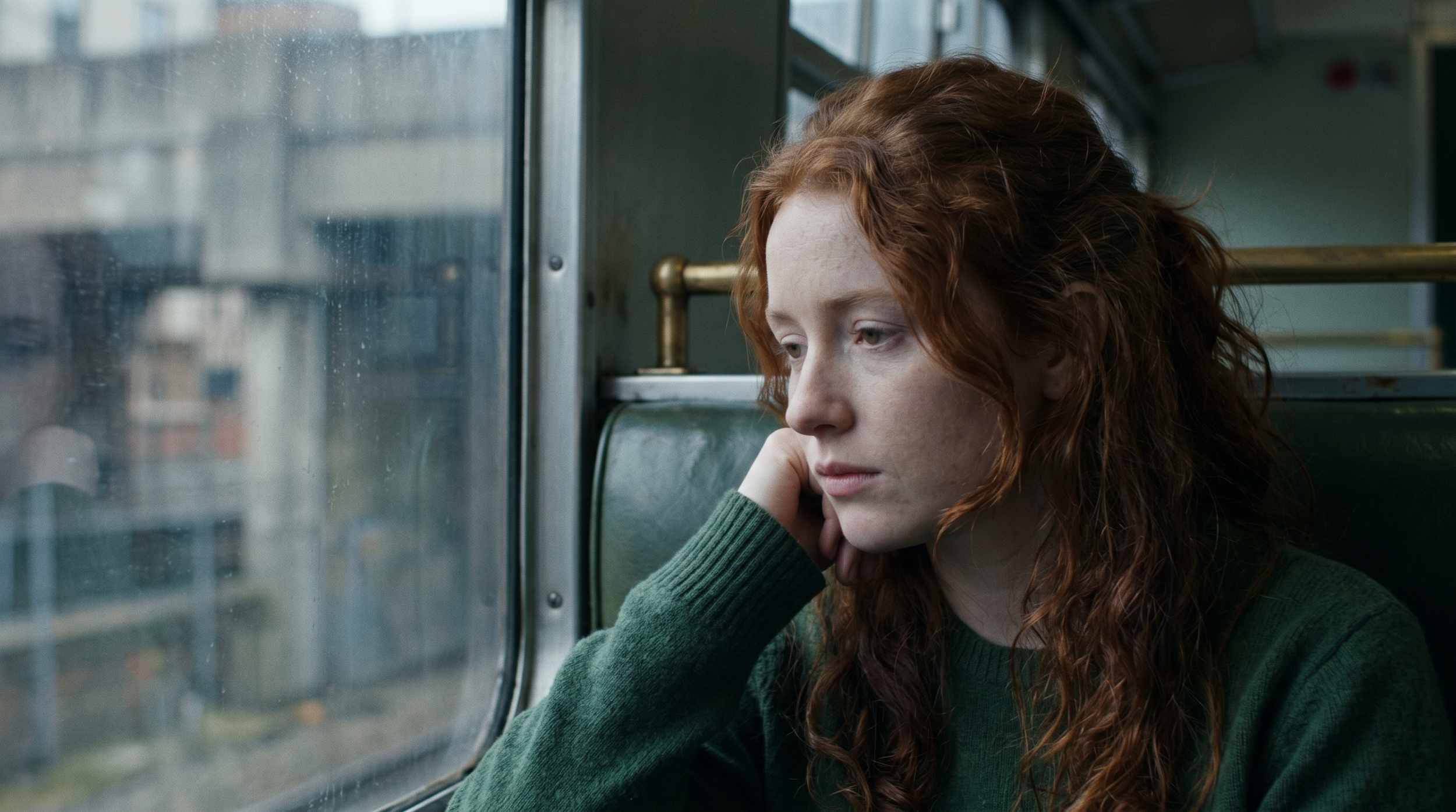
Starting Image
Seedance 2.0 4k
Step 3: Generating and Managing Expectations
Hit Generate and prepare to wait. Let's be real, the native 4K generation is intensive. You should expect longer render times compared to standard models.
Seedance 2.0 4K
Seedance 2.0 1080p
Don't treat the first result as your final edit. You’re going to need to run multiple iterations to get the physics and motion perfect. Budget your time (and your credits) for some trial and error.
Step 4: The "Quality Control" Checklist
Before you sign off on a clip, audit your results for these four things:
Character Motion: Does it feel fluid, or is it floaty?
Camera Stability: Are your pans and zooms clean?
Physics: Do the environment and textures (rain, smoke, fabric) behave like they should in the real world?
Artifacts: Look closely for limb distortion, frame jitter, or ghosting.
Seedance 2.0 4k
Kling 4k
All in all, Seedance 2.0 4K definitely outperformed Kling, and even some of the other workflow utilizing Topaz AI tools as well.
Step 5: Iterate, Iterate, Iterate
Professional filmmakers never take the first take. If the movement isn't quite right, adjust your prompt, tweak your reference images, and run it again. The "pro" look comes from the refinement process.
Is Seedance 2.0 4K Worth It?
If you need the highest-quality output currently available, it absolutely is. The barrier to entry, specifically the render time and cost, is higher than what you’re used to, but the native 4K quality is unmatched.
Here’s a breakdown of the costs of utilizing different models or workflows:
Kling 4K — $4.55
Seedance 2.0 (1080p) — $5.19
Seedance 2.0 (1080p) + Topaz Starlight Precise 2.5 — $9.17
Seedance 2.0 4K (Native) — $10.77
Seedance 4k is great, but obviously one of the more expensive options. If the project yoy are working on allows for it, then we would definitely recommend utilizing this tool.
Intro to AI Storytelling | Free Course
As AI filmmaking continues to mature, learning how to master these high-end tools is exactly what separates hobbyists from professional creators.
Fill out the form above, and you can get instant free access to our intro to AI storytelling course, as well as our community full of AI filmmakers and creatives from all around the world.
Best of luck on your journey and we hope you get to utilize this awesome tool in one of you rfuture creative projects.
