
How to Use Adobe’s AI Video Tools | (+Free Prompt Guide)
In this article and video tutorial, we’ll show you how to create an AI film using Adobe’s AI tools.
For most of my creative career, Adobe tools have been the heartbeat of everything I’ve made. From filmmaking and photography to the occasional (and slightly painful) PDF edit, Adobe has always been part of the process.
But in the last few years, as generative AI exploded, something strange happened.
Creative workflows became… messy.
Filmmakers started using tools from all over the world. Image generation on one platform. Video on another. Audio somewhere else. Suddenly, the creative pipeline felt fragmented and disconnected.
But here’s the truth: You can now create an entire generative AI film inside the Adobe ecosystem, from the first spark of an idea to the final cut.
This guide breaks down the exact workflow I use. And yes, it’s surprisingly powerful.
Create an AI Film Using Adobe’s AI Tools
Below is a video breakdown where we show you how to creater an AI film using Adobe’s AI tools.
How to Create an AI Film Using Adobe’s AI Tools
Below is a breakdown of my favorite steps for creating an AI film using Adobe Firefly Boards.
1. It all starts with a Story
Before you even touch an AI platform, you need clarity. At Curious Refuge, we always say the story is the most important part of any project.
Above is Davve Clark’s film that he created using Adobe’s AI tools. As filmmaker Dave Clark notes, the key isn't prompting, it's collecting ideas.
Dave keeps thousands of concepts in a notebook because the real challenge isn’t execution; it’s always having the next idea ready.
2. Storyboard using Adobe Firefly Boards
Adobe’s Boards feature is essentially your creative command center. Inside one workspace, you can:
The Step-by-Step Process:
Create a new Board.
Upload inspiration images or sketches.
Generate your first visual frame using a specific prompt (e.g., “An oil painting of a woman drawing in a notebook at a Victorian table”).
Refine the look and style.
3. Use Nano Banana Pro inside of Adobe Firefly for consistency.
Consistency used to be the "final boss" of AI filmmaking. Now, it’s much easier.

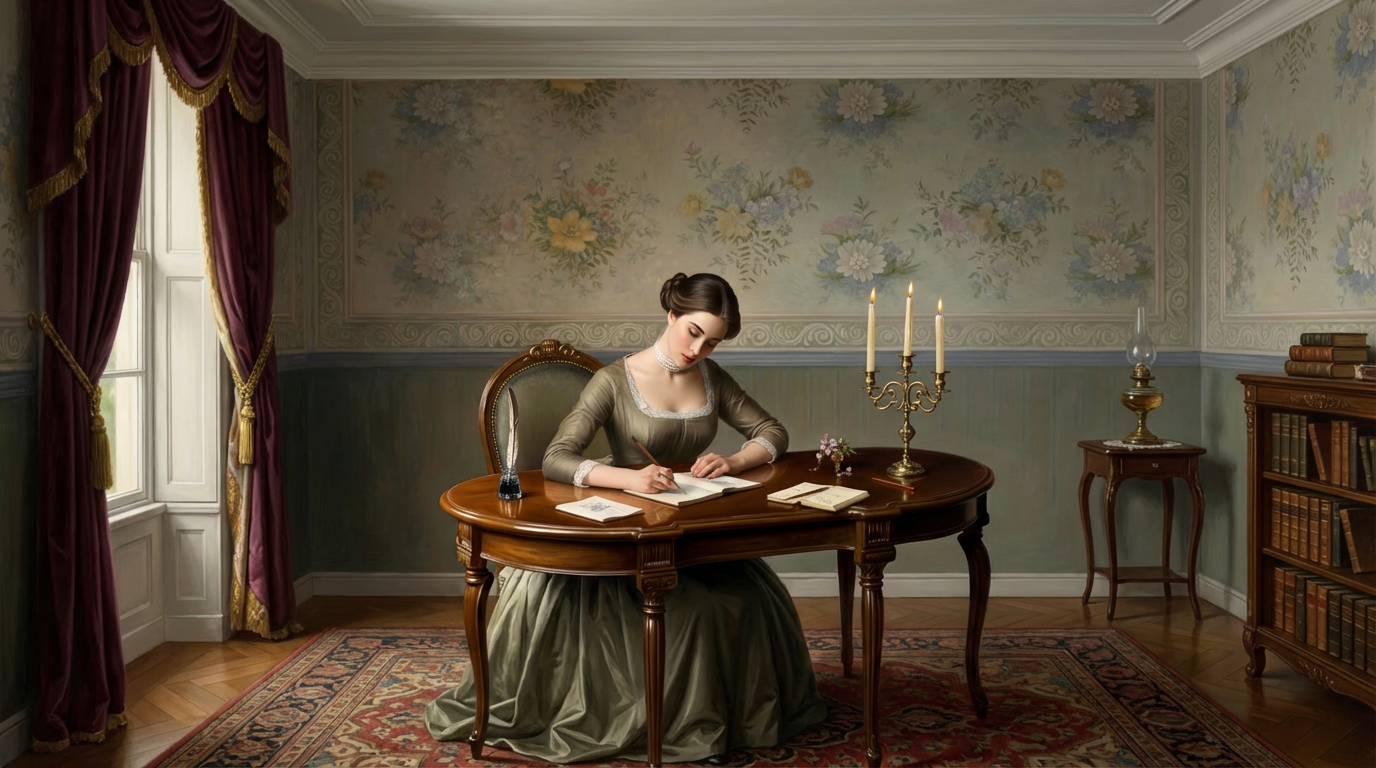
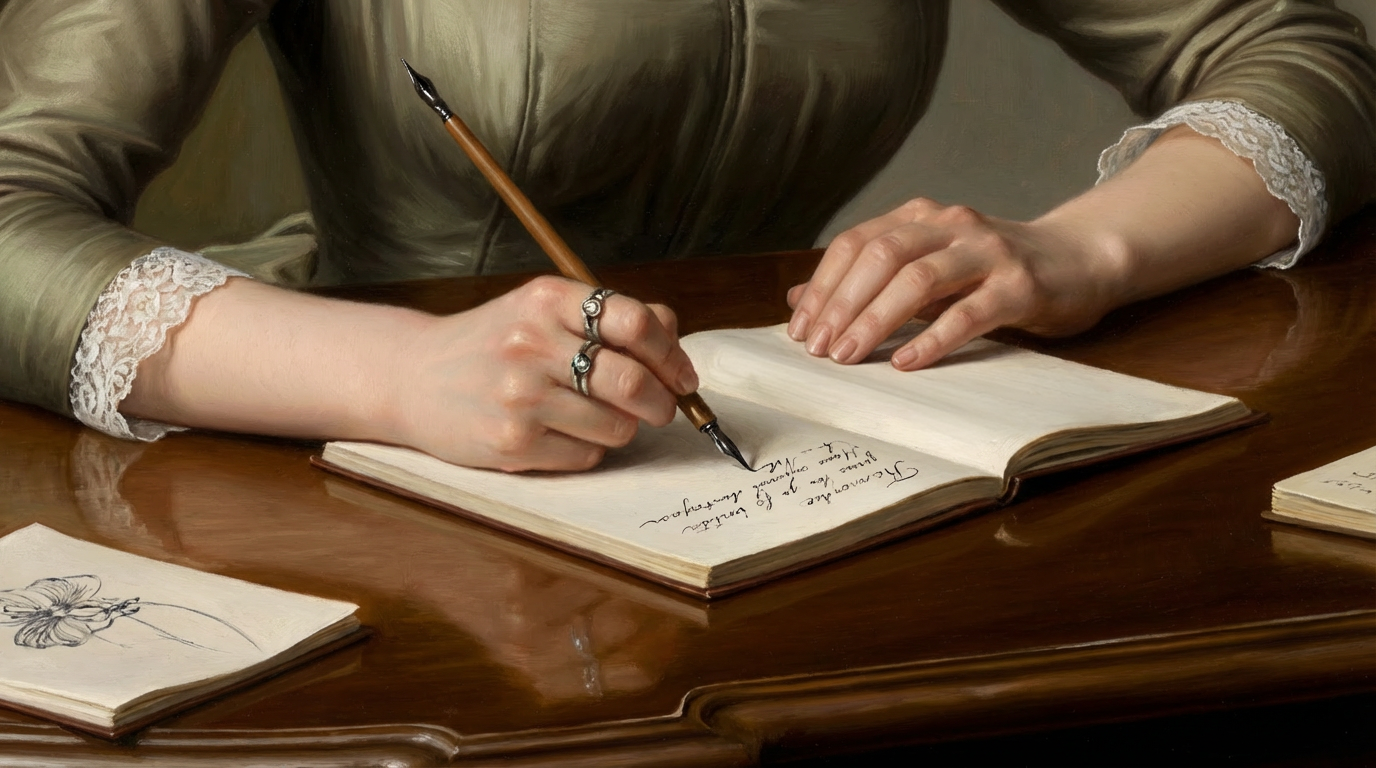
Once you generate a strong image, treat it as the DNA of your entire film.
You can sample that image to modify framing and scale, allowing you to create establishing shots, close-ups, and character variations while keeping the artistic style identical.
4. Animate with Precision (The CRR Method)
This is where the magic happens. Instead of random AI motion, you define exactly where the shot begins and ends.
To get the best results, use our CRR Method for prompting:
C - Camera: What is the camera doing? (e.g., Stationary, Dolly, Tripod)
R - Character: What is happening emotionally? (e.g., Contentment, Fear)
R - Rig: How is the shot captured?
Example Prompt: “A stationary shot of a woman looking out the window with contentment, filmed on a tripod.”
Fill out the form below to download a free prompt guide that shares some of our favorite tips for generating videos using Adobe Firefly Video.
5. Edit using Adobe Premiere
Once your shots are generated, it’s time to head into Premiere Pro. AI doesn’t replace editing, it makes it more important.
6. Cinematic Voiceovers and Music
Inside the Adobe ecosystem, you can now generate high-quality voiceovers and scores that match your film automatically. It’s incredibly easy to use and super impressive.
AI Speech: Choose voices, adjust tone, and even change languages directly in Firefly.
AI Soundtracks: Upload your film, and the platform suggests styles. Customize the emotion, tempo, and energy to get a cinematic score in seconds.
How to Master AI Filmmaking
If you've ever wanted to explore the world of AI inside creative workflows like advertising or filmmaking, we would love to help you on that journey.
You can actually fill out the form above to get started with our free intro to AI storytelling course. There, you also get access to our Discord community, where you can network with professionals from all around the industry.
Best of luck on your creative journey!
