
How to Use Runway Gen 4.5 | AI Filmmaking Tutorial
Intro to the article and video tutorial, I’ll show you how to use Runway Gen 4.5.
Runway just dropped Gen-4.5 with long-awaited image-to-video support—and the company is calling it the world’s best AI video model. That’s a massive claim, so naturally, we had to put that claim to the test.
In this article breakdown and video tutorial, we walk through how the tool works, run multiple real-world cinematic tests, and compare the results against top competitors like Kling and Google Veo 3.1.
All findings below are based directly on our side-by-side experiments.
To see how this AI Video Generator compares to others, check out our AI Tools page!
Let’s get to it.
Fill out the form below to download the assets and follow along.
How to Use Runway Gen 4.5 | AI Video Tutorial
Below is a video tutorial, where we show you how to use Runway Gen 4.5.
How to Use Ruwnay Gen 4.5
Below is a walk breakdown of how to use Runway Gen 4.5, as well as some comparisons with the other AI Video models.
Why Image-to-Video Matters So Much
Until now, Runway’s Gen-4.5 had only supported text-to-video. The big upgrade is that creators can finally upload a still frame and animate it.
That’s a huge deal.
Professional AI filmmakers overwhelmingly prefer image-to-video workflows because:
Stronger character consistency: No more flickering identities between shots.
Locked-in backgrounds: Your environment stays stable while the action happens.
Precise art direction: You control the starting frame with pixel-perfect accuracy.
Easier scene chaining: It’s much simpler to build a cohesive film shot-by-shot.
Runway teased impressive demo shots on social media—full VFX-heavy sequences with dynamic camera moves, so expectations were high heading into these tests.
How to Use Runway Gen-4.5 Image-to-Video
Getting started is straightforward:
Head to Runway’s website and select Generate Video.
Upload a still image.
Add a motion-focused prompt.
Make sure Gen-4.5 is selected.
Choose an aspect ratio (16:9 is usually your best bet for cinematic work).
Set generation length (up to 10 seconds).
Generate!
By default, clips render in 720p, so you’ll need to upscale if you’re working on professional projects. Runway offers a built-in 4K upscale button—but we tested whether that actually fixes deeper visual problems.
Test #1 — Action and Water Test
Prompt: A man sprinting through a stream with handheld camera tracking.
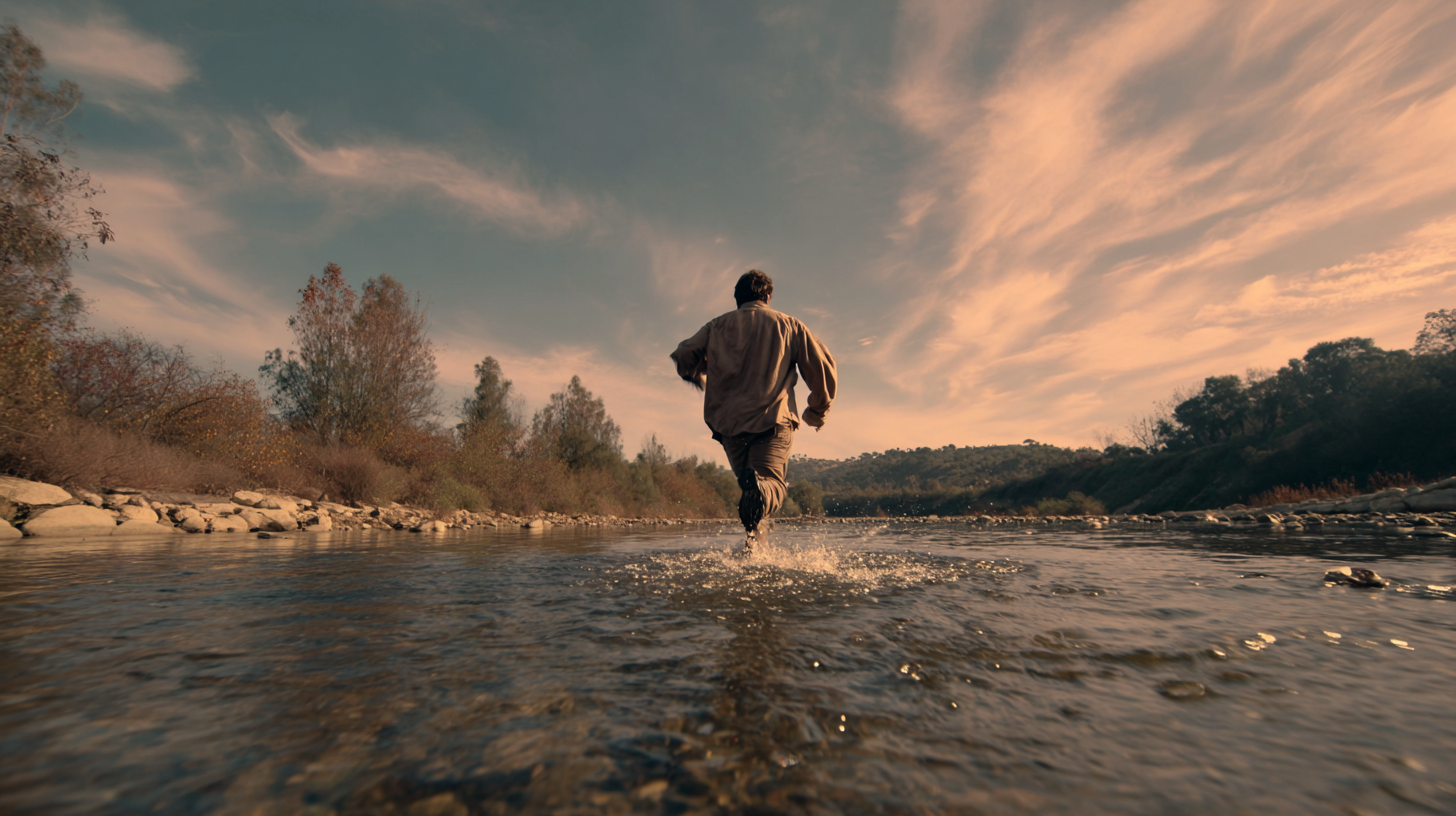
Reference Image
Runway Gen 4.5
Kling 2.6
At first glance, the motion feels energetic—but cracks appear quickly:
Water wake behaves unnaturally, almost like a speedboat rather than a person.
The runner’s stride skips oddly, losing the weight of the motion.
Trees in the background flicker noticeably.
A subtle diffusion pattern shimmers across fine details.
Using the same image and prompt in Kling produced more stable backgrounds, cleaner foliage, and better temporal consistency. While not perfect, the shot felt far more usable for actual projects.
Edge: Kling.
Test #2 — VFX Test
This time we leaned into VFX: glowing particles and purple smoke swirling around a character.
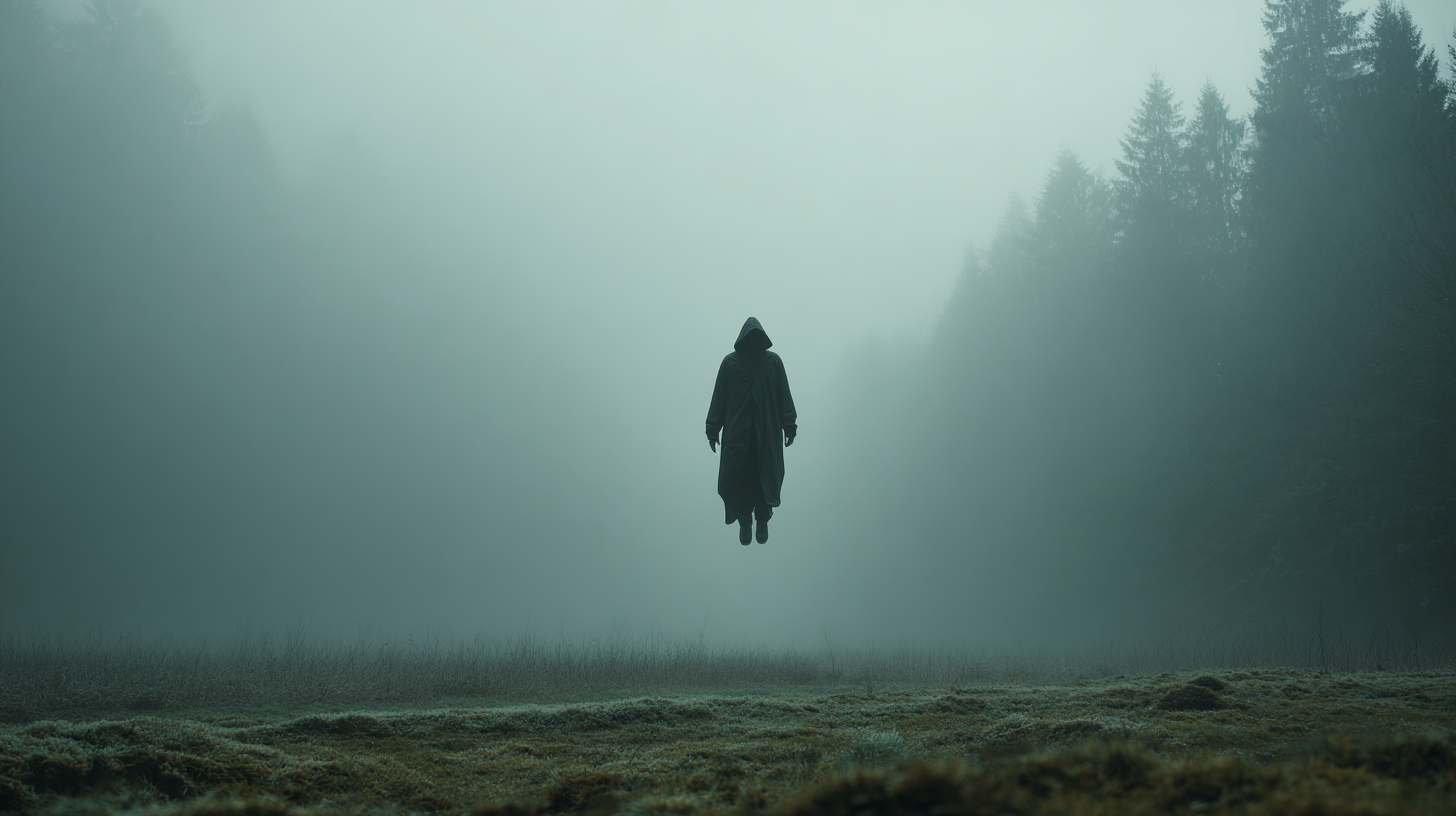
Reference Image
Runway Gen 4.5
Kling 2.6
For Runway, this shot was a noticeable improvement. Smoke billowed more naturally and the motion felt smoother overall. The shot landed around a 6/10—usable with some caveats.
Kling again edged ahead with slightly better smoke dynamics and more cohesive lighting. This one was close to a tie, though fidelity still leaned toward Kling.
Test #3 — Fire Test
Prompt: A woman running toward a burning barn, then grabbing her head in panic.

Reference Image
Runway Gen 4.5
Kling 2.6
Runway followed the prompt, but the character skipped unnaturally and the scale felt mismatched. Sparks looked like they were mapped onto the building rather than coming from it.
Kling’s version delivered better flame behavior and a more cinematic focus pull. Still imperfect, but noticeably more film-ready.
I’d say Kling performed better on this test.
Test #4 — Dialogue Test
Now we tested subtlety: two people talking while the camera slowly pushes in.

Reference Image
Runway Gen 4.5
Kling 2.6
The face in Runway’s generation looked mostly realistic, but there was a slight uncanny valley in the expressions. Crucially, the camera didn’t actually push in as requested, and there is no built-in lip-syncing yet.
Veo’s version impressed with a proper camera move and more believable facial motion. Plus, Veo supports direct lip-sync prompting, which Runway currently lacks.
I’d say Google Veo won this test.
Test #5 — 2D Animation Test
Switching styles entirely, we tested a 2D character standing at a bus stop.
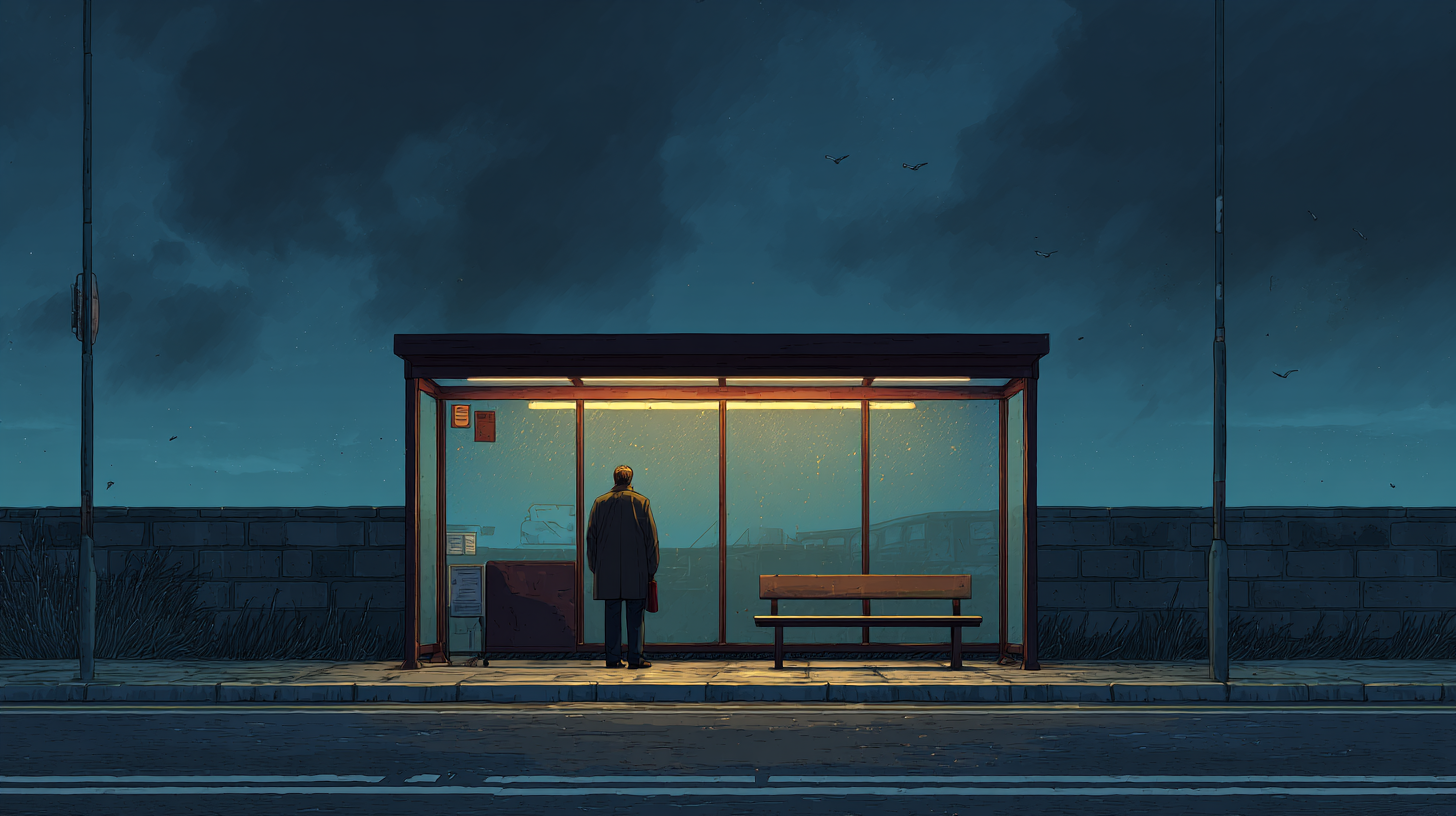
Reference Image
Runway Gen 4.5
Kling 2.6
In Runway’s generation, the character morphed mid-shot, and the face collapsed in the final frames.
Kling’s generation was still quirky; it added an unprompted bird, but the motion stayed more consistent, and the character held together longer.
I’d say Kling wins, but neither did great.
Test #6 — 3D Animation Test
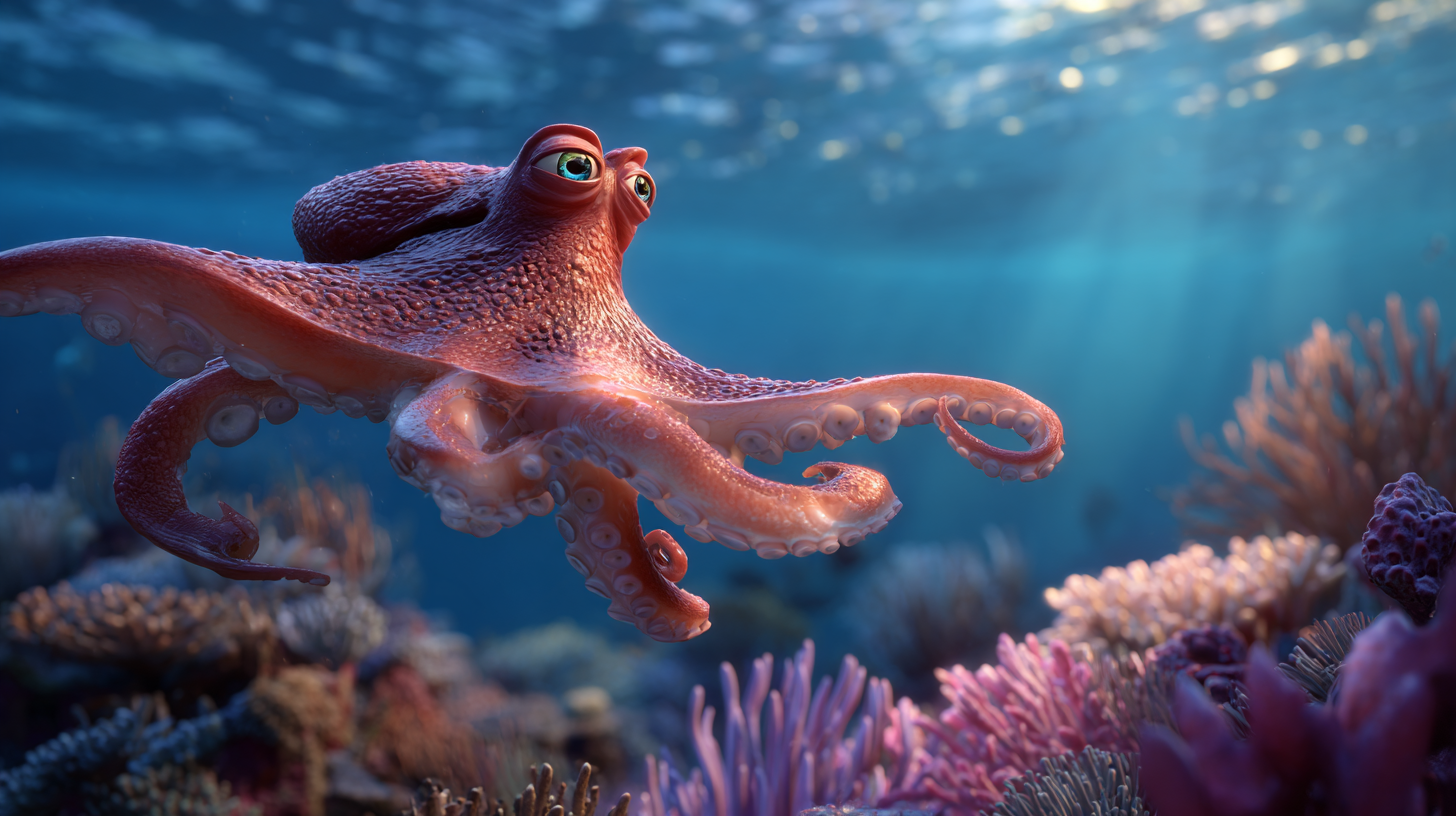
Reference Image
Runway Gen 4.5
Kling 2.6
The facial expression from Runway’s generation worked well, and the octopus interacted with the object. However, textures crawled, and the coral flickered frame-to-frame.
Kling delivered a sharper environment and better texture stability. It still feels like the superior base shot.
Where Does Runway Gen-4.5 Rank?
After running multiple scenarios, the conclusion is clear: Runway Gen-4.5 is not the best AI video model on the market right now.
In Curious Refuge Labs’ early internal rankings, it currently sits around 8th place, trailing leaders in:
Temporal consistency
Visual fidelity
Motion quality
Cinematic realism
While Runway remains an excellent platform, its Gen-4.5 model still lags behind Google Veo 3.1and Kling.
Intro to AI Storytelling | Free Course
Runway Gen-4.5’s image-to-video upgrade is absolutely welcome. In lighter VFX scenarios, it can produce workable results. But if you’re chasing film-grade realism and professional polish, you’ll likely get stronger first-pass outputs from other generators right now.
We would love to help you navigate and learn how to get super cinematic quality out of your AI generations.
Fill out the form above to check out our free, intro to AI storytelling course. We would love to help you on your creative journey. :)
