
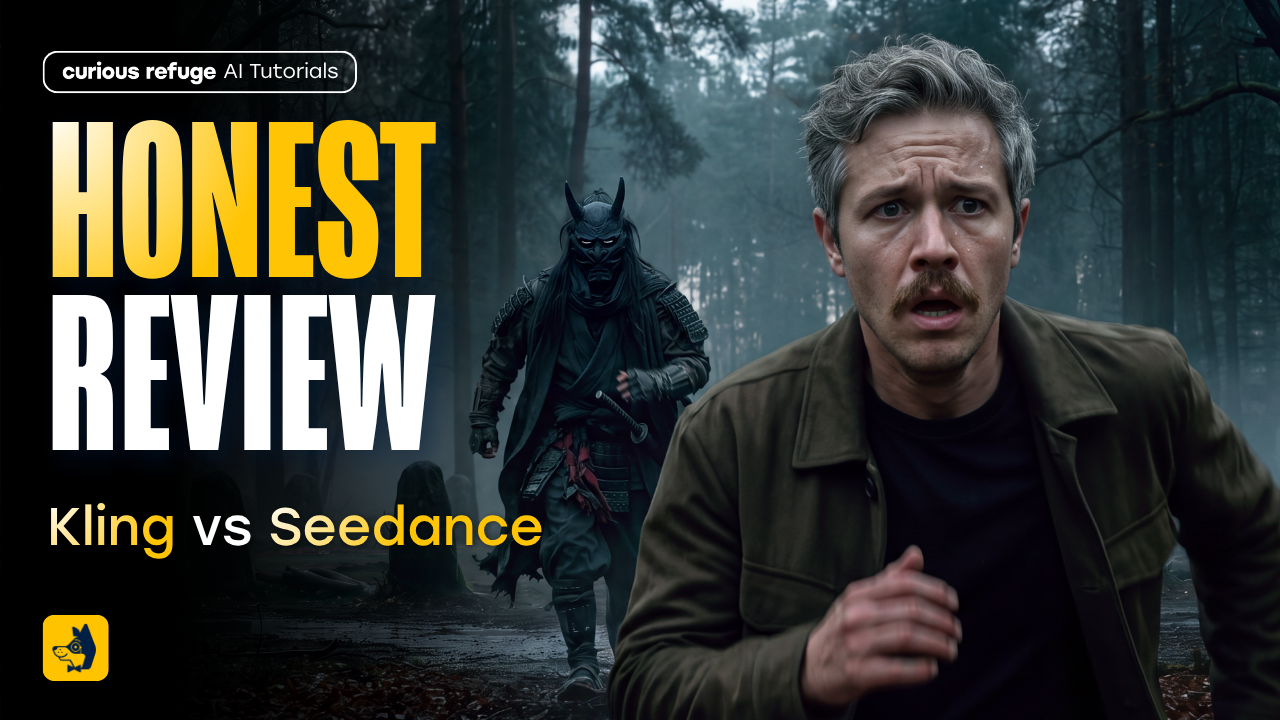
In this article and video tutorial, we’ll compare Kling 4.0 and Seedance 2.5 to see which AI video generator is better for filmmaking.
Kling 4.0 can generate up to 30 seconds of video at 1080p, but can it pull off a scene you’d actually use in an AI film?
We put it up against Seedance 2.5 in six side-by-side tests, from a desert chase with multiple character references to a New York cab ride with a talking monkey.
Here are the six tests we ran:
Multi-Shot Action Scene with Character References
Action Physics and Fight Choreography
Camera Orbit with Reference Video
Multi-Shot Dialogue
Text-to-Video Realism
Consistency to the Style References Used
You can see each of the results from the tests below.
Let’s dive in!
Kling 4.0 vs. Seedance 2.5 | Video Tutorial
Below is a side-by-side walkthrough of every test we ran with Kling 4.0 and Seedance 2.5.
Kling 4.0 vs Seedance 2.5: Which AI Video Generator is better?
Below, we run Kling 4.0 and Seedance 2.5 through a series of tests to see which AI Video Generator is better.
Test #1: Multi-Shot Action with Character and Location References
Our first test asked the models to stage a desert action sequence around a sand monster and a magic stone.
Character References:
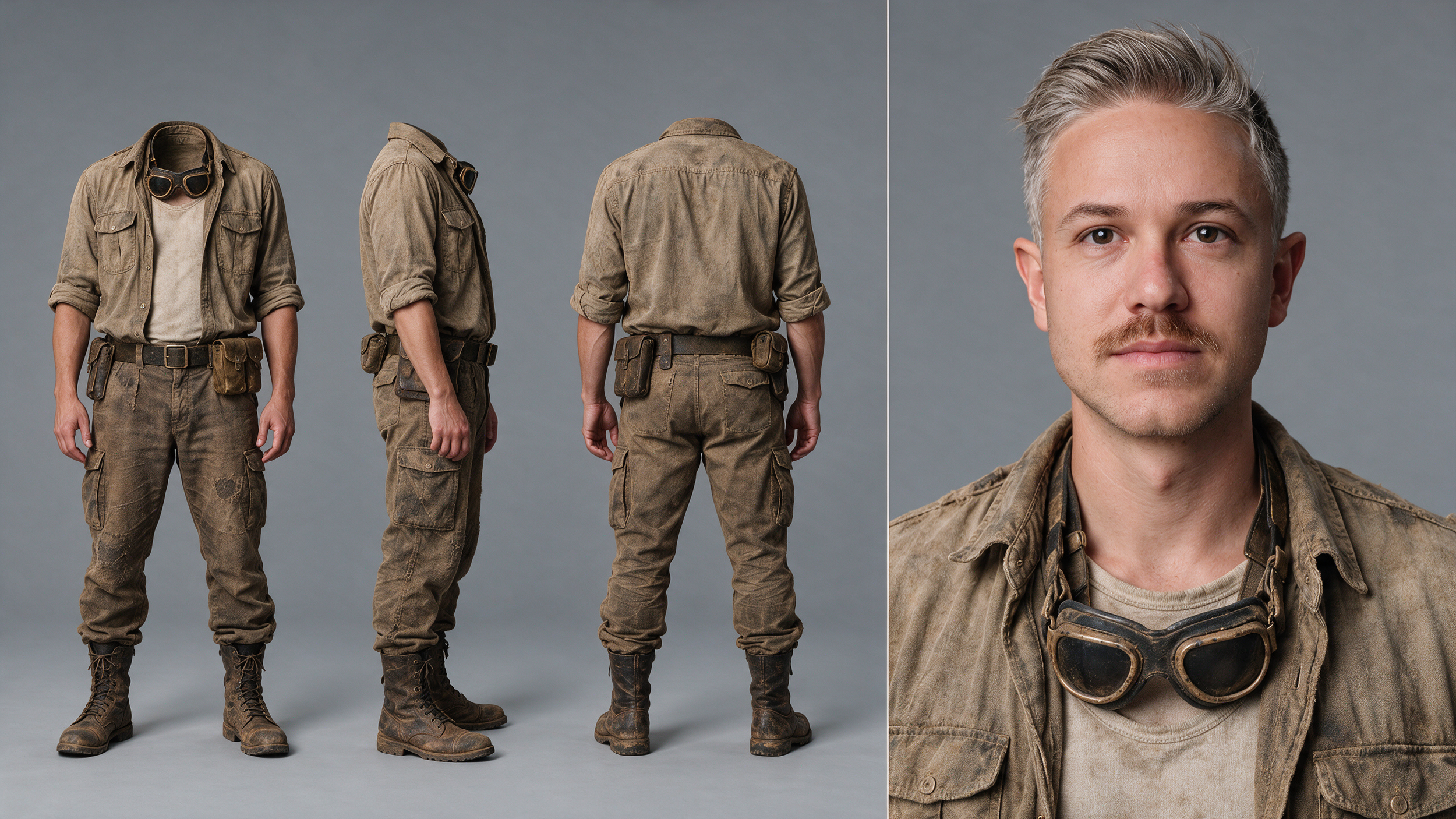
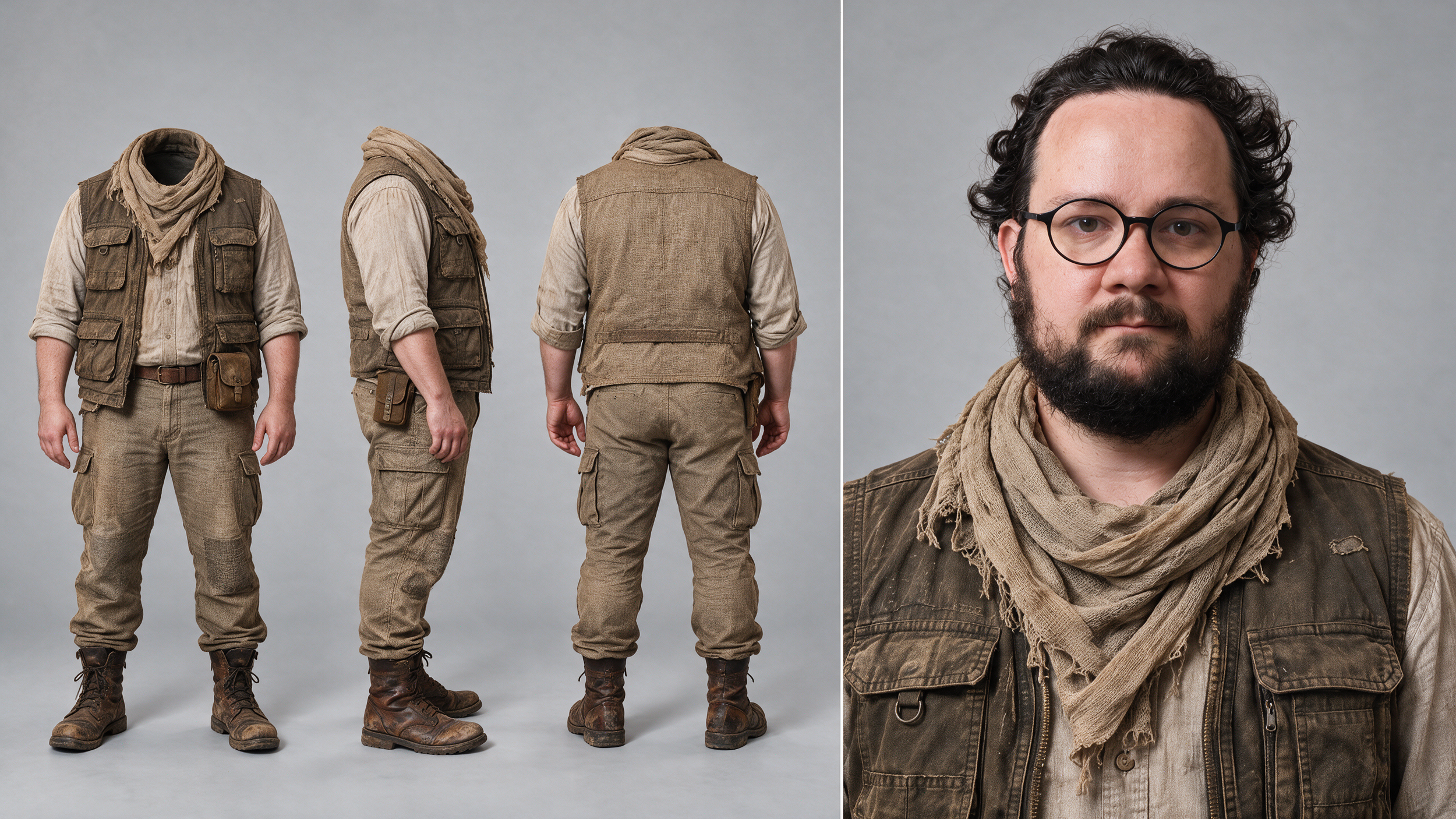
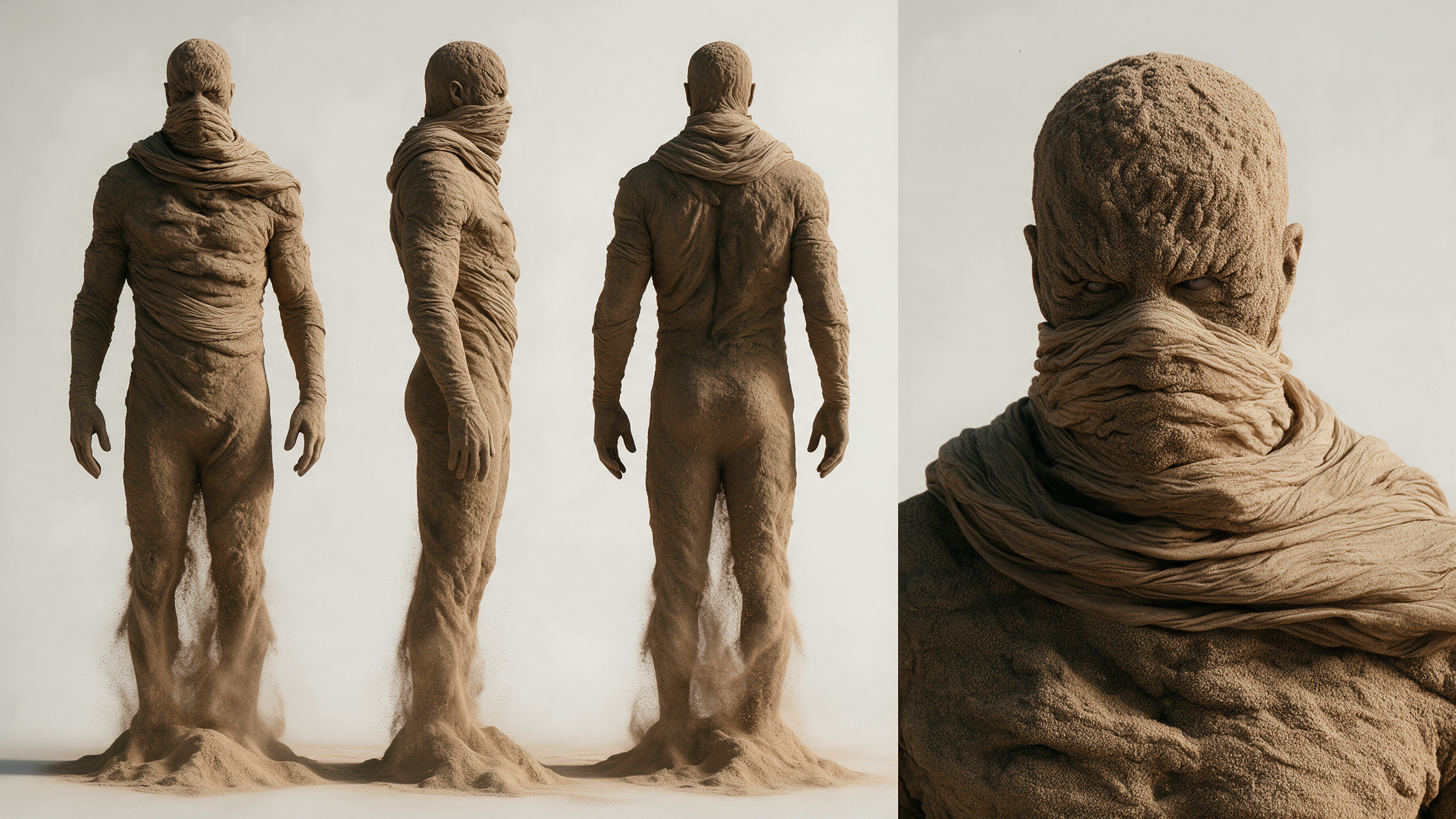
Kling pulled together enough of the ingredients to make the setup recognizable, but the action felt staged.
One moment had a character staring straight into a burst of sand, which made it hard to buy the performance.
Location and Prop References:
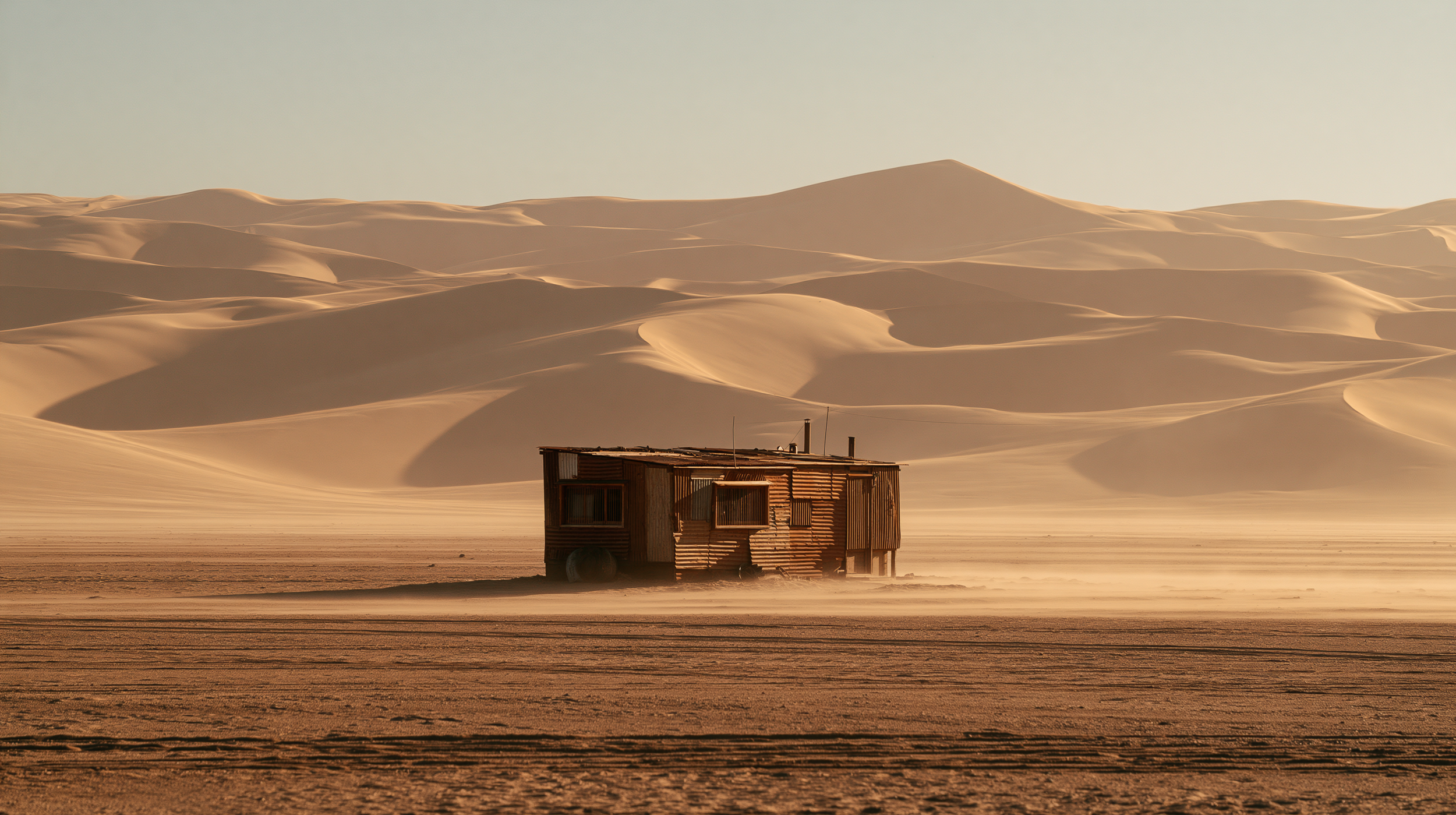
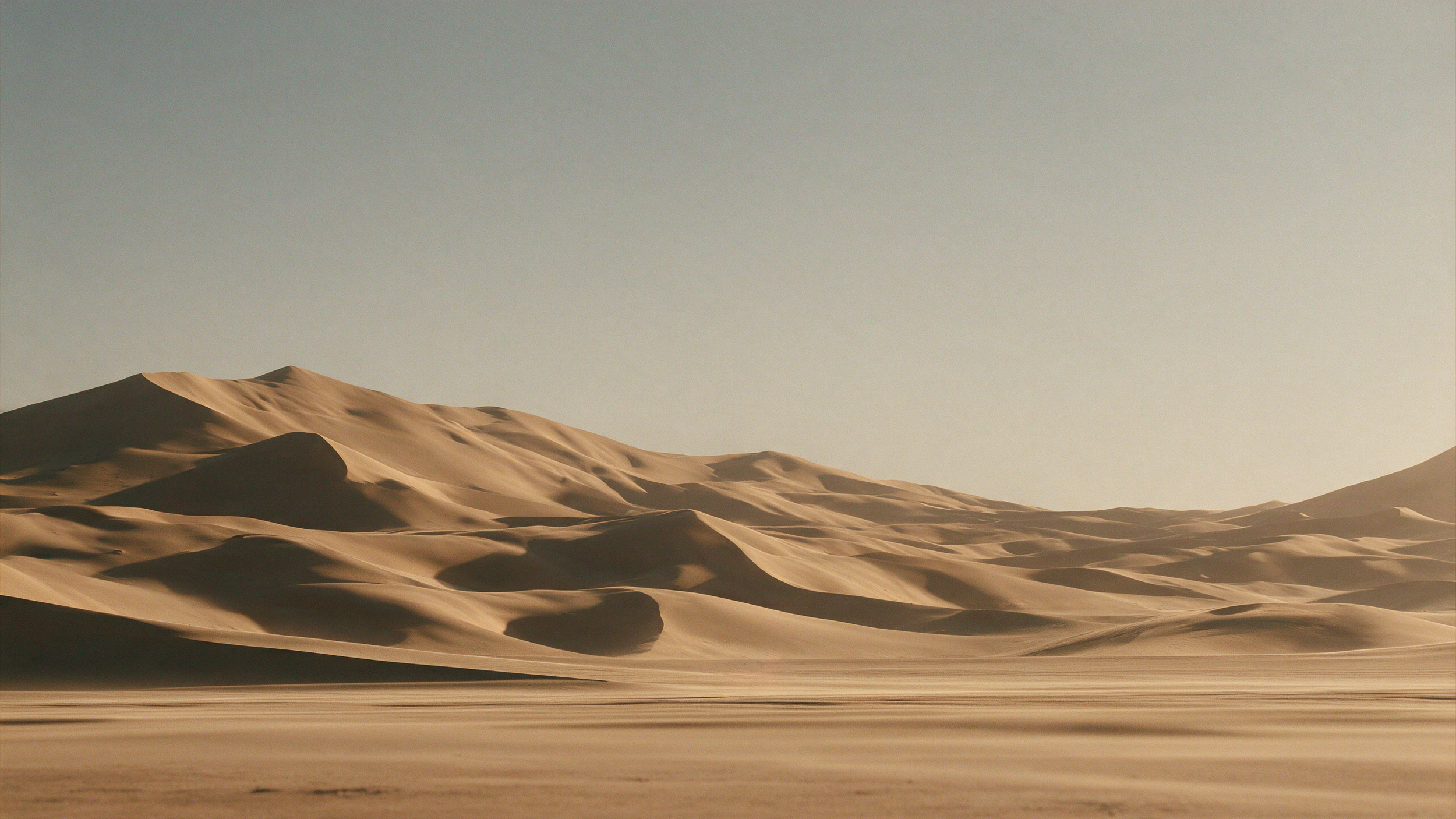

Seedance made the same scene feel more dynamic. The movement and physics held up better within individual shots.
Seedance 2.5
Kling 4.0
Across cuts, the eyelines and Adam’s position were harder to reconcile.
If you’re building a sequence like this, generate it in shorter shots so you can redo a single angle or fix an eyeline without paying to regenerate the entire scene.
Test #2: Fight Choreography and Action Physics
Next, we put a samurai and a Roman warrior in the same environment and prompted for a fight.
Seedance 2.5
Kling 4.0
Seedance gave the sequence the energy of a high-end action scene, even with an implausible moment involving a broken katana.
Kling had a few impressive moments, but the fight as a whole felt unconvincing for a professional project.
Test #3: Camera Movement with a Drone Orbit Reference
We ran the fight setup again with footage from Artlist as a camera reference. The goal was to carry the drone-style orbit from the source clip into the generated scene.
Reference Video for Camera Movement
Seedance produced the more usable result, though the shot still had room for refinement. Kling’s version fell short of what we’d use in a professional edit.
Seedance 2.5
Kling 4.0
This test matters when you already have a specific camera move in mind and need the generated shot to fit a sequence.
Test #4: Multi-Shot Dialogue in a New York Taxi
For the dialogue test, we had a monkey drive passengers through New York while riffing about bananas, his neighbors, and a noodle shop.
Seedance 2.5
Kling 4.0
Kling handled the prompt better here than it did in the action tests.
Seedance sold the footage through small visual details. The subtle sheen around one passenger’s hair helped the shot feel like it came from a real lens.
The premise was absurd, but the image had a live-action quality that made the scene easier to believe.
Test #5: Text-to-Video Realism in a Hiking Shot
Kling came closest to Seedance on a prompt-only shot of a woman hiking.
Seedance 2.5
Kling 4.0
Seedance was still our preference, though it showed some repeating patterns in the leaves.
This was the strongest case for trying Kling on a straightforward shot with fewer moving parts.
Test #6: Matching an Anime Style Reference
We gave both models an image to establish the look of an anime-style dialogue scene.
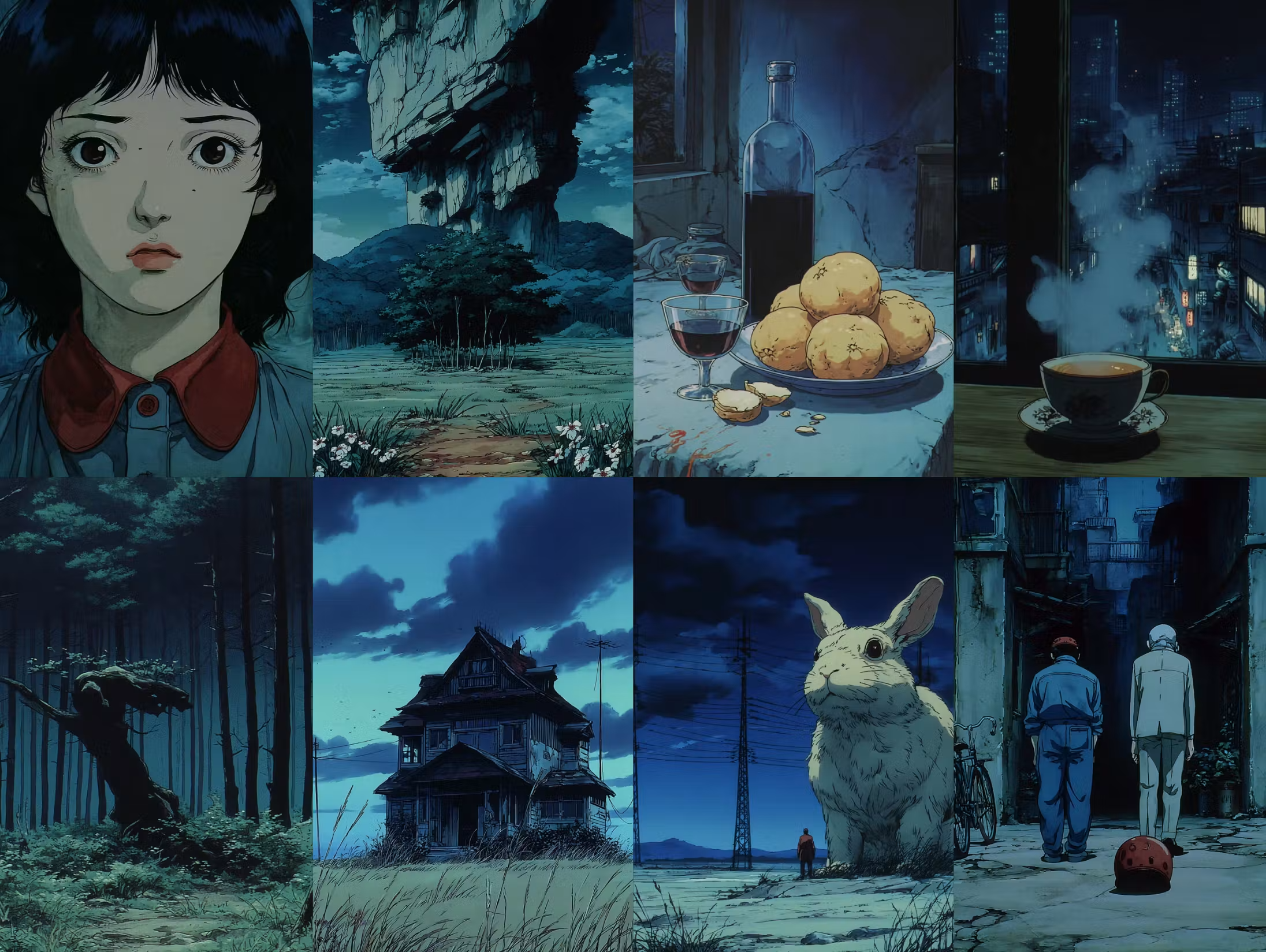
Style Reference Image
Kling came closer to the reference image. Seedance delivered more convincing physics, but it drifted from the reference and introduced an abrupt change in daylight near the end.
Seedance 2.5
Kling 4.0
If matching the illustration style is the deciding factor for a shot, Kling’s result is worth a look.
If the scene depends on believable movement, Seedance had the advantage in this test.
How Much Did Kling 4.0 and Seedance 2.5 Cost?
Here are the approximate costs for the desert sequence in Magnific:
Kling 4.0 at 1080p: $8.40
Seedance 2.5 standard: $24.00
Kling 4.0 at 720p: $5.70
Seedance 2.5 Draft: $6.00
Standard Seedance was nearly three times the cost of Kling at 1080p.
Seedance Draft narrowed the gap to about 30 cents over Kling at 720p, making it a practical option for testing a shot before committing to a standard generation.
These figures reflect the example in the tutorial. They’re per-generation costs for that example.
Which AI Video Generator Should You Use for Filmmaking?
For projects where action physics, camera movement, or a live-action look will determine whether a shot makes the cut, we’d start with Seedance 2.5.
It performed better across the most demanding tests, and Draft mode gives you a cheaper way to try an idea before committing to the standard generation.
Join our Community of Creatives!
If you are interested in staying up to date on the latest tools or learning more about workflows just like this one, we would highly recommend joining our community.
You can fill out the form above, get instant access for free, and start connecting with artists from all around the world.
We would love for you to join us, but no pressure at all!
