
Is Seedance 1.5 Pro Any Good? | AI Filmmaking Tutorial
In this article and video tutorial, we will take a look at how to use Seedance 1.5 Pro and compare it to other impressive AI Video generators.
When Seedance first launched last year, it was widely considered the best AI video generator on the market. But as newer tools entered the scene, it slowly lost ground to competitors like Google Veo and Kling.
Now, Seedance 1.5 Pro is back with some meaningful upgrades—most notably built-in lip syncing and sound effects generation. The big question is: are these additions enough to make Seedance competitive again in the rapidly evolving AI video landscape?
Fill out the form below to download the assets and compare for yourself!
Let’s break it down.
Is Seedance 1.5 Pro Any Good? | Video Tutorial
Below is a video tutorial showing how to use Seedance 1.5 Pro.
Is Seedance 1.5 Pro Any Good?
Below is a breakdown showing the strengths and weaknesses of Seedance 1.5 Pro.
What Is Seedance 1.5 Pro?
Seedance is an AI video generation model created by ByteDance, the company behind TikTok. While you can access Seedance through multiple platforms, it’s most commonly used via AI video aggregators like Freepik.
Generated Using Seedance 1.5 Pro
Seedance 1.5 Pro introduces several notable capabilities:
Lip syncing with dialogue
Sound effects generation
First-frame and last-frame interpolation
Up to 12-second video clips
These updates aim to position Seedance as a more complete storytelling tool rather than just a motion generator.
Interface & Core Controls
One of Seedance’s strongest features is its start frame + end frame control. This allows creators to define both the opening and closing images of a shot, providing more narrative control compared to models that rely solely on text prompting.
Generated Using Seedance 1.5 Pro
In testing, we used a medieval blacksmith workshop as the start frame and a knight close-up as the end frame. Seedance successfully attempted a tracking shot connecting the two, though the background consistency wasn’t always perfect.
Resolution & Output Limitations
Here’s where Seedance 1.5 Pro shows its biggest limitation:
Maximum resolution: 720p
Aspect ratios supported: 16:9 (default)
Clip length: Up to 12 seconds (a strong advantage)
While 12 seconds per clip is excellent by current standards, the 720p ceiling means Seedance isn’t production-ready on its own for high-end film or television workflows.
First-Frame / Last-Frame Comparison
We compared Seedance directly against Google Veo and Kling. Here are the results:
Kling 2.5
Seedance 1.5 Pro
Veo 3.1
Google Veo struggled with awkward dissolves between frames.
Kling handled interpolation better and generated native 1080p output.
Seedance delivered solid motion physics but inconsistent backgrounds.
For this specific test, Kling produced the cleanest cinematic result, while Seedance landed right in the middle.
Lip Syncing: Where Seedance Surprised Everyone
Lip syncing is where Seedance 1.5 Pro genuinely shines. In a close-up test of a woman yelling dialogue, we saw:
Kling 2.6
Seedance 1.5 Pro
Veo 3.1
Natural facial motion
Convincing timing
Emotional delivery that felt less robotic than competitors
Seedance followed prompts accurately even in complex scenarios—like two characters trading insults—even when the acting itself wasn’t perfect.
Motion & Action Tests
We pushed Seedance across a range of scenarios, from bicycle riding and boxing scenes to samurai walking through forests.
The results were mixed:
Subtle motion and cinematic walking shots worked well.
Complex action (boxing, explosions, group movement) often broke down.
Facial warping appeared occasionally during fast motion.
Seedance performs best with controlled camera movement and limited character interaction.
The Exposure Problem
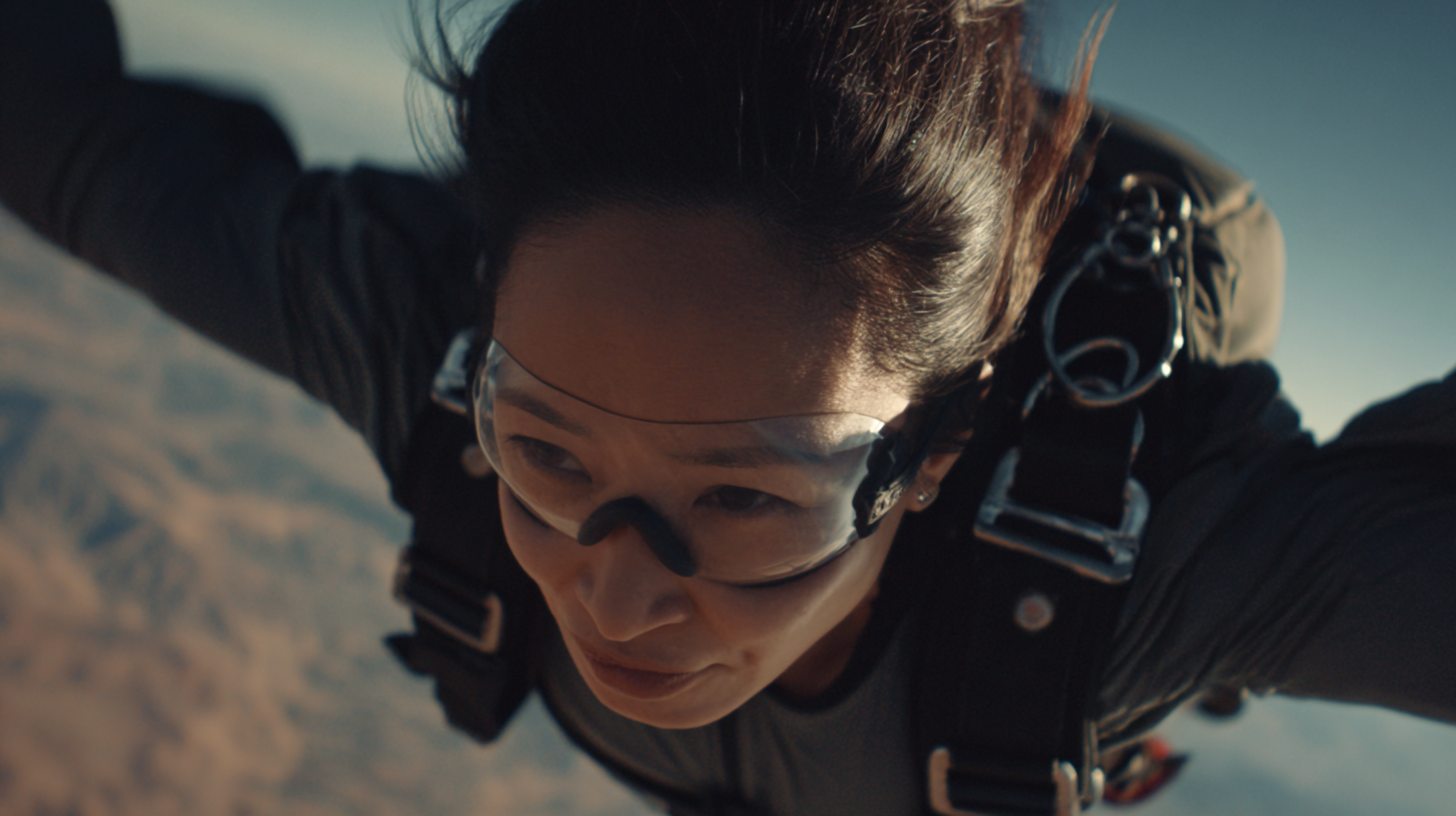
A persistent limitation remains: automatic exposure changes. Seedance tends to brighten the image within the first half-second of playback, even when the reference frame is intentionally underexposed.
First Frame
Turning 720p Into 4K: Seedance + Topaz Astra
To overcome the resolution cap, we upscaled Seedance clips using Topaz Astra and its Starlight Precise 2 model. The results were impressive. Unfortunately, the enahnced video was too big to include in the article, but you can download the assets by filling out the form at the top of the article and see!
Reduced banding and artifacting
More realistic skin texture
Cleaner edges and detail retention
Output up to 4K
While not perfect, the upgraded footage reached a 7–8 out of 10 compared to real live-action video—an impressive leap for AI-generated footage.
Final Verdict: Is Seedance 1.5 Pro Worth Using?
Strengths:
Excellent lip syncing
Long clip duration (up to 12 seconds)
Strong prompt adherence
Works well for dialogue-driven scenes
Weaknesses:
Limited to 720p natively
Exposure inconsistencies
Struggles with complex action
Requires external upscaling for pro use
Bottom Line:
Seedance 1.5 Pro isn’t the best all-around AI video generator—but for dialogue, facial performance, and short cinematic moments, it often outperforms the bigger names. When paired with upscaling tools like Astra, it becomes a legitimate option in professional AI filmmaking workflows.
And compared to where AI video was just a few months ago? The progress here is undeniable.
