
The Ultimate Guide to AI Music in 2026
In this article and video tutorial, we’ll share with you the the ultimate guide to AI music in 2026.
With new AI music tools hitting the market, we decided to test which ones are actually worth using.
We’ll also show you how to clone your voice and put it into a song, plus how to take a simple melody or rough audio track and turn it into a polished piece of music.
Here were a few of our top choices and why:
#1 Suno 5.5: Our best overall pick, with a strong balance of creativity and realism plus a full suite of editing tools.
#2 Eleven Music 2: Our pick for copyright protection, with impressive results that came very close to Suno in our tests.
#3 Google Lyria 3.5: Our pick for ease of use, thanks to its conversational workflow.
#4 MiniMax Music 3: Our best free, open-weight option, which you can download and run locally on your own machine.
We also tested newer models like Happy Shrimp from Alibaba and Pika Music to see how they stack up.
Let’s get into it.
The ultimate guide to AI music in 2026 | Tutorial
Check out our full tutorial and see all the audio tests we ran.

The ultimate guide to AI music in 2026 | Tutorial
Below is our full breakdown after testing a slew of AI music generators both old and new.
Suno 5.5: Our Pick for the Best Overall AI Music Generator
Our favorite AI music generator right now is Suno 5.5.
We really feel like it gives you the best balance of creativity and realism, although it isn't realistic every single time. You’ll probably need more than one generation to get exactly what you're looking for.
Creating a song inside Suno is pretty straightforward.
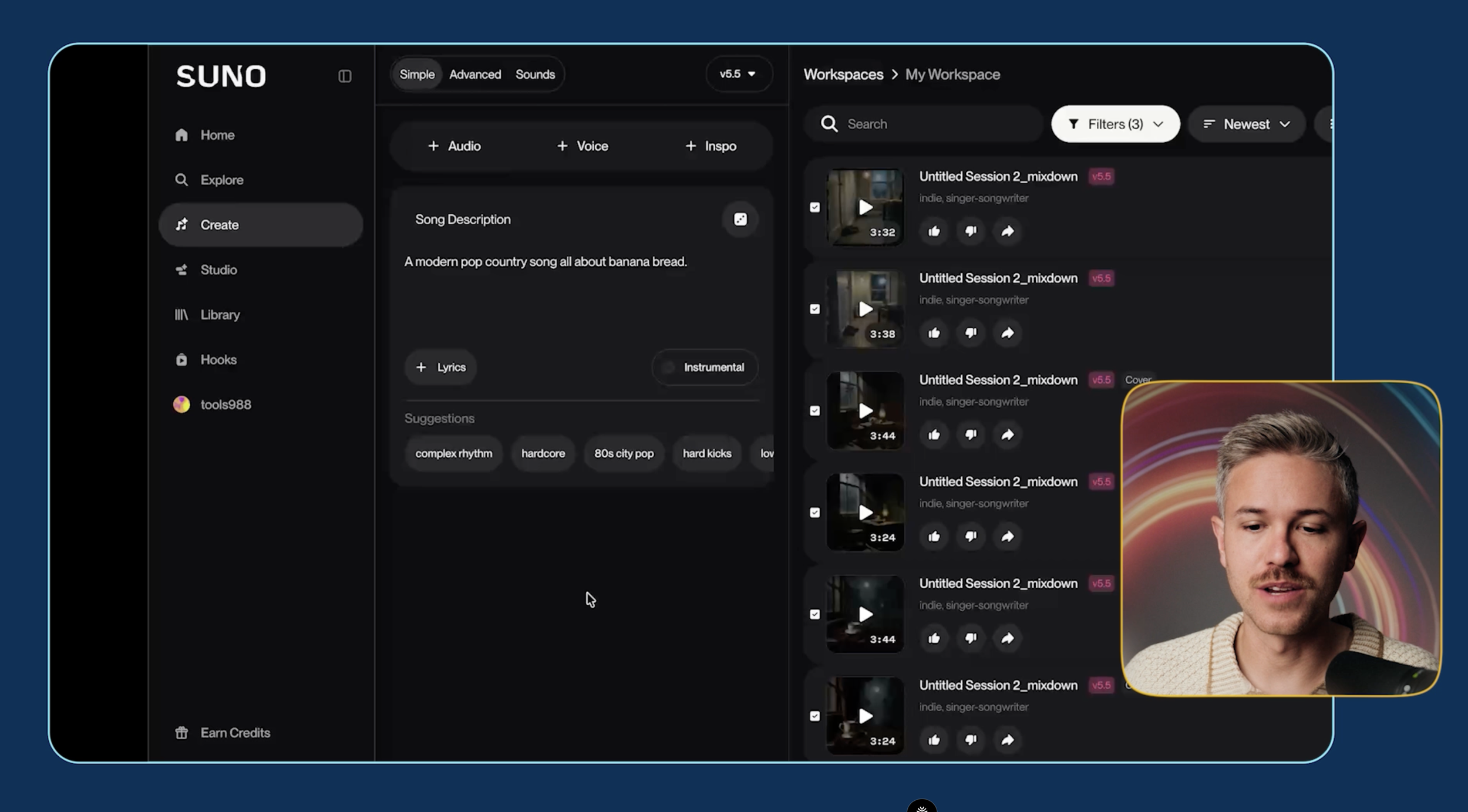
If you're just getting started, you can use the Simple mode and describe your song using natural language. For more control, Advanced mode lets you add custom lyrics, styles, and genres.
For our first test, we asked for: “A modern pop country song all about banana bread” with custom lyrics.
Our result sounded like a pretty generic country song, but that's also exactly what we prompted for.
All things considered, not too shabby.
But how does it compare to the other AI music generators?
How Other AI Music Generators Compare
We used the same general test to compare some of other AI music generators currently available.
1. Eleven Music 2 from ElevenLabs
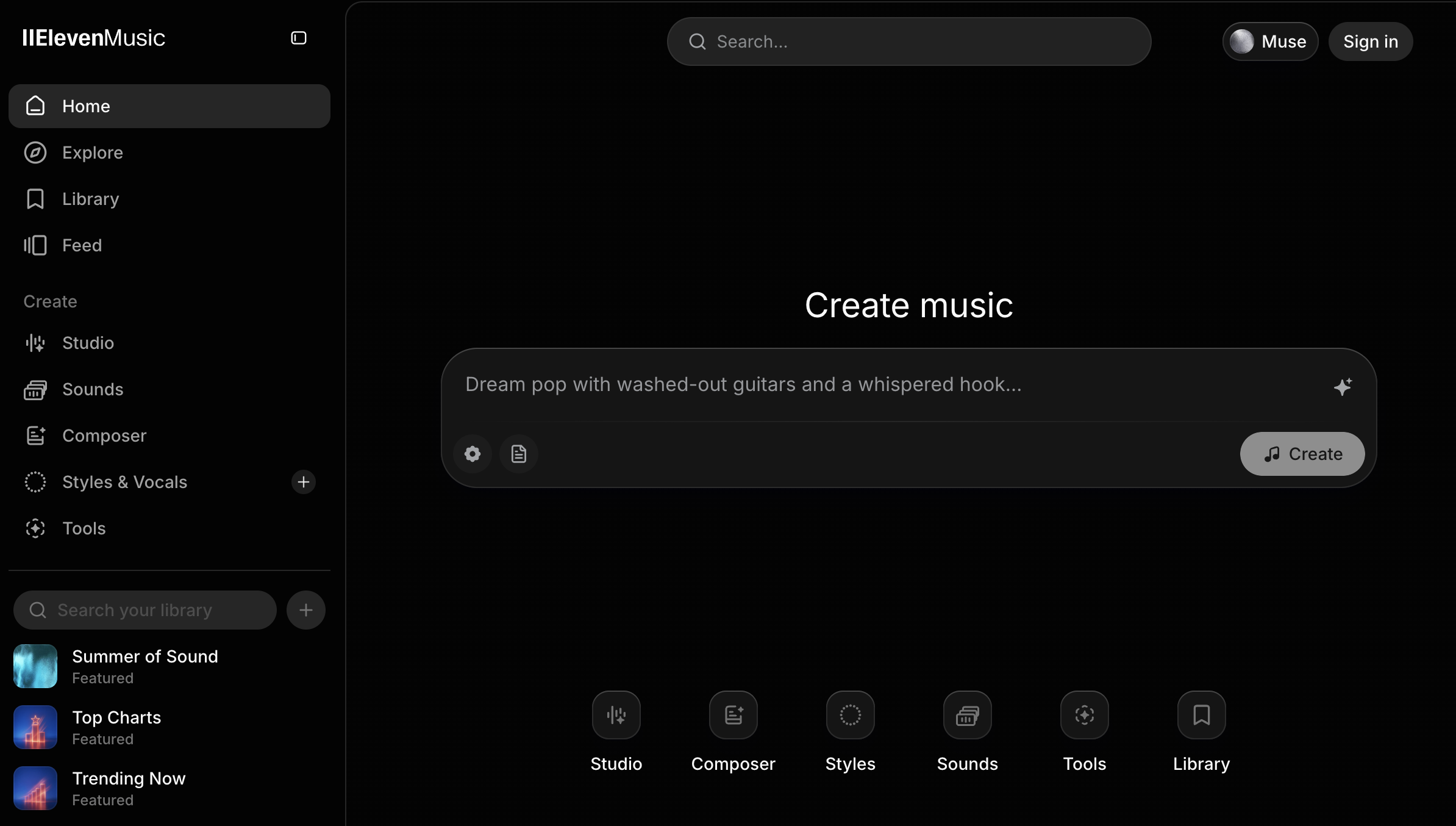
Again, not too shabby.
The biggest issue we noticed was that the vocals had some of that metallic timbre you hear a lot inside AI music tools.
For this particular test, we didn't think it was quite as good as Suno, but it was very, very close.
2. Lyria 3.5 from Google
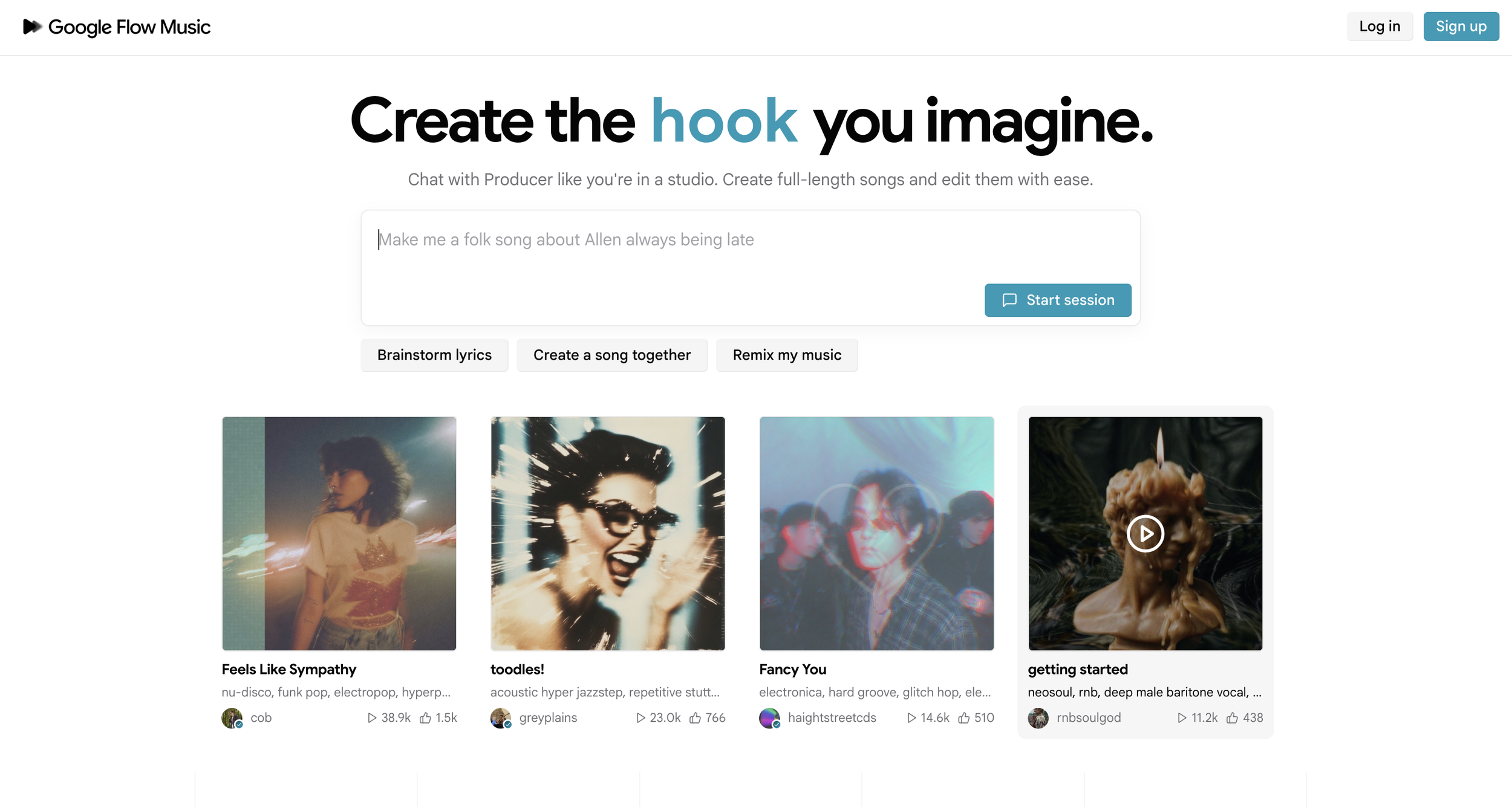
There were some things we liked about the song and other elements that came off as a little generic.
For this test, we'd probably put Lyria 3.5 in third place behind Suno and Eleven Music.
3. Happy Shrimp from Alibaba, which may have the best AI model name we've heard so far by the way.
There's an online version you can use to try the model yourself.
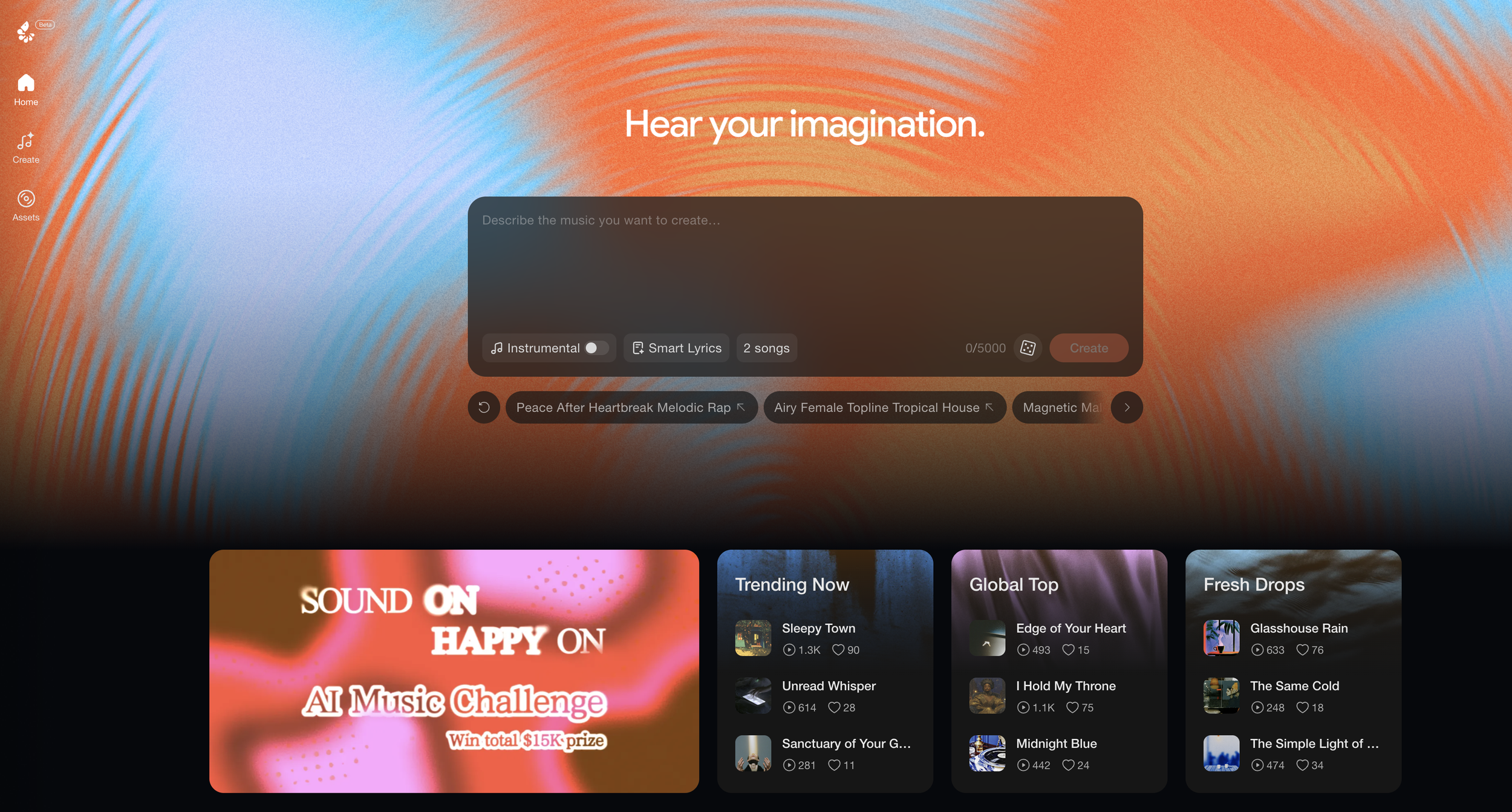
Our result was fine, but it wasn't our favorite.
Interestingly, Happy Shrimp also added a pre-chorus that we didn't prompt for.
All things considered, it's pretty impressive, but it wasn't as good as the other AI music tools we tested. Because of that, we don't really know exactly where it would fit into a creative workflow right now
4. Pika Music
Pika has been pretty quiet recently compared to its earlier presence in AI video, so we were curious to see how its music model performed.
Unfortunately, this was our least favorite result.
We don't think Pika Music is a legitimately helpful tool inside a professional workflow right now, especially when there are stronger alternatives available.
And one of those alternatives is completely open-weight.
5. MiniMax Music 3
MiniMax Music 3 dropped a little over a week ago and is especially interesting because it's open-weight.
That means you can download it to your machine and run it locally for free.
And the quality is actually pretty good.
That makes MiniMax Music 3 a really interesting option if you want to experiment with AI music without paying for every generation.
There is one major consideration, though: licensing.
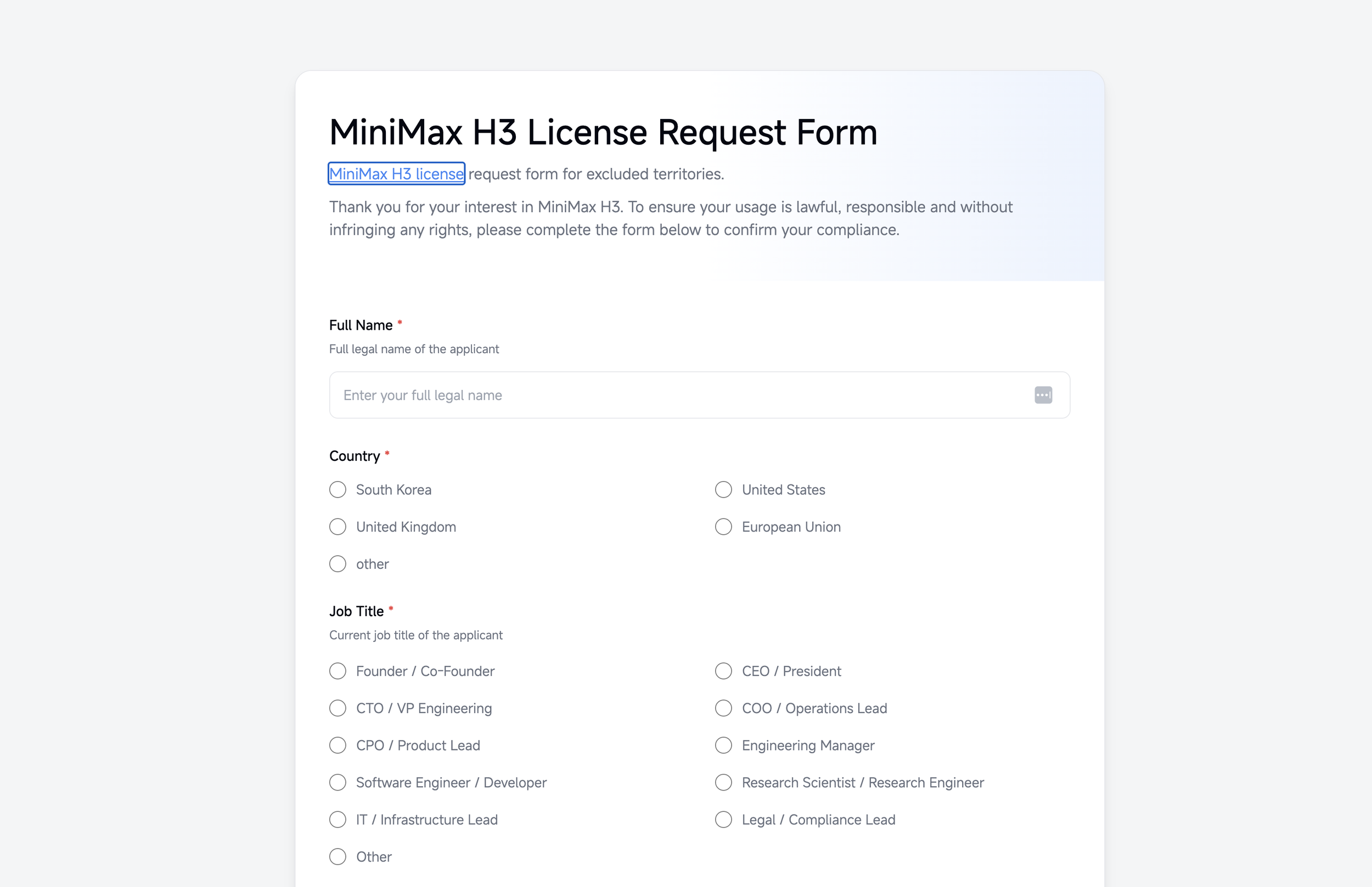
The licensing around MiniMax Music 3 is much murkier than some of the other tools we're discussing.
It's very fun to play around with, but things could get tricky if you wanted to monetize a track and make money from it. The license may not protect or cover you when you go down that road.
That's something you really need to think about if you're planning to use MiniMax Music 3 in a professional capacity.
How to Clone Your Voice Into an AI Song
Now let's say you want to clone your own voice and put it into a song.
We tested this inside Suno.
Under the Advanced tab, add your lyrics and select the style you want. For our test, we went with: Early 2000s punk rock anthem.
Then go to the Voice section and select Create a Voice.
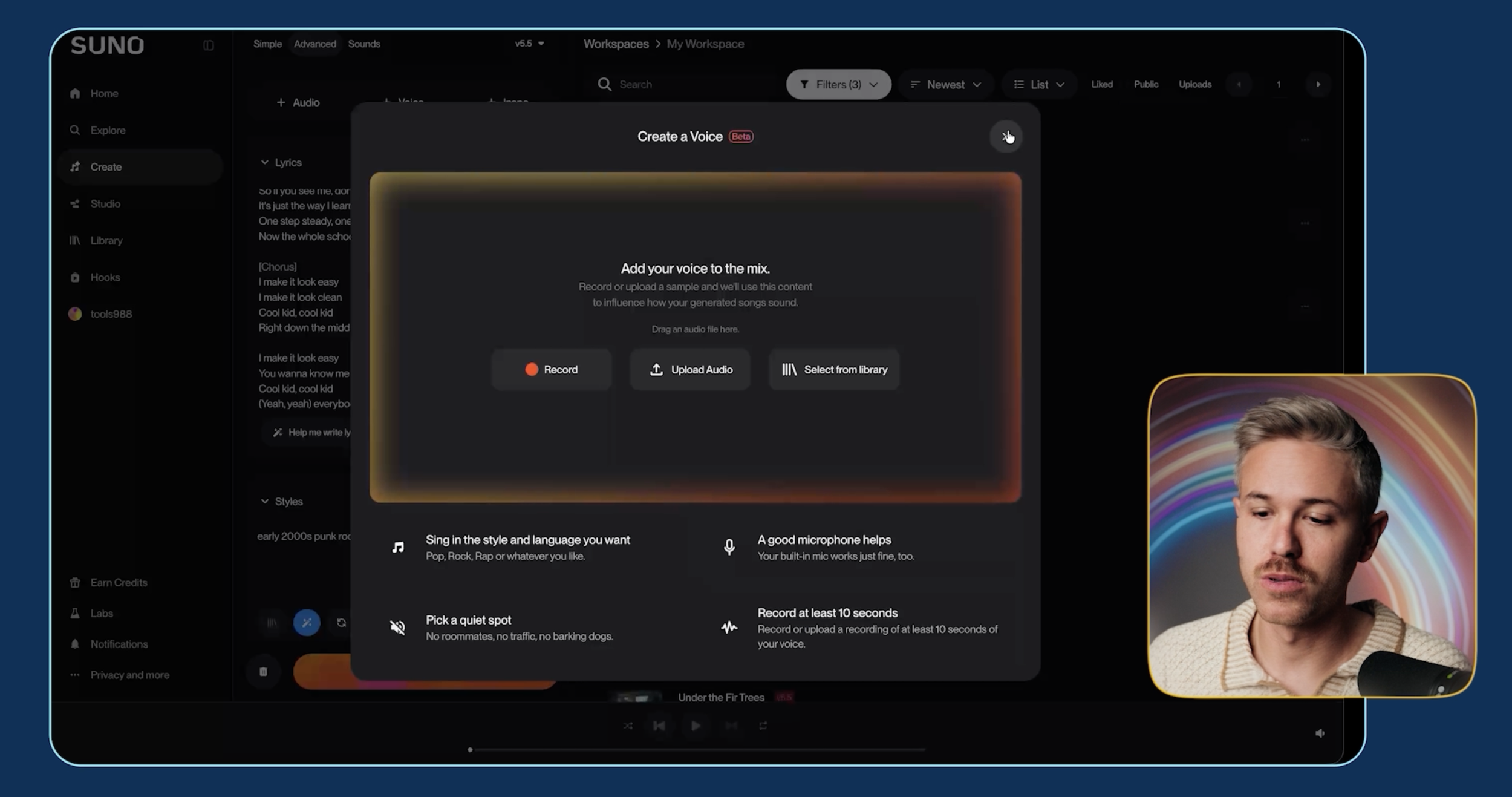
You can either upload a voice track or record your own voice.
For our test, we uploaded a version of Caleb singing Country Roads to train the model.
The original singing wasn't exactly professional quality, but Suno was able to take that voice and turn it into a much more polished performance.
We also learned that Voice Cloning doesn’t necessarily sound better.
We generated the exact same song again using a regular Suno voice instead of Caleb's cloned voice.
The normal generation was much more impressive.
When you're working with a cloned voice, the quality can take a massive hit because the model is working within the limitations of the training data you uploaded.
Unless you're doing something fun between friends or specifically need a recognizable voice, you'll probably want to stick with text-to-music for the best results.
How to Turn a Rough Melody Into an AI Song
The last workflow we wanted to test was taking a simple musical idea and turning it into a finished song.
This could be:
You humming into a microphone
A simple piano melody
A guitar lick
A rough audio recording
For our test, we put together a very simple audio track.
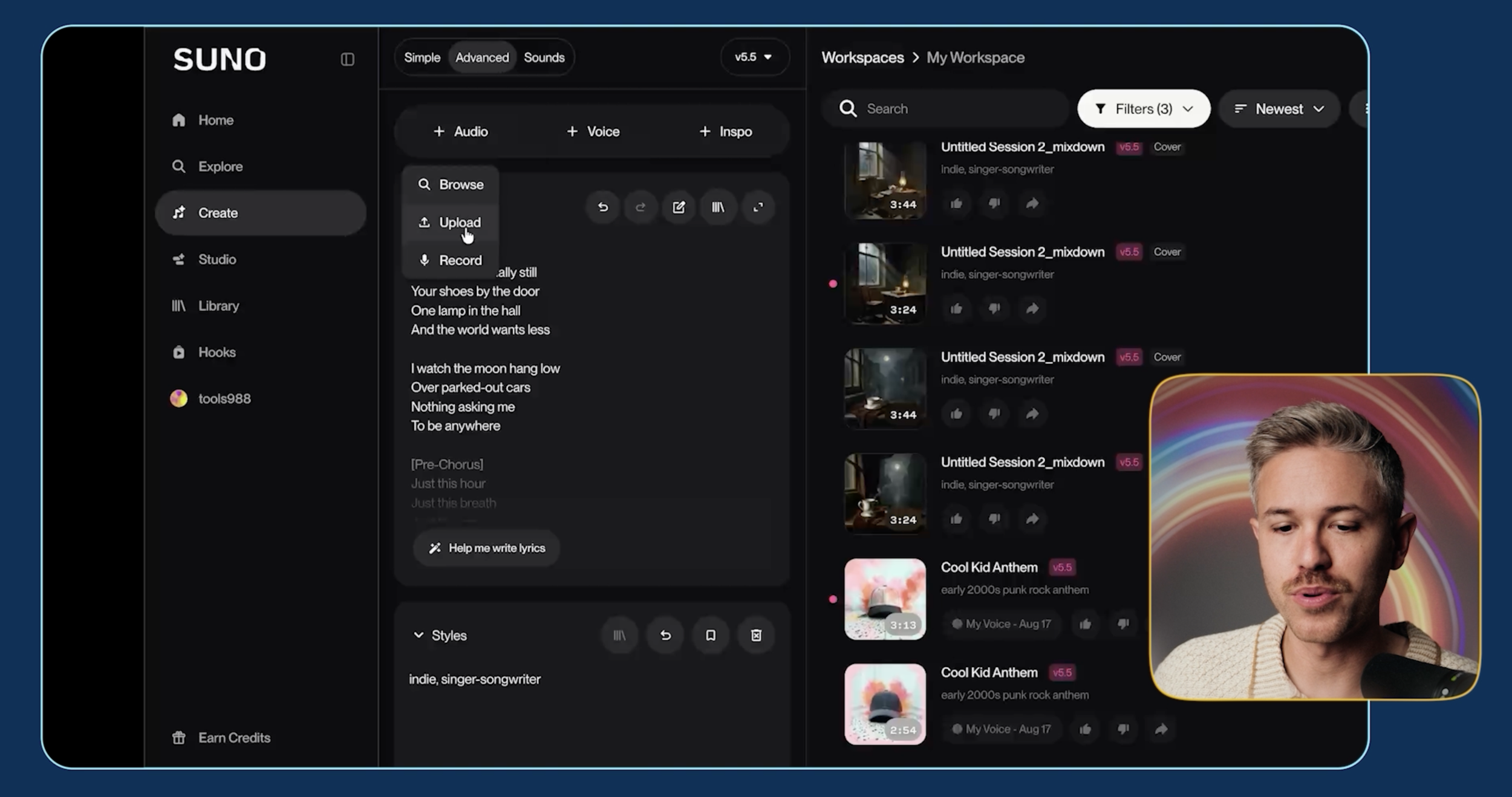
Inside Suno, we kept the same lyrics and style from our previous test but uploaded the rough track under Audio.
Suno then used that track as inspiration to generate the finished song.
The result was a dramatic transformation from a very rough musical idea into something that sounded like a polished piece of music.
So even if you're not a professional musician, you can start with a melody or musical idea and use it as the foundation for a much more developed track.
Best AI Music Generators: Our Final Picks
After testing these tools across different genres and workflows, here are our final picks:
Best Overall: Suno 5.5
Suno gives you our favorite balance of creativity and realism, along with a full suite of editing tools. Instead of regenerating an entire song, you can select a specific section of the track and reprompt just that portion.
Best for Copyright Protection: Eleven Music 2
Eleven Music is the only AI music tool in our comparison that Caleb says was trained on licensed data, making it our pick when copyright protection is a priority. You also get access to ElevenLabs' other creative tools, including text-to-speech.
Easiest to Use: Google Lyria 3.5
Lyria takes a more conversational approach. Instead of learning individual tools and controls, you can have a conversation with the agent to create your song, making it one of the easiest options we tested.
Best Free, Open-Weight Option: MiniMax Music 3
MiniMax Music 3 is surprisingly capable and can be downloaded and run locally for free. Just keep in mind that the licensing is much murkier if you're planning to monetize your music or use it professionally.
Overall, our favorite is still Suno 5.5.
But with AI music models getting better and more specialized, the best tool can depend heavily on the genre you're creating, how you plan to use the track, and what features matter most to your production.
Free Course | Intro to AI Storytelling
Fill out the form below and gain access to our free intro to AI storytelling course. We would love to see you in there.
We can't wait to welcome you into our community and see what you create.
