

In this article, Caleb Ward will share with you what AI films cost. This is the personal guide that he uses.
Things like budget, access to workflow, and more can affect these decisions significantly. In this article, Caleb takes this into account when sharing what he believes to be the best AI Video generator for you.
Here’s a quick breakdown for you…
If Money is No Object: Seedance 2.0 4K
If Money is an Object: Seedance 2.0 720p
If you want it to be basically free: LTX 2.5 Pro
Caleb also shares some things to be cautious of whenever deciding on AI video models and aggregators. This research was based on budgeting for a 2 minutes shorts film.
You can see the breakdown of costs and recommendations below. Enjoy!
What Do AI Films Cost? (My Personal Guide)
So about every three and a half seconds I get asked, "What is the best AI video generator?"
And the short answer to that question is SeedDance 2.0 in 4K, but the actual answer depends on who you are. (Full breakdown at the bottom of this article, because let's be honest unless you are a mega nerd you just want the takeaways.)
The truth is there have been so many updates over the last few weeks, ranging from Minimax version 3 to Flux 3 to Seedance 2.5.

I thought it'd be helpful to clear the air in a single blog that you can use as a reference or forward to a friend who might be interested.
As always, none of the information in this article is sponsored by a tool company or aggregator. This is my honest opinion.
The Criteria: Testing a 2 Minute Film
For our example I'm going to pretend like you're creating a two minute long short film.
If you create a short film that uses the average shot duration of 2.5 seconds (industry standard) and assume that each shot takes about 10 generations to get what you are looking for (also pretty standard for high quality work), that means you are going to need to generate about 20 minutes (1200 seconds) of AI video to create a 2 minute film.
I'm also going to assume that you are using an online aggregator to create your images. There are actually quite a few online tools that do an amazing job, but Nano Banana Pro is generally a very affordable and great tool.
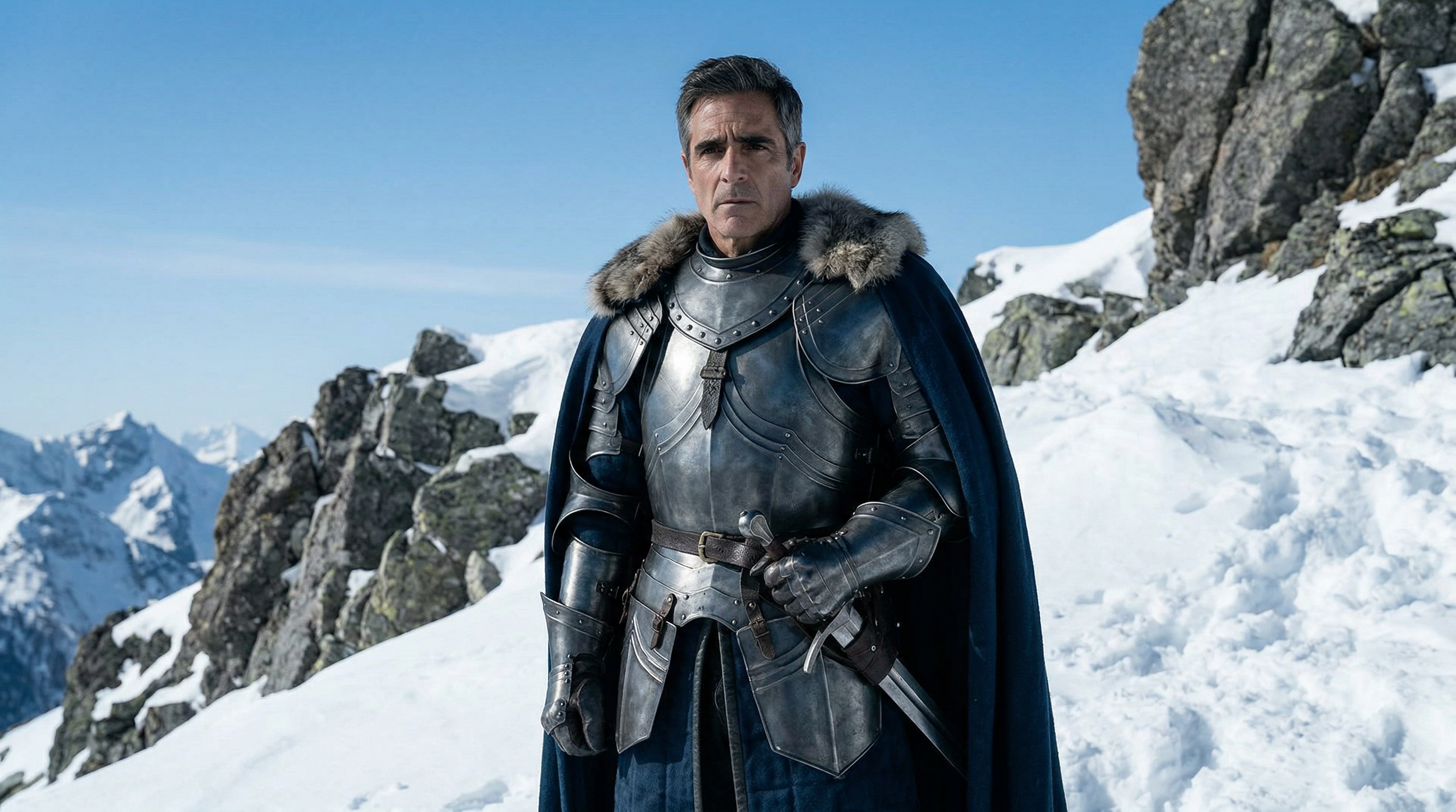
Generated Using Nano Banana Pro
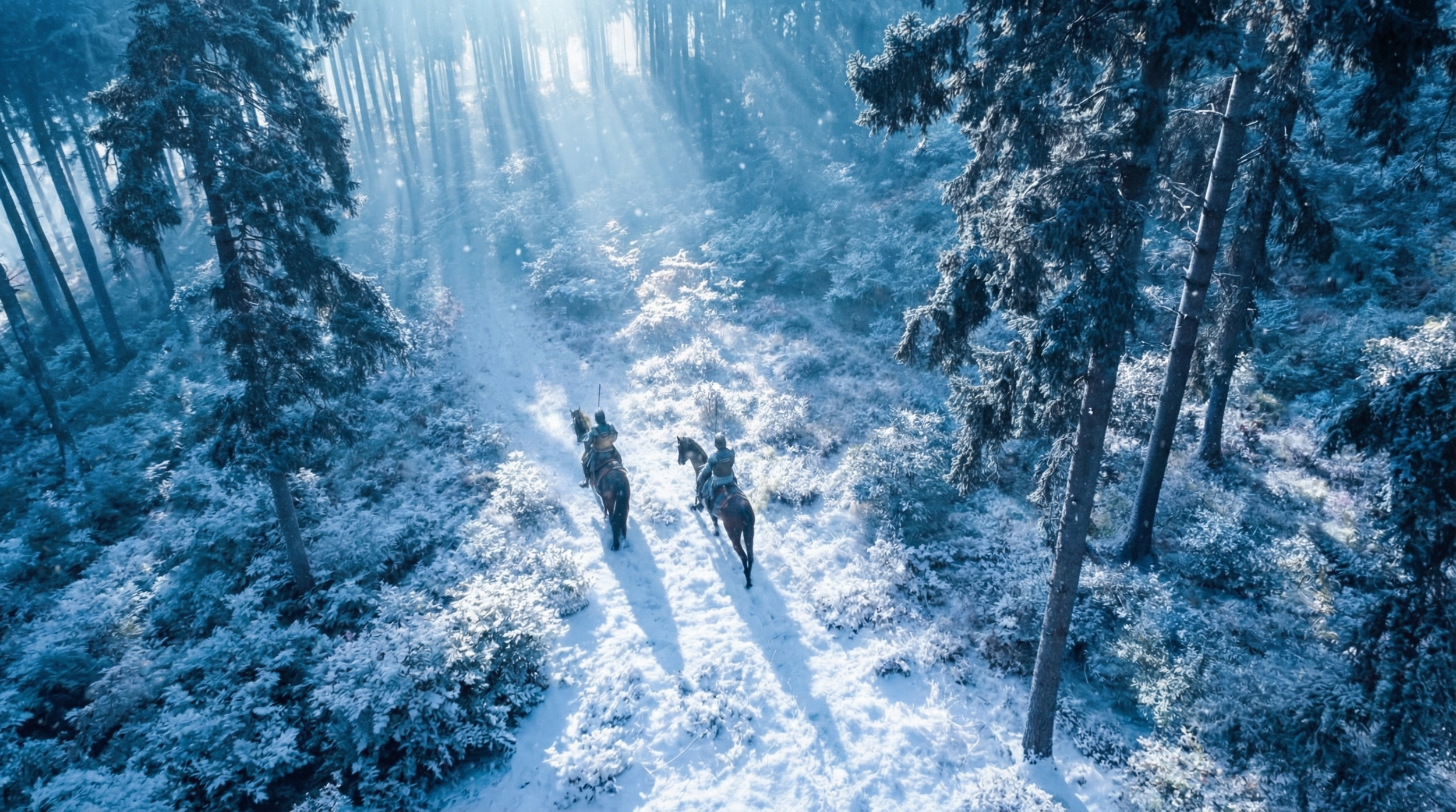
Generated Using Nano Banana Pro
Almost all the online aggregators can run Nano Banana Pro very efficiently, and you can get almost all of the credits you need to develop an entire short film with a cheaper Pro subscription.
I will technically keep the image generation out of this final calculation, but do note that you will always need to have images generated to create context for everything from your character sheets to your environments.
If Money is No Object: Seedance 2.0 4k
If money is no object, the very best AI video model that you can use is Seedance 2.0 in 4K. It has the best combination of resolution, physical dynamics, and contextual awareness.
While I was very excited about Seedance 2.5, the resolution limitation simply makes it very tricky to use on a professional project.
Seedance 2.0 1080p
Seedance 2.0 4k
And compared to other AI video generators on the market, whether it's Kling 3.0 or even the new Minimax H3, Seedance 2.0 is still better.
To generate I would recommend using Fal.ai, as they are one of the best tools for having very clear pricing structures and not an intentionally confusing credit system.
To create the film in Seedance 4K, using the full 1200 seconds of raw generation described above, it would cost:
$1.56 per second of 4K footage
$1,872 for 20 minutes of generated footage edited down to a 2 minute film. Woof.
That is obviously a lot of money for the average creator, but if you're working with a studio or brand that has very deep pockets, this is the way to go.
If You Are a Normal Person and Money Actually Is an Object: Seedance 2.0 720p + Topaz
If you are a normal person like me and you don't have unlimited money to work on a film project, it gets a bit more complicated.
Seedance 2.0 720p (The 4K Upscaled Version doesn’t show up clearly in an article embed).
The short version: use Seedance 2.0 in 720p on Fal.ai with tighter, more efficient prompting so you need far fewer generations than the 1200 second baseline above, then upscale using Topaz.
Done that way, it should cost you about $50 per minute of final footage. The number above ($1,872) assumes you're brute-forcing 10 generations per shot at 4K.
Generated Using Seedance 2.0 Omni
The number below assumes you're prompting well enough to cut that generation count down dramatically.
Same model, but a very different bill. Here's the long answer.
Be careful here: Unlimited Video Generation Plans Aren't Unlimited
A lot of brands out there say that you can get unlimited AI video generations for a certain subscription amount, usually above $100 to $200 per month.
`Unlimited is not an accurate way to brand those packages, because you are very much limited by the rate at which they allow you to generate.
If I told you that you could have unlimited Skittles, but I would only give you one Skittle every five minutes, that is not an unlimited Skittles subscription.
That is (in my opinion) deceptive, but that's not the purpose of this article. I'll die on that mountain some other day.
No matter what unlimited subscription you actually subscribe to, you are more than likely going to run into the problem of time, with some of the most notorious AI video generation platforms taking upwards of two hours between video generation queues.
Generated Using Seedance 2.5
This means that even if you have "unlimited" Seedance/Kling/Minimax generations on the platform, it will more than likely take you days, if not weeks to get the number of video clips required to actually work on your film project.
And when you do actually get an unlimited number of generations, they are usually a few versions behind. So:
Instead of Minimax H3 you get Minimax 2.3 at 768p
Instead of Wan 3.0 you get Wan 2.3 at 480p
Instead of Seedance 2.0 you get Seedance 1.5 in Draft Mode
And because most of these aggregators do not allow you to use third party co-working tools like Claude to generate in the background, you will literally have to sit there and click the generate button yourself, which is incredibly unfortunate because your time is valuable.
In short, if you see "Unlimited Seedance 2.0 or 2.5," it isn't entirely truthful.
Generated Using Seedance 2.5
My advice: treat an unlimited model as a toy to tinker with, not as a tool to actually deliver a client project. And never subscribe to a yearly plan for any of these platforms. Things change too quickly.
For the sake of this blog, I'm going to assume that you want to actually make your film and that you value your time.
So in that case, AI filmmaking isn't going to be free. Like any profession or hobby, it's going to cost a certain amount of money to generate your shots.
Generated Using Seedance 4k
Now, if Seedance 2.0 4K is out of the question due to cost, the next question is which model should you pick?
Without giving you the full breakdown, the only models worth seriously considering (for the sake of potential realism) are as follows, with price calculated by the same method as the 4K version ($1,872) above.
But for this test will be using a 720p equivalent from Fal.ai across the full 1200 seconds of raw generation, with audio generated in the clip.
These are ceiling numbers, not what you'll actually spend if you prompt efficiently, but they let you compare models apples to apples.
I chose fal.ai because they charge in dollars and not in credits. If a brand charges you in credits, they are usually trying to hide the true cost of their platform.
You'll notice I left out Google, Runway, and Grok. That was intentional. They are good tools, but with the dramatic increase in quality lately, they all tend to look very synthetic and are excluded from this list. In order of quality, the models are:
Seedance 2.0 - $364.08
Kling 3.0 - $201.60
Minimax H3 - $96.00
Luma Ray 3.2 - $72.00
Happy Horse 1.0 - $168.00
LTX 2.5 (Pro) - $204.00
Minimax 2.3 - $117.60
Your individual budget will vary based on your needs as an artist, but I do think the very best value on the market is Minimax H3 or Luma 3.2 through the online API on fal.ai.
Generated Using Minimax H3
Both will cost you a little less than $100 to generate your final film, but it will be more work to get there, since multi shot continuity and physics aren't quite as good as SeedDance 2.0.
However, because the hit rate on Seedance 2.0 is better than any other model, it typically takes two to three times fewer generations to get your final film, if you're willing to sacrifice some control.
Where most models need 5 to 10 generations per shot to find one workable take, Seedance often only needs 1 to 3.
Generated using Minimax H3
This is exactly why the $364.08 ceiling price above rarely matches what people actually pay for Seedance in practice: the model needs far fewer attempts to hit a usable shot, so real world spend (if prompted well) will land much closer to the $50/minute range.
If you're willing to have a bit more flexibility in what the final result needs to look like, SeedDance 2.0 in 720p with fewer generations will yield a more impressive result to your audience than the equivalent generations inside Minimax or Luma.
So my advice is generate fewer shots in Seedance 2.0 with more specific prompt language and reference context to save money.
Generated Using Seedance 2.0
Target about $50 a minute of final film, and if you find yourself going over, switch to Luma Ray 3.2, since its license is more permissive than Minimax H3's (important if you want to distribute your work).
And of course you'll need to upres from 720p to a higher resolution format if you want to distribute the film, which adds some cost ($39 a month for the latest Topaz model on a personal license).
Altogether, that's a decent and totally viable two-minute AI film for $139 or less. Not cheap, but approachable, especially if you want to do this professionally.
But What If You Want It to Be Free: Use LTX 2.5
"But Caleb," you say with enthusiasm, "what about open-weighted video models that I can download to my machine and use for free?"
I totally get that, and for some people that's a very interesting value proposition.
Minimax H3
LTX 2.5
There's some technical setup involved and you need a specific graphics card, but if you're able to run an open weighted video model on your machine (meaning you have an NVIDIA card and aren't on a Mac), you should.
The best workflow with an open-weighted model is to use ComfyUI to run a batch process overnight. Essentially you're running a VFX dailies workflow where you prep everything during the day, let your machine run overnight, then check your results in the morning.
I've heard of people generating up to 200 shots overnight this way, which can save a ton of time and money.
The idea is you run all your generations overnight, keep the shots you like, and either rerun the generations the next night or use an online API tool or secondary subscription to fill in the shots that aren't working.
Seedance 2.5
LTX 2.5
This way you can lay out a storyboard version of your film on day one and edit it on day two. It requires quite a bit of technical setup, but if you're interested in saving maximum money, this is the way to go.
For the best open-weighted model, LTX 2.5 is the industry standard. Minimax H3 is a new competitor that dropped last week, but the licensing agreement currently has some grey areas, so until that gets resolved, it's not really a good option.
Once the licensing is sorted, it'll be very interesting.
So if you want to save maximum money and you already own a decent NVIDIA GPU, run LTX 2.5 through a batched ComfyUI workflow overnight.
We're putting together some in depth ComfyUI training here at Curious Refuge and we'll cover this exact workflow in the upcoming course.
Minimax H3
LTX 2.5
LTX 2.5 isn't as good as Seedance, but it can be quite impressive and you can deliver studio quality work with enough reps.
Expect a lower hit rate though. You should figure roughly 1 usable shot for every 20 generations, versus Seedance's 1 in 3-10.
Conclusion: Here’s my Final Takeaway for a 2 Minute Film
If money is no object: Seedance 4K running on Fal.ai in multiple windows for concurrent generations. $1,872.00
If you're a normal creator: Seedance 2.0 in 720p on Fal.ai in multiple windows, with efficient prompting to minimize generations. About $100 for generations, $39 for Topaz upscaling. $139.00
If you have a decent NVIDIA graphics card: use LTX 2.5 and run overnight with a batched ComfyUI workflow, then fill gaps on a third-party platform the next day.
Unlimited video subscriptions are sketchy. Treat them as a novelty, not a tool for shipping client work or time efficient projects.
Never sign up for an annual subscription of anything in the AI space. Things change too quickly.
Okay, I hope that was helpful. I wish you the best of luck on all of your projects, and if you ever have any other technical questions, I invite you to our weekly office hours that happen on Thursdays where you can get your AI questions answered by experts. I hope you have a wonderful day.
Free Intro to AI Storytelling Course
If you disagree with my takeaway here, let me know. I’m curious if you’ve personally found a more efficient workflow for yourself.
If you are interested in exploring more AI tools and connecting with artists, then check out our free training by filling out the form below!
You can connect with artists from all over the world, learn cutting-edge AI workflows, and so much more.
I would love to connect with you inside the community.
Thanks for being awesome!
