
When Should You Use Node-Based AI Workflows?
In this article, we are going to take a look at when you should use node-based AI workflows.
Node-based AI tools are everywhere right now. If you’ve spent more than five minutes in the AI filmmaking space, you’ve probably heard people geek out over tools like Freepik Spaces, Weave, Flora, or the granddaddy of them all, ComfyUI.
The promise sounds like something out of a sci-fi movie: total control, infinite scalability, and enough power to make a traditional prompter weep.
But here’s the honest question most creators are actually asking behind closed doors:
When do these tools actually make sense… and when are they just a massive waste of your time?
Let’s break it down so you can spend more time creating and less time staring at a spaghetti mess of digital wires.
When Should You Use Node-Based AI Workflows?
Below is a video where we analyze Node-based AI Workflows and show you which are the best options, and when you should use them. Enjoy!

When Should You Use Node-Based AI Workflows?
Below is a breakdown where I’ll explain when you should use a node-based AI workflow and when you shouldn’t.
1. What Do Node-Based AI Workflows Actually Do?
At their core, node-based workflows are about two things: scalability and repeatability.
Instead of shouting a single prompt into a void like you would in Midjourney, you’re building a custom engine.
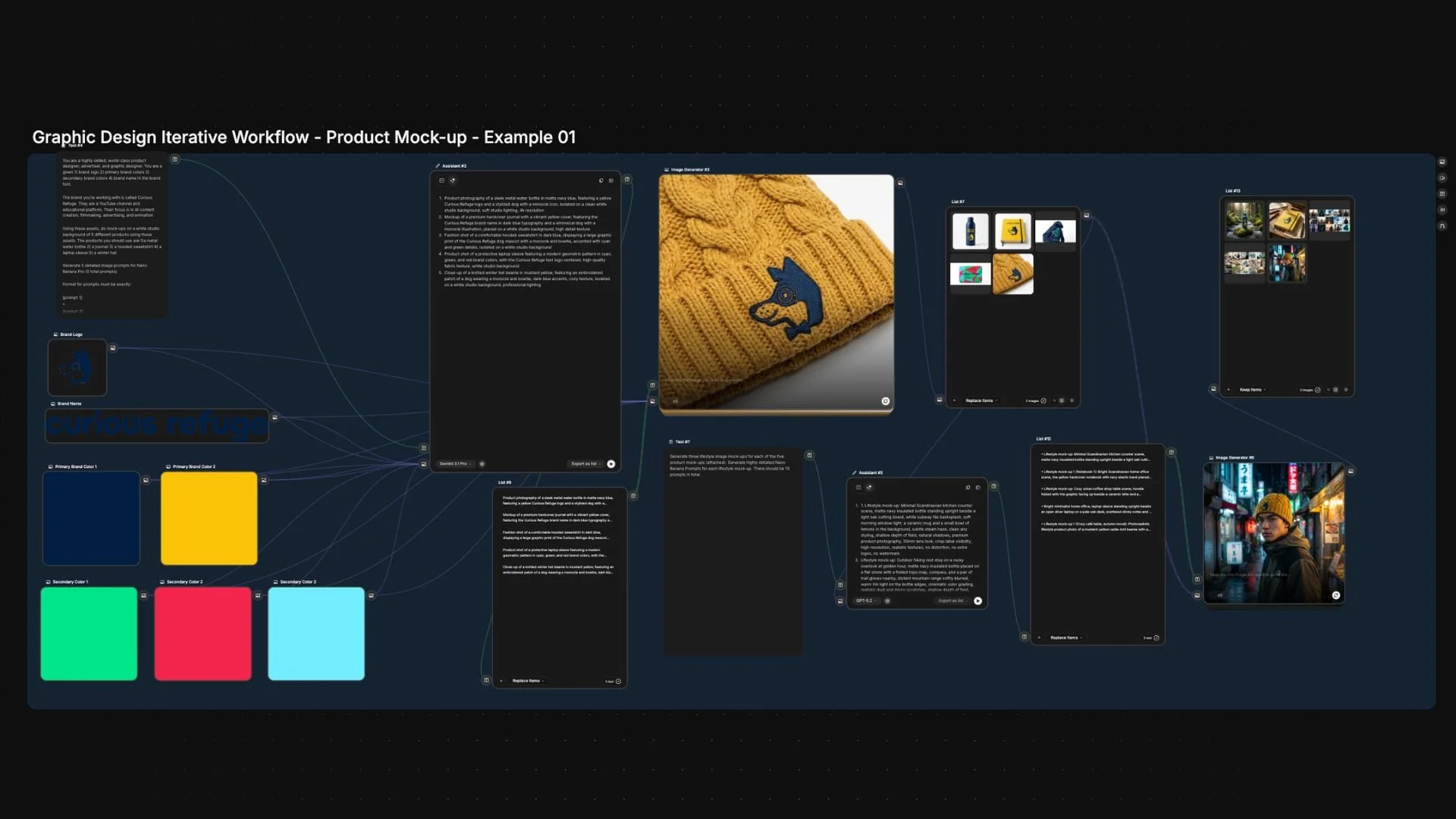
Each “node” is a specific step—one for prompting, one for upscaling, one for style, and you’re the engineer connecting the pipes.
The big win? You can run the exact same process a thousand times while only swapping out the tiny variables you care about.
2. Use Node-Based AI Workflows for Repetition
This is the most important rule in the Curious Refuge playbook: If you aren’t doing it more than once, you probably don’t need nodes.
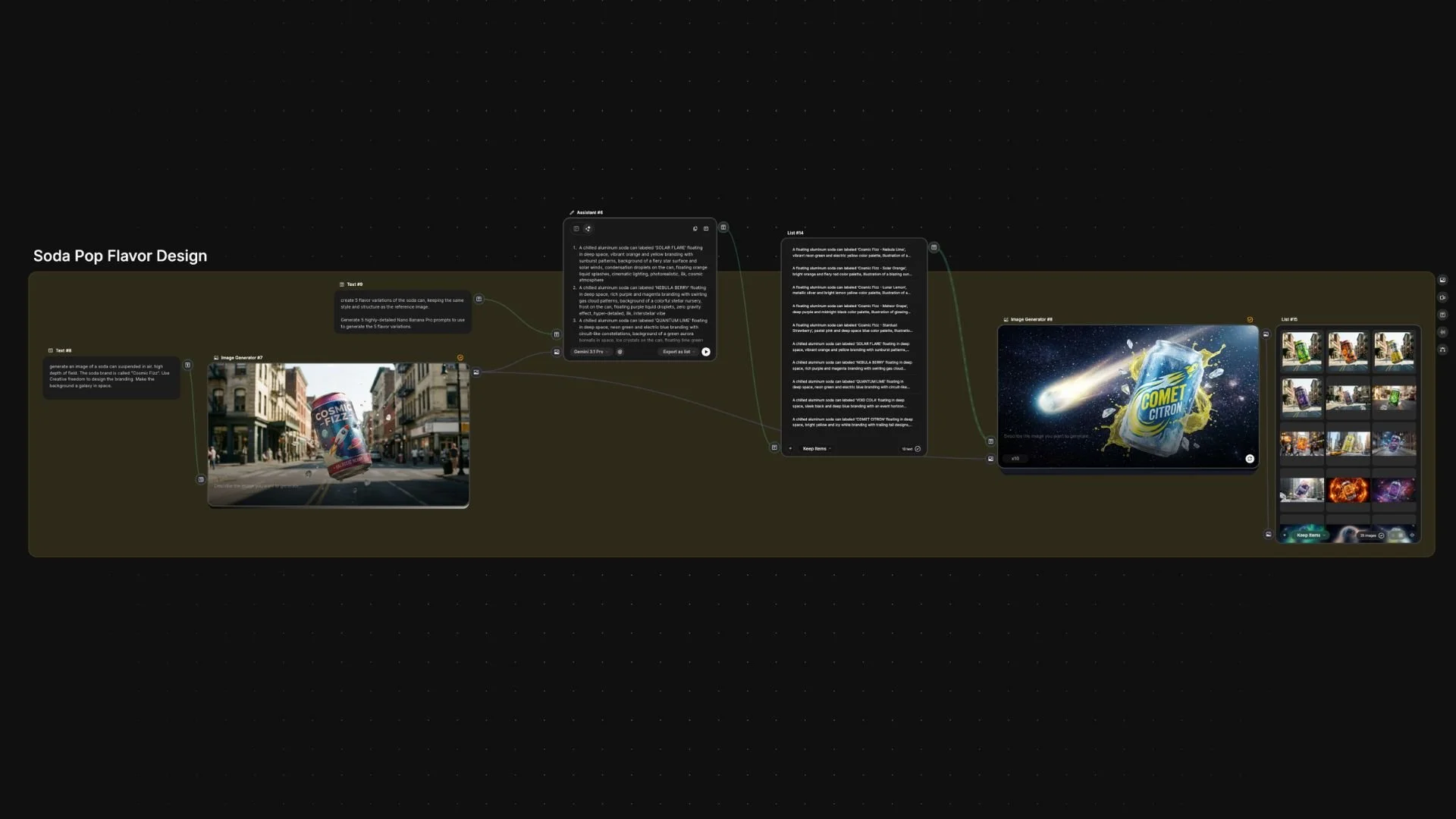
Nodes shine when you’re stuck doing the same tedious task over and over. They are your best friend for:
Ad Variations: Creating 50 versions of the same product in different environments.
Batch Processing: Translating an entire library of assets into a new style or format.
Production Pipelines: Applying a specific "look" across every shot in a sequence.
Instead of manual prompting, you lock in your base, change one variable, and hit go. That’s where you win your Saturday back.
3. Use Node-Based AI Workflows for Visual Consistency in Repetition
In a standard AI tool, getting two images to look identical is like trying to catch lightning in a bottle. In a node system, you own the bottle.

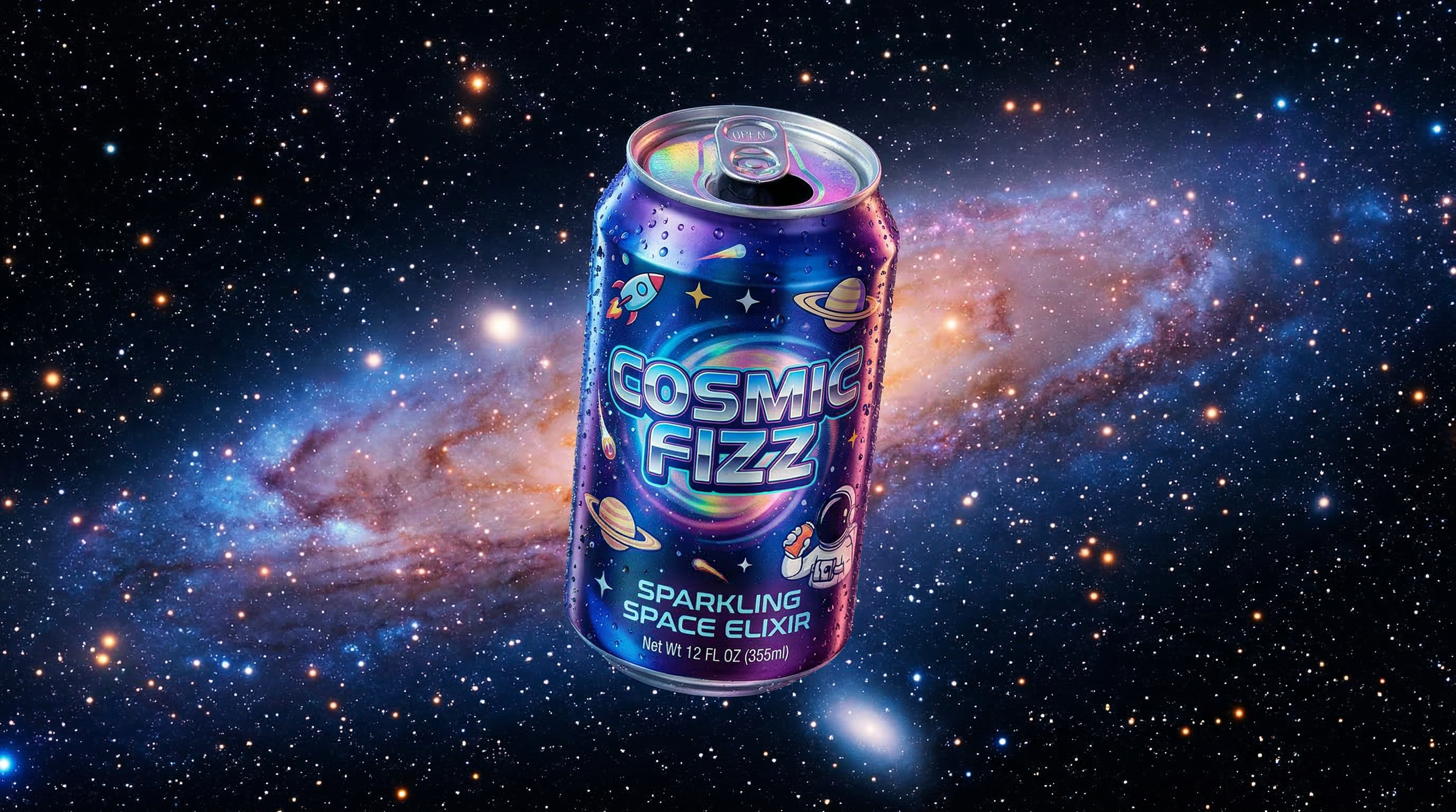
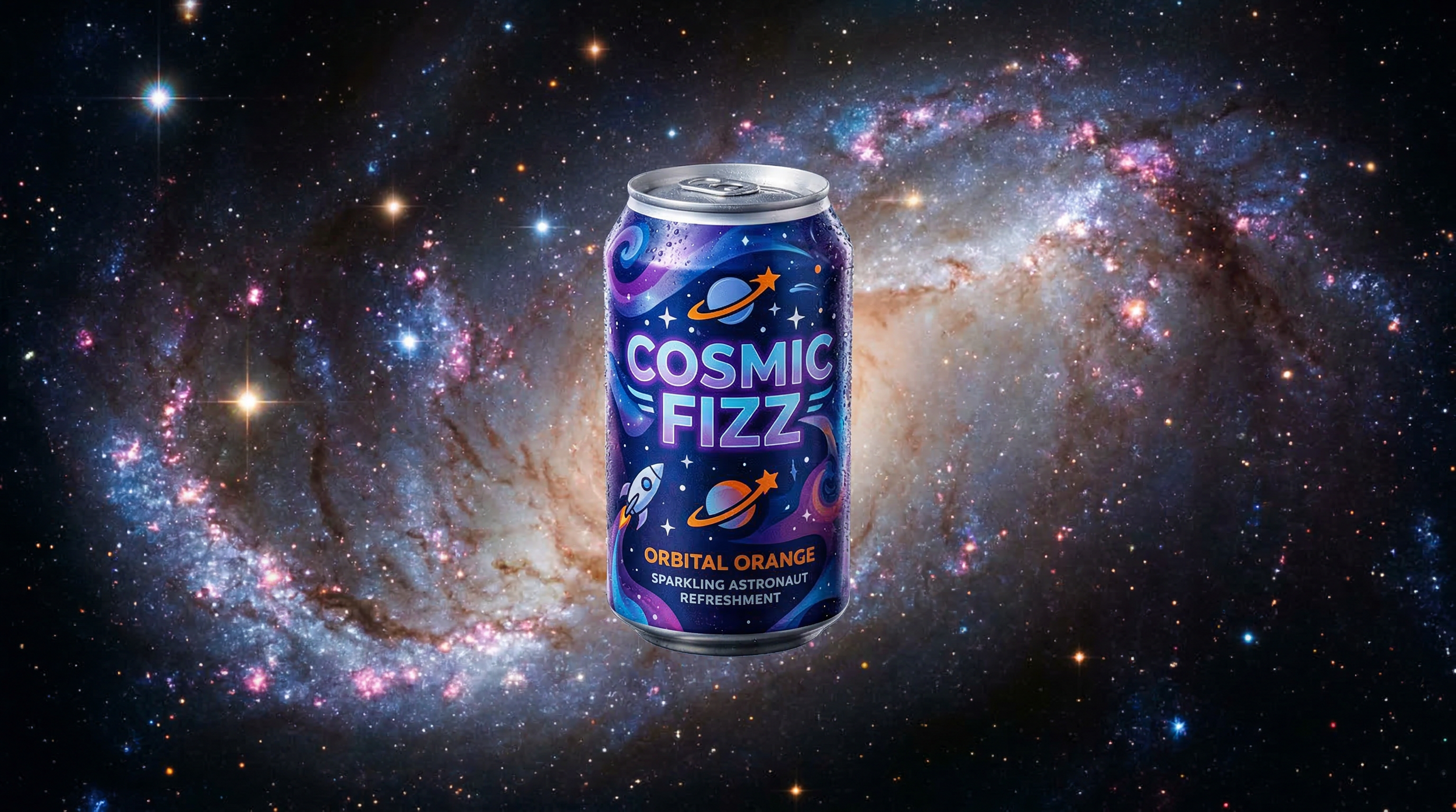
Because you can lock in the seed, the structure, and the style weights, you can:
Maintain a unified brand look.
Keep character consistency across a campaign.
Explore creative directions without the "slot machine" randomness of basic tools.
4. Use Node-Based AI Workflows to Create a Creative Pipeline
Node-based tools allow for procedural workflows.
That’s a fancy way of saying you define the system once, and it keeps printing results. Think of it like a mini-production house that runs while you sleep.
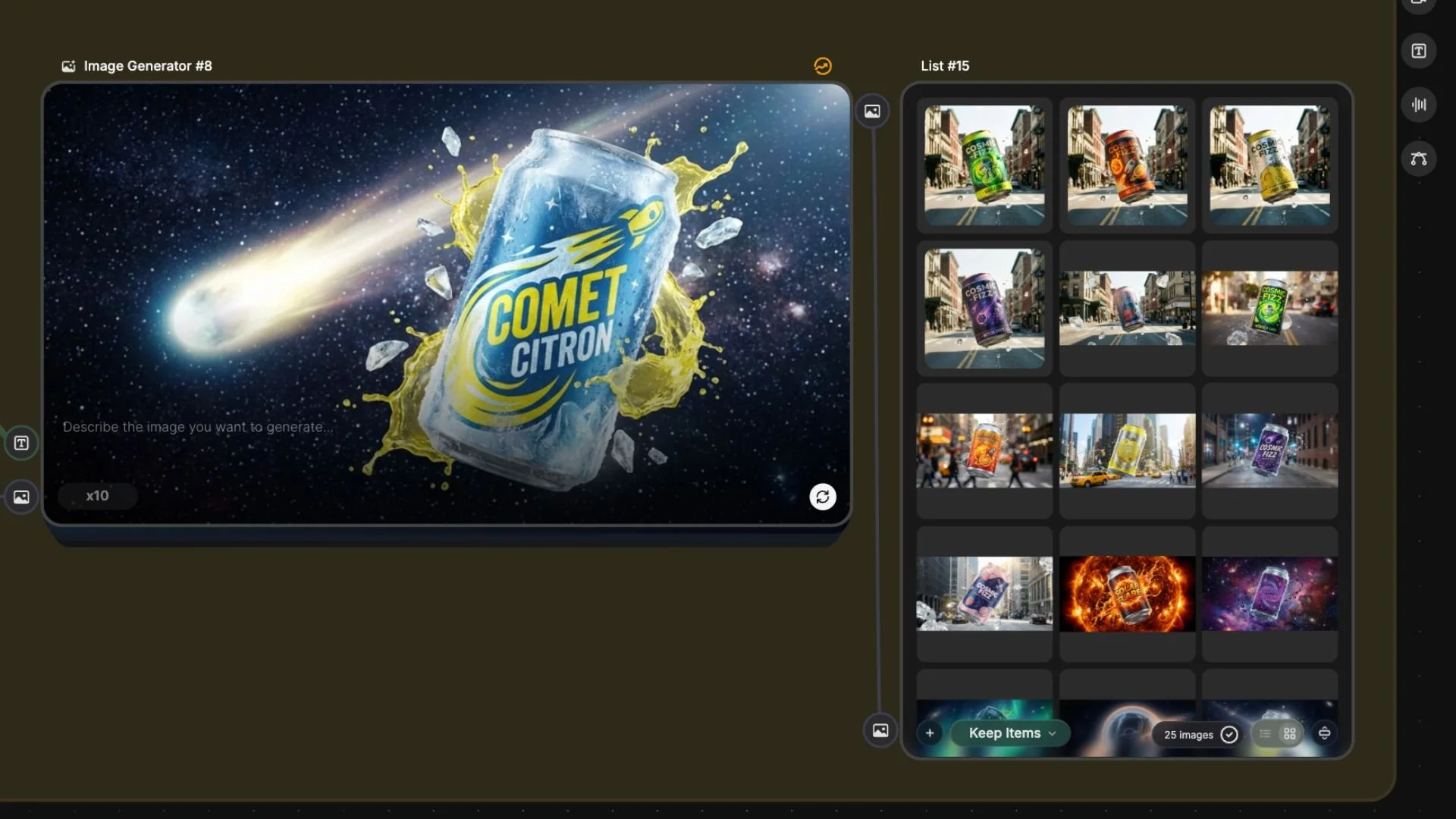
Whether you're generating batches of prompts with an AI assistant or running video clips through a specific transformation pipeline, nodes turn you from a "prompter" into a "systems architect."
5. Don’t Use Node-Based AI Workflows for One-Off Creative Work
Here is where most creators get tripped up. Node-based workflows are terrible for one-off creative sparks.

We created this super simple mood above inside of Midjourney 7. The creative iteration that it takes to create styles like the one above is not something that node-based AI workflows are useful for.
If you are:
Just "vibing" or exploring ideas.
Trying to "find the look" through iteration.
Iterating quickly on a single concept.
...then nodes will slow you down. By the time you’ve connected your third node and debugged a Python error, you could have generated 40 images in a traditional tool.
Don’t over-engineer a simple process.
6. Don’t Use Node-Based AI Workflows for Creative Brainstorming
If you don’t know exactly what you’re trying to build, nodes will eat your afternoon. These workflows require a plan. You need to know:
Inputs: What are you starting with?
Steps: What happens to the data?
Outputs: What does "done" look like?
Pro Tip: Use a traditional tool to find the look first. Once you’ve cracked the code, then bring it into a node system to scale it.
7. Node-Based AI Workflows Don’t Have the Precision You Think
It sounds counterintuitive, but nodes aren't always the best for high-detail "final polish" work.


In the example above, we were testing the workflows that generating ads of Caleb and utilize the image on the left as the character reference.
You can see they all have character consistency issues and would need some major editing and refining.
If you’re trying to fix one specific pixel on a film shot or a tiny facial expression, you’ll often run into:
Unexpected "glitches" in the system.
Small character shifts that are hard to pin down.
The "7-hour render" nightmare.
Sometimes, it’s just faster to handle those details manually in a direct tool like Photoshop or DaVinci Resolve.
8. Node-Based AI Workflows Aren’t Always Faster
Don't let the "automation" tag fool you. Node workflows can be a massive time sink.
Setup: Hours of troubleshooting.
Rendering: When we ran tests inside of Freepik spaces, it took 13+ hours. Slightly slower than traditional workflows.
Scaling output is great, but don't confuse "scale" with "speed."
9. When to Use Node-Based AI Workflows
If you take nothing else from this article, remember this:
Use node-based AI workflows when you need scale and repeatability.
Avoid using node-based AI workflows when you need accuracy, brainstorming abilities, and flexibility.
Free Intro to AI Storytelling Course
Fill out the form below to dive into the world of AI storytelling. You get access to the course completely for free.
When you join the course, you also gain access to our exclusive community where you can network with industry professionals from all over the world.
We would love to see you in the community.
