
5 Ways to Use Astra for AI Filmmaking | Tutorial
In this article and tutorial, we’ll share 5 ways to use Astra for AI filmmaking.
AI agents are starting to do a lot more than answer questions. They can actually take over your computer, open creative software, and perform tasks on your behalf.
For filmmakers, that could mean handing off some of the repetitive work that normally happens throughout an edit.
So we decided to put that idea to the test.
We gave ChatGPT Astra an actual film project and asked it to work across Adobe Premiere Pro, After Effects, Photoshop, and ElevenLabs to see what it could realistically handle.
Here are five ways we used Astra across the filmmaking process, along with what worked and what definitely still needs some work.
5 Ways to Use Astra for AI Filmmaking | Tutorial
Check out the full tutorial above to see every workflow and result in action.
5 Ways to Use Astra for AI Filmmaking | Tutorial
We gave ChatGPT Astra an actual film project and tested five different ways it could fit into a filmmaking workflow:
Organize a film project inside Adobe Premiere Pro
Build a rough cut from a collection of shots
Create visual effects inside Adobe After Effects
Color grade and sound design a finished edit
Create marketing assets like posters and a teaser
We tracked how long each task took, how much it cost, and most importantly, whether the results were actually useful.
Some workflows were surprisingly helpful. Others... definitely still need some work.
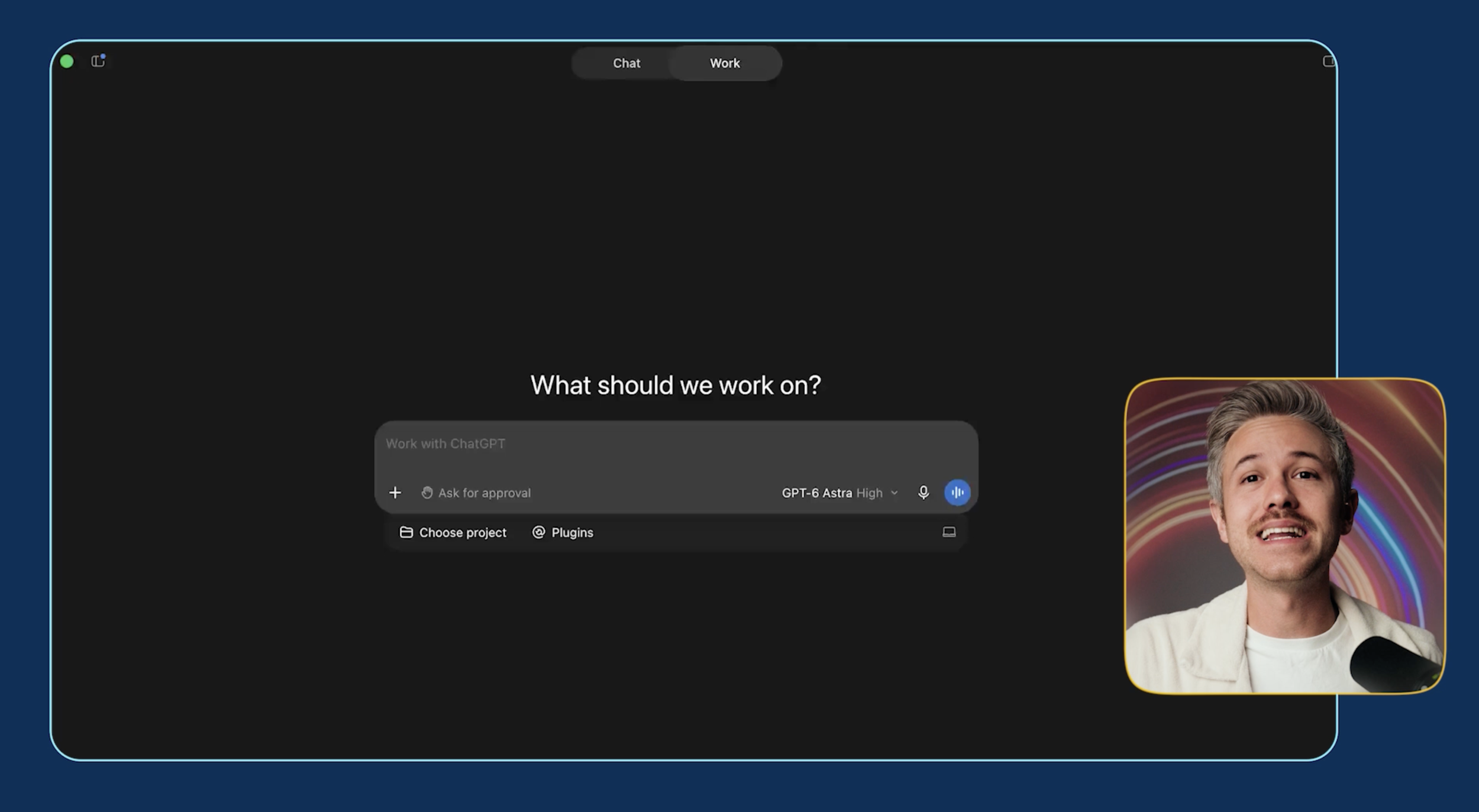
Let's take a look.
1. Organize Your Film Project
Let's start with one of the less glamorous parts of filmmaking: organizing everything.
For our test, we had footage from a short narrative scene along with reference images, storyboards, dialogue, and audio. We gave those assets to Astra and asked it to organize the entire project inside Adobe Premiere Pro.
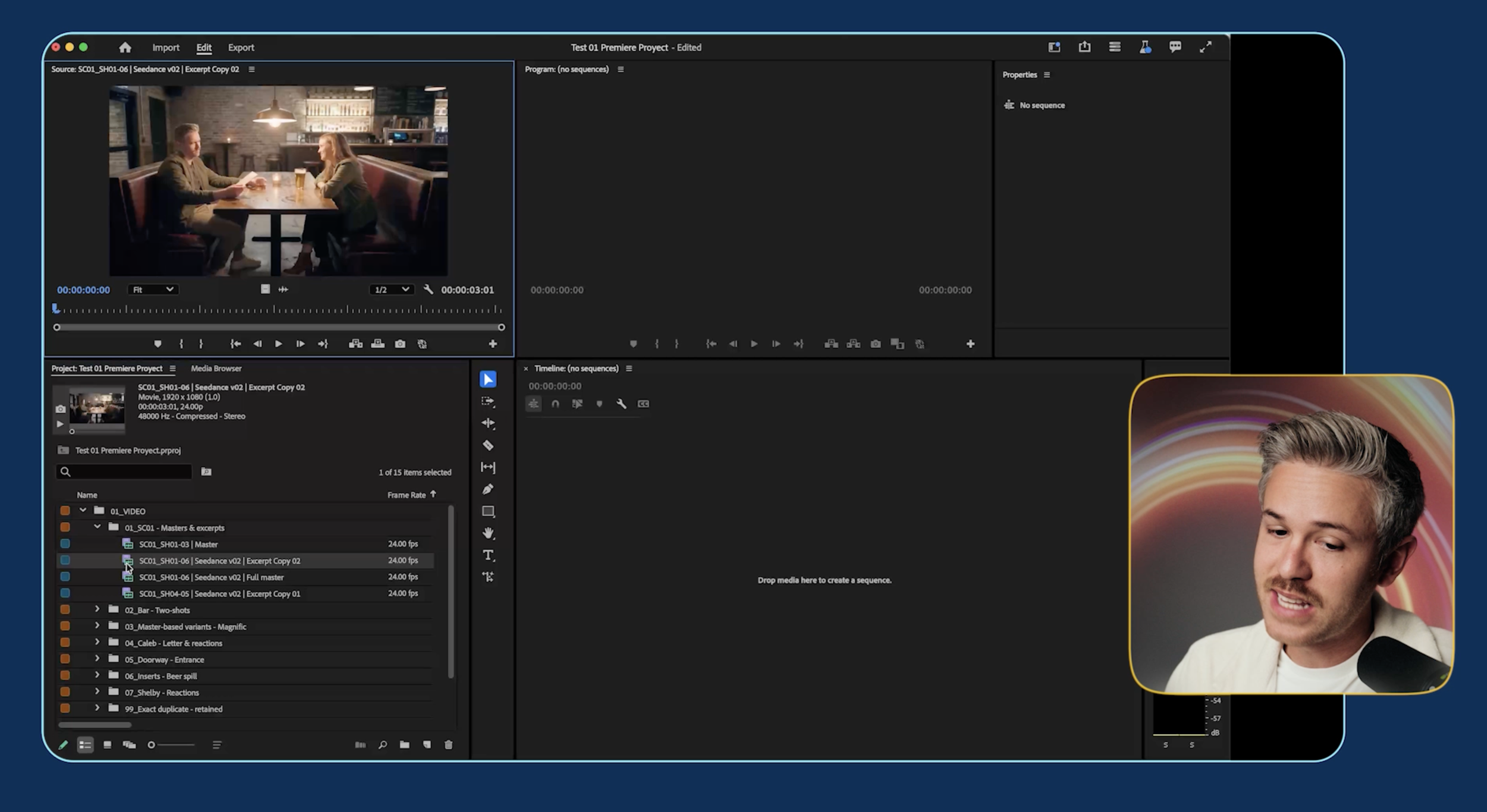
Astra automatically created folders based on media type and shot, separated character close-ups, organized our references and storyboard, and brought everything into Premiere.
You can also tell Astra exactly how you want your folder structure organized if you already have a system you like.
One quirk we ran into is that Astra couldn't listen to the audio and watch the footage at the same time. It had to separate the audio and analyze individual frames instead.
Even with that limitation, it did a pretty solid job.
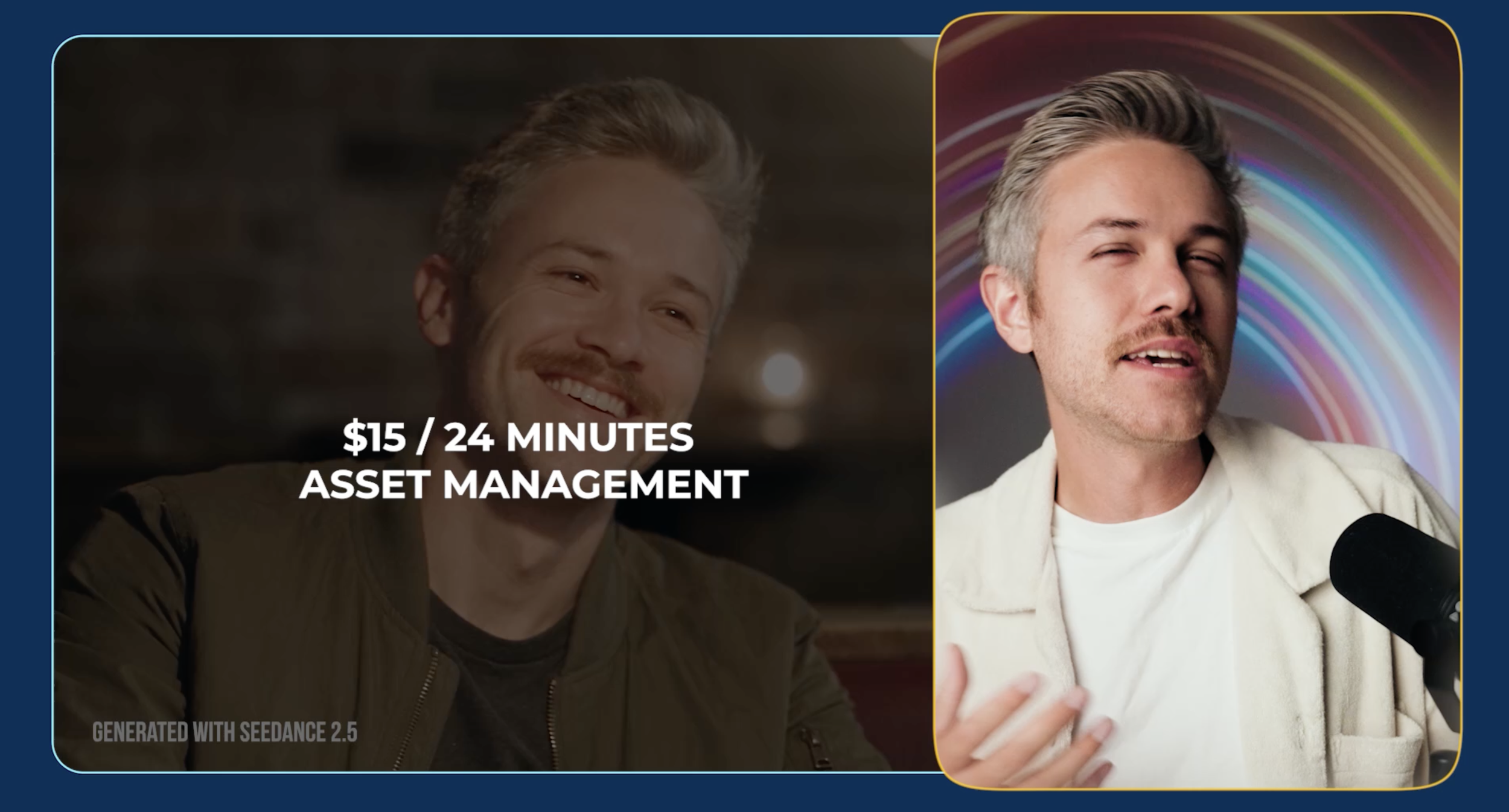
The entire process took about 24 minutes, with roughly 15 minutes of active work, and cost around $15.
You may want to reorganize a few things based on personal preference, but this feels like one of the more practical uses for AI agents right now. Instead of spending your time setting up folders and sorting assets, you can get a project organized and jump into the actual edit.
2. Build a Rough Cut in Premiere Pro
Organizing files is one thing. Making actual editorial decisions is a much harder test.
So next, we asked Astra to act as an editor and build a rough cut of our scene inside Premiere Pro.
We gave it some context about what we wanted from the edit, similar to the type of creative direction you might give a human editor.
The entire process took about 26 minutes and cost around $18.
Here's what Astra gave us:
GPT Astra Edited
Okay, so it's definitely rough.
The pacing is off and the trimming needs refinement, but there weren't many shots that felt completely out of place.
The more interesting part was what Astra was doing inside the timeline.
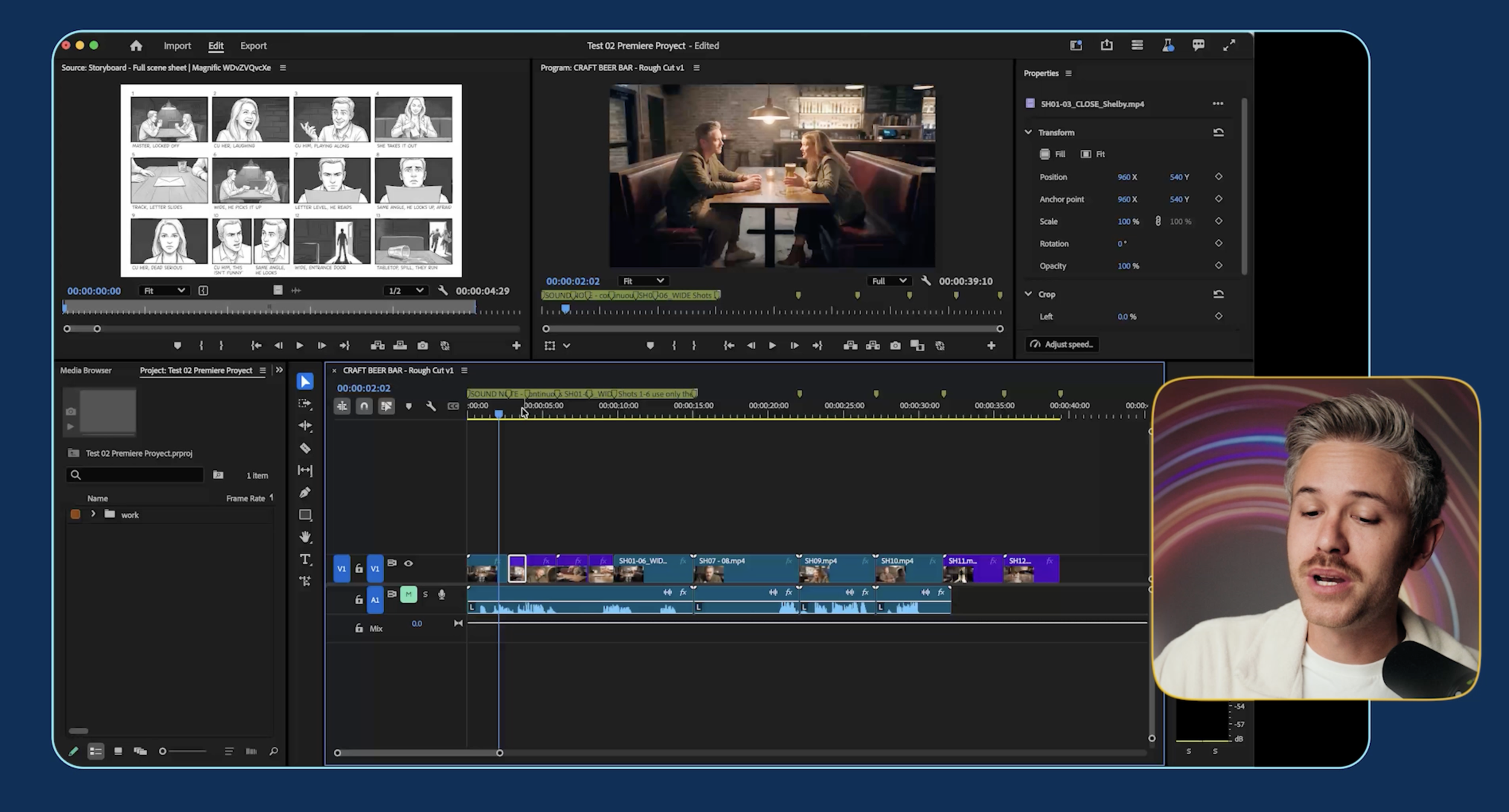
It synced dialogue across multiple clips, made cuts while keeping the audio aligned, removed duplicate audio, and even added editorial notes explaining some of the decisions it made.
Our team then took the Astra edit and polished it manually.
Human Edited After Astra
When you put the two edits next to each other, you can definitely see how much human pacing and editorial judgment change the scene.
But the Astra version still gave us a legitimate rough cut to start from.
At the moment, we wouldn't expect Astra to give us a finished professional edit. But being able to generate a workable first pass that you can immediately jump into and refine is pretty fascinating.
3. Create Visual Effects in After Effects
Next, we wanted to see how Astra would handle a more technical visual effects task.
In our scene, one of our characters walks through a doorway holding a gun. We asked Astra to remove the gun using tools inside Adobe After Effects.
Original Shot
Astra ended up creating a surprisingly involved workflow. It used tools like Content-Aware Fill, created a grid to work from, generated checkpoints, and automated the process inside After Effects.
The entire effect took about 43 minutes and cost roughly $5.
Here's what we got:
GPT Astra Object Removal
Yeah... not great.
The effect technically tracks, but the reconstructed hand looks pretty cartoonish.
To give Astra a benchmark, we took the same clip into Seedance 2.5 and simply prompted it to remove the gun and its shadow while keeping everything else the same.
Generated with Seedance 2.5
Seedance did a much better job.
That test cost around $8, so it was slightly more expensive, but the result was considerably more usable.
For straightforward generative VFX tasks like this, it may make more sense to use an AI video model directly rather than asking an agent to recreate the effect through traditional VFX software.
Still, it's interesting that Astra was able to independently work through the steps required to attempt the effect inside After Effects.
4. Color Grade and Sound Design Your Film
Once we had our edit, we wanted to see if Astra could help with some of the finishing work.
Color Grading
We started by asking Astra to color grade our scene inside Premiere Pro.
For one version, we asked it to reference the look of The Godfather. For another, we used La La Land.
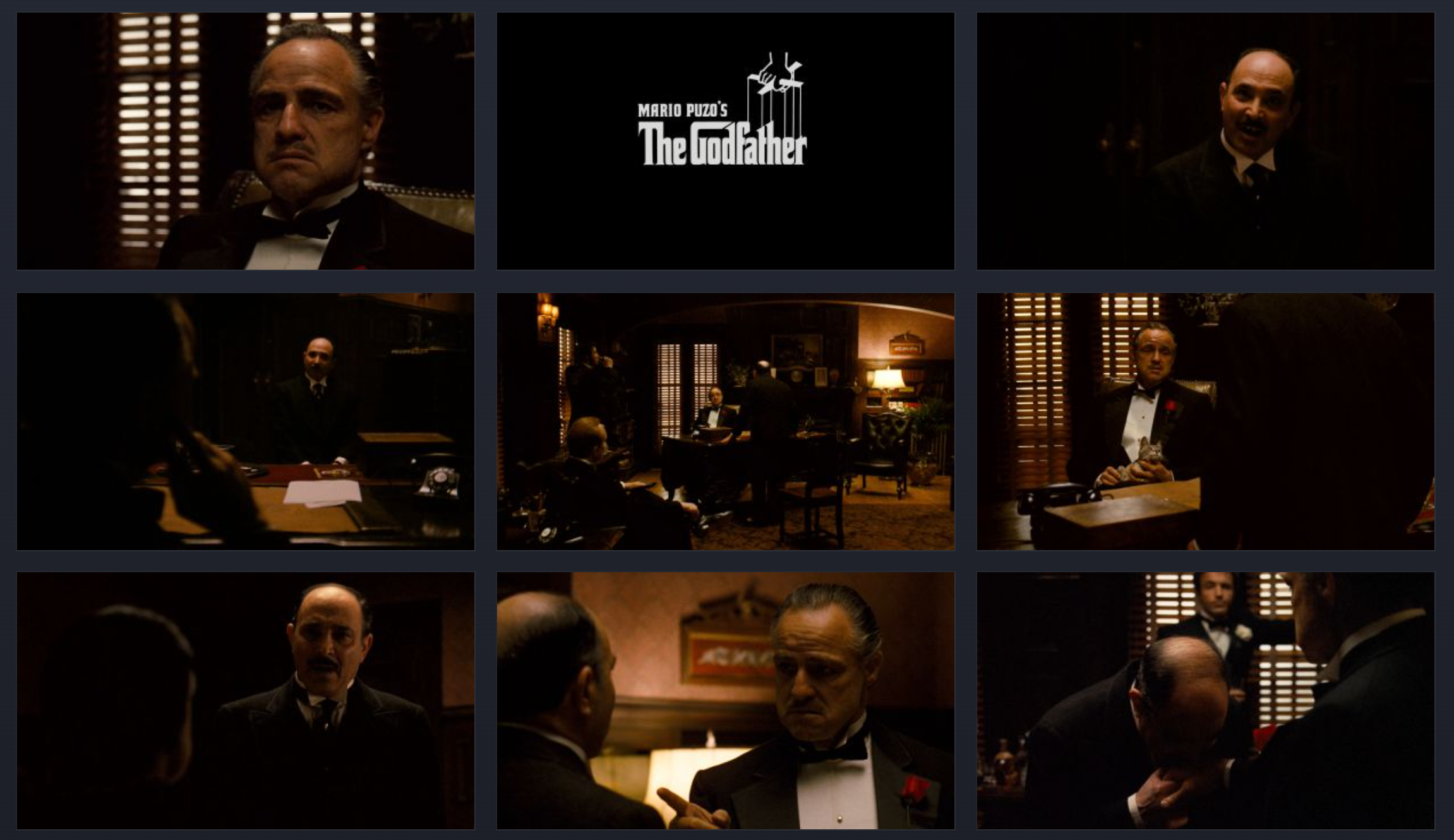
The Godfather Movie Stills
Godfather Color Grading by GPT Astra
The Godfather version moved the footage closer to the look we were referencing, but it wasn't something we'd consider a final professional grade.
We also tested a La La Land-inspired version.
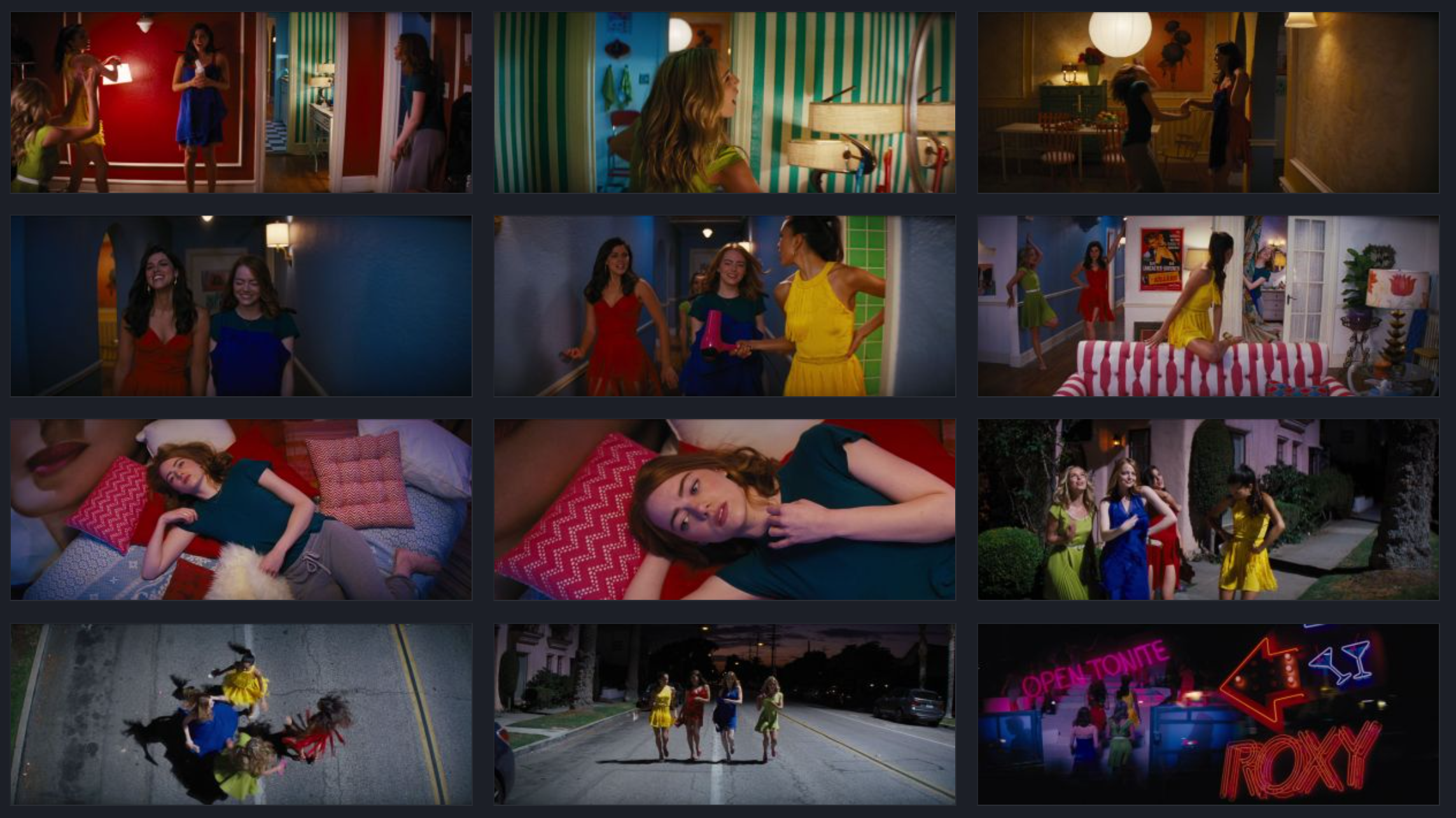
La La Land Movie Stills
La La Land Color Grading by GPT Astra
Again, you can see Astra pushing the footage toward the reference, particularly with the blue atmospheric tones, but it doesn't completely capture the Technicolor-inspired look of the film.
There are also limitations coming from the source footage itself. If you're working with AI-generated video, you're often dealing with 8-bit footage, which gives you less flexibility when grading.
Both color grading tests took around 30 minutes and cost about $30 total.
If you're not experienced with color, this could be an interesting way to quickly create a starting point that you can refine yourself. But it's not going to give you a final pixel-quality grade.
Music and Sound Design
We also asked Astra to handle music and sound effects.
For this test, we gave Astra the Premiere project and asked it to use ElevenLabs to generate the music and sound effects before bringing everything back into the edit.
SFX by GPT Astra
The final result wasn't particularly polished.
Some of the timing was way off, and there were sound effects that we probably wouldn't have chosen ourselves.
The timeline organization was also pretty strange. Astra placed individual sound effects onto separate tracks, leaving us with 12 audio tracks.
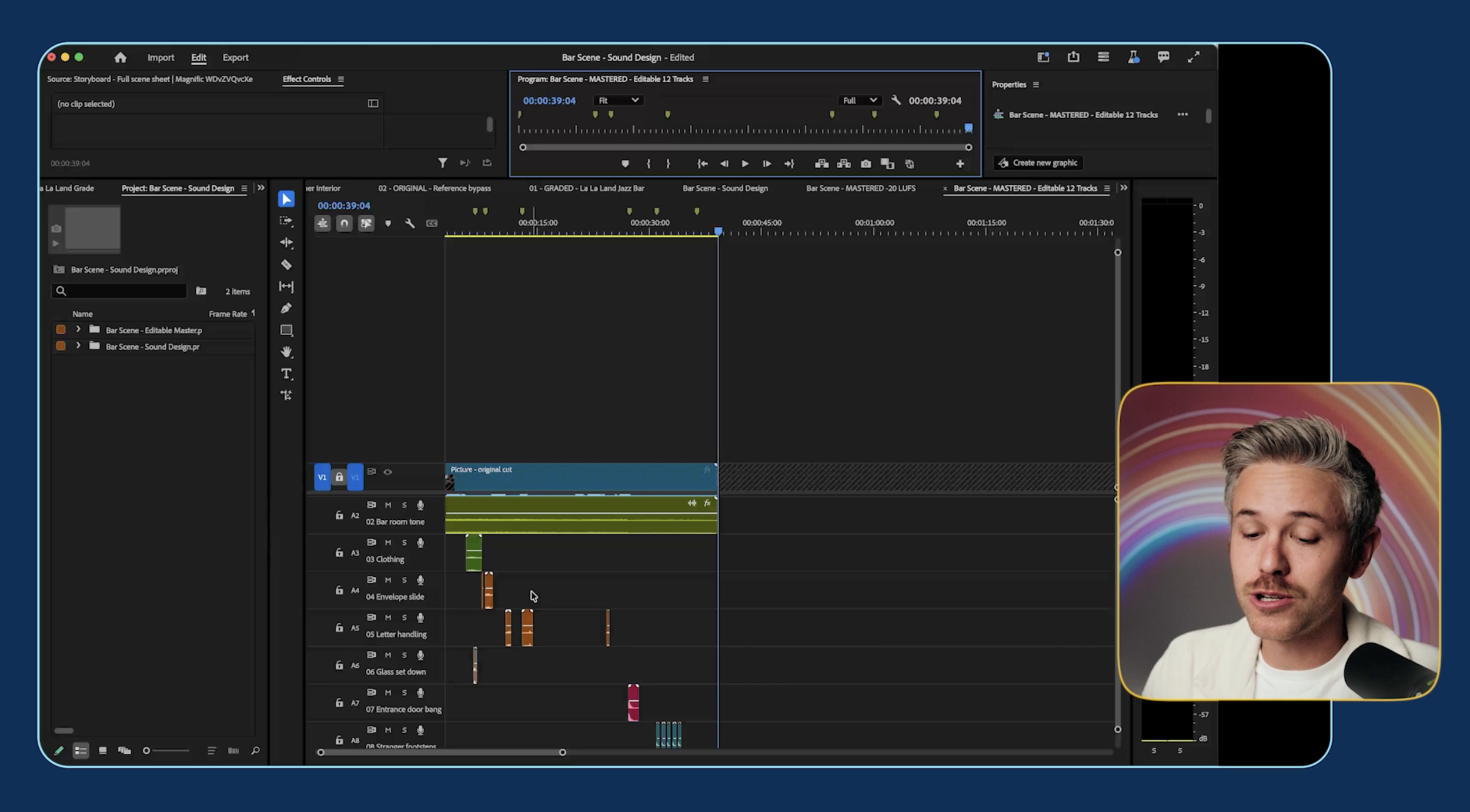
But it did automatically generate the sounds, bring them into Premiere, and give us raw material that we could continue working with.
Interestingly, this was the longest test we ran at 1 hour and 44 minutes, although the computer appeared to sit idle for a significant portion of that time.
The whole process only cost around $5.20.
Again, this feels less like finished sound design and more like a rough starting point that a human can refine.
5. Create Marketing Assets for Your Film
Finally, we wanted to see what happens when Astra moves beyond the film itself and into distribution.
We asked it to create three horizontal posters, three vertical posters, and a teaser trailer for the project.
About 25 minutes later, we had our marketing assets.
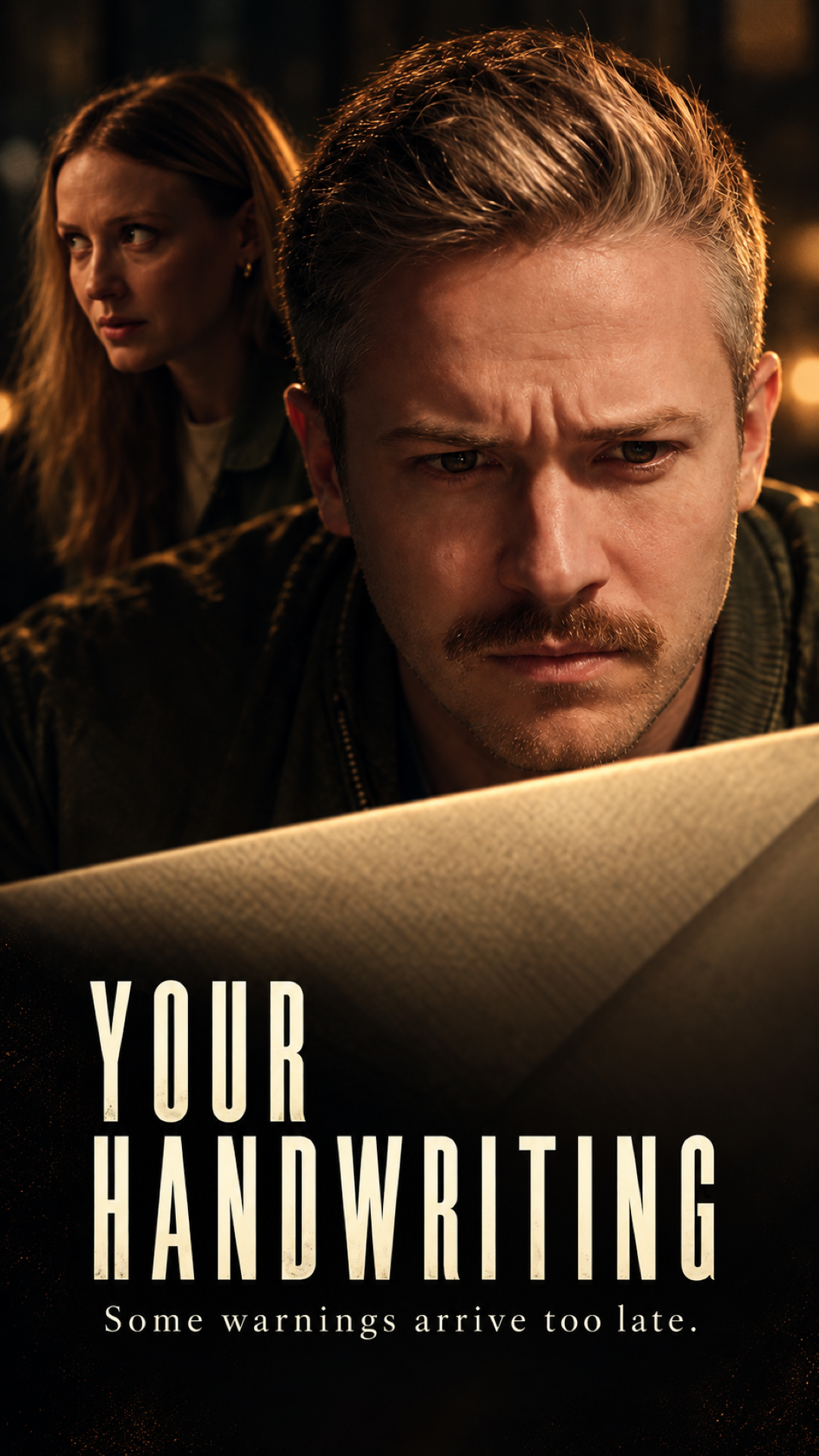
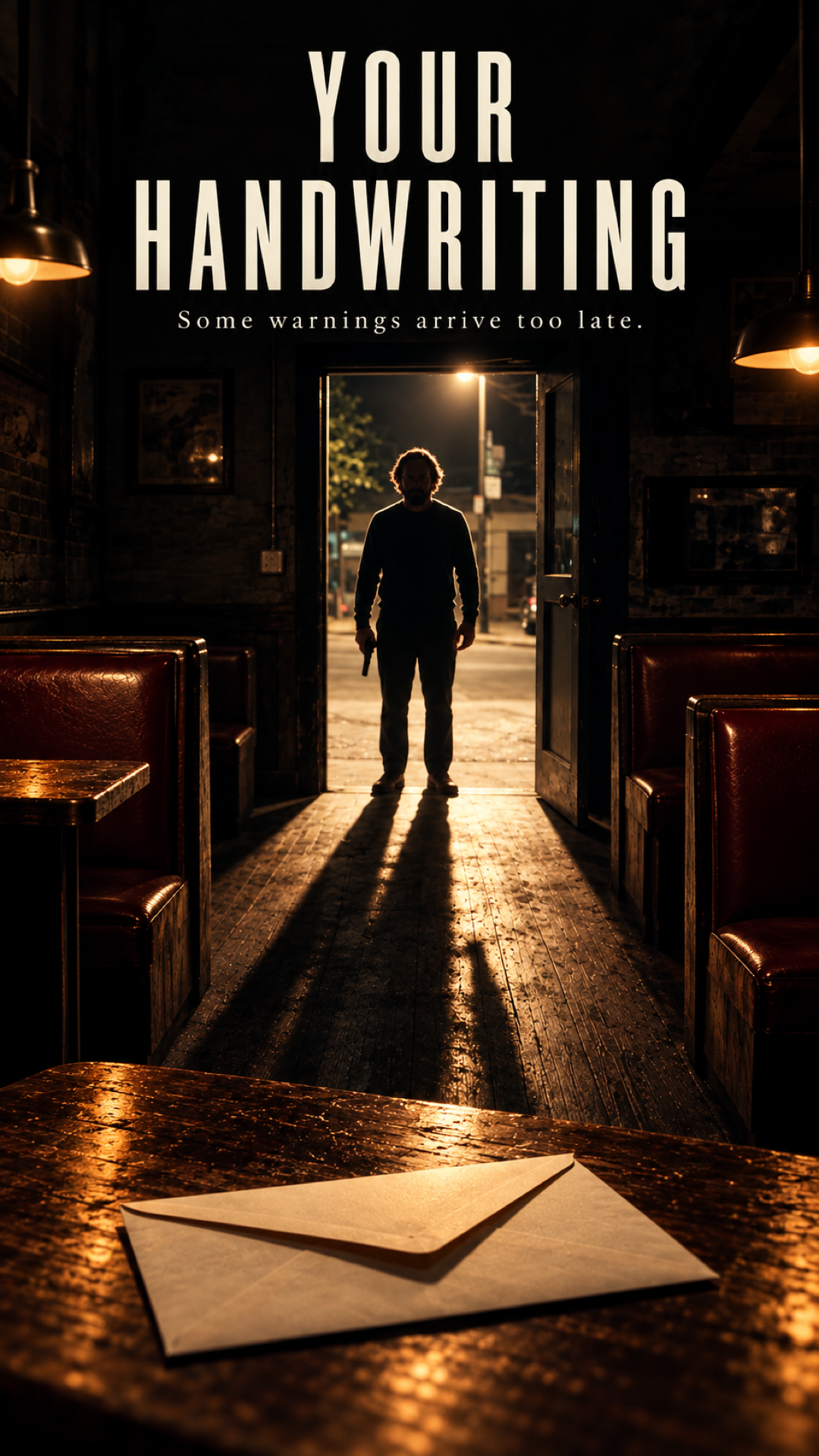
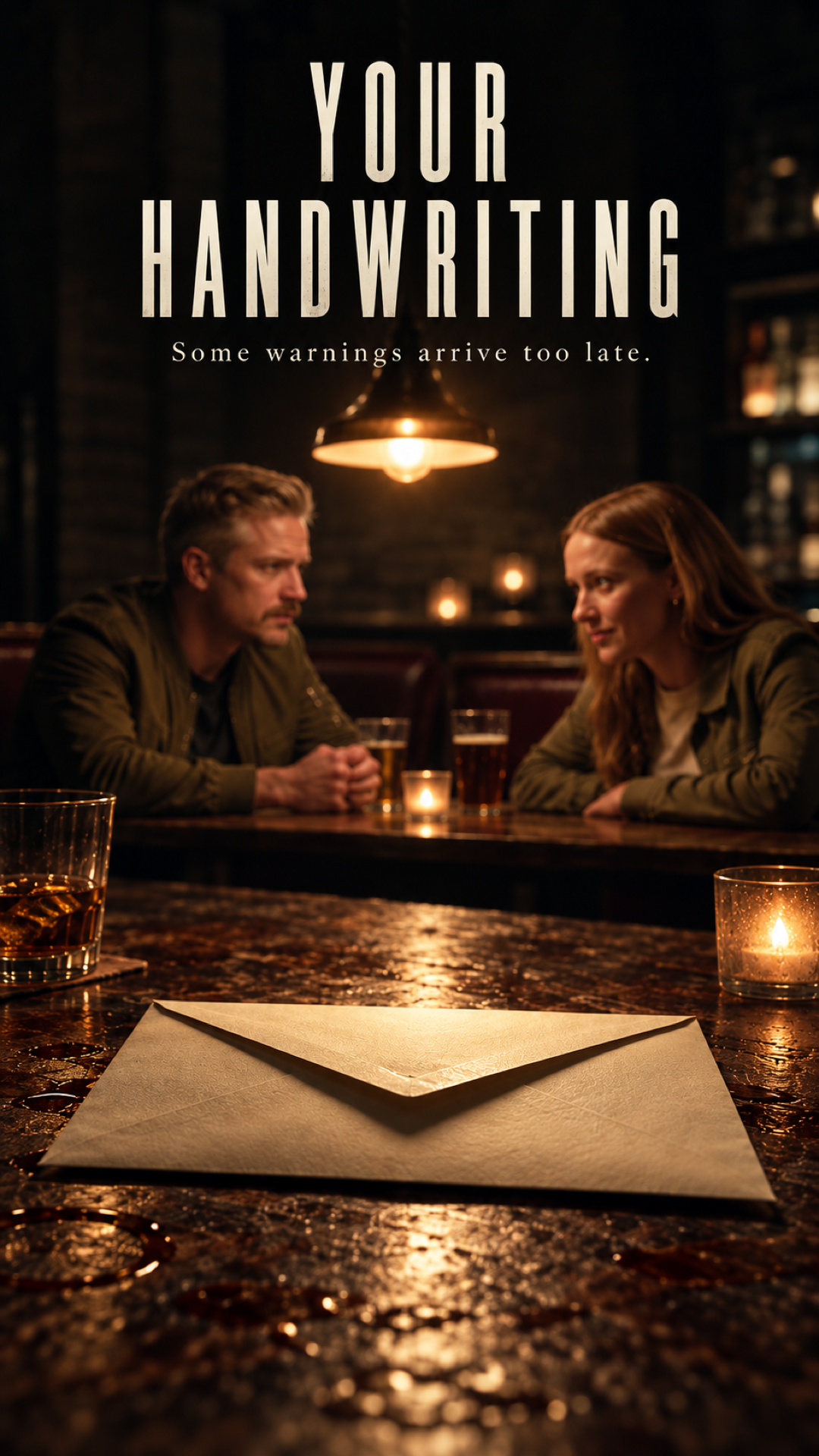
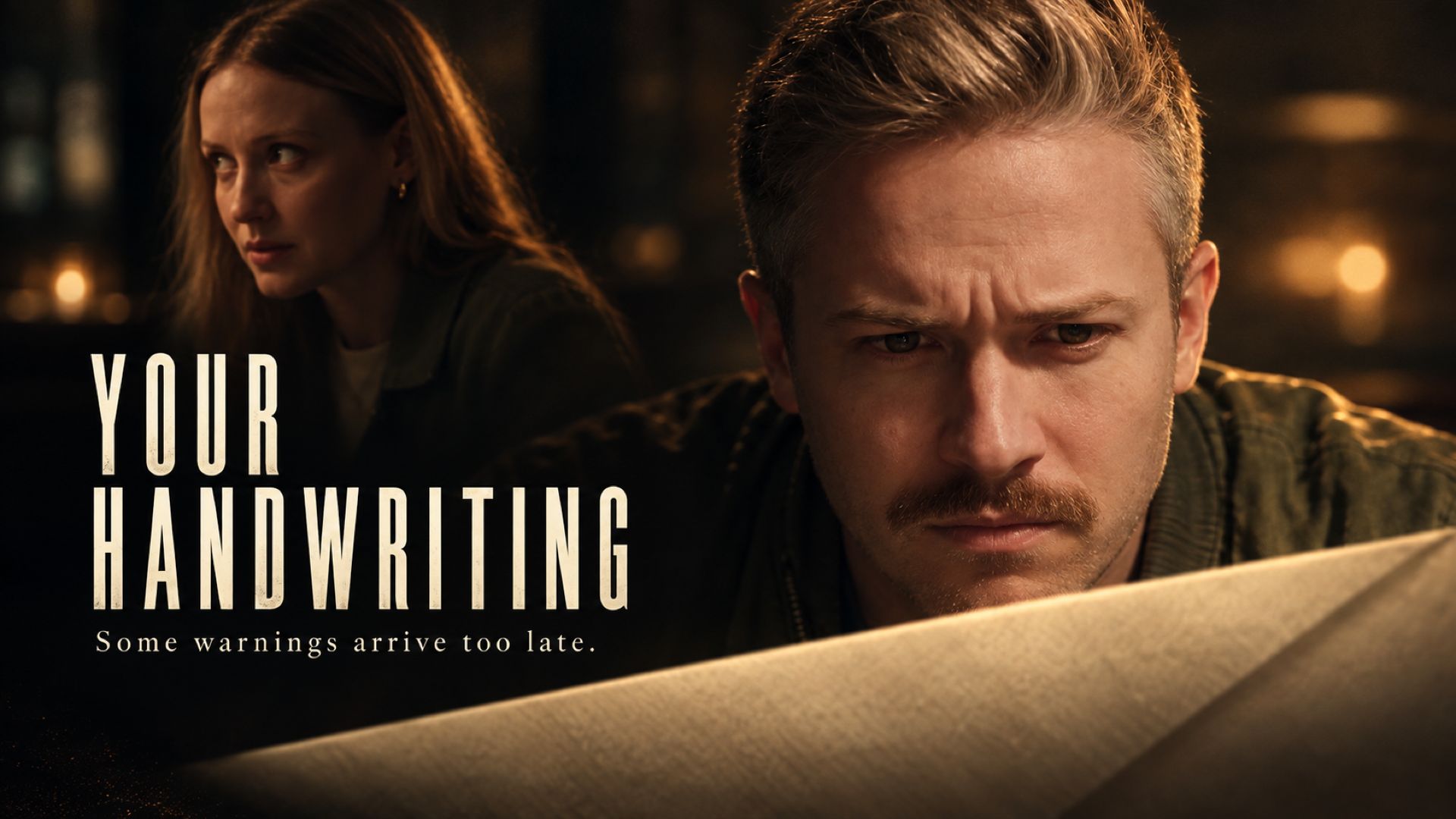
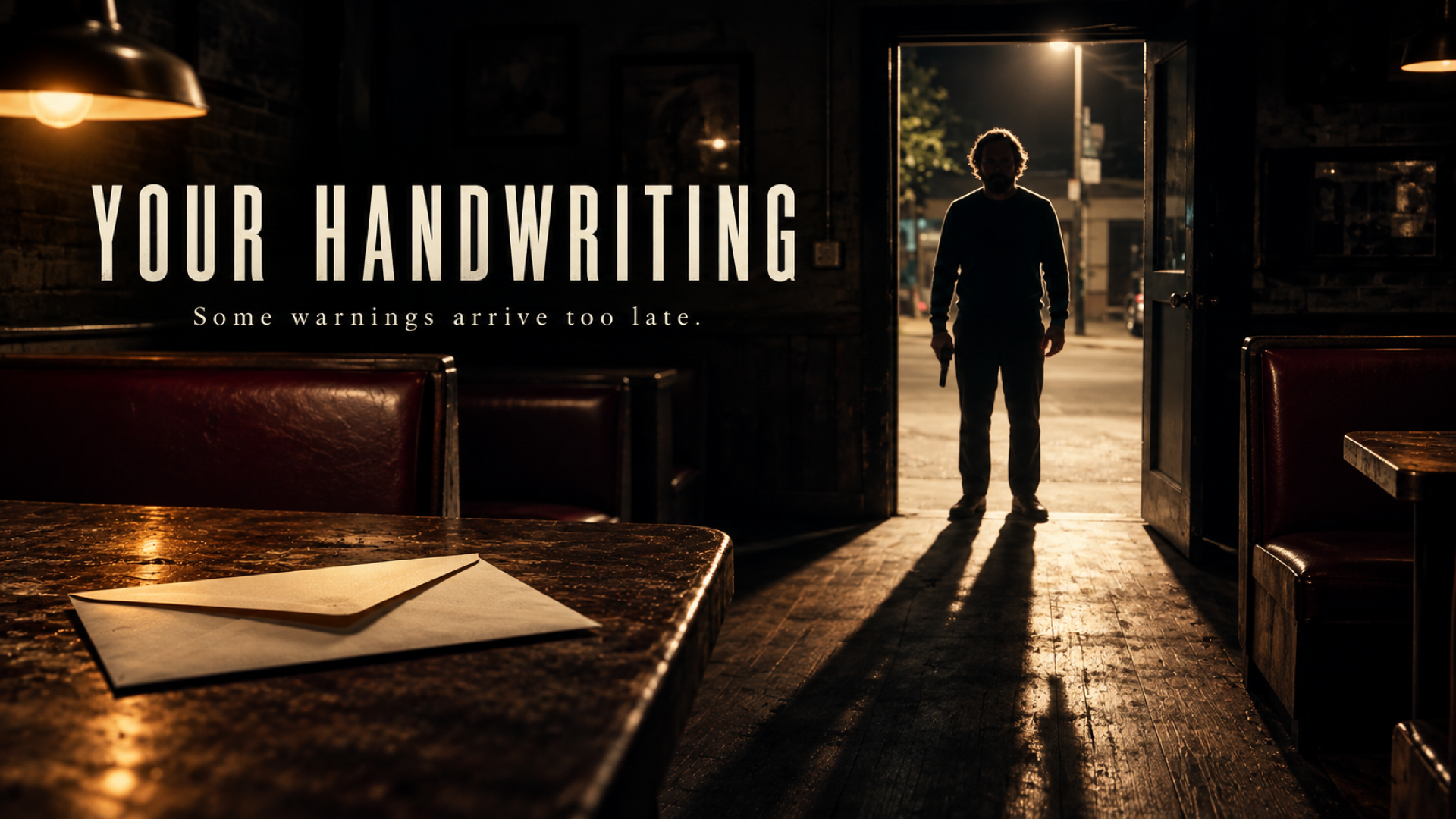
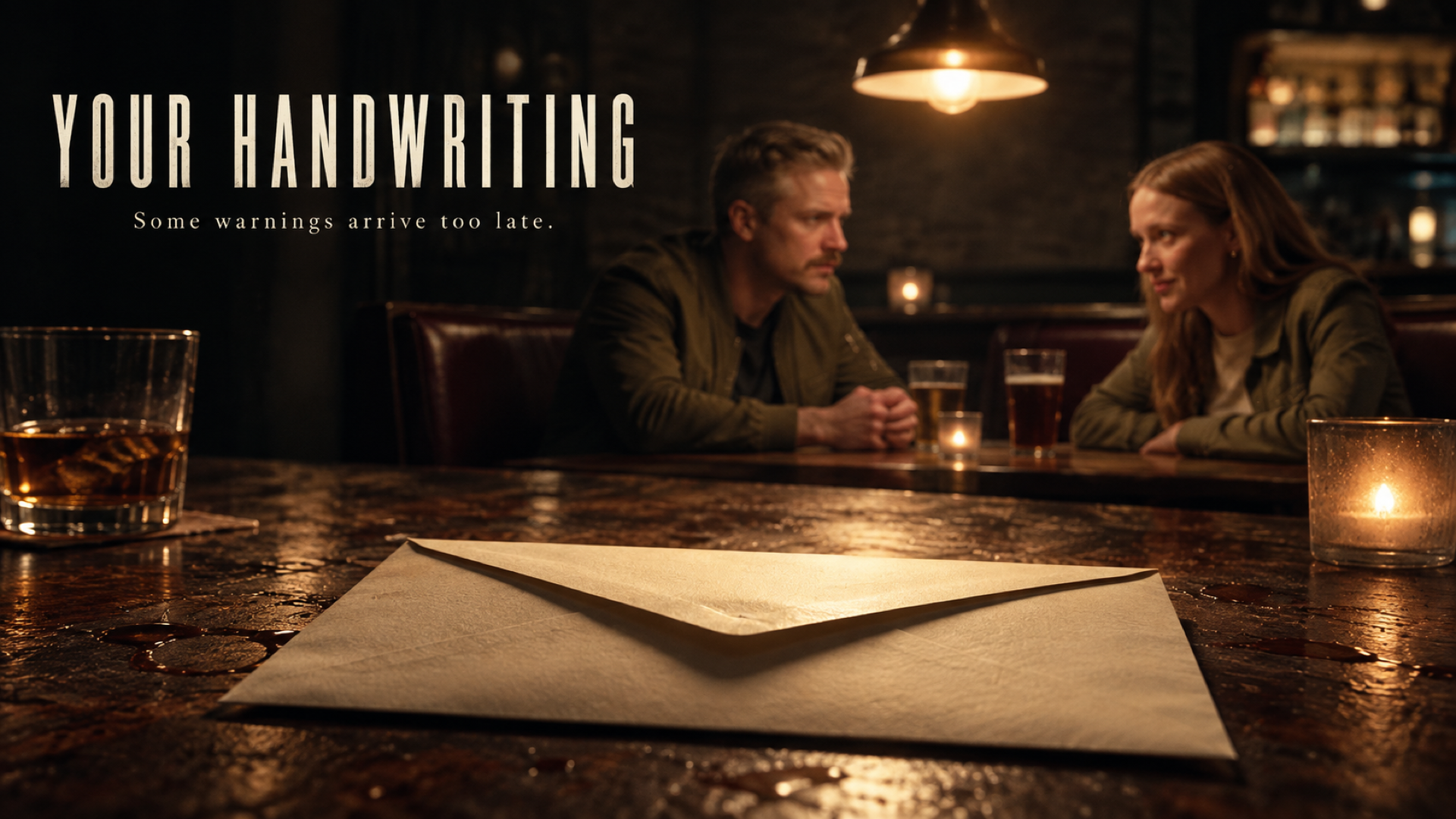
The posters aren't finished designs, but there were a few compositions that were actually pretty interesting as creative starting points.
Astra also decided, completely on its own, that our film should be called Your Handwriting, which is pretty hilarious.
One of the more interesting parts of this test was watching Astra move between Premiere Pro and Photoshop. It used both applications while building the assets and even gave us a breakdown of some of the prompts it used.
The teaser was less successful.
Instead of creating an actual teaser with a new structure and pacing, Astra essentially reused the scene and added a title card at the end.
So we definitely wouldn't publish the teaser as-is.
Still, the entire marketing workflow took about 25 minutes and only cost $3.25.
For quickly generating ideas and rough marketing concepts, there's something useful here. You just shouldn't expect finished campaign assets yet.
Is Astra Actually Useful for Filmmaking?
Across all of these experiments, Astra worked for roughly four hours and cost us $77.38.
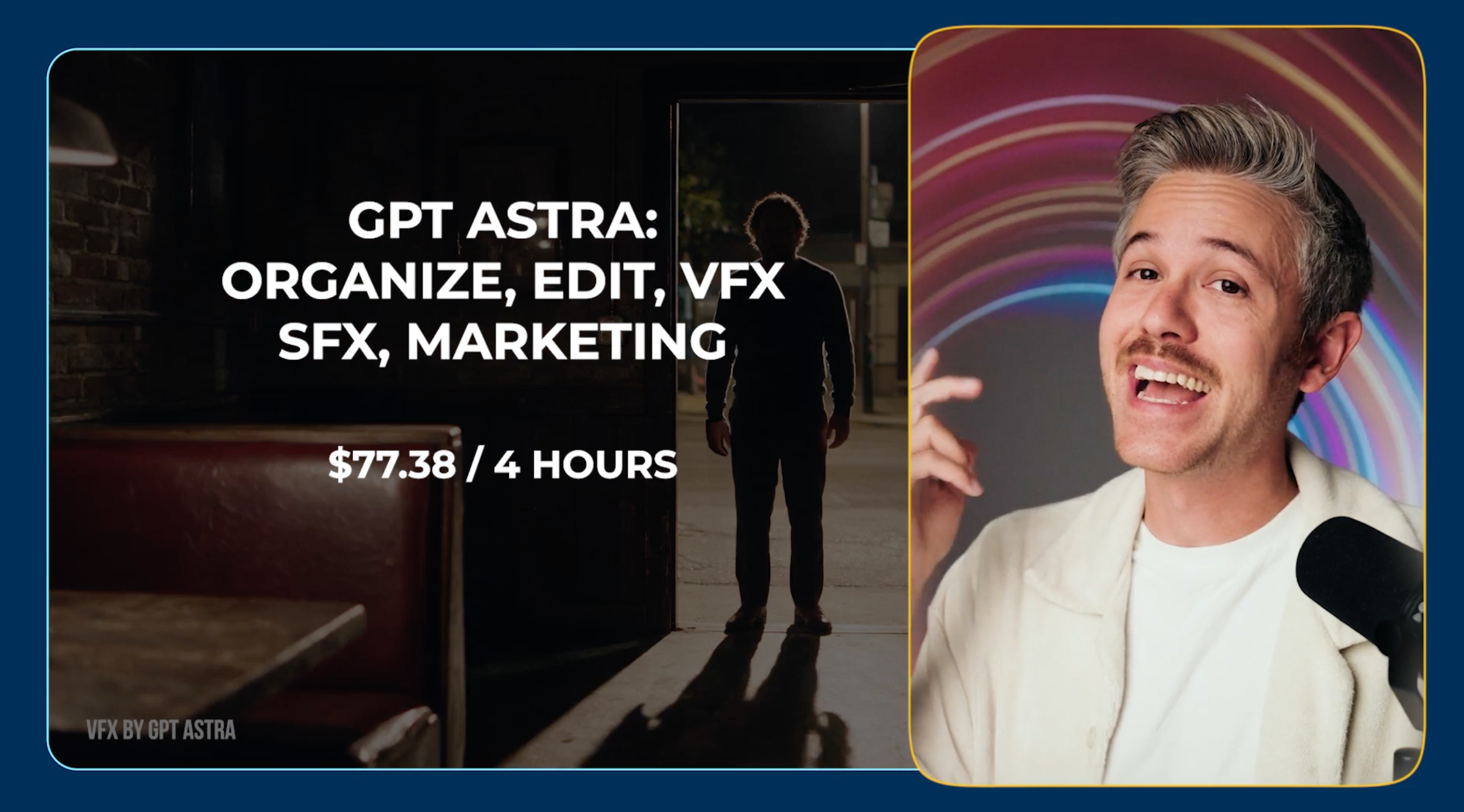
For that, we got an organized project, a rough cut, a VFX shot, two color grades, music and sound effects, several poster concepts, and a teaser.
Some results were much more useful than others.
Right now, the strongest use cases seem to be the workflows where Astra can handle repetitive or technical work and then hand the project back to you for creative refinement.
That's an important distinction.
Astra can increasingly perform the actions of an editor, VFX artist, colorist, or designer, but that doesn't mean it can replace the creative direction behind great work.
And that's probably the bigger takeaway from this experiment.
We're starting to move from manually performing every action inside creative software toward directing the work we want done.
The better you are at communicating your creative intent and recognizing what needs to be fixed, the more useful these tools become.
Astra isn't delivering finished professional films today, but this is also likely the worst and most inefficient version of this technology we're going to see.
If AI agents can already open our creative software, interpret a brief, work through a project, and give us something we can refine, it's going to be pretty fascinating to see where this goes next.
Free Intro Course
Check out our free AI Storytelling course. You can fill out the form below and gain access immediately at no cost to you.
In the course, we show some of the basics for creating films using the latest AI tools, as well as, share some insights into the future of the creative industry.
Along with the course, you also get access to the exclusive chat channel where you can network with industry professionals.
We would love to see you in the course, but of course no pressure!
