
8 Practical Ways to Use First Frame / Last Frame in Your AI Videos
In this guide, we’re breaking down 8 practical and cinematic ways to use First Frame / Last Frame.
If you’ve ever uploaded an image into an AI video generator and watched it spiral into something… unexpected—yeah, you’re not alone. AI motion can get weird fast.
That’s exactly why First Frame / Last Frame has become one of the most important tools in modern AI filmmaking. By locking in where your shot starts and where it ends, you gain far more creative control over the animation in between. I use these techniques all the dang time to keep my renders from going off the rails.
Below is a breakdown of our favorite ways to master this workflow. As in typical Curious Refuge fashion, these tips are fast-paced and packed full of helpful info. I hope you enjoy it.
First Frame/Last Frame Video Breakdown
Below is a video showing an in depth breakdown of how to use first frame/ last frame.
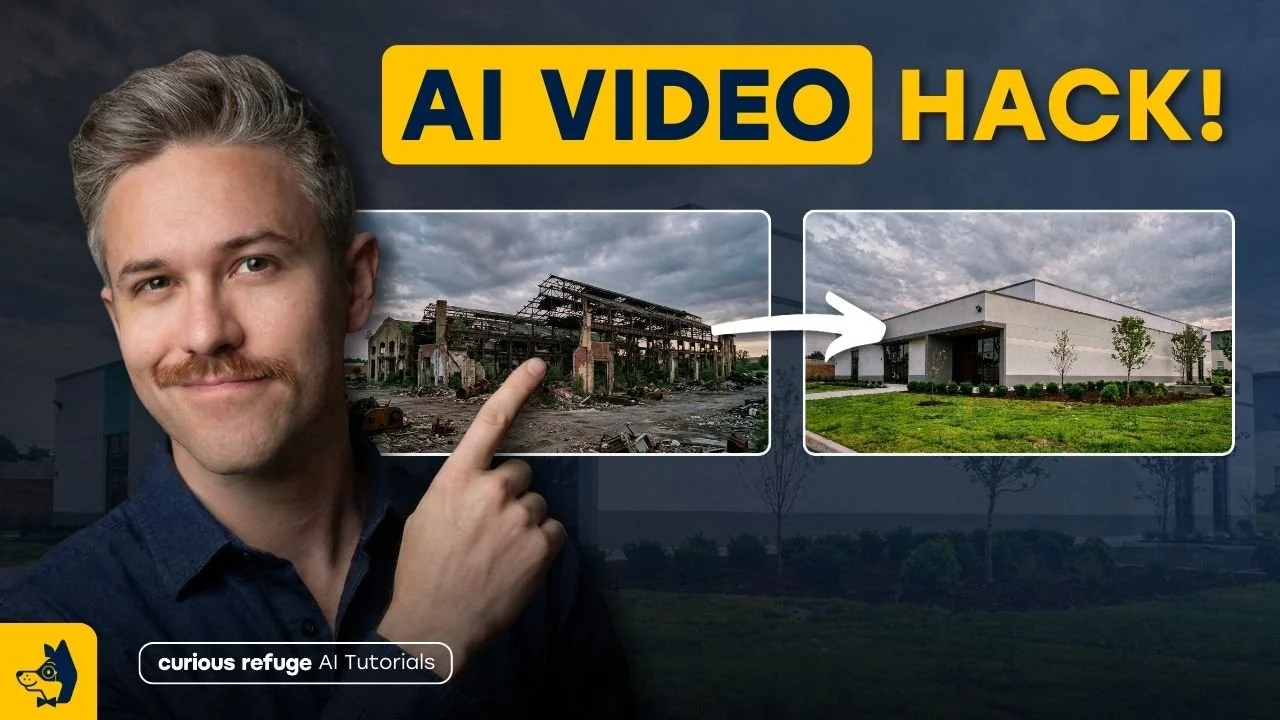
8 Ways to Use First Frame / Last Frame in Your AI Videos
Below is a list of our faovrite way to use first and last frame in our AI Videos.
1. High-End VFX Transformations
One of the most jaw-dropping uses of First Frame / Last Frame is large-scale visual effects like turning a still image of a rocket on a launch pad into a full ignition and blast-off.
Traditionally, that kind of shot would require complex simulations in tools like Houdini and serious render power. Using first frame last frame makes it significantly easier.

Frist Frame

Last Frame
And suddenly you’ve got a VFX-heavy moment for a fraction of the effort.
2. Commercial-Style Product Hero Shots
Want that polished “commercial look” for a product? Use a tight close-up as your first frame and a wide hero shot as your last frame. The AI interpolates between them, creating a smooth reveal—perfect for ads.
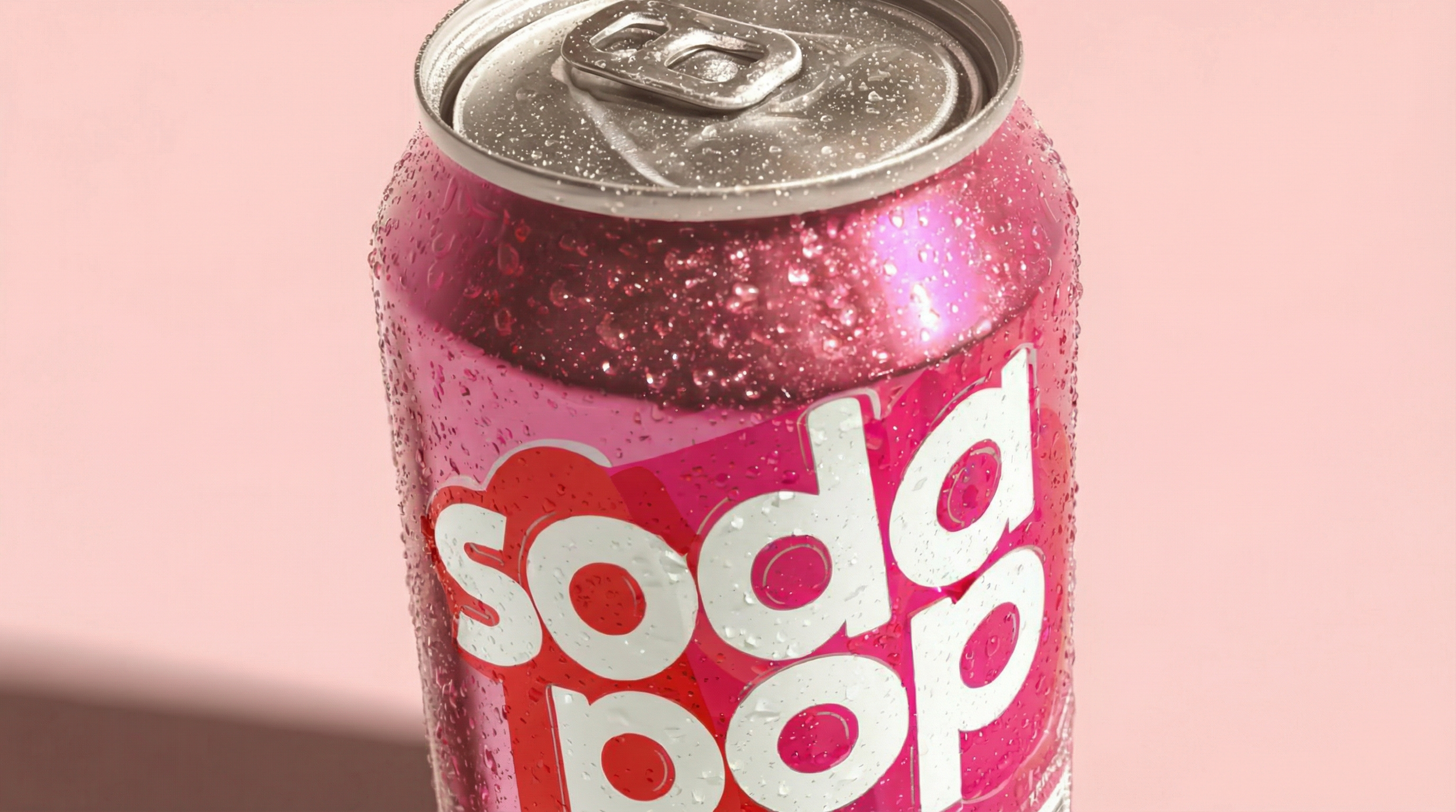
First Frame
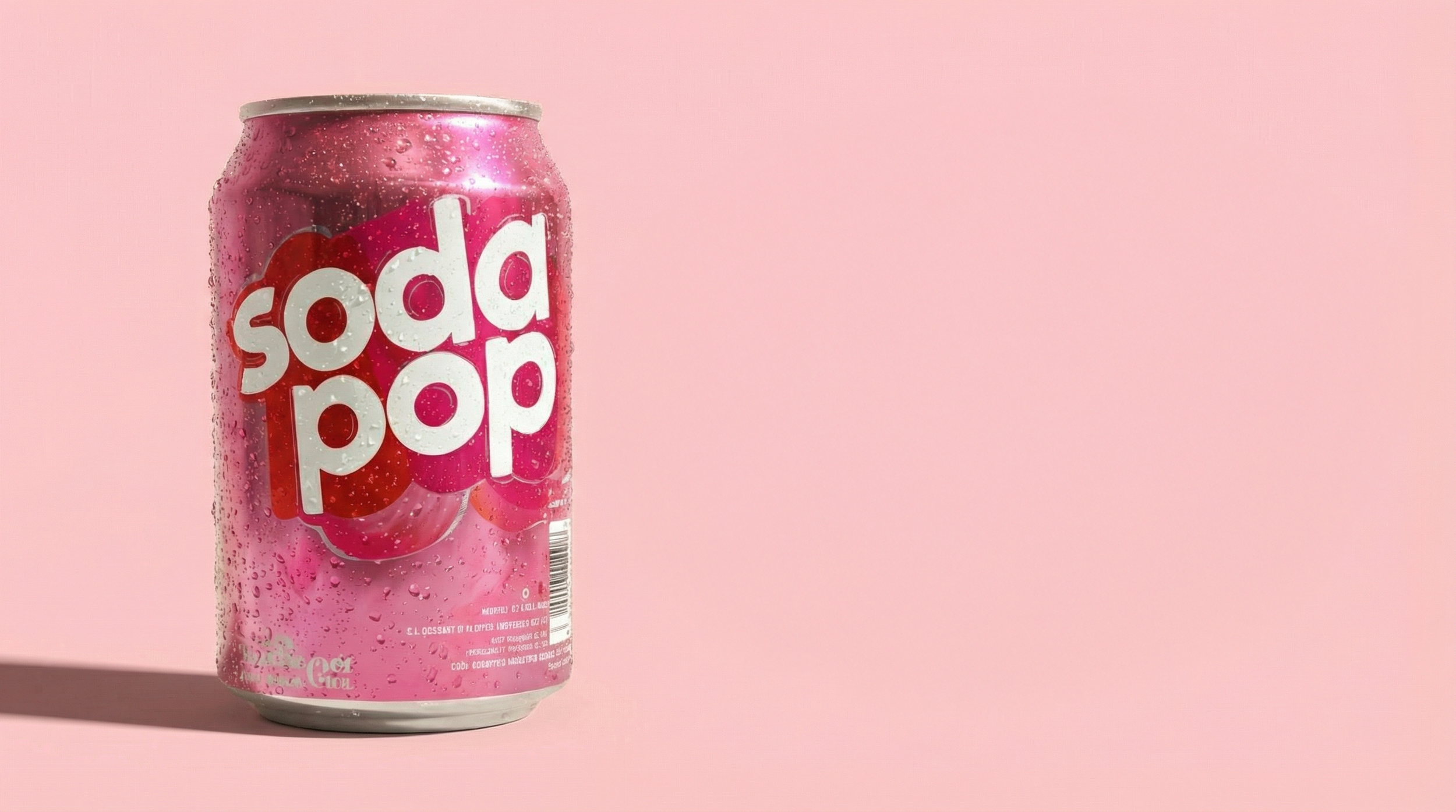
Last Frame
Pro tip: Don’t bake text into the frames. Composite it later in your editor for cleaner results.
3. Character Morphing & Transformations
Think old-school anamorphic book covers where someone slowly transforms into something else. With AI, you can start with a portrait and end with an alien, cyborg, or fantasy creature.
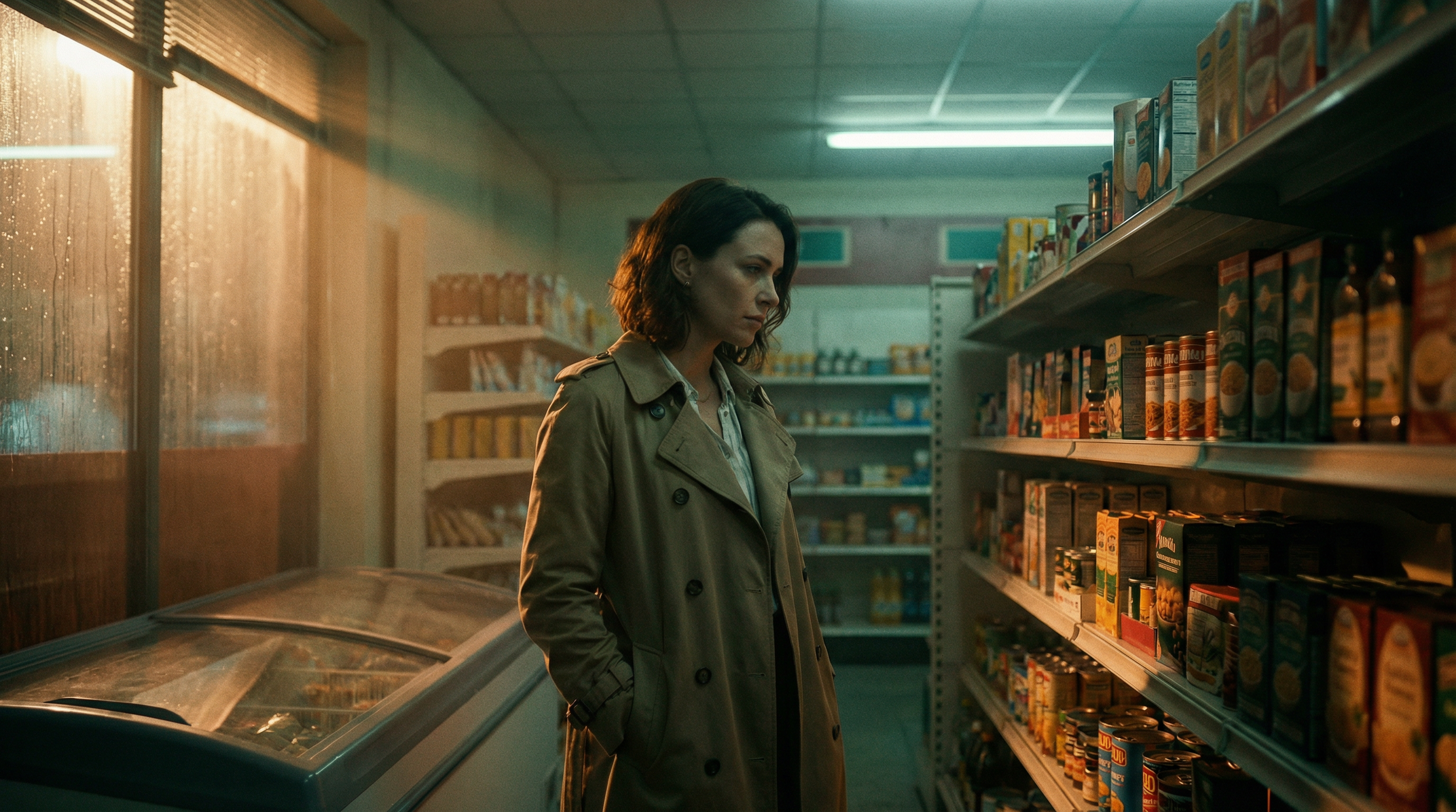
First Frame
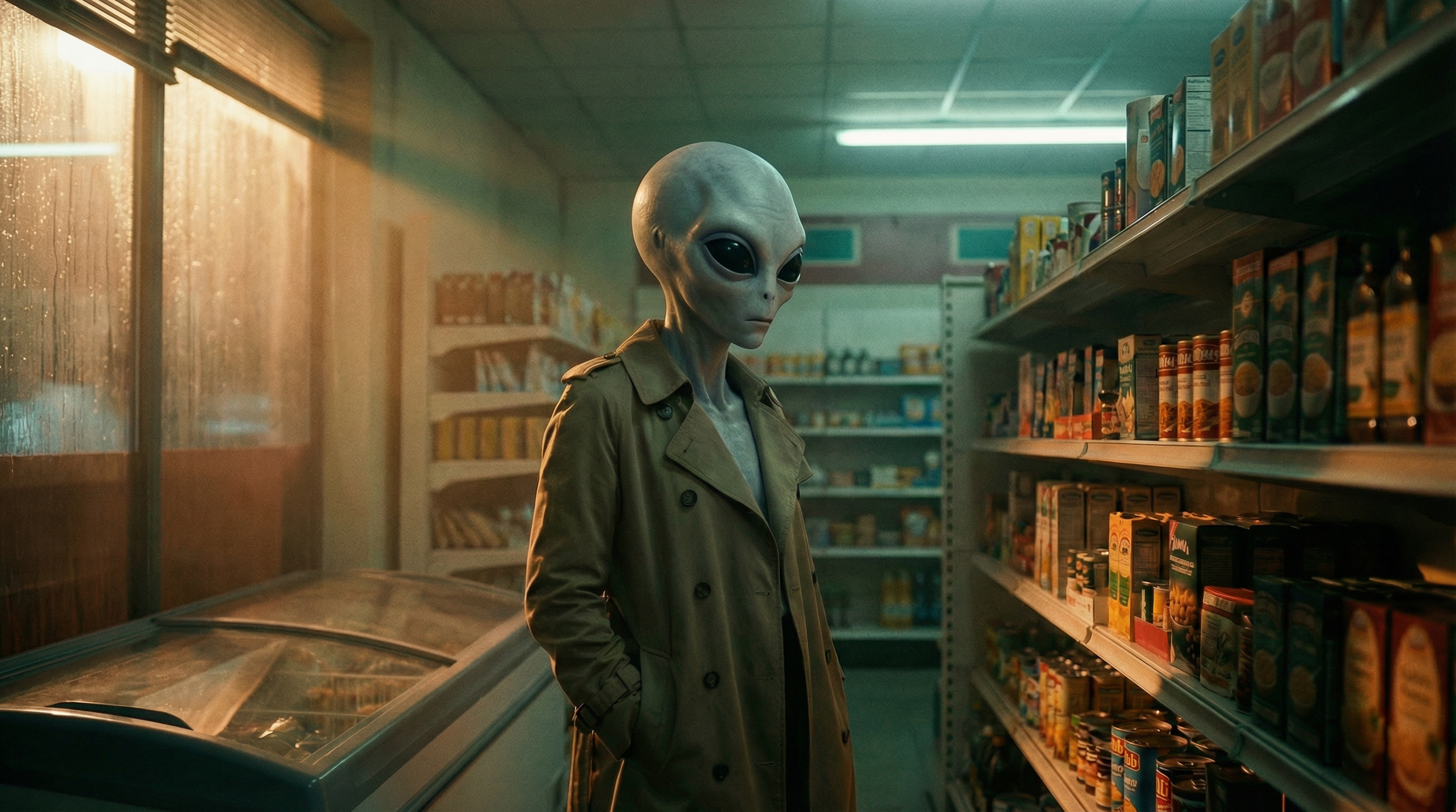
Last Frame
It’s shockingly good at lighting continuity and organic morphing, especially when your prompts specify glow, skin texture, or subtle FX.
4. Subtle Cinematic Camera Moves
Wild camera swings often break realism in AI, but small movements? That’s where First Frame / Last Frame shines. Great examples include a gentle push-in, a character stepping forward, or a slight tilt.
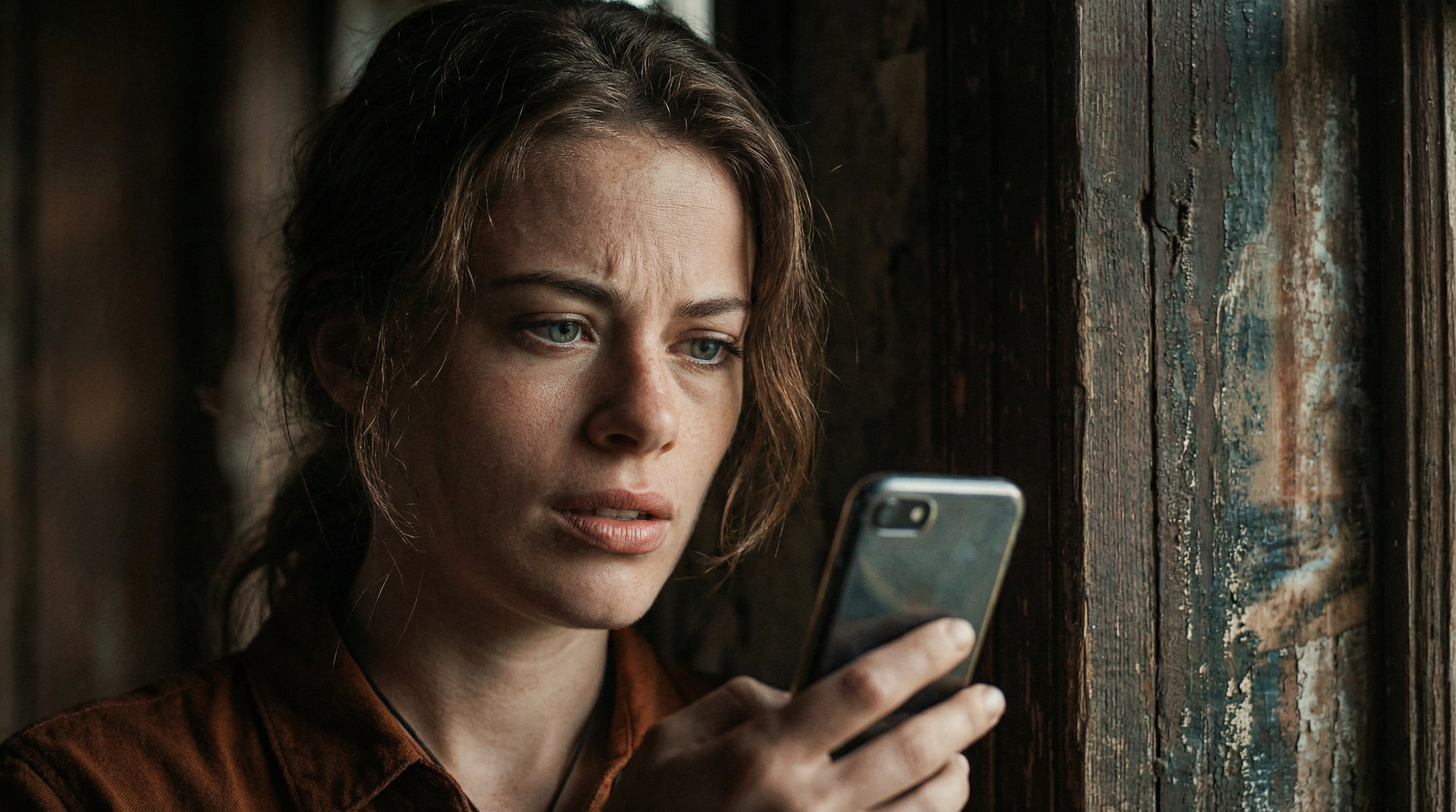
First Frame
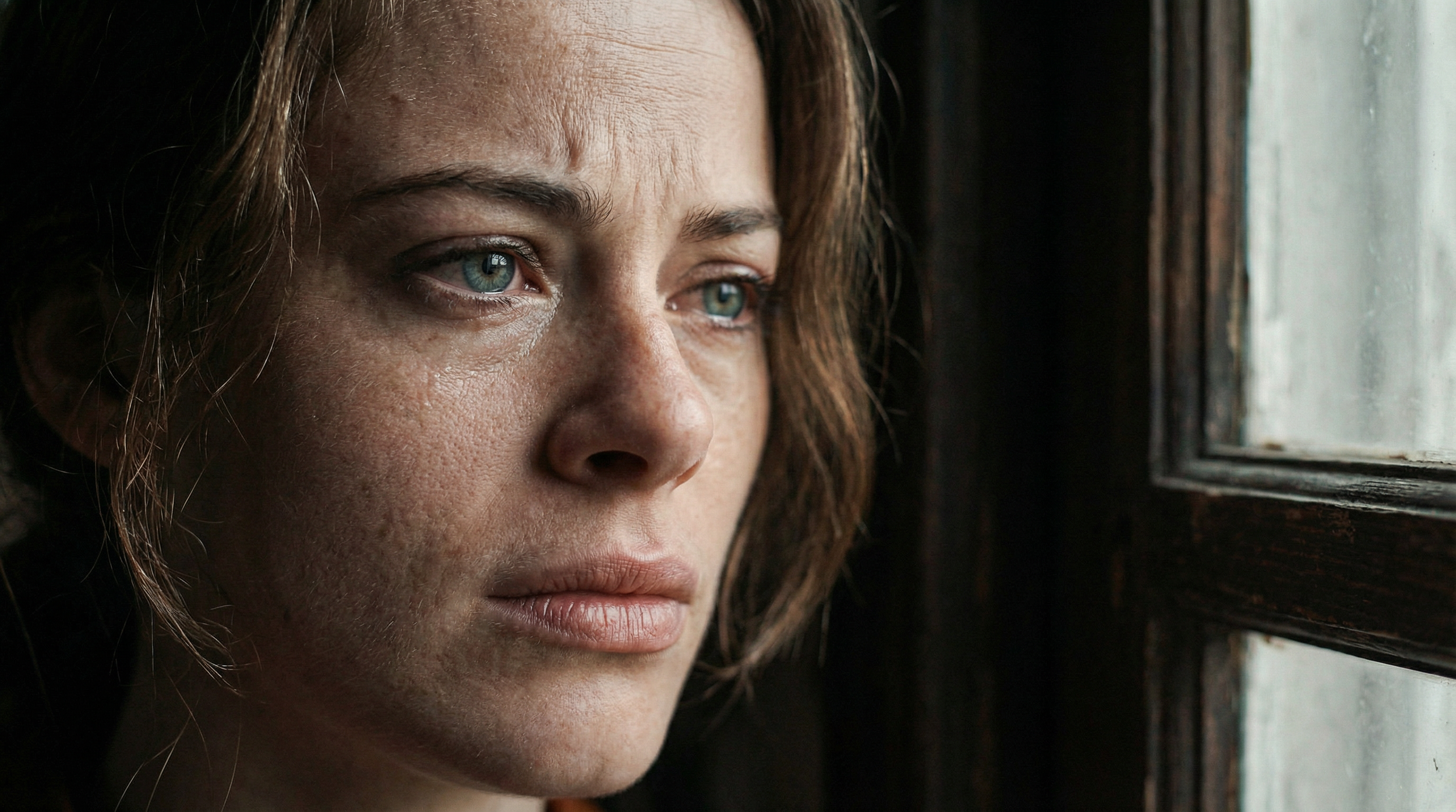
Last Frame
Generate a calm first pose and a slightly altered end pose to let the AI animate the emotional beat.
5. Looping 2D Animations
Here’s a clever trick: use the same image for both your first and last frame. Then prompt for movement in between. Result? A seamless animation loop—perfect for mascots, logos, or website banners.
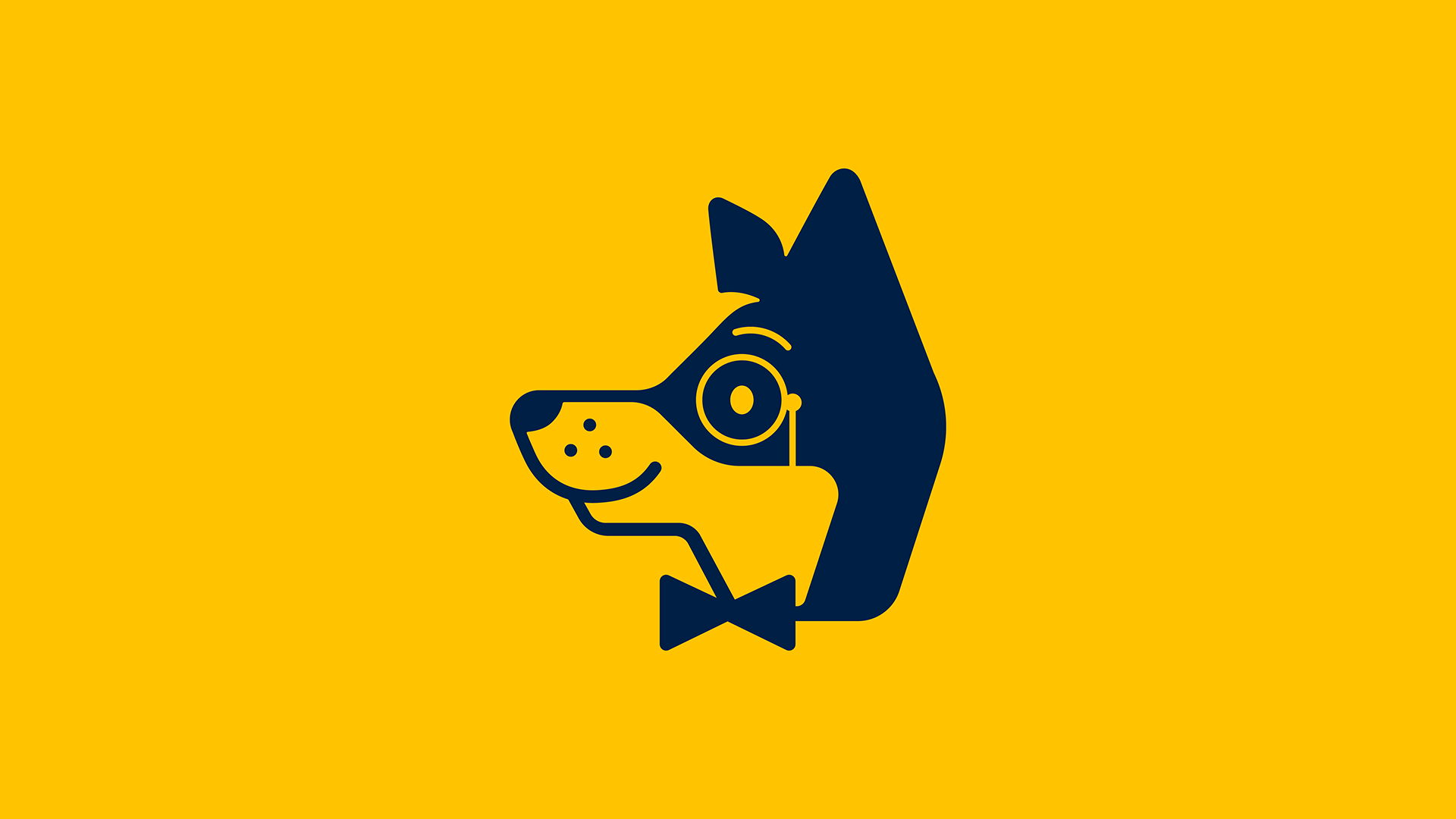
First and Last Frame
You can upscale and drop these straight into your marketing assets.
6. Time-Lapse Sequences
Need to visualize a building going up or a city evolving? Feed in an empty construction site for the first frame and the finished structure for the last.
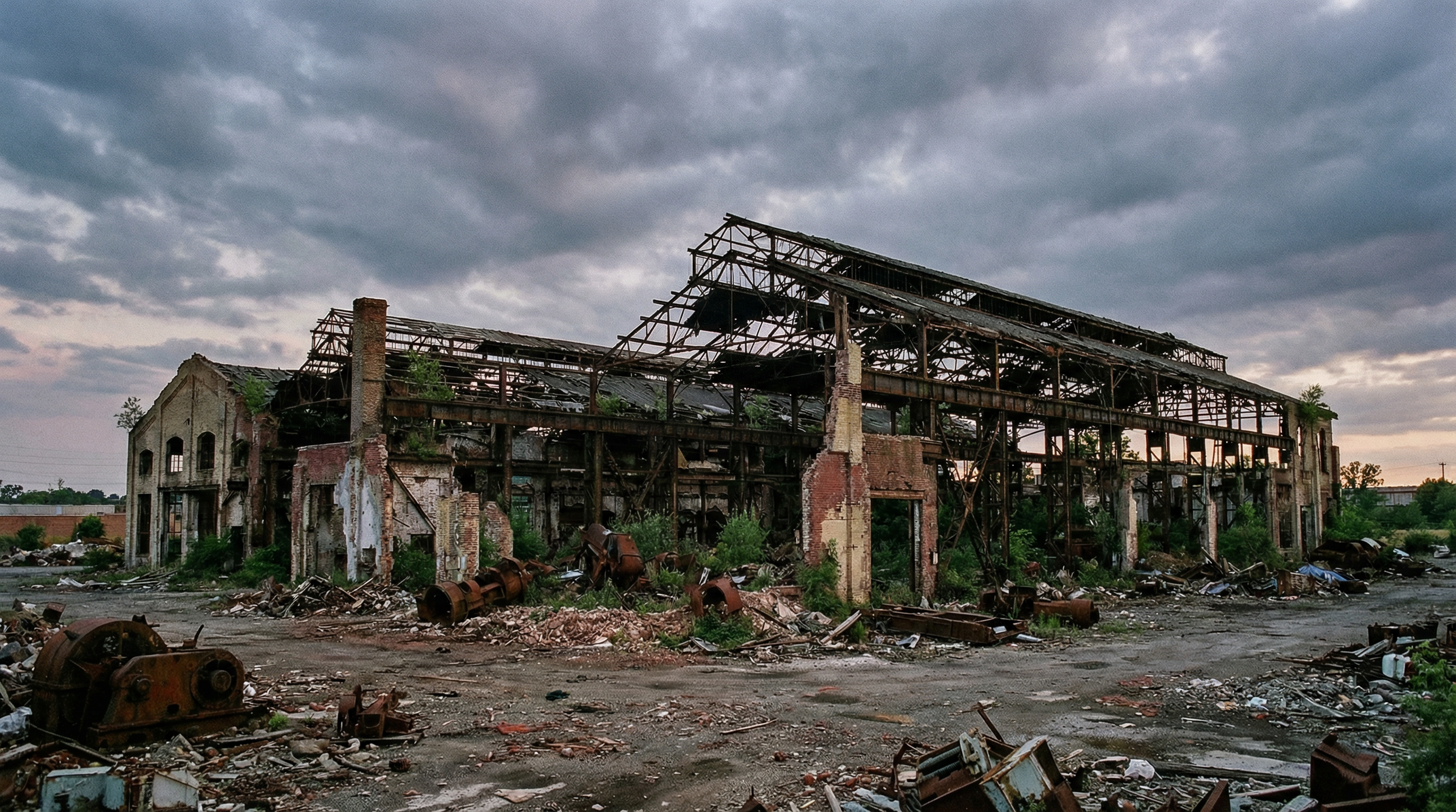
First Frame
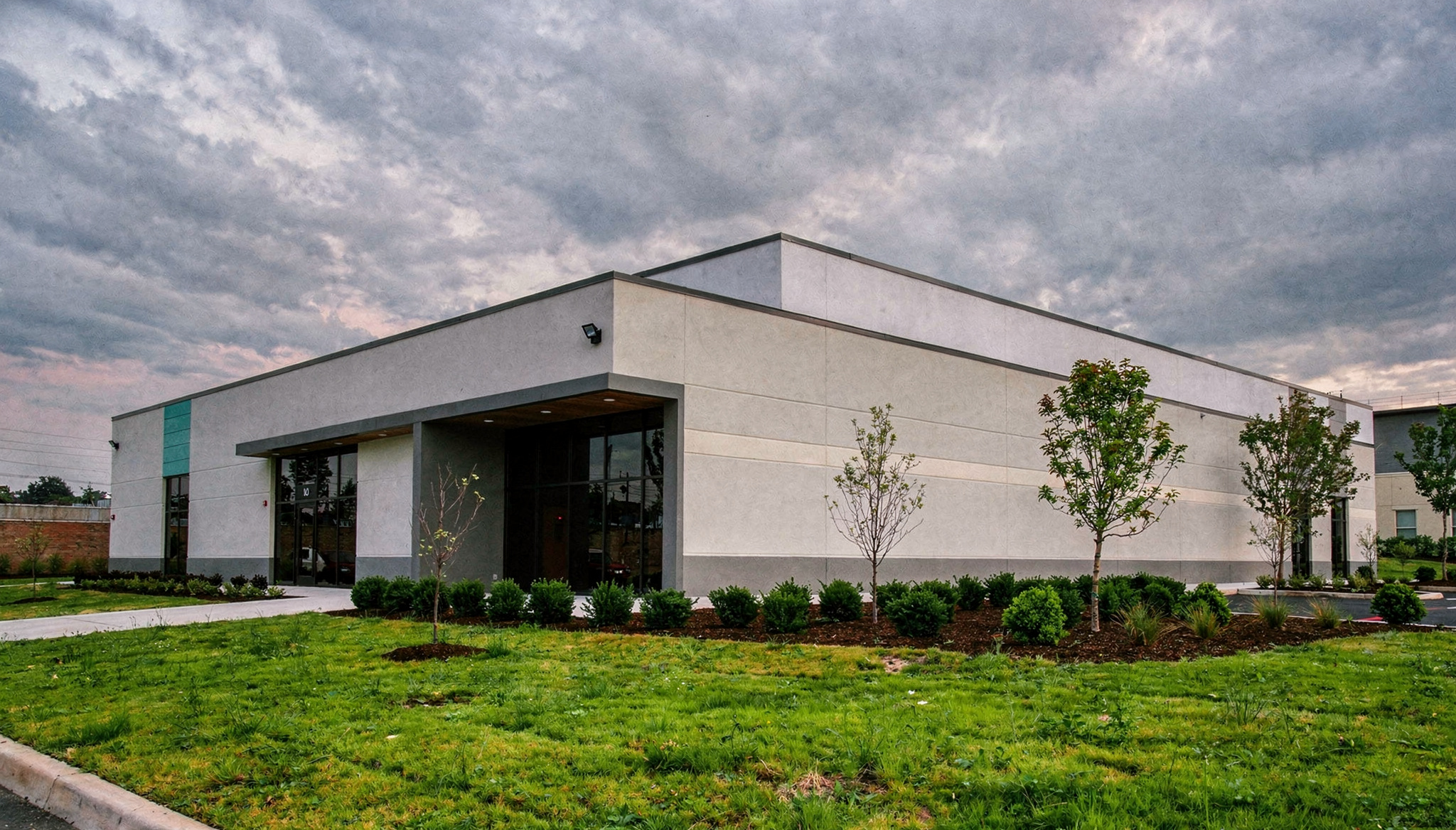
Last Frame
Prompt for cranes, workers, and changing light to get a stylized time-lapse that sells the idea fast.
7. 3D Motion-Design Explainers
First Frame / Last Frame works beautifully for stylized 3D animation. For example, start with an empty room and end with servers popping up and cables animating.
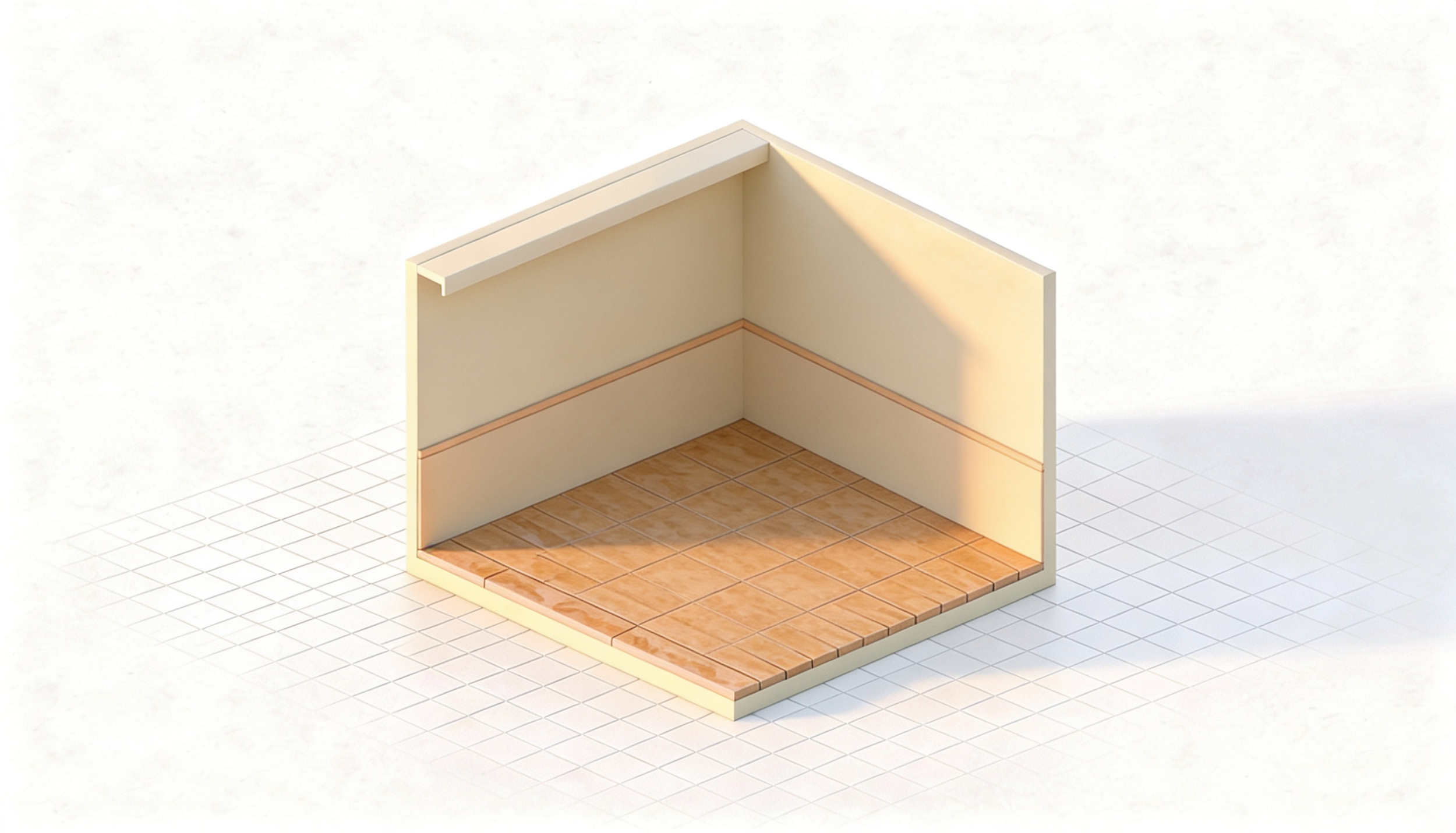
First Frame
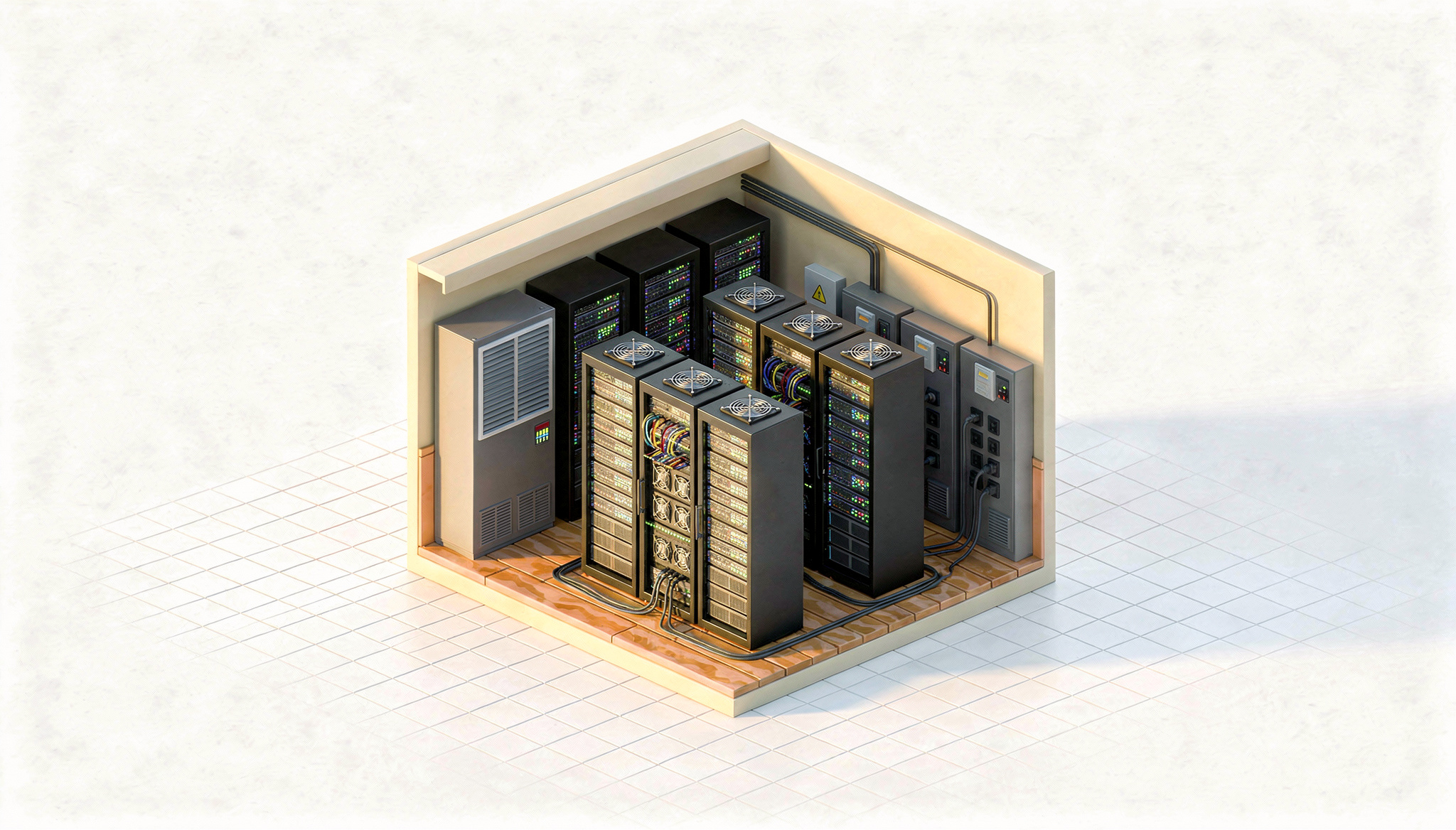
Last Frame
Prompt for "squash-and-stretch" or "follow-through" to get that high-end explainer vibe.
8. Fashion & Product Transitions
One of the most fun uses is turning a static product mockup into a lifestyle shot. Think of a sweater floating in space that transitions into a person wearing it in a café.
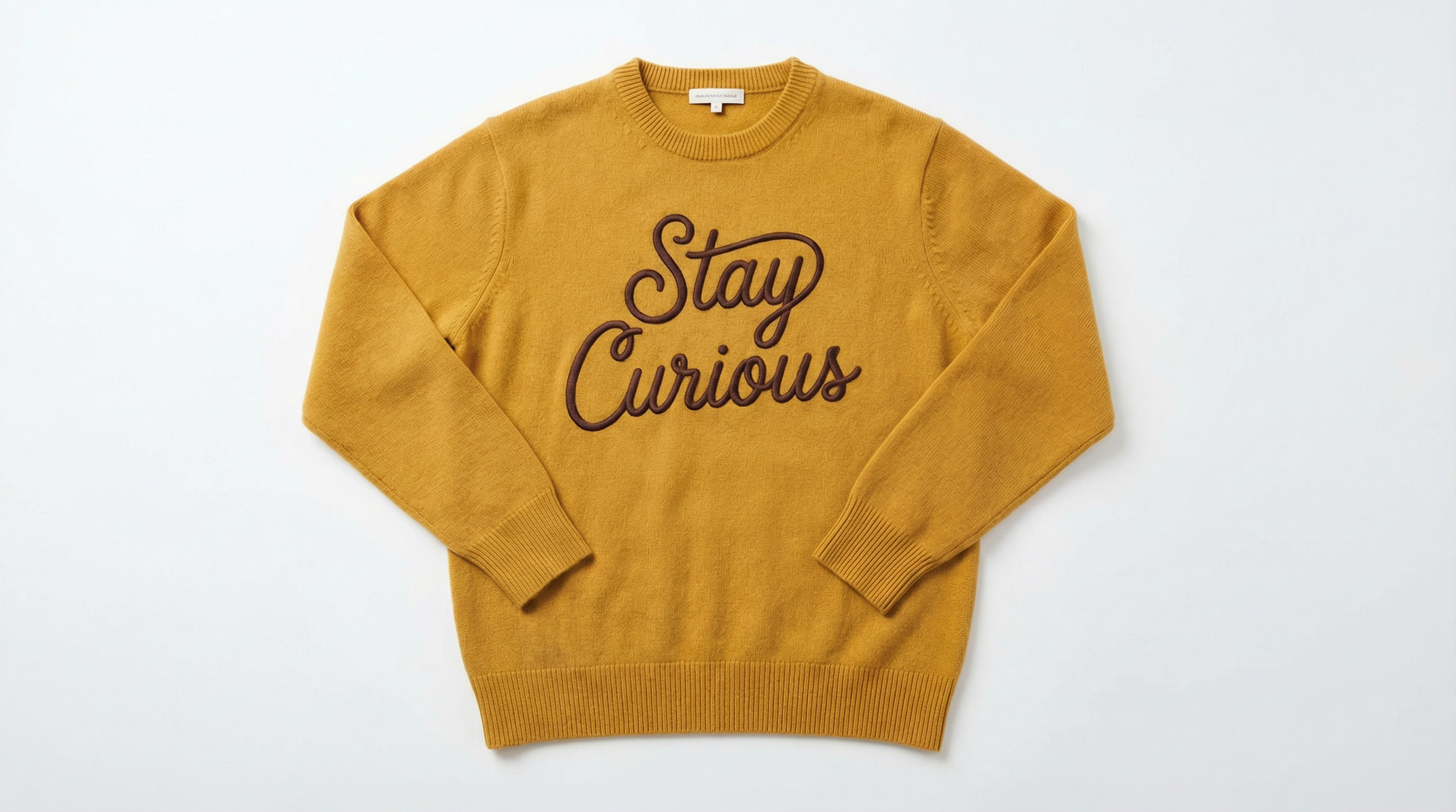
First Frame

Last Frame
It’s a great way for testing campaign ideas before spending on a real shoot.
Free Intro to AI Storytelling Course
If you really want to dive into cutting-edge AI workflows for your AI video creation process, there is no better way than getting started with our free course.
Fill out the form above to begin learning! Along with the course, you get access to our exclusive Discord channel to network with industry professionals from all around the world.
We can’t wait to see you inside the community. :)
