
AI Expert Answers AI Filmmaking Questions
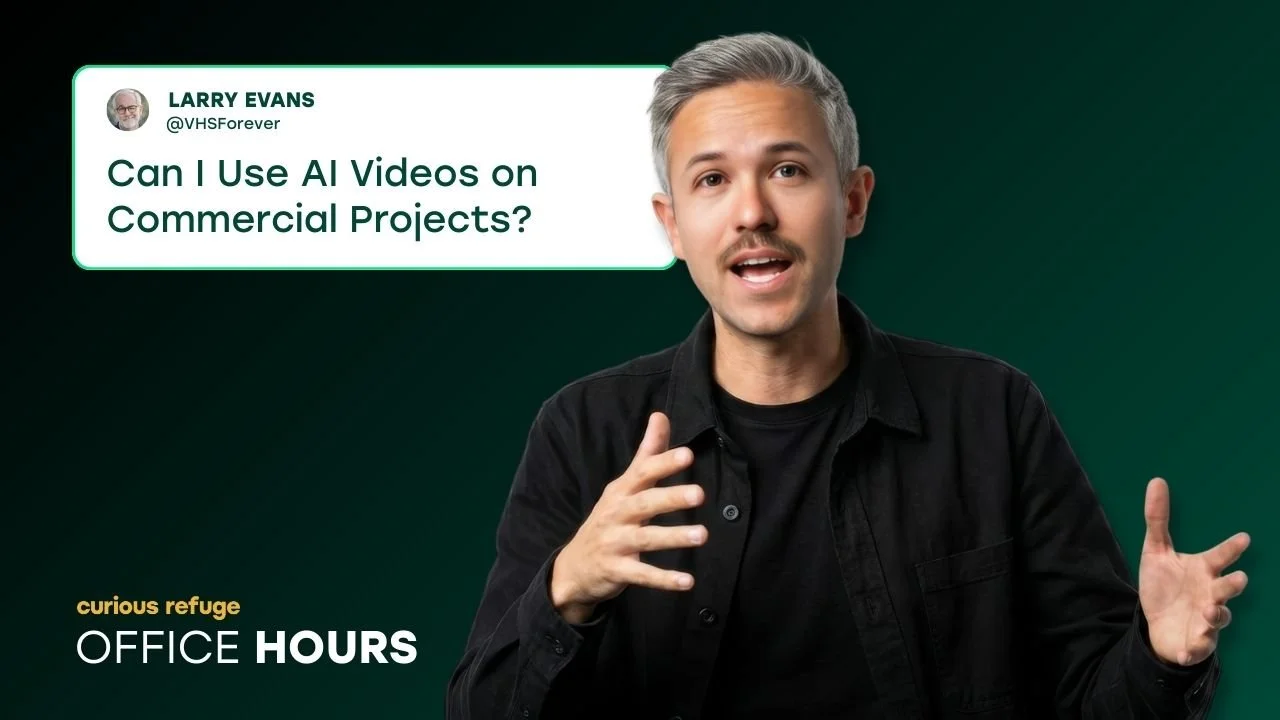
In this article and video tutorial, we answer 9 of the most intriguing questions about AI Filmmaking, AI tools, and the industry as a whole.
We sat down and took a look at some of the most asked questions on our social platforms, Reddit, and in our Discord community.
Here are the top 9 listed below:
Can I Use AI Videos for Commercial Projects?
Does One Click Video set the false expectation that AI Videos are an end-to-end solution?
How do I create consistent audio in a multi-character scene?
What are your thoughts on Weavy?
Can you recommend an AI Video Upscale Tool other than Topaz?
Why do you prefer Freepik when Higgsfield is cheaper?
Are your AI Courses dubbed in Spanish or other languages?
Which AI Video Generator is Best for Making Movies?
What’s the best way to add Noise/grain to your AI Videos?
We take a deep dive into answering the questions in the video and article below. We hope you enjoy!
Also, if you fill out the form below, you can get access to our favorite film grain. :)
AI Expert Answers AI Filmmaking Questions
Below is a video tutorial, where we not only answer some of the most common questions about AI Filmmaking, but we also give some step by step tutorials. Enjoy!
AI Expert Answers 9 AI Filmmaking Questions
Here’s the fast-paced, practical breakdown of each of the questions.
AI Filmmaking Question #1: Can You Actually Use AI Videos Commercially?
The short answer? Usually yes, but ownership and copyright are a whole different ballgame.
Most pro AI platforms grant commercial use, but that doesn’t mean you own the copyright outright. Many tools keep a claim over outputs unless you’re on a high-tier enterprise plan. Those plans often include indemnification, meaning the company has your back if a legal claim arises. Some even have reverse indemnification, where you might be on the hook if the company gets sued. Always, always check the fine print.
AI Spec Ad Created by Curious Refuge
The Bottom Line: Review your licensing terms and training-data policies before you ship any major client projects. Better safe than sorry.
AI Filmmaking Question #2: Is “One-Click Movie Generation” Real?
I’ll be blunt: meaningful storytelling still requires a human touch.
While some platforms promise a "one-click" movie from a single prompt, AI generates pixels, it doesn't generate soul. Great storytelling depends on your taste, your iteration, and your creative direction. Right now, the best work comes from a back-and-forth dance between the artist and the tool, not a hands-off workflow.
AI Filmmaking Question #3: How do you Lip-Sync a Multi-Character Scene?
One of the biggest hurdles in AI video is audio continuity. You don’t want your hero sounding like three different people across three different scenes.
Here is my battle-tested workflow for consistent character voices:
Generate the base video.
Isolate the dialogue using an audio tool.
Swap voices with an AI voice changer to maintain the performance.
Create separate versions for each character.
Re-edit the audio in your NLE (Non-Linear Editor).
Layer in background ambience.
Apply subtle EQ and reverb so the voices actually feel like they’re in the room.
Not necessarily an easy fix, but this is significantly easier and of much better quality than the options we had 9 months ago!
AI Filmmaking Question #4: What are your Thoughts on Weavy?
Weavy is a great platform. The issue is the price. They sseemed to be geared toward the high-end, studio scene. The downside is their product become significantly less affordable due to it being an aggregator.
AI Filmmaking Question #5: What’s an alternative AI Video Upscaler to Topaz?
Don't want to pay for Topaz? I hear you.
Original
Upscaled Using Crystal AI Video Upscaler
Crystal would be our next favorite option. It might not always beat the ultra-premium desktop solutions in pure optical realism, but they’re a fantastic, budget-friendly option for 4K upgrades when you're in a pinch.
AI Filmmaking Question #6: Why do you prefer Freepik when Higgsfield is cheaper?
Long story short, the Higgsfield UI is pretty overwhelming. Along with that, it seems to be geared toward the socuial media style videos and less created for the professional filmmaker.
AI Filmmaking Question #7: Are your AI Courses dubbed in Spanish or other languages?
Yes! Our courses are actually dubbed in 11 different languages! Check out the course page here. There, you can see the specific languages we offer.
AI Filmmaking Question #8:Which AI Video Generator is best for making movies?
This ranking changes literally every week, but according to our internal testing at Curious Refuge, Kling is currently leading the pack in raw visual quality.
AI Film Created by Dave Clark Using Kling 3.0
However, keep in mind it might not be the "safest" choice for copyright-heavy productions unless you have third-party legal coverage. Your tool choice should always depend on your client, your distribution plan, and your legal needs.
AI Filmmaking Question #9: Should You Prompt for Film Grain?
Don't you dare. Most AI generators are outputting at 720p or 1080p.
If you add grain in the prompt, that grain gets baked into the pixels and won't hold up when you upscale. Instead, follow this "Curious" workflow:
Before Adding in Grain
After Adding in Film Grain
Here’s a super quick how to:
Generate clean footage.
Upscale to your final resolution.
Add grain in post-production.
Use Overlay or Soft Light blend modes.
Dial it in subtly.
Real scanned grain plates will always look better and won't bog down your system like synthetic effects.
Get Your Questions Answered Every Week!
If you enjoyed this, we would love to have you at our next office hours. This is ever monday at 9 AM Pacific, and you get to ask professional AI filmmakers and creatives questions that you have been searching for answers to.
Fill out the form above, and you can get access to our free course and our Discord, where we share information about the upcoming office hours, workshops, and other events we think you will be very interested in.
Thanks for checking out this article, and best of luck creating. :)
