
The Latest AI Lip Sync Techniques | 3 Workflows
In this article, we will take a look at the latest AI lip sync techniques.
In this article, I’ll walk through some updated workflows for lip syncing with AI tools across live-action and animation.
This space has evolved a lot since we last covered it in this article, and it’s still moving fast.
There are way more options now, so this is meant to help you figure out which tools make sense depending on what you’re trying to create.
AI Lip Sync | 3 Professional Workflows
I’m going to cover the three main ways to use AI to lip-sync audio to video.
Workflow #1: Prompt to Lip Sync (with video tools with audio function)
Upload a reference image and prompt exactly what you want your character to say.
Pros: Pretty straightforward workflow, and you can get solid results, especially with newer video plus audio models.
Cons: Voice consistency is still tricky for longer projects. If you need more control, you can generate a video with audio first, then pass it through tools like Freepik Speak or Sync Lab, which we cover below.
My Rec: For Live-action: Seedance 2.0 (if it works) | For animation: Seedance 2.0
Live-Action Lip Sync Example 1A
Here is the reference image and the see prompt (in hover).
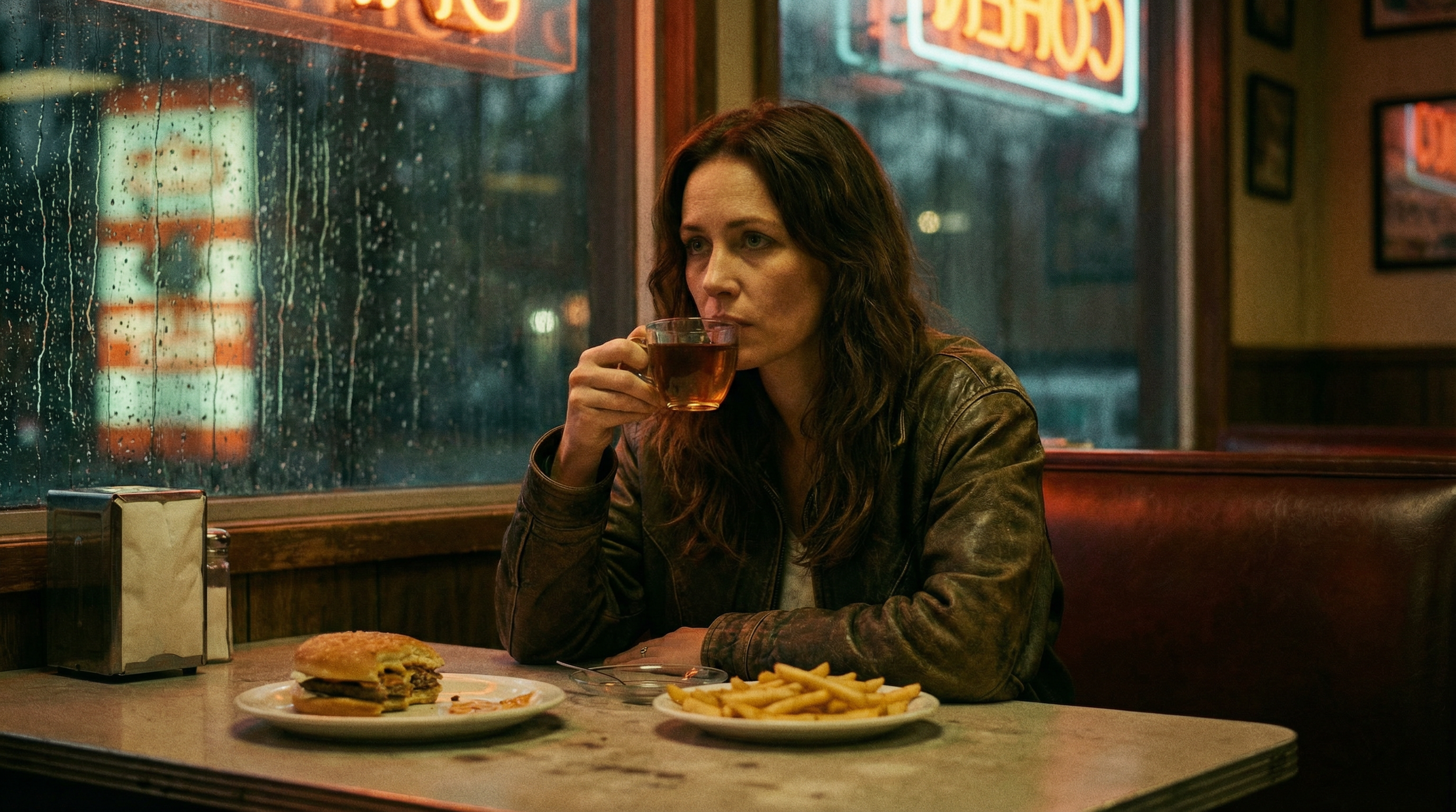
Prompt: SHOT 1 - A woman sits in a booth at a diner drinking a cup of tea. SHOT 2 - A man walks into the diner that the woman is in, the camera tracks the man as he walks over to the booth that the woman is sitting in. SHOT 3 - the man sits down at the table, picks up the burger, says (cheerfully) “thanks for the food I’m starving!” SHOT 4 - The woman looks at the man with a very confused look and asks, “I’m sorry.....who are you?”
Here are the outputs after running through the reference image and prompt.
Seedance 2.0
Kling 3.0
VEO 3.1
In these live-action lip sync examples, Seedance 2.0 performed the best here, while the visuals were solid across these tools. We also tested LTX 2 Fast and that fell behind a bit. The lip sync wasn’t as strong and it struggled to fully follow the prompt.
Animation Lip Sync Example 1B
Here is the reference image and see prompt (in hover).
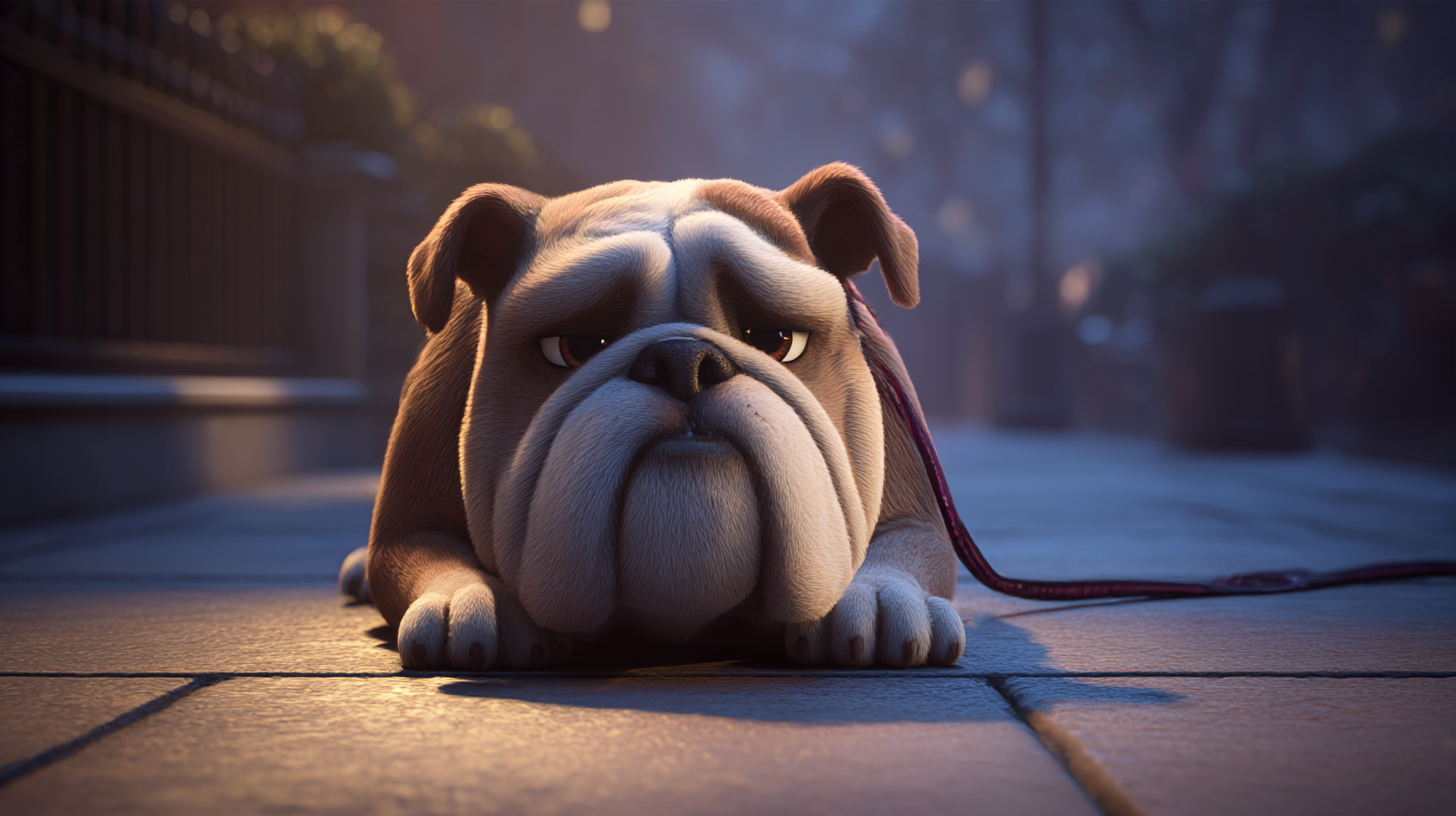
Prompt: SHOT 1 – A small bulldog sits on the sidewalk, watching people walk past without noticing him. “…you’d think someone would stop.” SHOT 2 – He shifts, trying to sit up straighter. “I mean, I’m right here.” SHOT 3 – He looks down, quieter now. “…I’ve been right here.” SHOT 4 – A stray cat approaches slowly, cautious. The bulldog looks up. “Oh. hey.” SHOT 5 – The cat pauses. “…you got food?” The bulldog blinks. “…no.” The cat turns to leave. “…figures.”
Here are the outputs after running through the reference image and prompt.
Seedance 2.0
LTX-2 Fast
Kling 3.0
In the animation lip sync example, Seedance 2.0 really led the way here with both audio and visuals. Kling looked good visually, but the lip sync felt a bit less natural. LTX-2 Fast was actually surprisingly alright for animation, and did better at lip sync than Kling.
Workflow #2: Image + Audio to Lip Sync (with avatar models)
Upload a reference image and a generated audio clip, then run it through avatar models.
Pros: These models are often tuned specifically for lip syncing, so you can get more accurate mouth movement.
Cons: Usually limited to one speaker at a time. Also harder to control body and hand movement, which can feel a little off.
My Rec: For Live-action: HeyGen | For Animation: Omnihuman1.5
Live-Action Lip Sync Example 2A
Below is the audio and reference image.
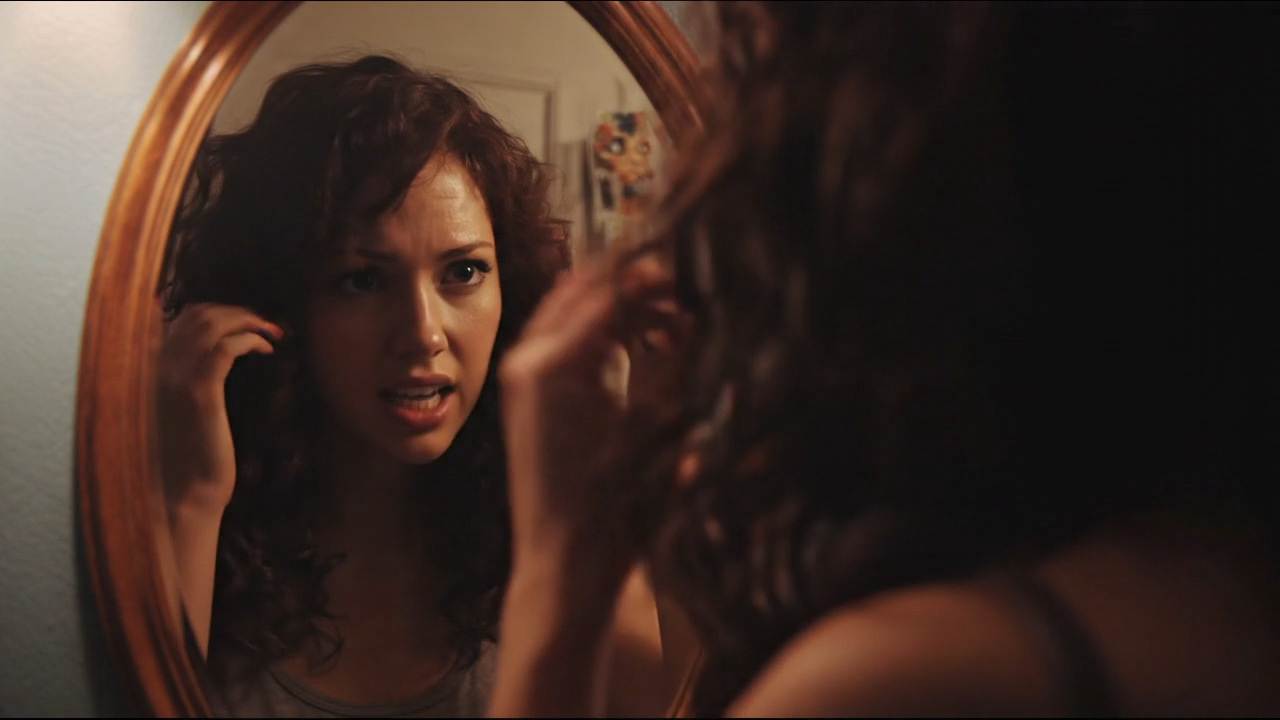
Reference Image
Here are the outputs after running through the reference image and audio through the below models.
HeyGen
Hedra Avatar
Kling Avatar
In the second live-action lip sync example, HeyGen comes out top. We also tested Creatify Aurora and Veed Fabric which both seems to have caught up to HeyGen’s level.
For all three of these tools, the lip sync is generally there, but hand and body movement can get a bit awkward.
Hedra and Kling Avatar are more expressive, but sometimes the facial animation feels off.
Animation Lip Sync Example 2B
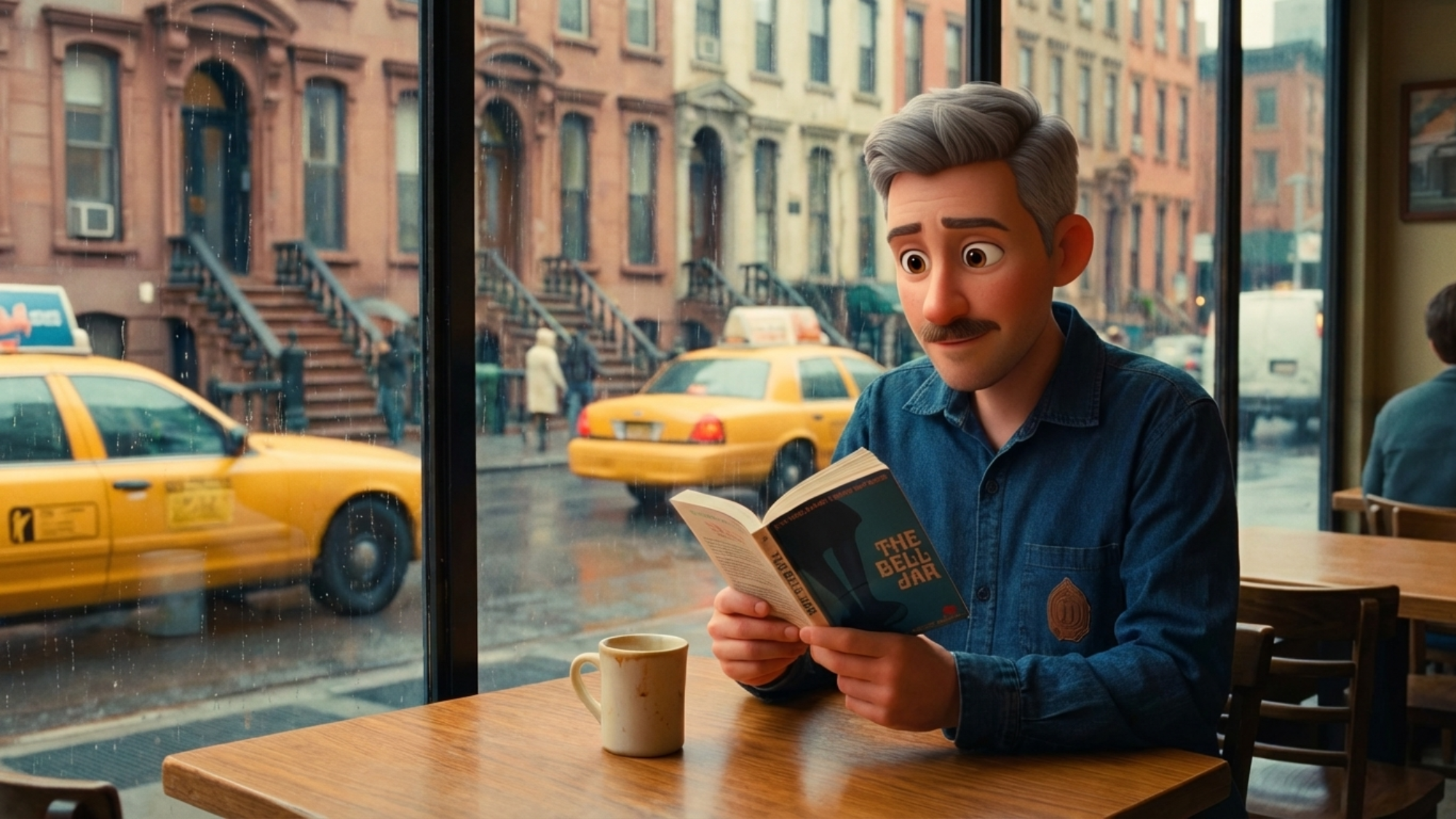
Below is the audio and reference image.
Reference Image
Here are the outputs after running through the reference image and audio through the below models.
HeyGen
Omnihuman 1.5
Creatify Aurora
In the second animation lip sync example, Omnihuman 1.5 stands out here. It handles emotional expression in animation really well. We also tested Veed Fabric which came out solid, but can break visually at times. Kling Avatar adds extra visual detail you may not want, and Hedra Character 3 can get a bit unpredictable.
Workflow#3: Video + Audio to Lip Sync
Upload a video without audio and a generated audio clip, then run it through tools that support both inputs like Sync Lab, Freepik Speak, and Seedance 2.0.
Pros: This is great when you already have a video you like but the audio isn’t working. Also one of the better options for scenes with multiple speakers.
Cons: You don’t get as much fine control compared to avatar models.
My Rec: For Live-action: Freepik Speak (Powered by Veed Fabric) | For animation: Seedance 2.0
Live-Action Lip Sync Example 3A
Below is the audio and reference reference video (generated with Kling) without audio.
Reference Video
Here are the outputs after running through the reference image and video through the below models.
Freepik Speak
Sync-3
Seedance 2.0
In this live-action lip sync example, Freepik Speak performs the best while still not perfect. Sync Lab sometimes mistakenly dubs both characters with the same line, and Seedance misses the mark a bit on both lip sync and output quality.
Animation Lip Sync Example 3B
Below is the audio and reference reference video (generated with Kling) without audio.
Reference Video
Here are the outputs after running through the reference image and video through the below models.
Seedance 2.0
Sync-3
Freepik Speak
In the last animation lip sync example, all three tends mis-dub multiple speakers, Sync more than others. Overall, Seedance 2.0 stands out, though it does slightly alter the voice. That can usually be fixed in editing.
BONUS WORKFLOW: SEEDANCE 2.0
Upload a reference image, audio clip, and a prompt that includes both VO and camera motion.
Pros: Combining the audio clip with prompted VO tends to produce some of the strongest lip sync results right now, even with multiple speakers. This is where Seedance really stands out.
Cons: It can still hallucinate at times and add extra dialogue beyond what you originally wrote. It’s also harder to control scenes that shift from a single speaker to multiple speakers. In those cases, starting with a reference video is usually the better move.
Lip Sync Example
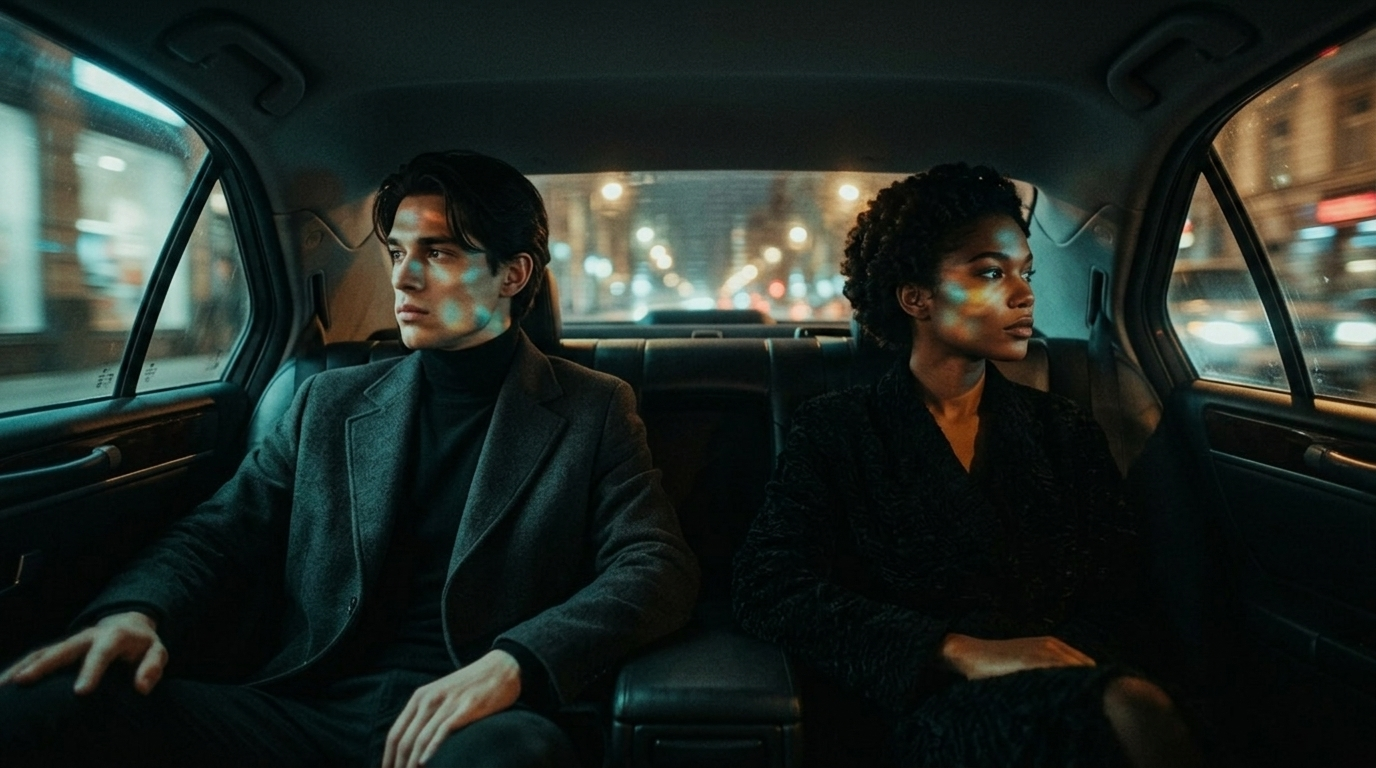
Here is the reference image and see prompt (in hover), as well as the audio file.
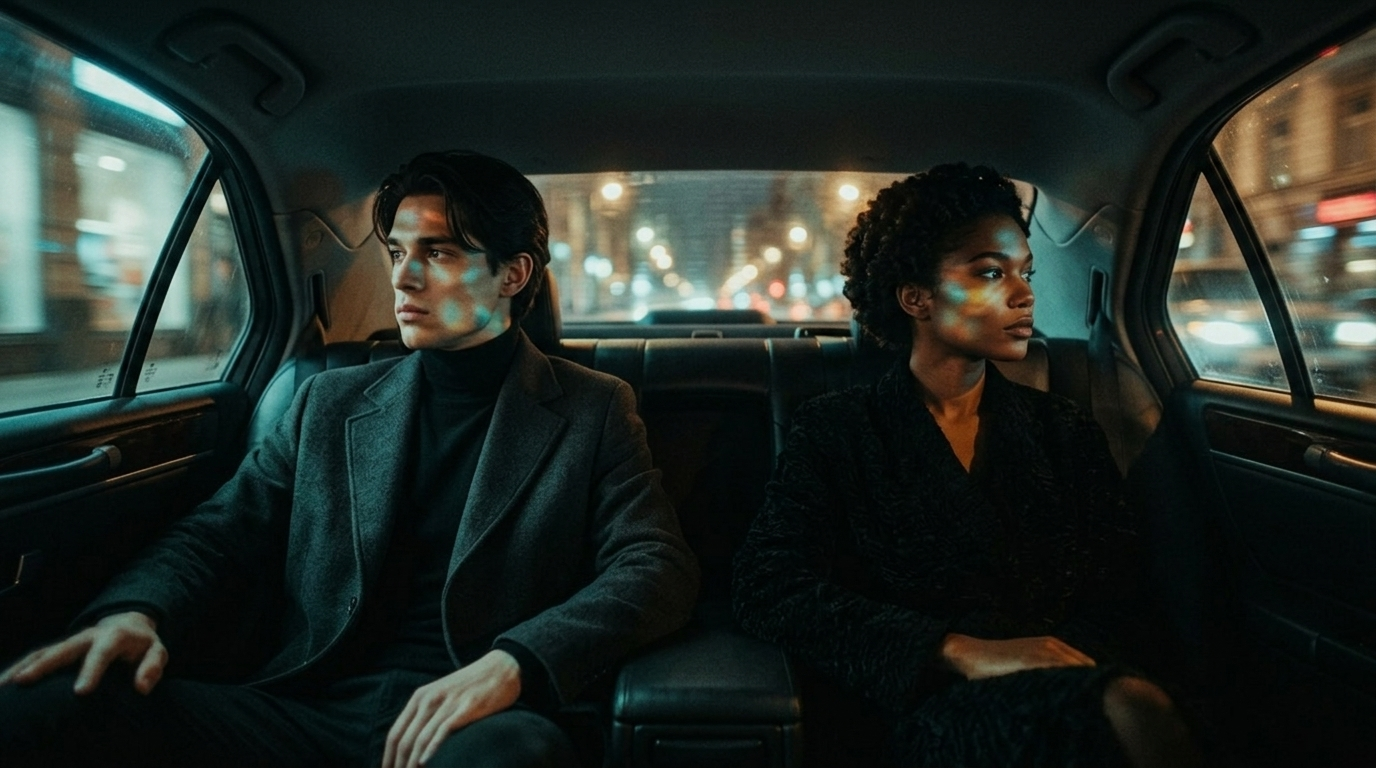
SHOT 1 – A man and woman sit in the backseat of a car at night, the city glowing outside. The camera faces them from the front seat. After a beat, the woman says, “You’re late.” The man doesn’t look at her. “Traffic.” SHOT 2 – Exterior side view through the window. The car moves through neon-lit streets, reflections sliding across their faces. The woman glances at him. “You took a different route.” The man: “I had to.” SHOT 3 – Back inside, closer now. The woman studies him, something off. “You said no one followed you.” The man hesitates, then: “I don’t think they did.” SHOT 4 – The woman turns fully to him, her expression tightening as she says, “Did anyone see you?”
Here is the output after running through the reference image, prompt, and audio.
Seedance 2.0
The result came out pretty solid. The lip sync is accurate, and we didn’t see the misdubbing issues that showed up when using a reference video. At the same time, we were still able to get multi-shot camera movement, which adds a more cinematic feel to the scene.
This makes Seedance 2.0 one of the more powerful tools right now for generating video with built-in lip sync.
Level Up Your Creative AI Workflows
We would love to help you on your creative journey. If you are interested in this article, then we would highly recommend checking out all our courses through the Curious Refuge membership.
Fill out the form above and join the waitlist to be notified as soon as enrollment opens again. Again, we would love to help you on your creative journey, but no pressure.
