
The 5 Best AI Lip Sync Tools for AI Avatars (2026)
Written by Pedro Guerrero and edited by Tyler Smith
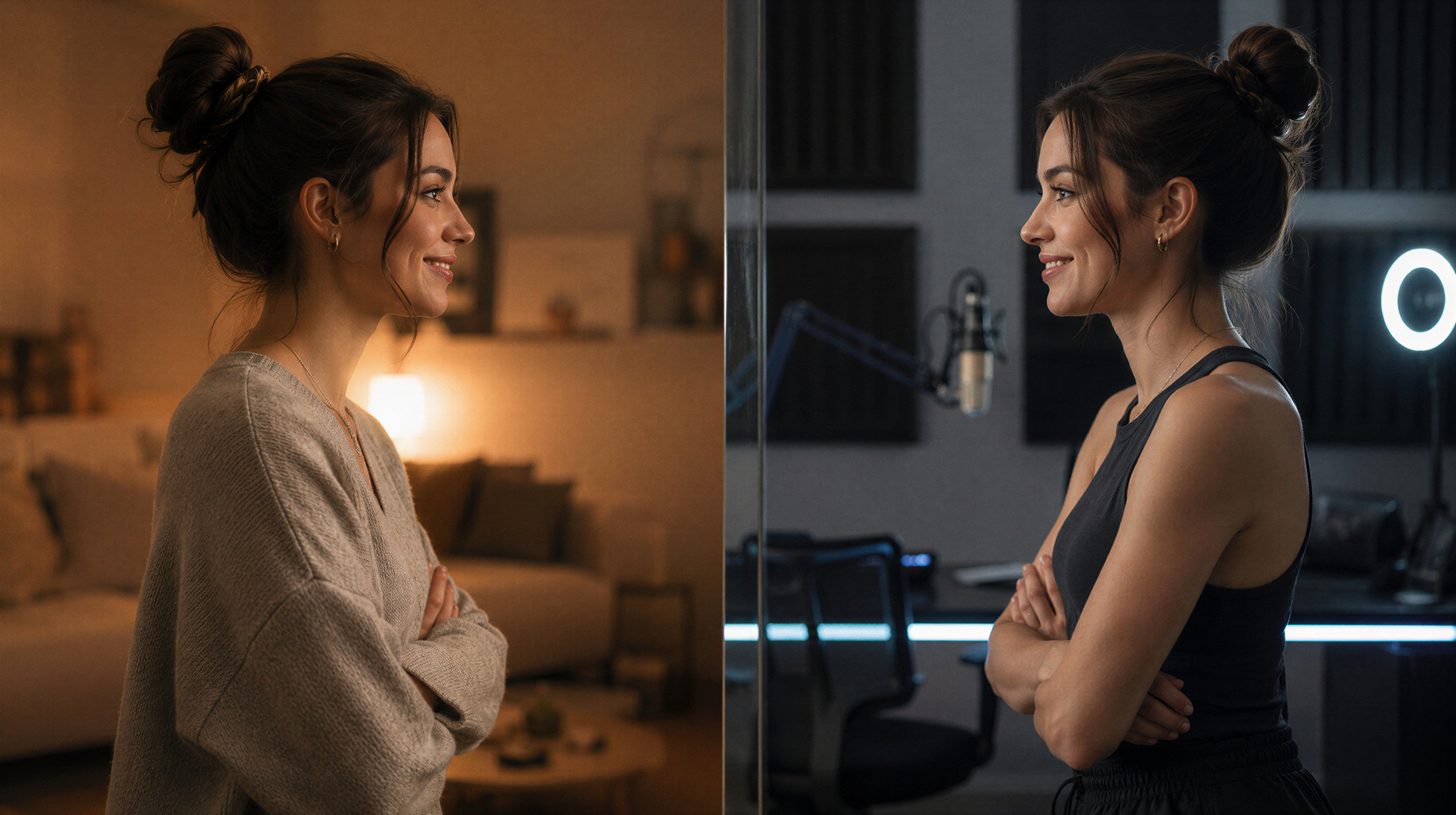
In this article, we’ll share the best AI Lip Sync Tools for creating AI Avatars.
Lip sync remains one of the weakest spots in AI video generation, and nobody seems to have a clear explanation for why.
The use case is obvious, the demand is massive, and yet most models still produce results that feel slightly off in ways that are hard to pin down but impossible to ignore.
We dug into the five best AI lip sync tools for talking avatars to see who's actually closing the gap in 2026.
Alright, let's break it down.
Best AI Lip Sync Tools | Video Tutorial
Below is a hands-on tutorial where we walk through three different AI lip sync workflows depending on what your project needs.
We cover text-based generation with Google Veo, audio-driven avatar animation with HeyGen, and performance transfer using Runway Act Two.
Best AI Lip Sync Tools for AI Avatars
Here's our breakdown of the 5 best AI lip sync tools for AII avatars.
AI Lip Sync Tool #1: HeyGen Avatar V
HeyGen Avatar V is the best lip sync tool on this list, and the reason is simple: it makes avatars feel like they're actually performing, not just moving their mouth to a beat.
The body language is the most natural on this list, expressions respond to emotional tone, and the overall presence of the avatar is genuinely convincing.
You only need 15 seconds of footage to build your digital twin.
Lip sync accuracy, body language, and facial movement are the best in class here
The video output quality is where it stumbles. Figures come out soft and lose definition, a limitation shared across most avatar tools, which is exactly why HeyGen added its own Topaz-powered upscaler to patch the gap.
The reason it sits at number one is simple: no other tool on this list makes an avatar feel as present and natural.
AI Lip Sync Tool #2: Speak (from Magnific)
Freepik (now Magnific) is built for one thing: getting a talking avatar created fast.
There's no real learning curve, the workflow is almost frictionless, and for casual content it genuinely works.
The only real nitpick is in the performance: the avatar can feel a little stiff, the posing isn't always natural, and occasionally a hand drifts into frame uninvited. Nothing that breaks the experience, but worth knowing.
For quick social clips, ad mockups, or content where you need a face to deliver a message without a big time investment, this tool is hard to beat.
AI Lip Sync Tool #3: HeyGen Avatar IV
HeyGen shows up twice on this list, and there's a good reason for that. The platform has led the talking avatar space for long enough that it essentially has two distinct tools worth ranking on their own merits.
Sharper and more visually defined output than HeyGen Avatar V, figures look cleaner and hold definition better
HeyGen Avatar IV is the older model, but it actually produces a better-looking image than HeyGen Avatar V.
The trade-off is that the expressions feel less alive, and the natural body language that makes Avatar V so convincing is noticeably toned down here.
AI Lip Sync Tool #4: InfiniteTalk
InfiniteTalk earns its spot by solving a problem the other tools mostly ignore: what happens when your content runs long.
Most lip sync tools look great on a 10-second demo and start falling apart around the 2-minute mark. That's where this one thrives.
Long-form stability is the standout feature; it handles extended content better than anything else on this list
Lip sync accuracy drops on complex phonemes, and non-English languages can be hit or miss as well.
In very long clips, the face can lose some definition and sharpness toward the end.
The reason it sits at number four and not higher is: the overall naturalness of the performance doesn't quite reach what HeyGen delivers.
AI Lip Sync Tool #5: Zoice
Zoice is the most approachable tool on this list, and for the right use case it's a reasonable pick.
The interface is clean, the learning curve is minimal, and the lip sync holds up well when working with AI-generated voices specifically.
Accessible and affordable, designed with non-technical users in mind.
The biggest issue is identity preservation.
Zoice doesn't animate your reference image so much as reconstruct it, and the output ends up with a heavily digital feel that drifts from the original character in a way that's immediately noticeable
It's not a dealbreaker for every use case, but if staying true to your reference image matters, this is where Zoice struggles most.
Which Lip Sync Tool Is Right for Your Workflow?
If your project budget allows, HeyGen is the way to go. This is our favorite tool for utilizing AI avatars.
Here’s a tutorial below where we walk you through each step of the process to create your very own AI clone.
This tutorial was fun to create, so I hope you enjoy!
Free Intro to AI Storytelling Course
If you are interested in learning how to utilize the latest AI tools inside professional filmmaking workflows, check out our free intro to AI storytelling course.
Fill out the form below to join!
You also get free access to our community full of thousands of filmmakers.
We would love to see you there.
Best of luck on your next project!
