
Are AI Sound Design Tools Actually Any Good? | Tutorial
In this article and tutorial, we'll show you how to use AI agents to add sound design to a video and see how the results compare to human sound design.
AI agents are starting to make their way into video editing, from organizing footage to actually making changes inside your timeline.
But can they handle something as creative and nuanced as sound design?
We recently came across a new feature in InVideo that can take an existing video and automatically add sound effects and music. Naturally, we wanted to try it out.
We also ran the same footage through ChatGPT Astra to see how the two AI agents compared to the original sound design.
Here’s what happened.
Are AI Sound Design Tools Actually Any Good?
Check out the full tutorial below to see the entire workflow and all of our results.
Can AI Agents Do Sound Design? | Tutorial
Below, we'll walk through how to add AI sound design using InVideo and ChatGPT Astra, then compare the results across two different projects.
How to Add Sound Design With AI
We tried two different AI agents for this experiment: InVideo and ChatGPT Astra.
Both can take an existing video and create a first pass at the sound design, but the workflows are a little different.
How to Add Sound Design With InVideo
Start by creating a new project inside InVideo and opening the editor.
From there:
Upload your video to the Add Media section.
Open the Agent menu at the top of the editor.
Select Create Agent.
Give the agent instructions to add sound design to the video.
Choose your desired quality setting and render.
You can make your prompt as detailed as you want depending on the type of sound design you're looking for.
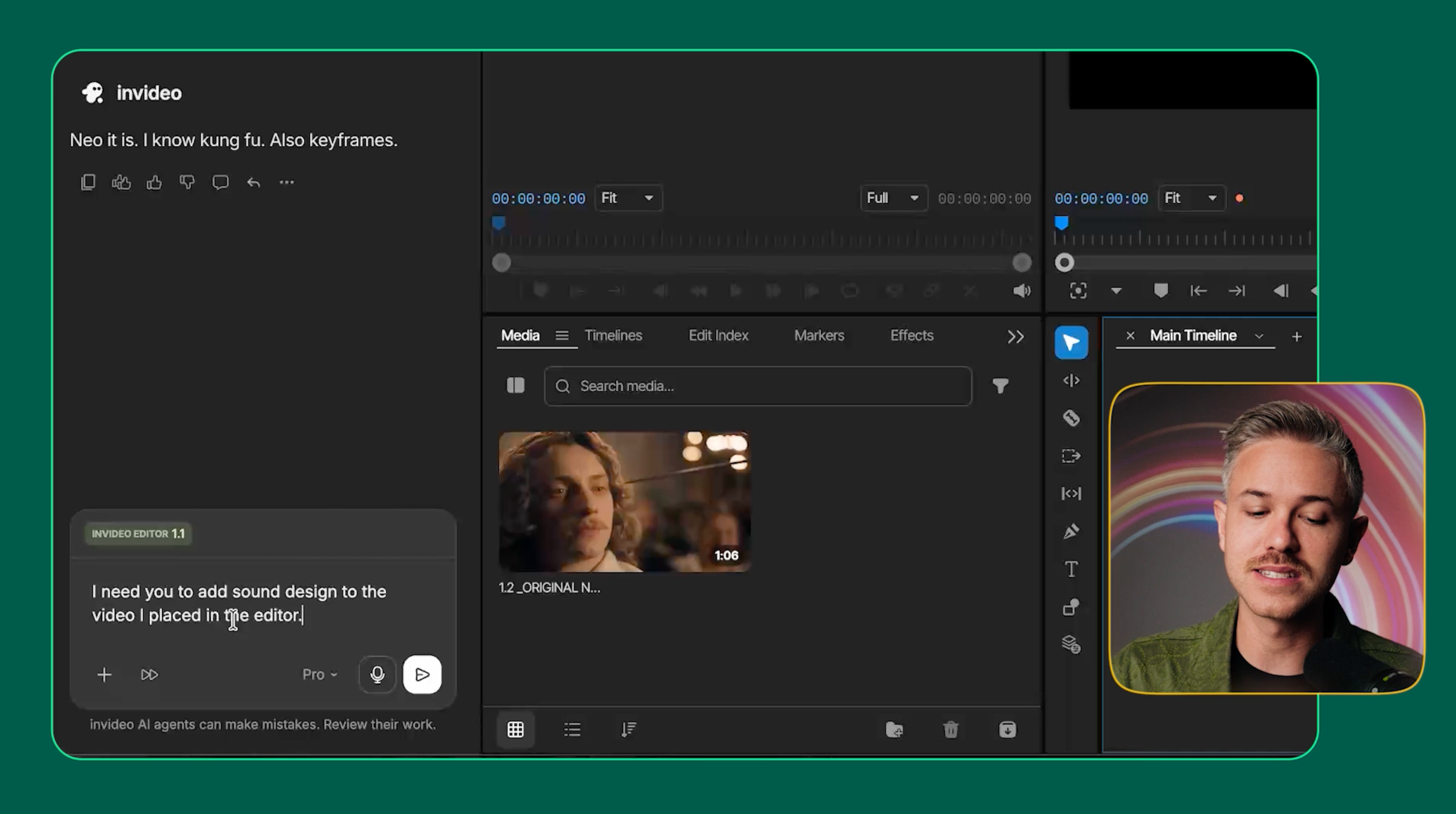
For our experiment, we kept the instructions relatively simple and asked the agent to add sound design to the video.
Once it's finished, InVideo places the generated sound effects directly into the editing timeline, where you can adjust or replace them.
How to Add Sound Design With ChatGPT Astra
The ChatGPT Astra workflow is even simpler.
Inside the ChatGPT desktop app, open the Work tab and upload your video.
Then, give Astra a prompt asking it to add sound design to the scene and submit the task.
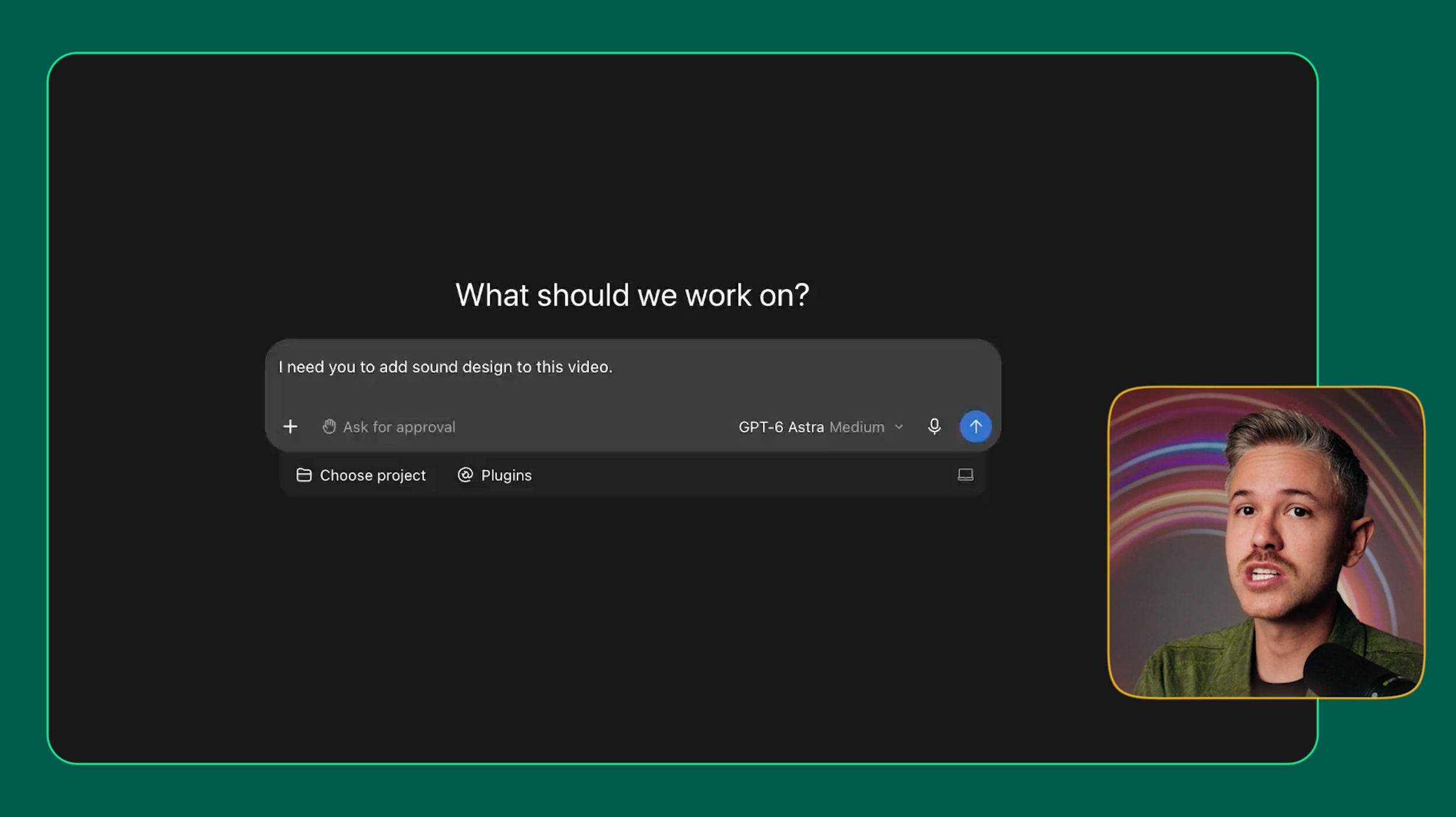
Astra can complete tasks like this in a few different ways, including interacting with applications on your computer. For our project, it used Adobe Premiere Pro to build the sound design.
Once it finished, all of the sound effects were placed directly into the Premiere Pro timeline, so we could continue editing from there.
Comparing InVideo vs. ChatGPT Astra for Sound Design
Now for the fun part.
We tried these workflows across two different projects to see how the AI-generated sound design compared to the original human-created versions.
Test 1: SFX by Human vs. InVideo Agent
For our first example, we started with an existing project, removed the original sound design, and gave that footage to both InVideo and ChatGPT Astra.
Here are all three versions:
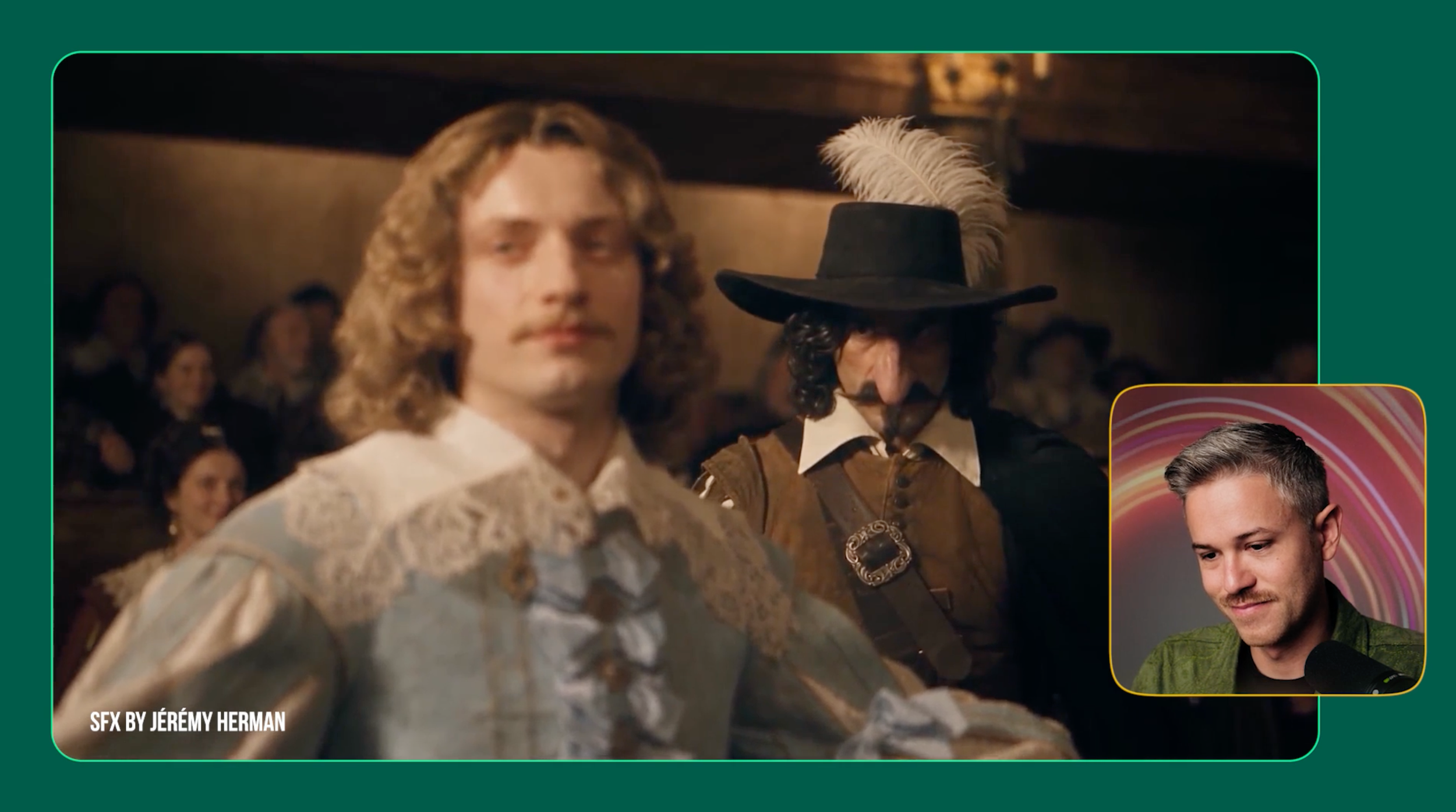
Original by Jeremy Herman
InVideo Agent
InVideo was able to identify some places where sound effects should go, but the actual execution was pretty rough.
Some sounds were placed correctly, while others didn't make much sense for what was happening on screen. The leveling was also inconsistent, and many of the creative choices didn't fit the scene.
The human version had much stronger sound selection, timing, layering, and overall polish.
Test 2: SFX by InVideo Agent vs GPT Astra
We ran the same experiment on a second project to see if we'd get similar results.
Again, we compared the original sound design against versions created by InVideo and ChatGPT Astra.
The results told a pretty similar story.
Original Video
InVideo Agent
GPT Astra
InVideo had moments where it seemed to understand the tension of the scene, but it also missed obvious sound cues and made choices that felt disconnected from what was happening on screen.
ChatGPT Astra still didn't give us professional-quality sound design, but it produced the more useful AI-generated result.
The workflows were also surprisingly similar in time and cost. InVideo took around two hours and cost $4.56, while ChatGPT Astra took around one hour and 45 minutes and cost $5.20.
So even though Astra performed better in our experiment, neither AI version matched the creative decisions and polish of the original sound design.
Can AI Actually Do Sound Design Yet?
Based on our experiments, not really.
Both InVideo and ChatGPT Astra can technically add sound effects to an existing video, and it's pretty wild to see an agent actually build those elements inside an editing timeline.
But the results still aren't something we'd consider ready for a professional project.
Right now, these tools feel much more useful for creating a rough sound-design pass that a human can refine rather than replacing the sound-design process altogether.
That's the bigger limitation we're seeing with creative agents right now. They can increasingly execute tasks inside professional software, but making the right creative decisions is another challenge entirely.
Great sound design depends on timing, emotion, restraint, and creative intent.
For now, those decisions still need a human.
Free Intro Course
Check out our free AI Storytelling course. You can fill out the form below and gain access immediately at no cost to you.
In the course, we show some of the basics for creating films using the latest AI tools, as well as, share some insights into the future of the creative industry.
Along with the course, you also get access to the exclusive chat channel where you can network with industry professionals.
We would love to see you in the course, but of course no pressure!
