
How to Create a Professional AI Film | Pro Workflow
In this article and video tutorial, I’ll show you how to make a professional AI Film.
Creating a film with AI might sound like something out of a sci-fi movie, but it’s actually more accessible than ever. The key is understanding that AI doesn’t replace your creative soul; it just gives it a massive supercharge.
In this guide, we’ll walk through the battle-tested workflow for creating an AI film, from that first spark of an idea to your final 4K export.
How to Make an AI Film | Video Tutorial
Below is a step-by-step tutorial where we will show you how to create an AI film from scratch.
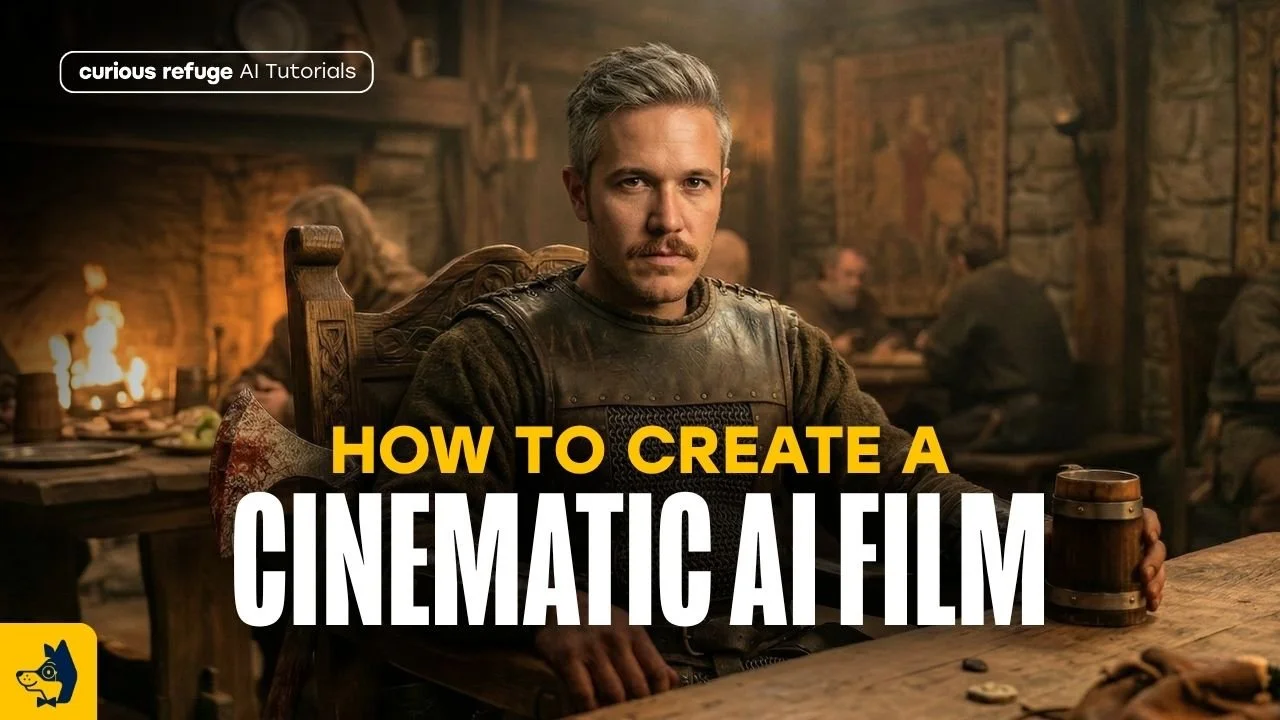
How to Make an AI Film | Step-by-Step
In this article, we’ll walk through the battle-tested workflow that shows you how to create an AI film.
1. Start With a Strong Idea
Every great film begins with a simple idea. The best way to find them? Pay attention to your daily life. Little moments, weird observations, or late-night thoughts can all become the foundation of a masterpiece.
Keep a running list of ideas in your notes app or a journal so you never lose them.
2. Turn Your Idea Into a Logline
Once you have an idea, refine it into a single, punchy sentence called a logline. It needs to explain:
Who the story is about.
What they want.
What is standing in their way.
Think of this as your project’s North Star.
3. Write the Script
Here’s where many people go wrong: they let the AI do all the heavy lifting. The creative direction should always come from you. That’s where the real storytelling magic happens.
4. Gather Visual Inspiration
Before you generate a single frame, you need a mood board. One of my favorite places for inspiration is the
Look for specific lighting styles and environment references. Avoid using copyrighted IP if you want to monetize your film. Nobody wants a legal headache.
5. Create Your Characters
Consistency is the biggest hurdle in AI filmmaking. To beat it, create a Character Sheet including a front, side, and back views, and a close-up for emotional beats.
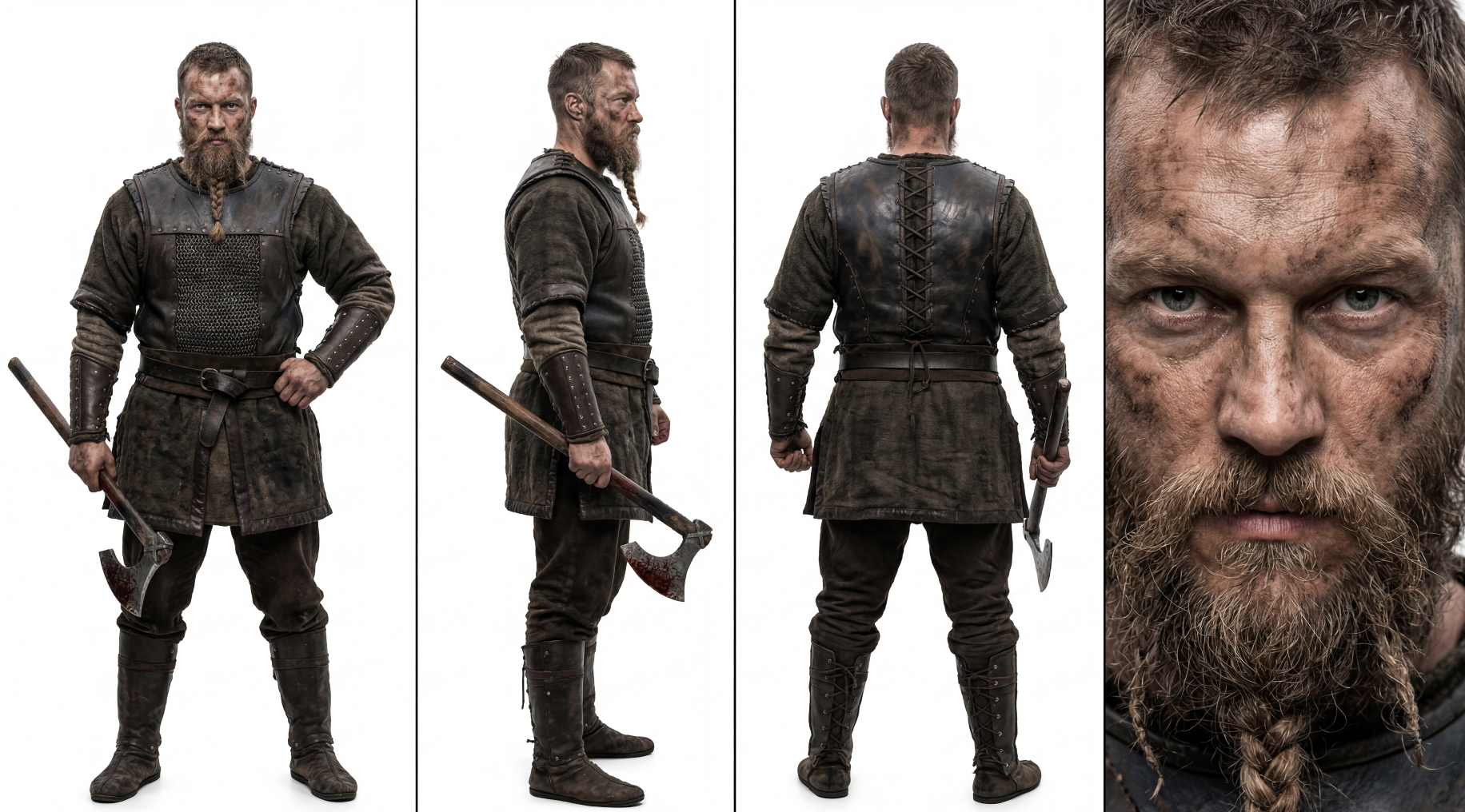
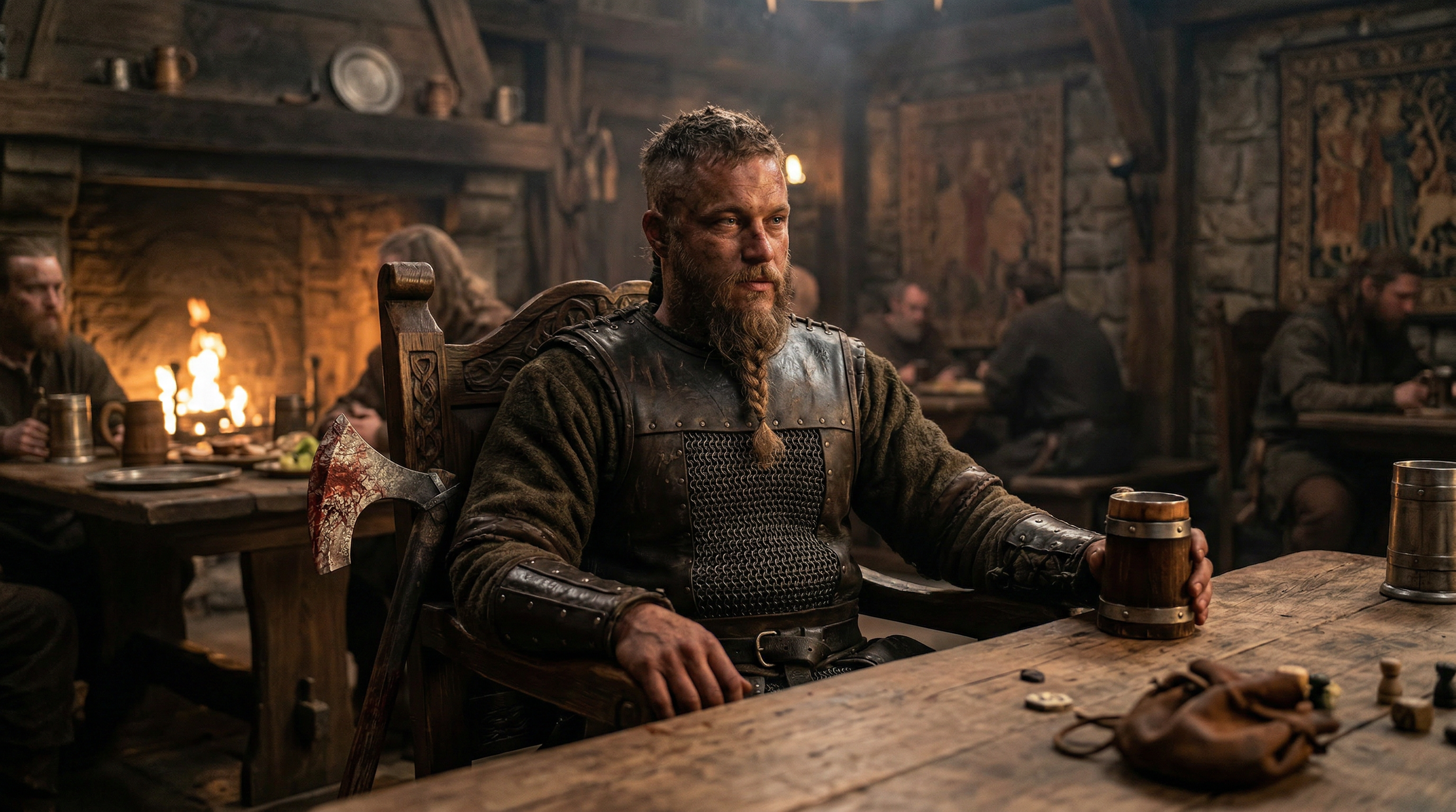
Using specific models like Midjourney or Nano Banana helps keep your hero looking the same from shot to shot.
6. Build a Shot List and Storyboard
Don’t just wing it. Plan your shots like a pro cinematographer:
Shot List: Number every scene and describe the action.
Storyboard: Create a rough visual sketch of each shot.
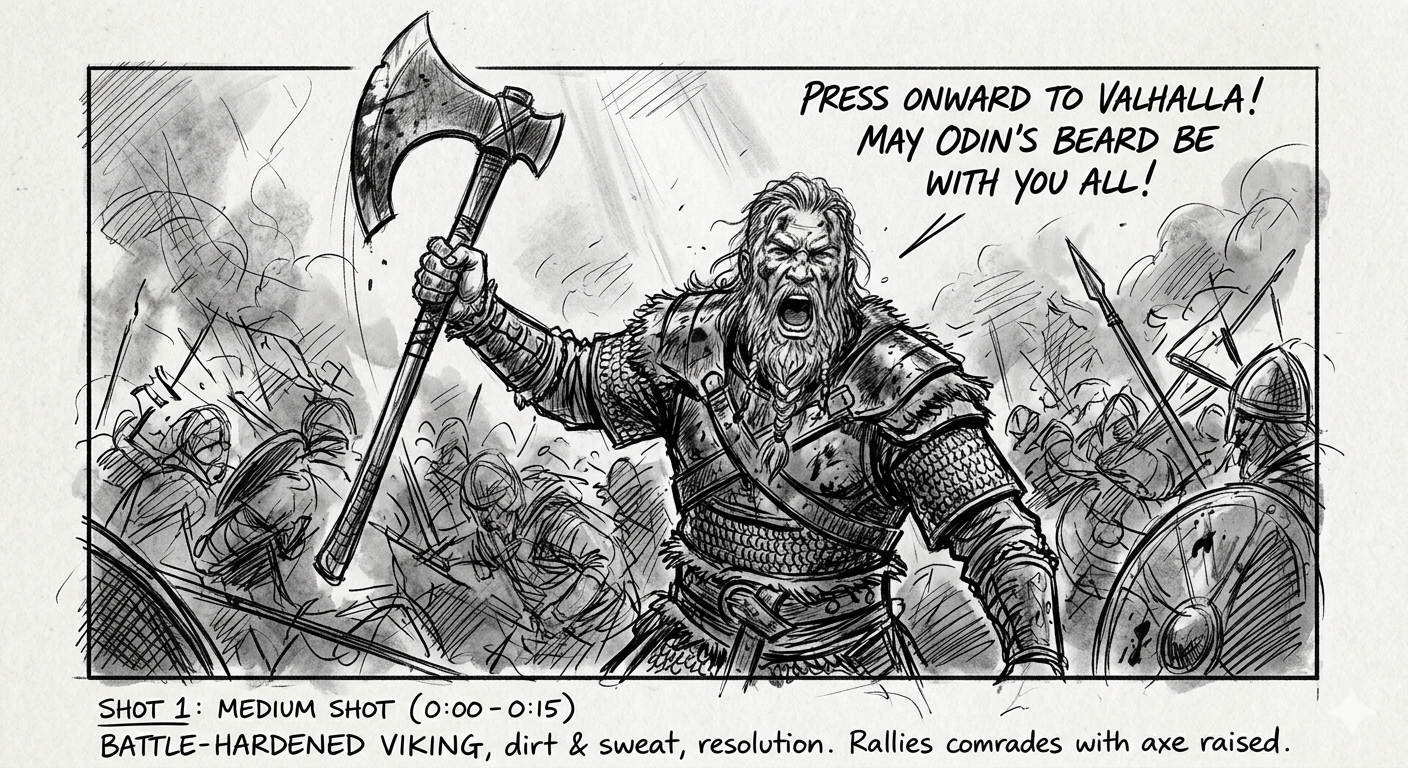
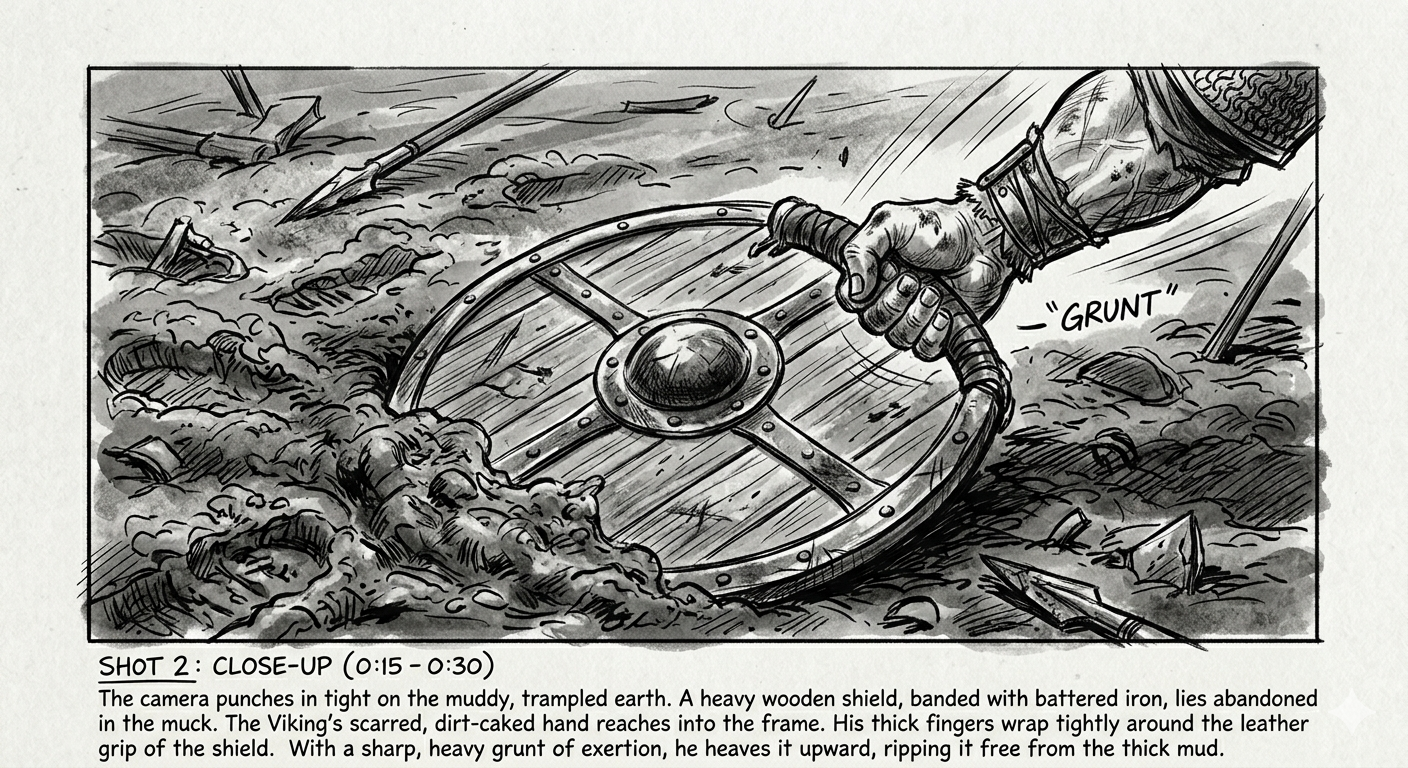
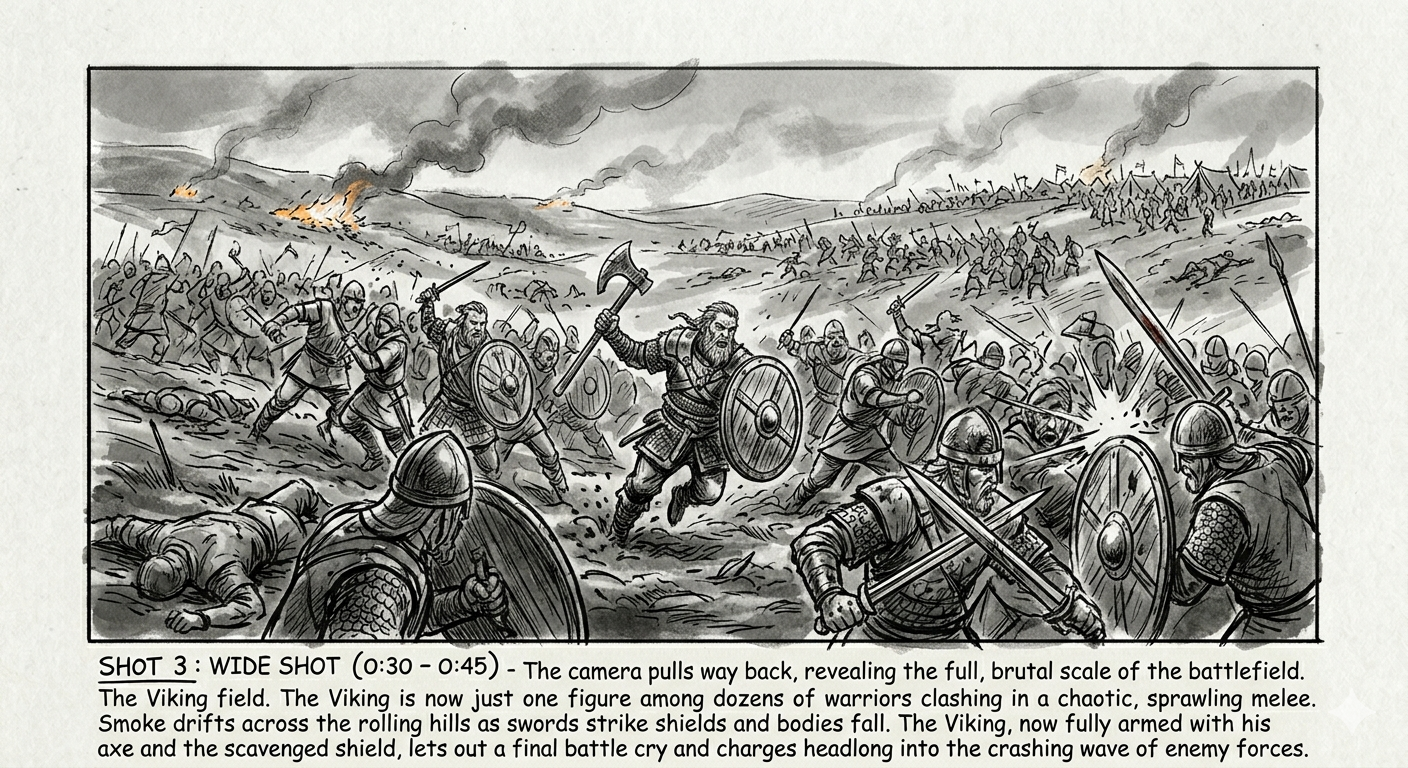
Even basic sketches help you maintain continuity and avoid that "random AI look."
7. Turn Storyboards Into Cinematic Images
Now, convert those sketches into high-fidelity frames. Use your character sheet and storyboard image as references for the AI.
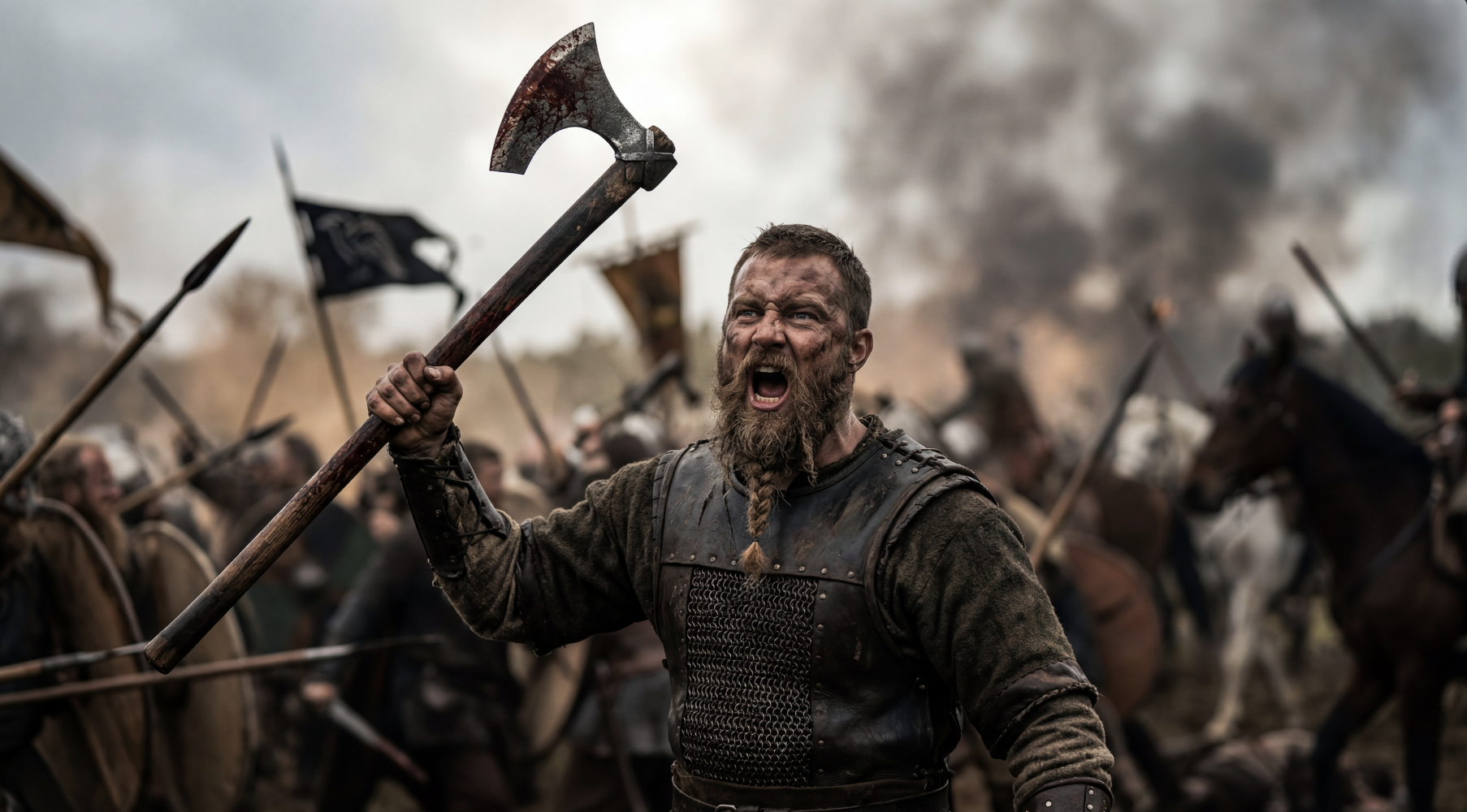
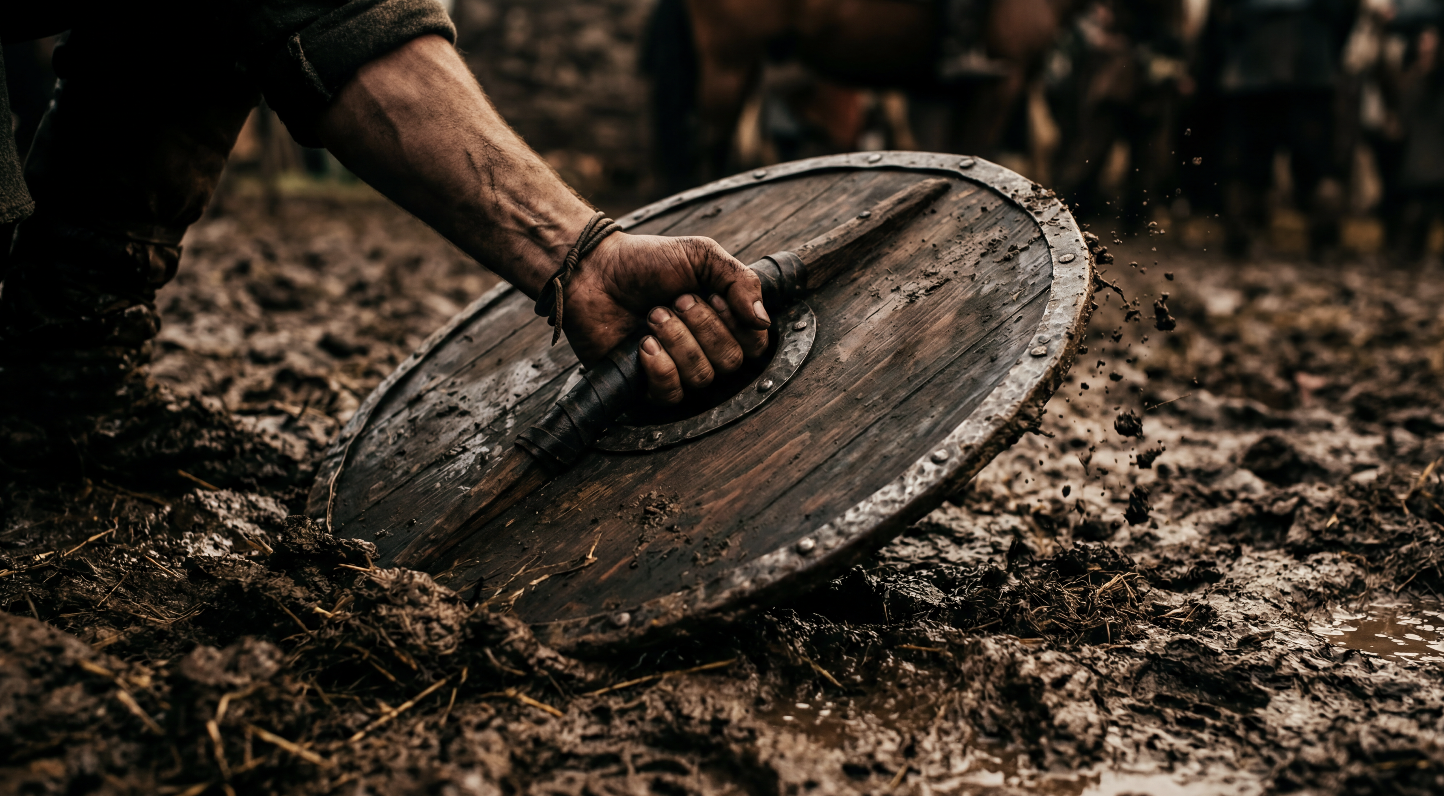
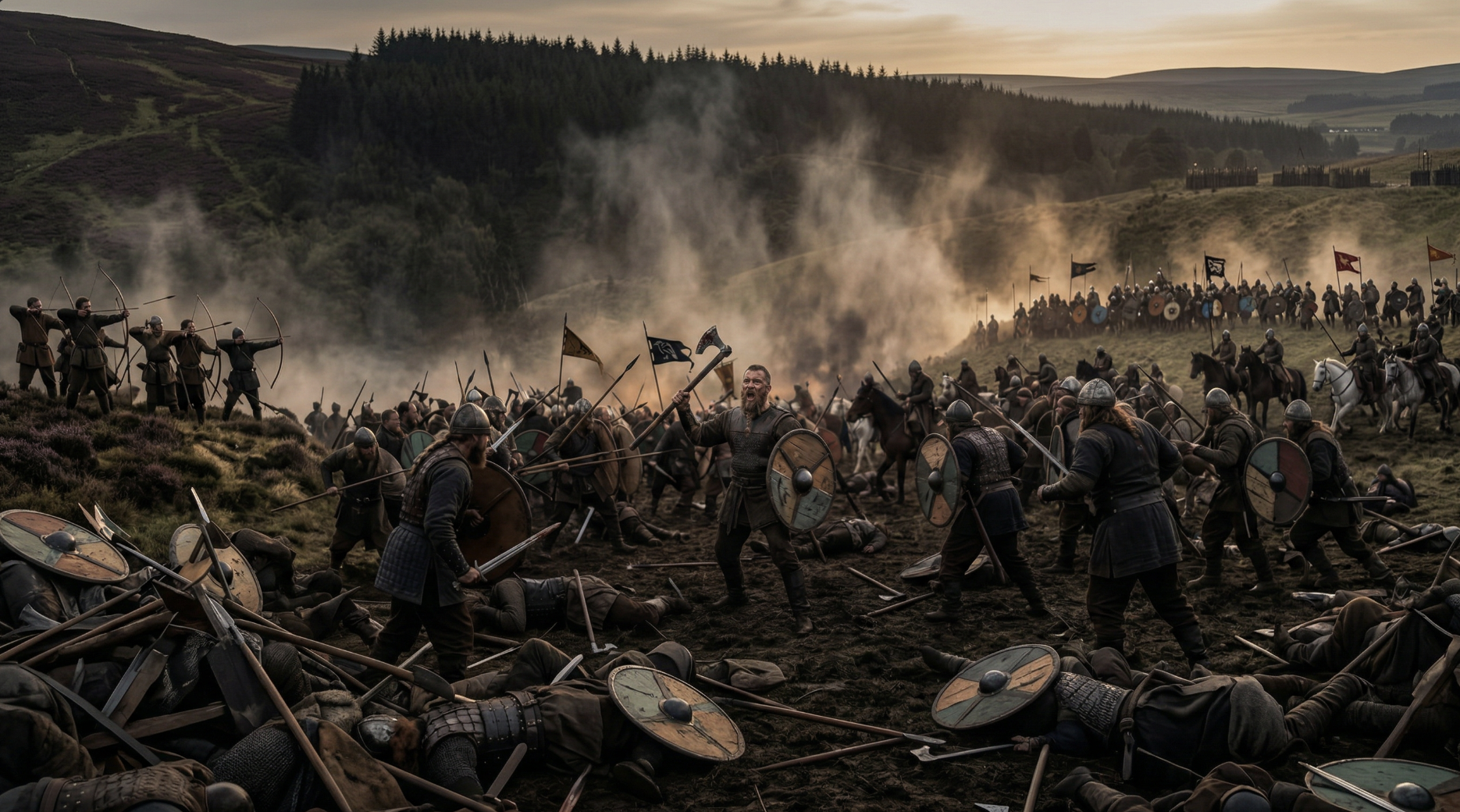
Generate multiple variations every single time. In this game, iteration is everything.
8. Generate Video Clips With AI
Once your images are ready, it’s time to add motion. Remember: there is no “perfect” AI video tool.
Upload your starting frame.
Add motion prompts.
Refine, iterate, and repeat.
Different models excel at different things, so expect to jump between them.
9. Upscale the Individual Videos
Most AI footage starts at a lower resolution. Use a tool like Topaz to convert your work to 4K and add that professional polish. Your eyes (and your audience) will thank you.
10. Edit Your Film Together
Bring those clips into a heavy hitter like Adobe Premiere Pro or DaVinci Resolve. Here’s a super simple 3 shot sequence we created using this workflow.
This is where the film actually comes to life through cutting, sound design, and pacing.
Bonus Tip: Use Film Grain in Your Edit
We have found that adding a small amount of film grain typically can help make the video clips appear to be slightly even more realistic, versus sometimes having a small, AI tinge to it.
Ready to Launch Your Film Career?
If you've ever wanted to launch a creative business using the latest tech, check out our All Access Membership. In the membership, you get access to career services, 1-on-1 coaching calls, free workshops with professionals, and all of the Curious Refuge courses.
Check it out, and let us know if you have any questions. :)
