
Kling 3.0 vs Veo 3.1 | AI Cinematography Comparison
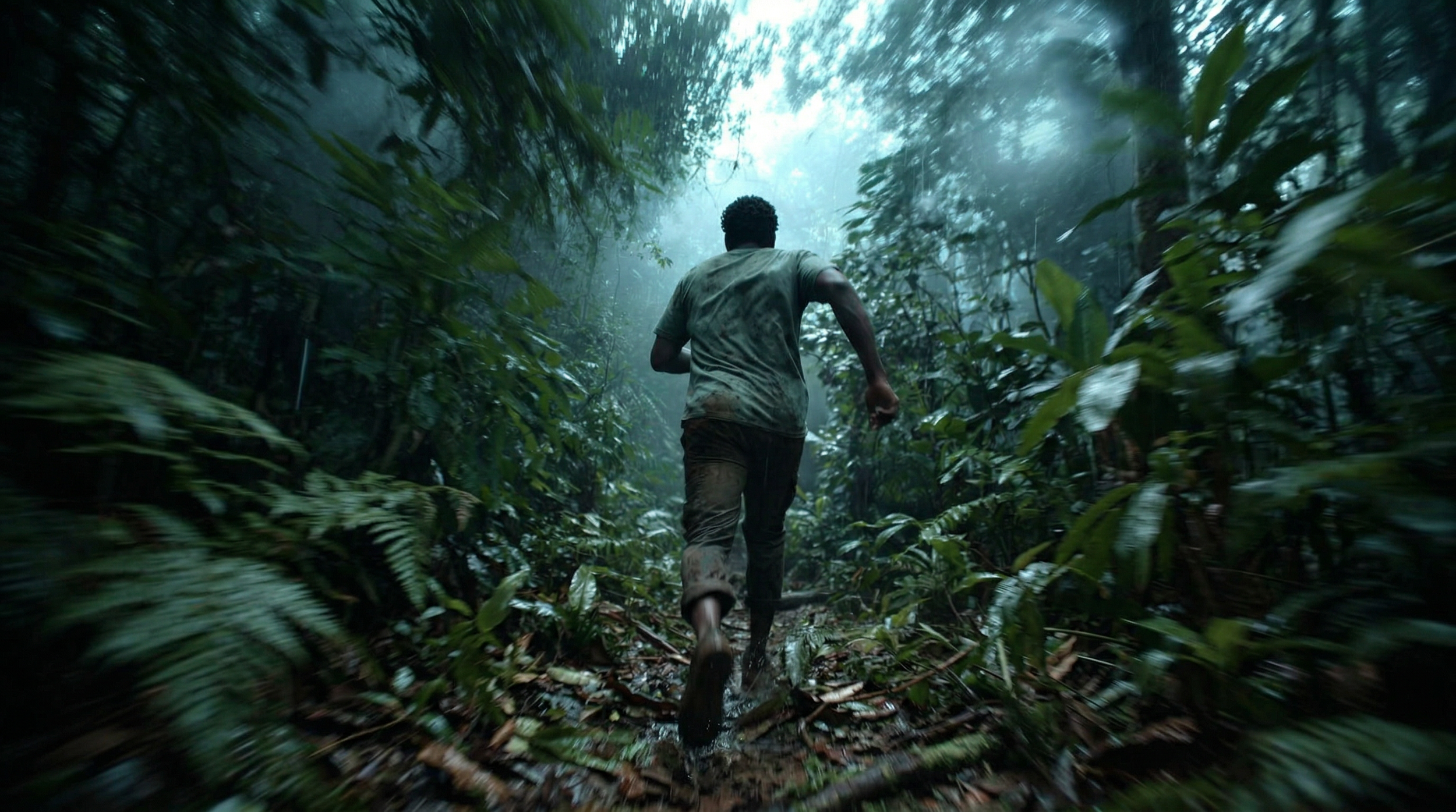
In this article, we are going to compare Kling 3.0 and Veo 3.1 to see which AI Video model does the best with handling camera movement.
We wanted to see how two of our favorite AI video generators performed when compared against each other, specifically in the realm of camera movements.
We ran 5 tests once per model, and took the first generation from each.
Here are the different camera movement tests we ran:
Pan
Crane Up
Tracking Shot
POV Shot
Handheld Shot
TLDR: Kling 3.0 seems to take the price in the majority of instances, but just out the specific examples in the article.
Let us know your favorite AI Video model for getting precise camera movements for your projects.
How to Use Kling 3.0 | Video Tutorial
Below is a video where we show some of our favorite ways to use Kling 3.0.
Kling 3.0 vs Veo 3.1 | AI Cinematography
Below are the 5 tests we ran using Kling 3.0 and Veo 3.1 to see which tool has better camera movements.
AI Cinematography Test #1: Pan
First up, we wanted to start simple. We tested a pan shot. We even gave the AI video model the ability to choose which specific direction it panned.
Here’s the prompt below…
‘the man look to the side and appears to be worried or shocked. The camera pans to reveal a large snake on a branch right next to him.’Kling 3.0
Veo 3.1
Both examples began with the same starting image. Initially, Veo 3.1 seemed to warp the character a tad to seem less realistic. Veo 3.1 also didn’t seem to understand how to apply the ‘worried or shocked’ part of the prompt.
Kling 3.0, on the other hand, did a pretty solid job. Our biggest problem is that the snake does not look realistic at all.
In this specific comparison, Kling 3.0 won.
AI Cinematography Test #2: Crane Up
The next AI camera movement we wanted to test was a ‘crane up,’ and honestly, it was a pretty significant one.
Our goal was essentially to have the camera move up above the trees to show the character is alone in a massive jungle.
Here’s the prompt below…
‘The man is standing in the middle of the jungle and breathing very hard. The camera cranes up to reveal that he is in the middle of a massive jungle.’Kling 3.0
Veo 3.1
The fidelity from Veo 3.1 was a noticeable issue right from the start. The camera movement was close to what we originally intended, but the output is nowhere close to usable.
Kling 3.0 did not understand the ‘crame up,’ prompt’ The shot itself was decent, but not what we intended. We would guess that with another round of generating Kling 3.0 would deliver the camera movement we wanted.
For this test, if we are just looking at Camera movement, Veo 3.1 is the winner. Outside of that, the shot isn;t usable so we will call this test a tie.
AI Cinematography Test #3: Tracking Shot
The next test was seeing how each model performs when we prompt for a fast-paced tracking shot. We wanted the camera to follow the man running through the jungle.
Here’s the prompt below…
‘low-angle tracking shot of a man running through a jungle.’Kling 3.0
Veo 3.1
Veo 3.1 continues to struggle with the visual fidelity, as well as temporal consistency. That remains true across each of the tests we ran.
The physics of the person running are very average. It definitely feels more unnatural than if this were a real shot.
The running physics in Kling 3.0 are slightly better, but not much improvement.
The best part is truly the man ducking under the branch; there were some issues there, but to see Kling generate that without a prompt is very interesting to see.
In this test, Kling 3.0 wins, but it’s a close call.
AI Cinematography Test #4: POV Shot
The next shot we tested was a POV shot. We wanted to see how each model handled the camera and character movement with this unique style.
Here’s the prompt…
‘POV shot of a man who just fell standing up fast and running. Fast-paced shot. quick movements.’Kling 3.0
Veo 3.1
TLDR: Kling 3.0 won this one. Veo 3.1 added a random additional person to the mix. Kling 3.0 still struggled making the hands look natural, but still had a great attempt compared to Veo 3.1, who’s generation resembled mre of a tracking shot.
AI Cinematography Test #5: Handheld Shot
Lastly, we tested a classic handheld shot. We wanted the character to trip and the camera to highlight the fall with a faster-paced, handheld movement.
Here’s the prompt below…
‘Handheld shot of the man backing up, he trips, and the camera gets much closer to him. fast-paced shot. handheld shot.’Kling 3.0
Veo 3.1
Kling had some weird hiccups, but for the most part if did pretty well. The issues were definitely ones we could edit around.
Veo 3.1, on the other hand, struggled across the board to adhere to the prompt.
Test number five goes to Kling 3.0.
Kling 3.0 vs Veo 3.1 | AI Camera Movement Conclusion
All in all, it seems as though Kling 3.0 typically does a better job adhering to the prompts and executing the desired camera movement.
Whether you utilize Kling 3.0 or Veo 3.1, both are going to take a decent amount of iteration. In all honestly, we really like both of the models, and you can;t go wrong with either one (for the most part).
Free Intro to AI Storytelling Course
If you want to get breakdowns on the latest tools, make sure you check out our free course, Intro to AI storytelling.
Fill out the form below and gain access.
In the course, we cover basic AI filmmaking workflows, as well as industry insights and what AI means for the future of creativity. We would love to see you in the course.
