
Magnific AI Image Upscaler | An Honest Review
Note: This Review is Non-Biased and Not Affiliated with Magnific AI in Any Way.
In this article, we will take a look at Magnific AI’s AI Image upscaler.
Magnific is currently one of, if not the, best AI Image upscalers on the market. The company is constantly creating new AI tools for professional workflows, and since their tool first hit the market, they have been one of our go-to tools.
In this review, we will take a look specifically at their precision model, v2 Sublime.
Key Specs:
Scale factors: Up to 10k resolution.
Quality: PNG or JPEG downloads available
Core controls: Sharpness, Smart Grain, Ultra Detail.
Additional controls: Creativity, HDR, Resemblance, Fractality.
Optimization presets: Portrait, Art & Illustrations, Videogame Assets, Nature & Landscapes, Films & Photography.
Magnific can be accessed through certain AI video platforms (like Freepik) or through their own platform.
When it comes to pricing, that is Magnific’s biggest weakness. The tool is pretty expensive.
In an article like this, it can be hard to tell the difference. If you are interested in downloading the raw assets, fill out the form below.
You can also get outputs from other popular models to see how they compare to Magnific AI.
Best AI Image Upscaler for 2026 | Video Breakdown
Below is a video breakdown showing some of the best AI Image upscalers for 2026.
Magnific AI – Benchmark Score (7.9/10)
In our Curious Refuge Labs™ evaluation, Sublime was tested across four core image categories: Upscale Quality, Texture Rendering, Visual Fidelity, and Original Image Preservation. The average scores were:
Upscale Quality: 7.8/10
Texture: 6.9/10
Visual Fidelity: 7.9/10
Original Image Preservation: 9.1/10
Total Curious Refuge Labs™ Score: 7.9/10
In practice, Magnific AI’s Sublime model is strongest when the goal is fidelity. Identity, structure, lighting, and composition remain highly intact across most tests, reinforcing its precision-first design.
That same restraint defines its limits. Because this model prioritizes preservation over correction, it does not attempt to repair structural flaws in AI-generated crowd scenes or ultra-wide compositions.
It enhances what is there, rather than fixing what is broken. For workflows centered on accuracy, this is a strength. For corrective use cases, it can feel like a limitation.
Magnific AI’s AI Image Upscaler | Expert Benchmark Review
Below is a detailed review of how Magnific Precision V2 performs across each of the benchmark categories listed above.
Upscale Quality: 7.8/10 (Good)
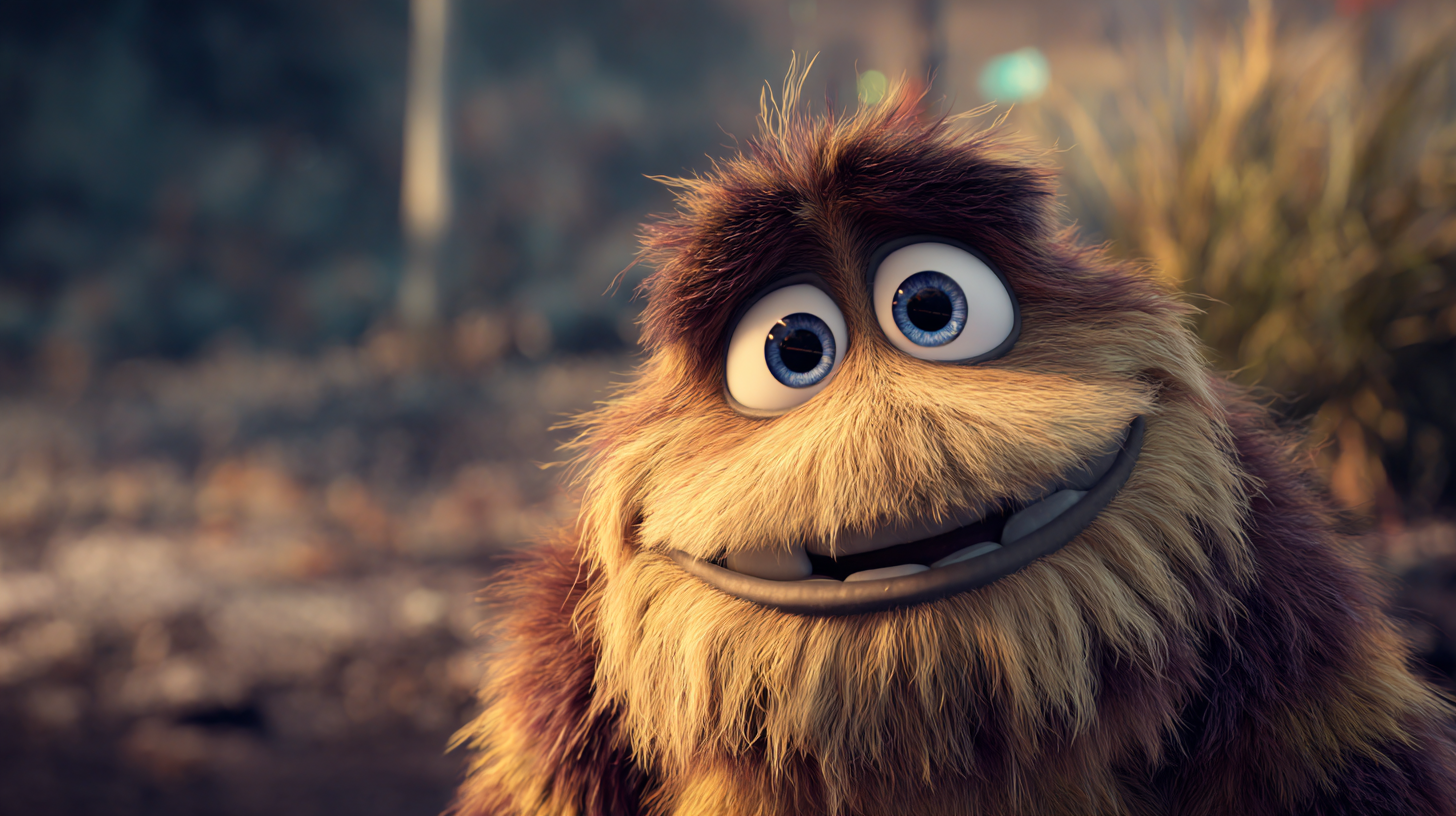
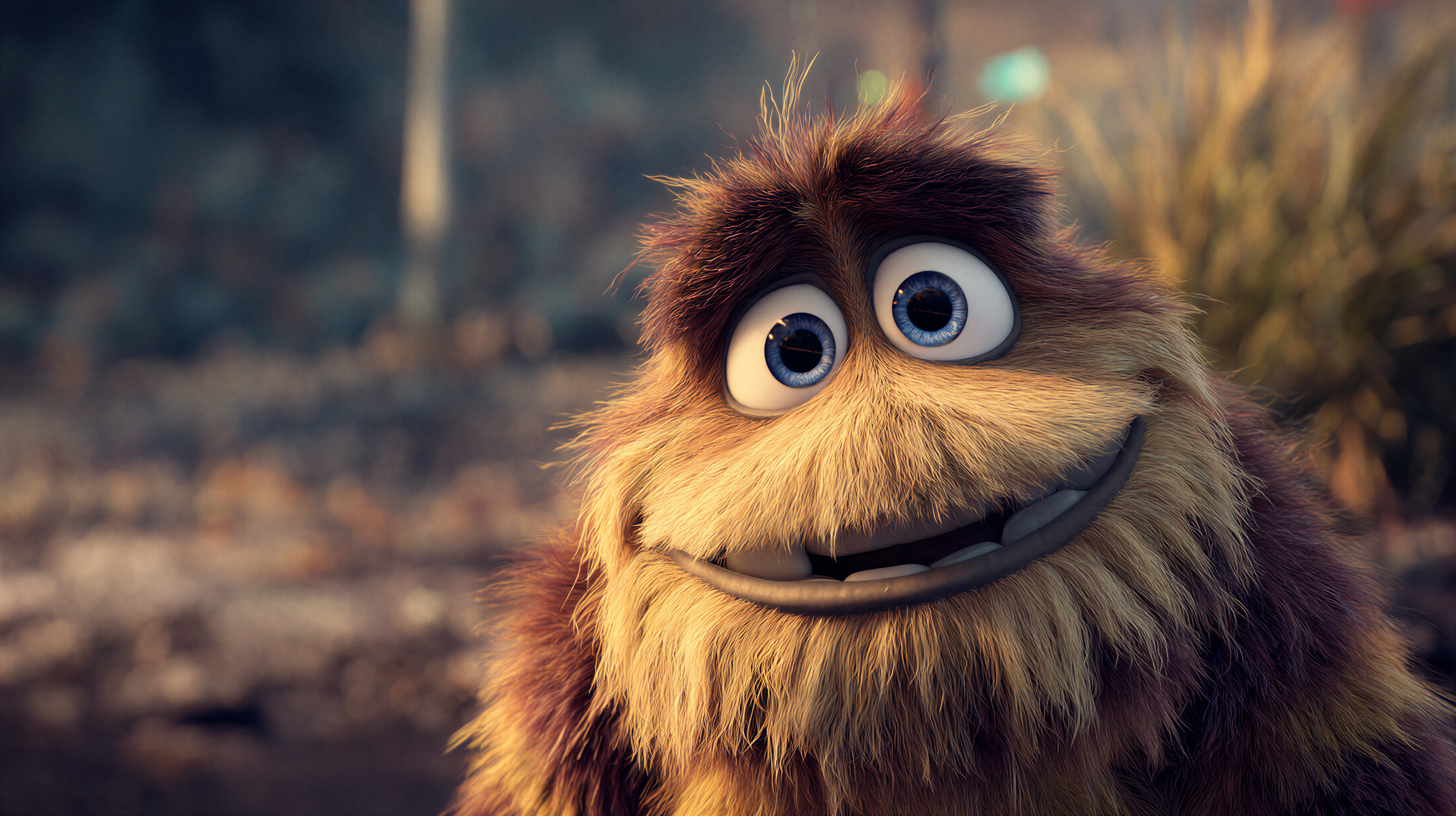
In terms of pure Upscale Quality, Magnific AI delivers a strong overall performance, averaging 7.8/10, with clear strengths in structurally sound images.
Before
After
It stood out in animated material, where hair strands were reconstructed with nuanced tonal variation, almost like the careful layering you’d expect from animation studios that spend hours refining individual strands for depth and realism.
Rather than flattening the look, Magnific AI enhanced it in a way that felt intentional.
In real crowd photography, animal close-ups, and ultra close-ups, it preserved pores, freckles, and fine fur detail while adding subtle micro-texture where it made structural sense, generally improving clarity without pushing into obvious overprocessing.
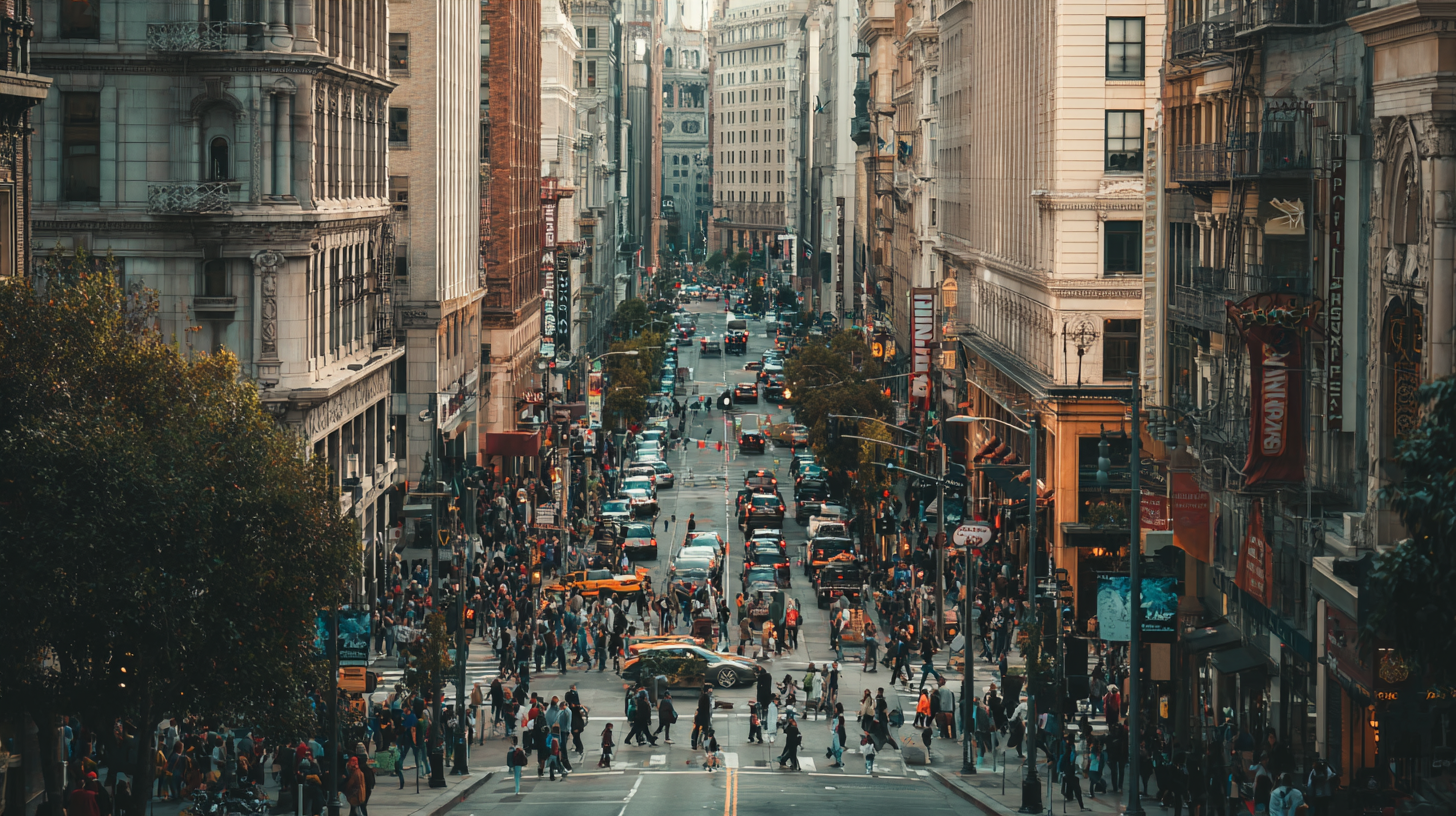
Before
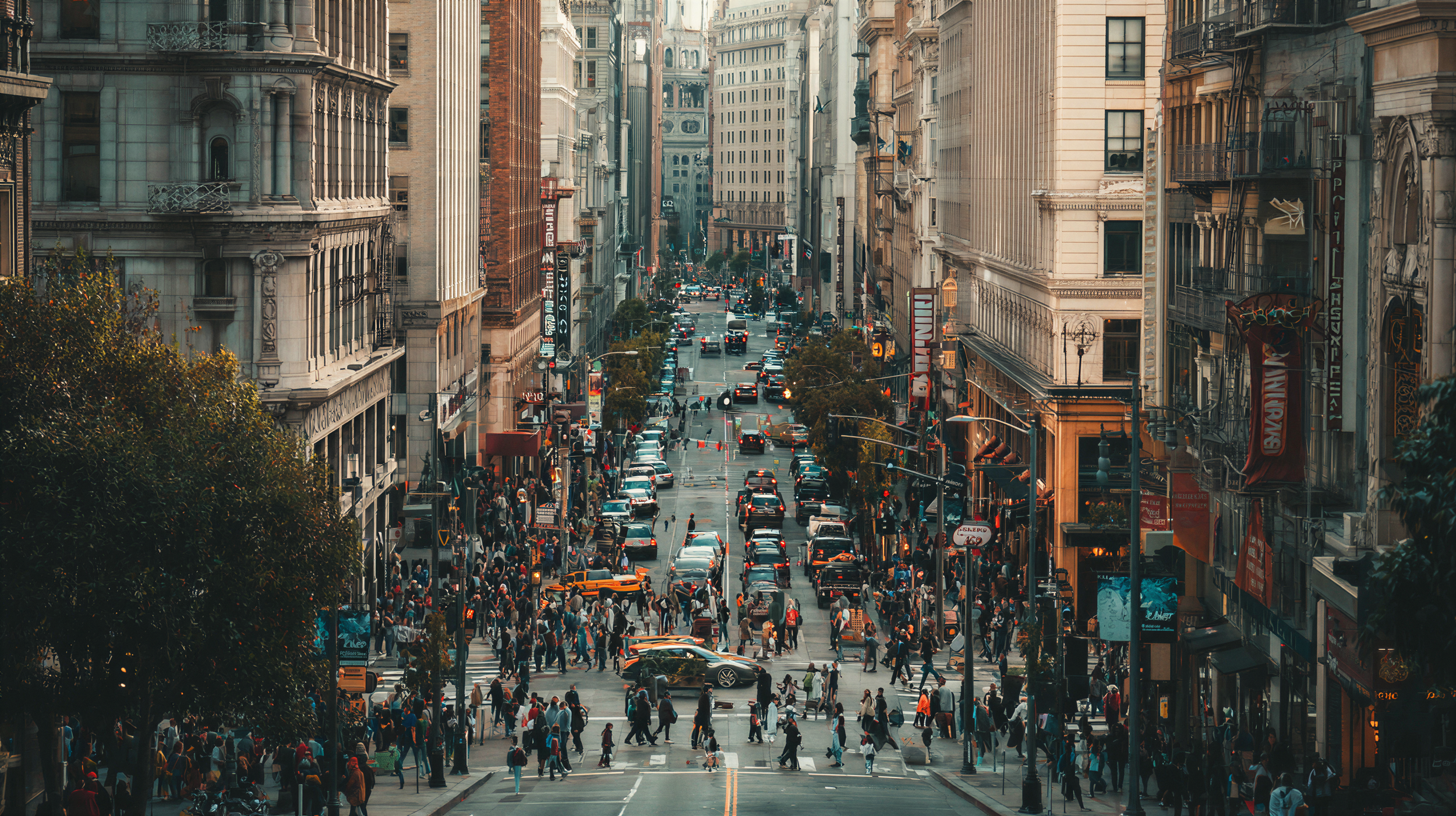
After
Performance dropped in AI-generated crowd shots and ultra-wide scenes. When the base image contained malformed faces or distorted anatomy, Magnific AI did not meaningfully repair those flaws; it mostly sharpened them. It enhances coherence, but it does not reliably fix structural errors in the source.
Texture: 6.9/10 (Regular)
Texture is where many upscalers either overdo it or flatten everything. Sublime sits somewhere in the better side of the middle, averaging 6.9/10, slightly below its Upscale Quality performance.
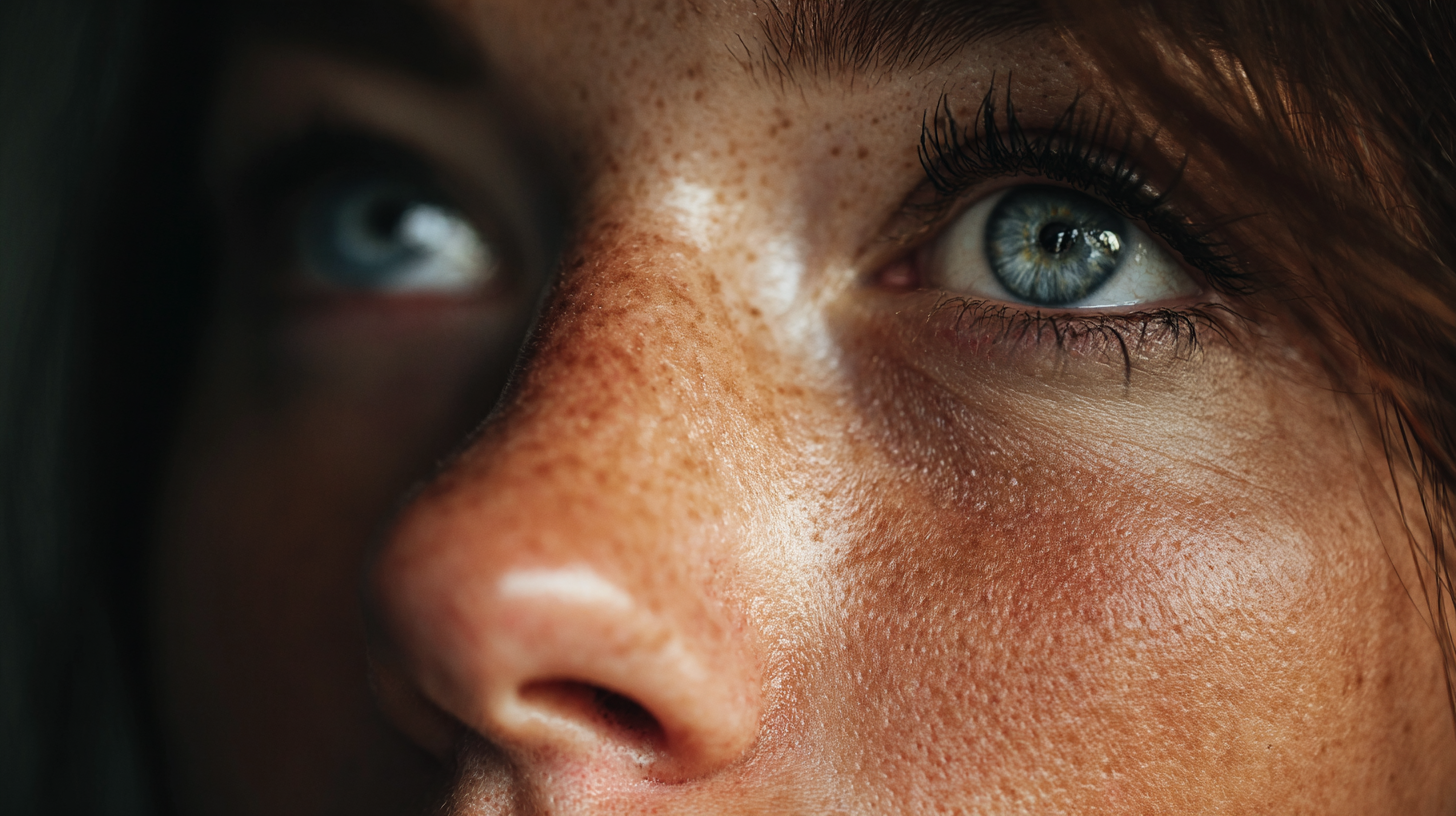
Before
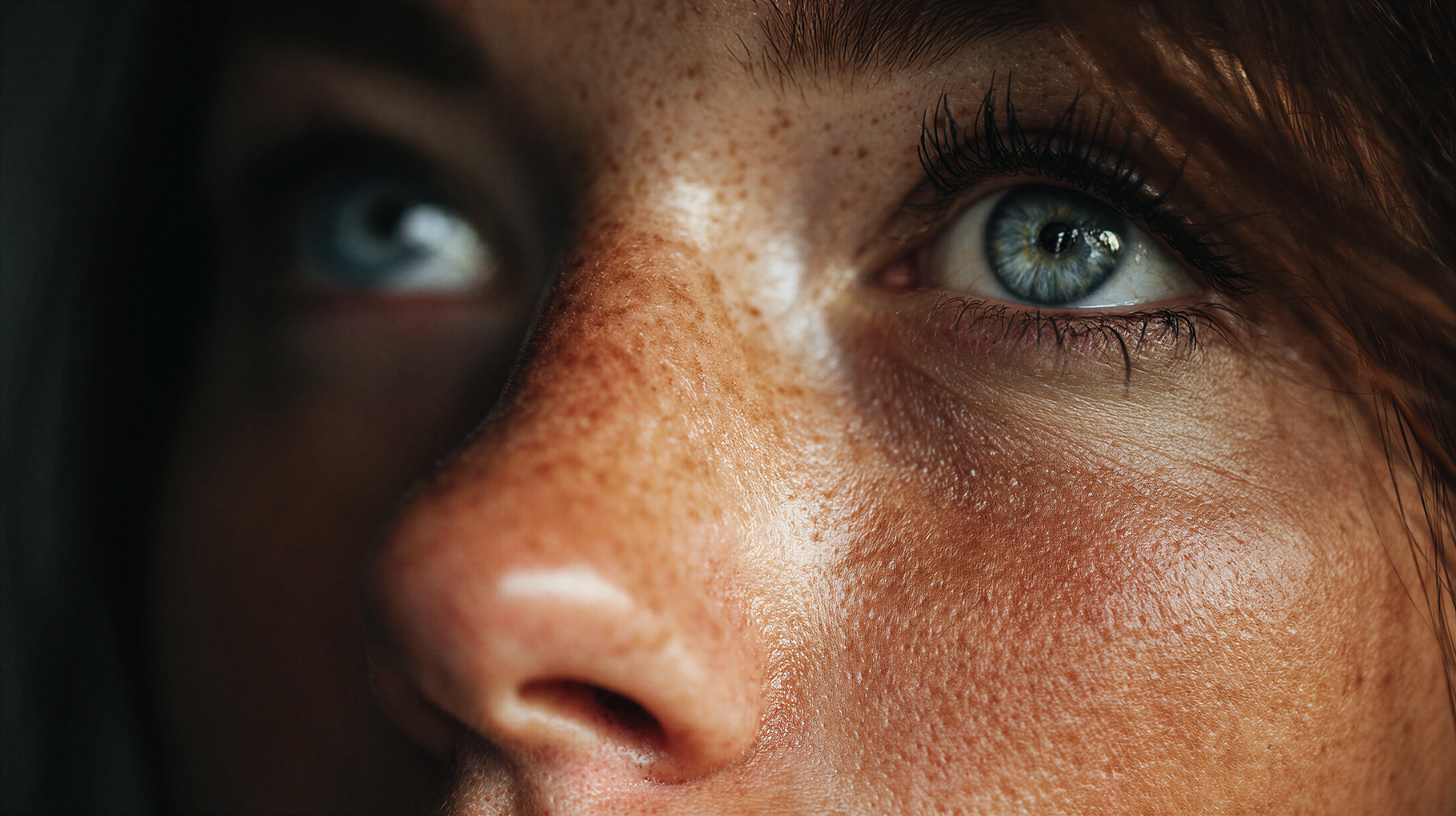
After
It handled real crowd scenes particularly well, enhancing clothing fabrics, hair variation, and background materials with believable depth.
Historical photos also benefited, with surfaces like chalkboards and wood gaining clarity without feeling artificial.
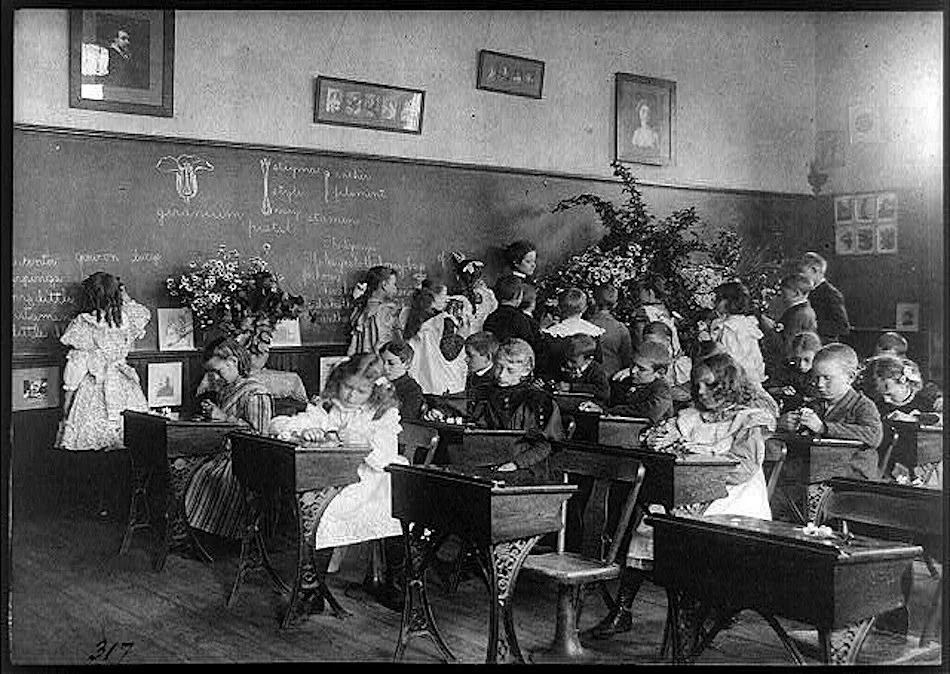
Before
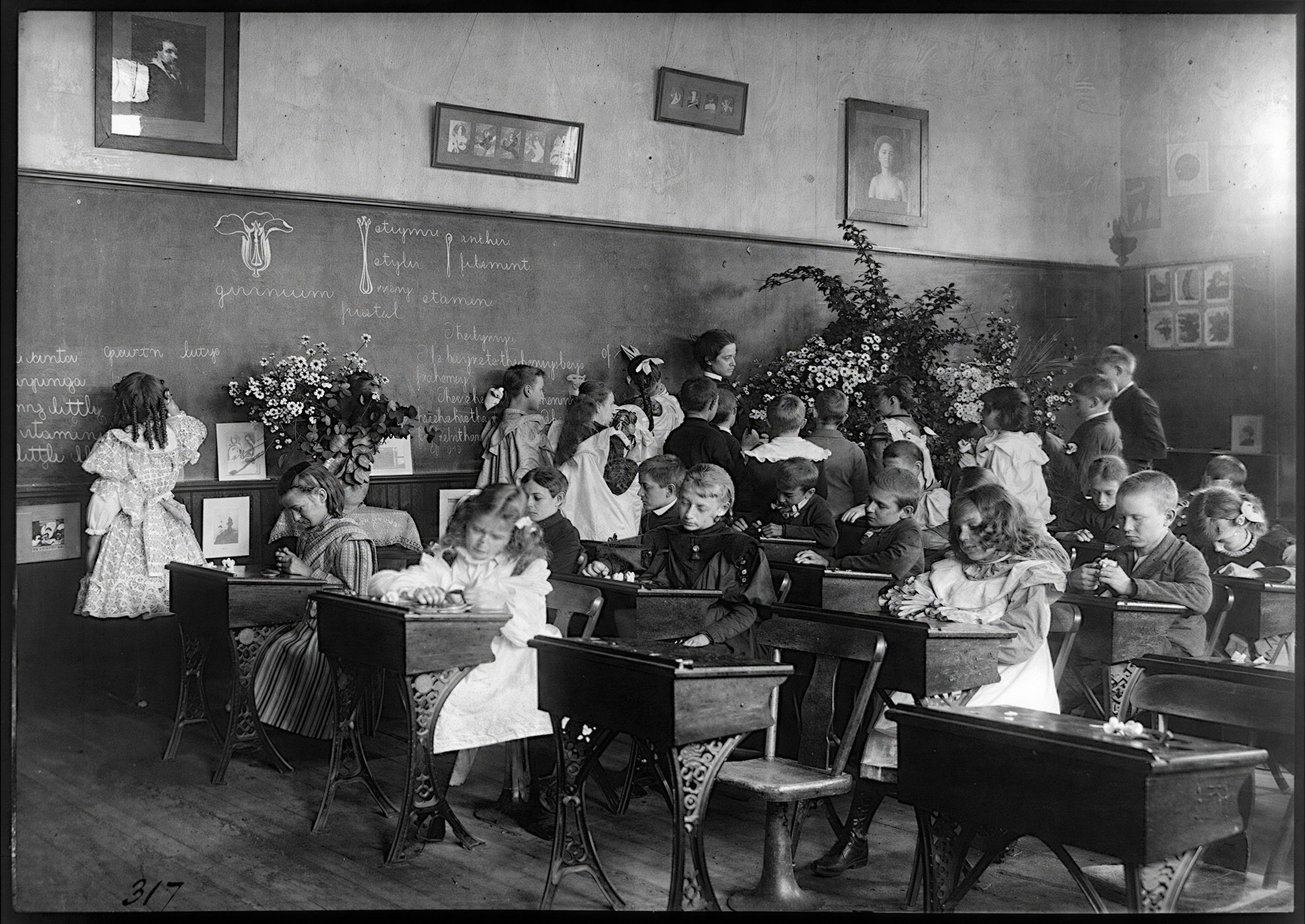
After
The weaker spots were ultra-wide shots, where sharpening pushed textures toward a slightly CGI look.
In close-ups, especially AI-generated portraits, skin could feel a bit over-sharpened, with pores appearing slightly exaggerated. The result is not unrealistic, but not fully convincing either.
Visual Fidelity: 7.9/10 (Good)
When it comes to Visual Fidelity, MAgnific AI performs confidently, averaging 7.9/10. Across most tests, subjects and objects feel grounded in reality, or in the case of animation, consistent with how they are meant to look within that style.
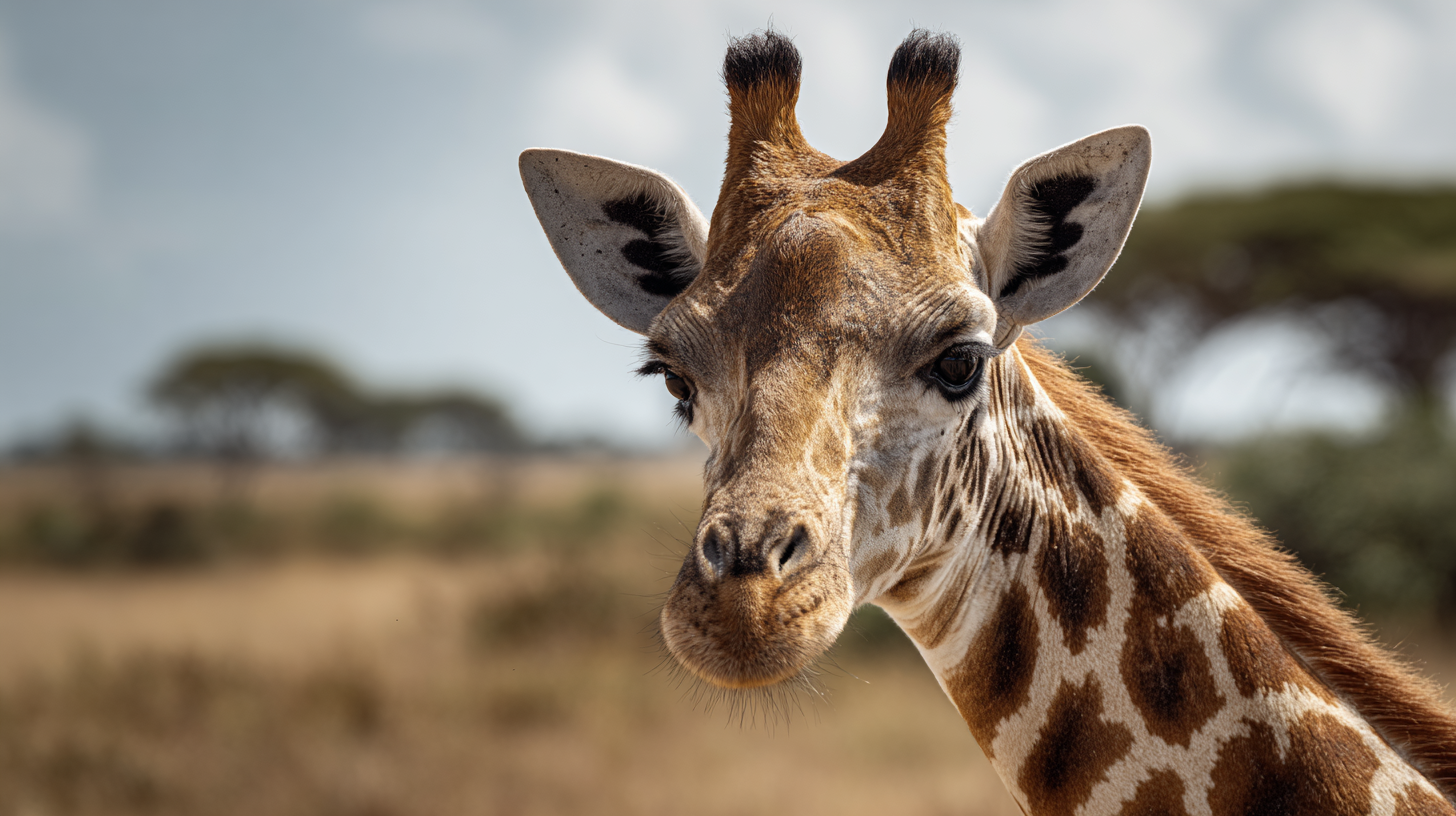
Before
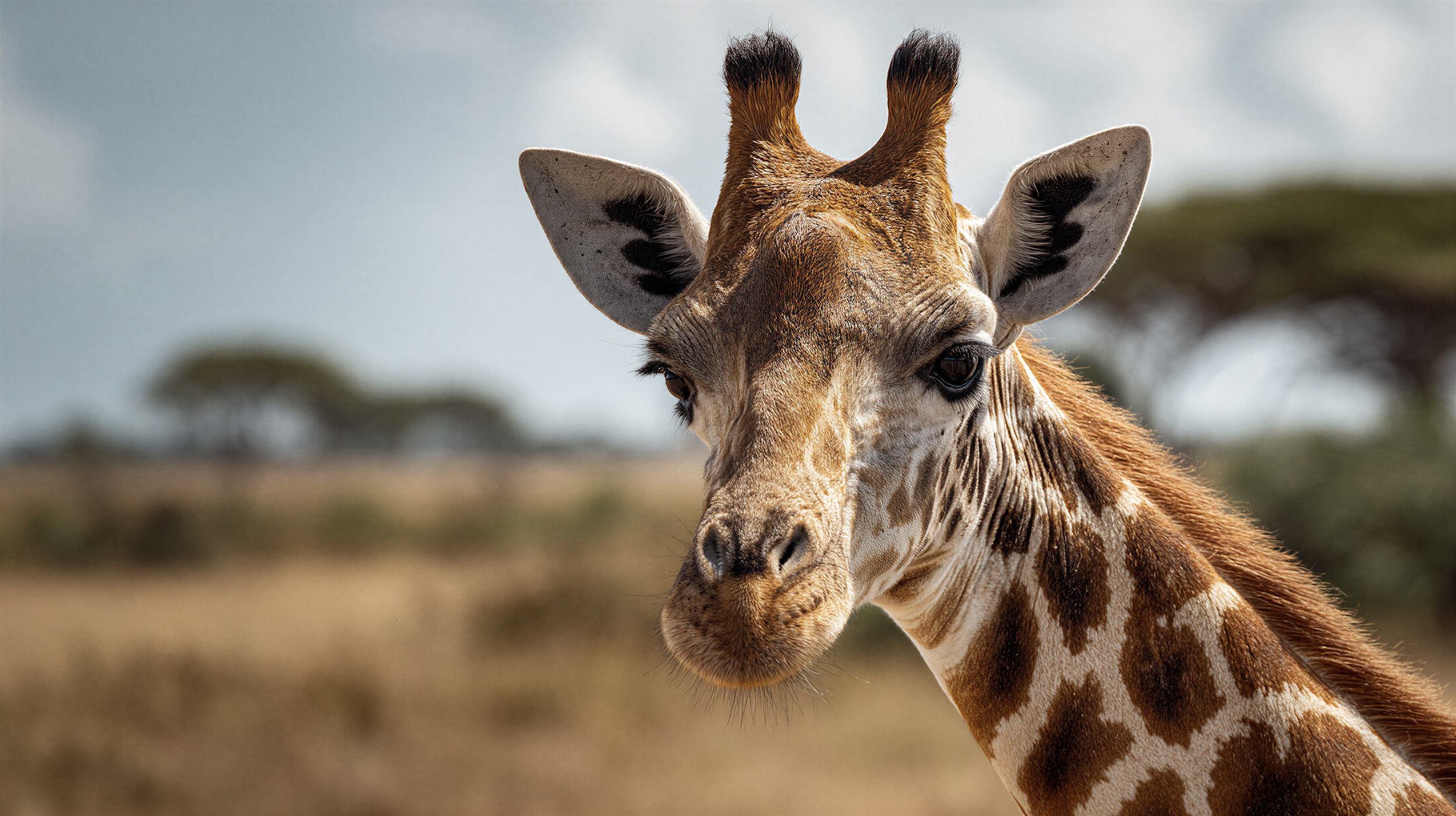
After
Close-ups of people and animals, whether AI-generated or photographed, retain believable proportions, lighting logic, and material response. Nothing feels dramatically reinterpreted or stylized beyond recognition.
The main limitation appears in scenes with high subject density, especially large crowds and AI ultra-wide shots. When the base image already contains deformed faces or anatomically incorrect figures, visual fidelity naturally suffers.
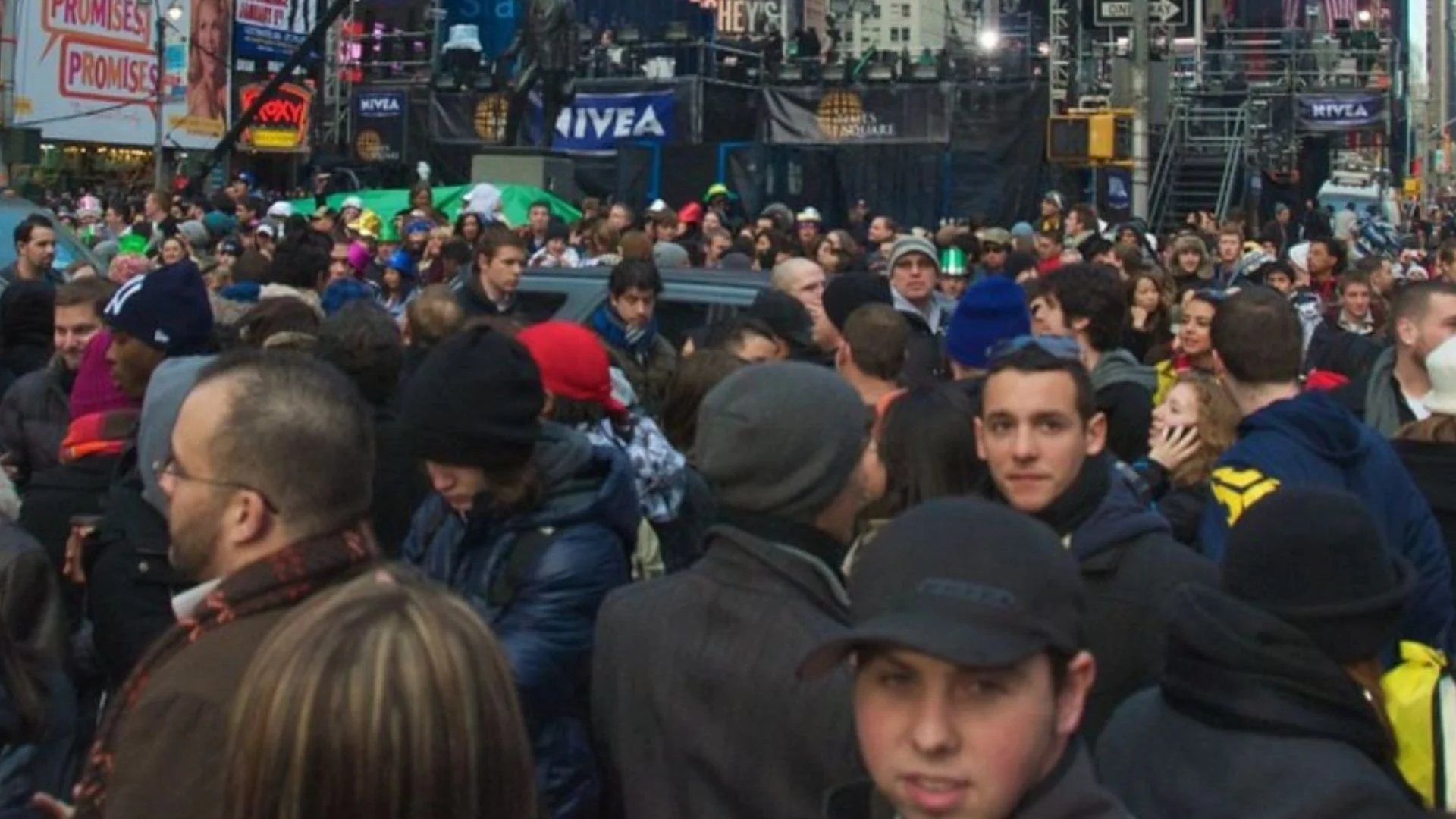
Before
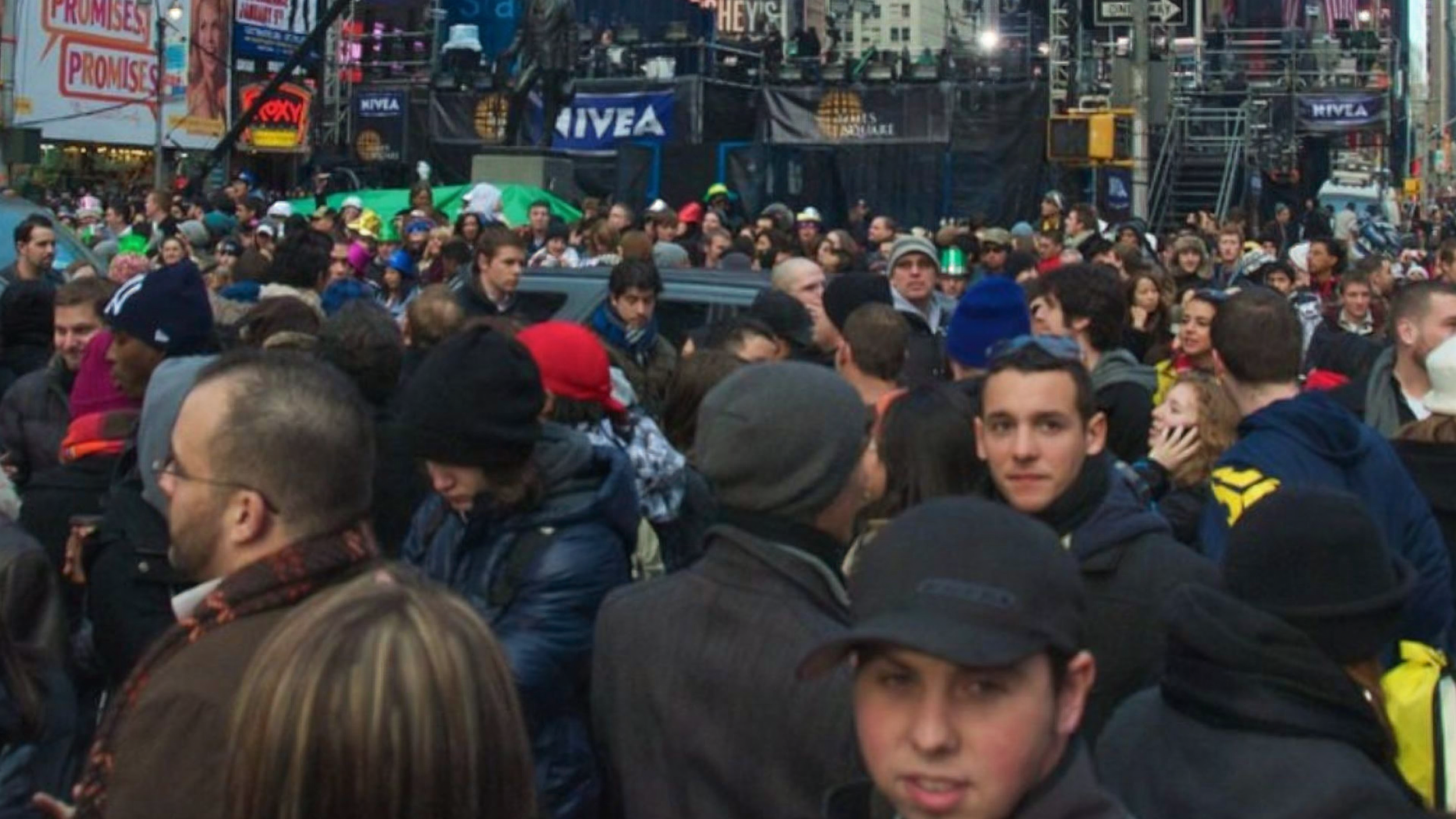
After
Magnific AI does not meaningfully correct those distortions, so the output remains visually inconsistent because the source was inconsistent.
In short, when the foundation is solid, fidelity holds. When the input is structurally flawed, the model preserves that flaw rather than repairing it.
Original Image Preservation: 9.1/10 (Very Good)
This is where Sublime clearly delivers on its core promise. With an average of 9.1/10, Original Image Preservation is its strongest category across the board.
Even in complex scenarios like crowds or detailed close-ups, the overall structure of the original frame is maintained.

Before

After
It rarely introduces foreign elements or alters the intent of the source, which aligns directly with its precision-focused positioning.
If there is a minor caveat, it’s that occasional over-sharpening can slightly reduce perceived realism.
While the image remains faithful to the original, increased crispness can sometimes make surfaces feel a touch less natural.
That said, in terms of structural and visual preservation, Sublime performs at a very high level.
Is Magnific AI’s Image Upscaler The Best?
With an overall score of 7.9/10, Magnific AI’s Precision v2 (Sublime) proves to be a strong, production-ready upscaler, especially when fidelity matters.
Its limitations appear in dense crowd scenes and AI-generated ultra-wide shots, where structural flaws already exist in the source. Sublime does not step in to “fix” malformed faces or distorted anatomy; it sharpens what is there.
So, is it the best AI image upscaler for fidelity? For now, yes. In terms of staying true to the source while meaningfully increasing resolution and clarity, Sublime sets the current benchmark.
Check out the full breakdown of AI tools over on our AI tools page.
