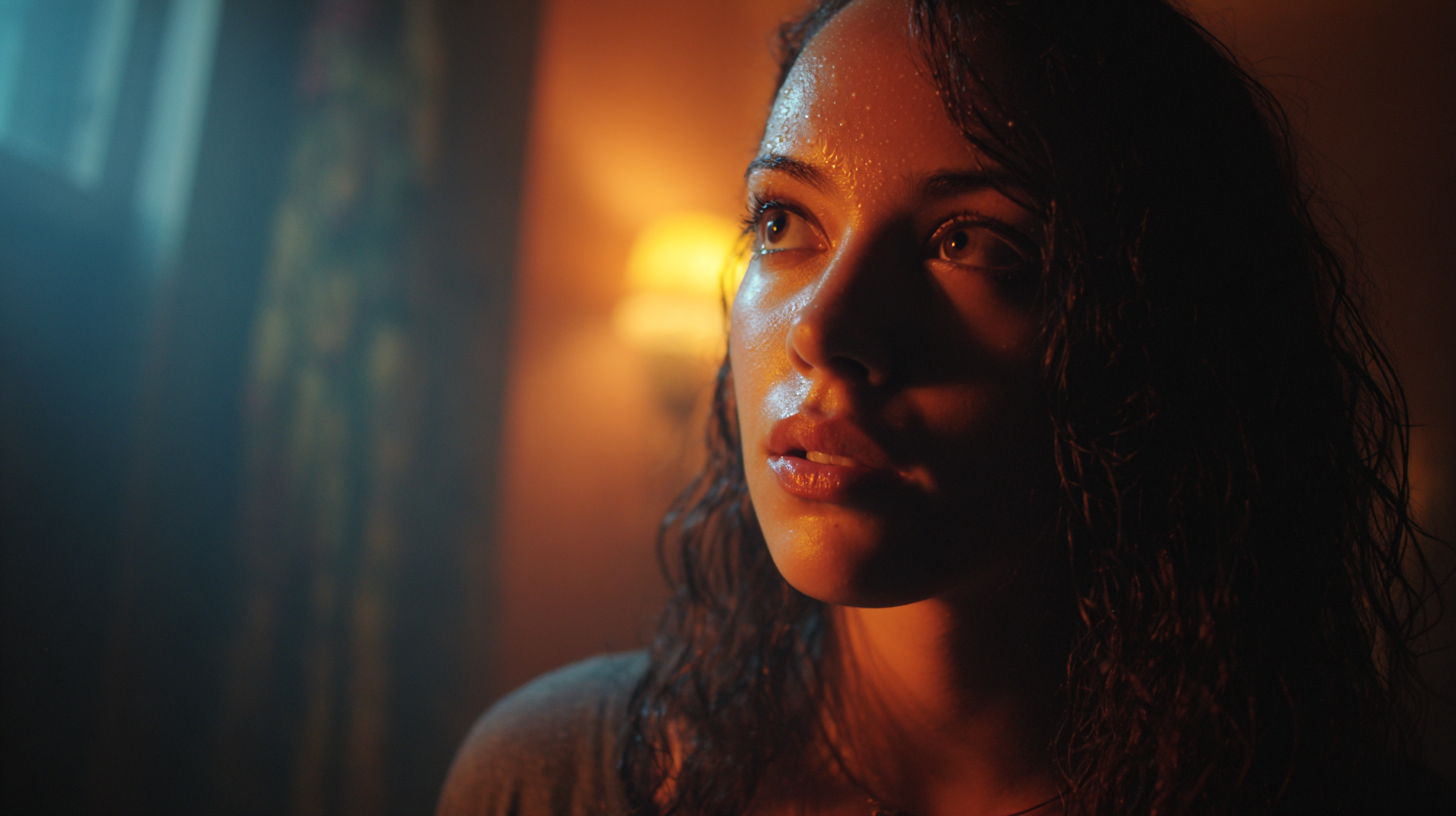
MidJourney V7 | An Honest AI Image Generator Review
Note: This Review is Non-Biased and Not Affiliated with MidJourney.
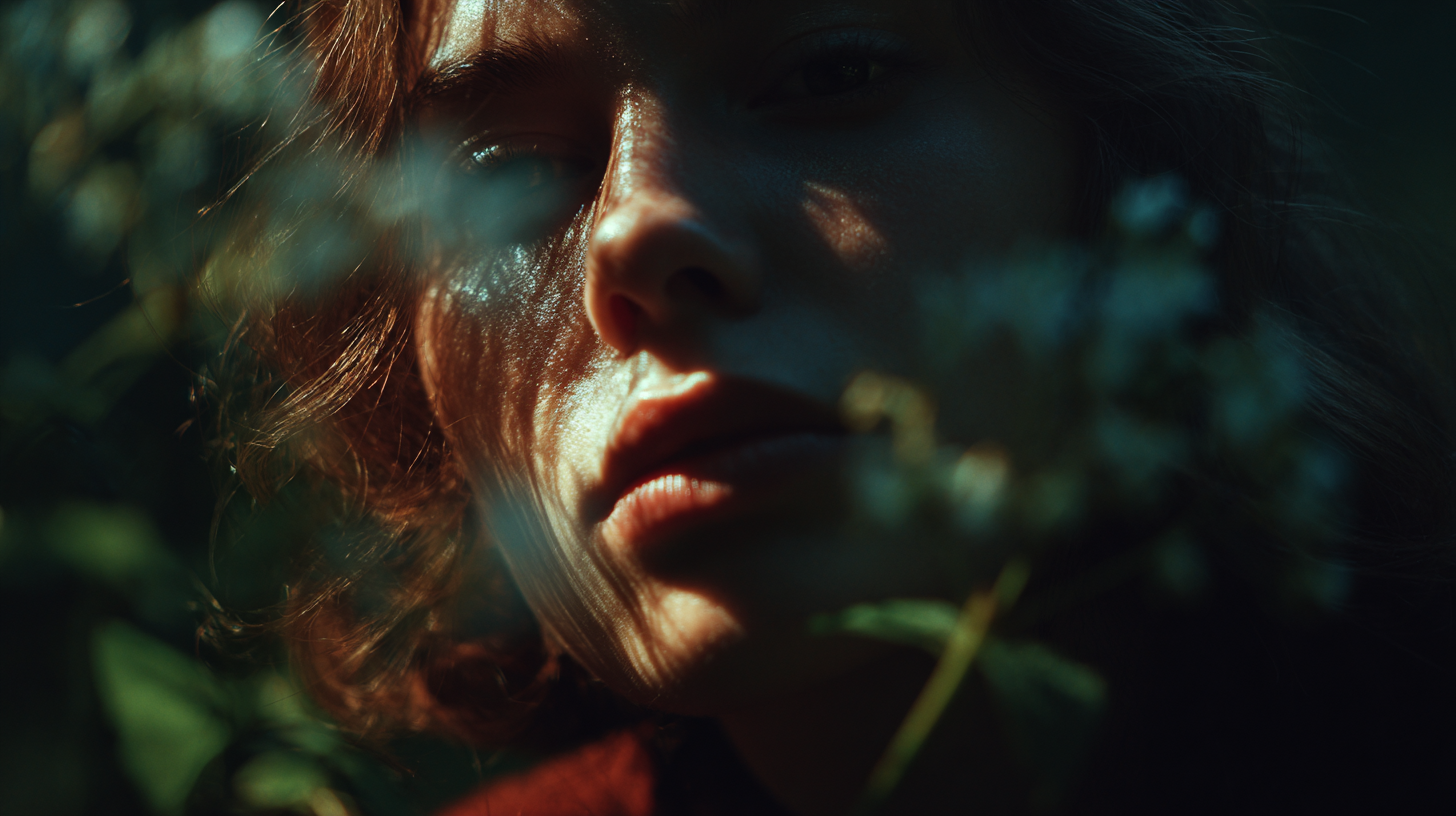
In this article, we will give you an in-depth breakdown of the AI Image Generator, MidJourney V7.
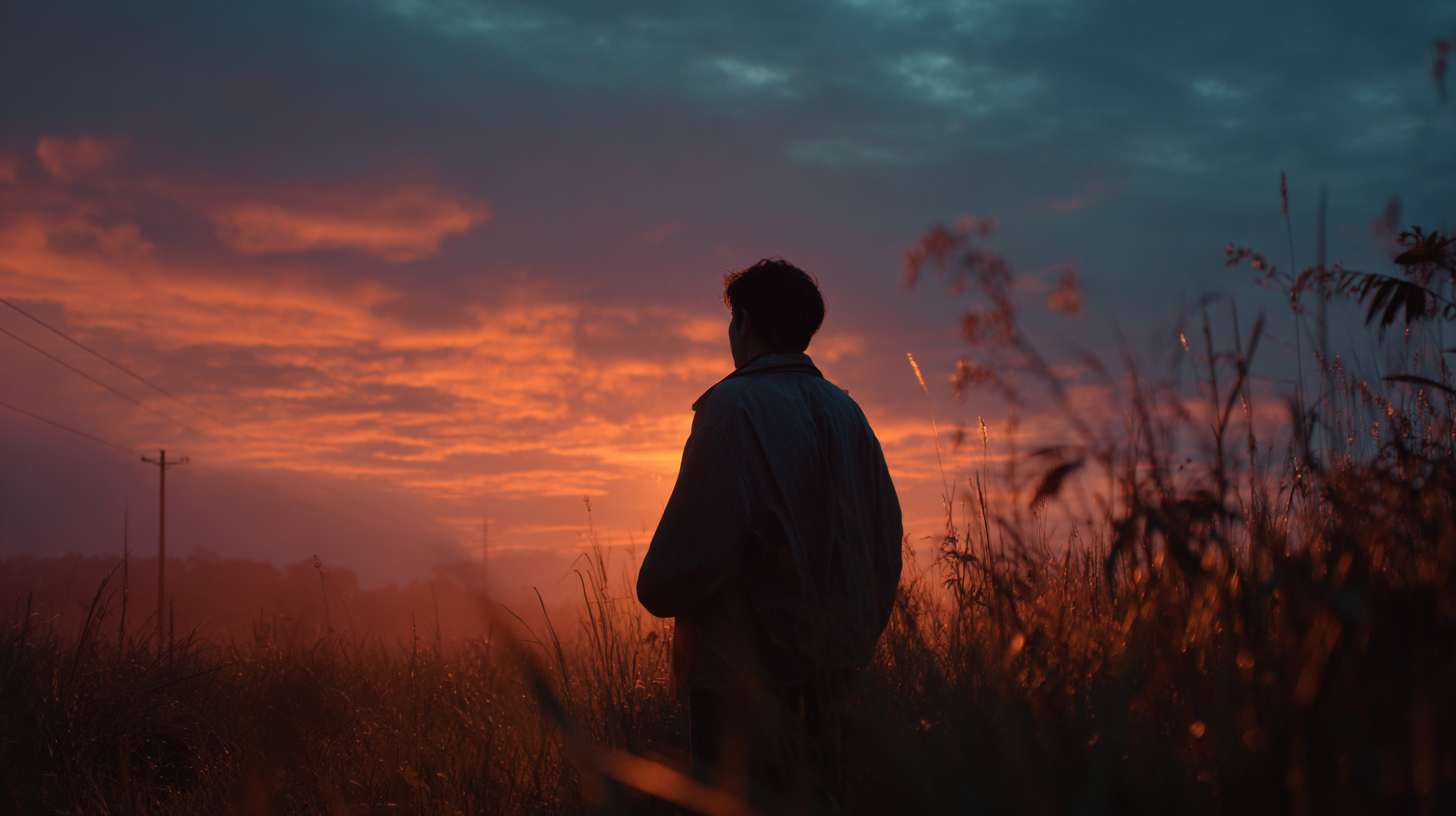
Midjourney V7 creates painterly, cinematic images with detailed brushstrokes, rich colors, and film-style lighting. Its results resemble high-resolution stills from an art film or a painting.
Native Resolution: 2048 × 2048 pixels
Optional 4K Upscale: Up to 4096 × 4096 pixels.
Average Generation Speed: Typically under 20 seconds per image
Even though Midjourney is one of the most loved AI Image generators on the market, it definitely has its flaws.
MidJourney V7 - Benchmark Score (8.62/10)
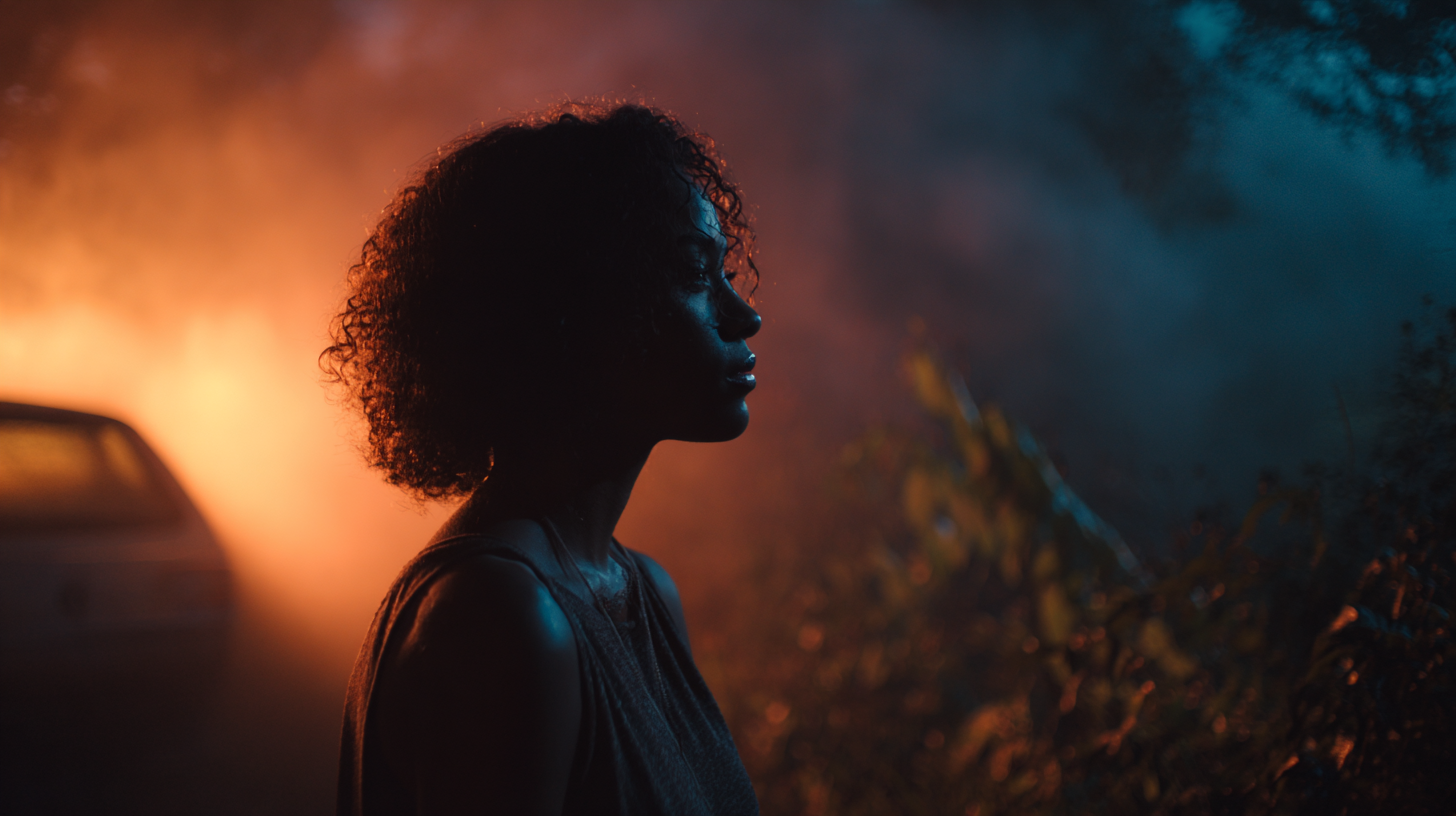
In our Curious Refuge Labs™ review, Midjourney was scored across three categories: Prompt Adherence, Visual Fidelity, and Style & Realism. The average scores were:
Prompt Adherence: 9.2/10
Visual Fidelity: 8.31/10
Style & Realism: 8.34/10
Total Curious Refuge Labs™ Score: 8.62/10
Midjourney V7’s overall score reflects a model that delivers consistently strong results even under varied testing conditions. It isn’t perfect, but V7 is an obedient, balanced, and production-ready image generator.
MidJourney V7 | AI Image Expert Review
We evaluated V7 using our 29-image benchmark. Each category was scored for Prompt Adherence, Visual Fidelity, and Style & Realism.
The results were strong in portraits, natural settings, and human anatomy, but V7 struggled with precise text, accurate physics, and repeating patterns.
Prompt Adherence — 9.2/10
In the three examples below, the model follows the prompt with near-surgical precision. That’s because these prompts contain: one subject (or one action), one lighting setup, and one environment.
With no competing elements vying for priority, the model can devote its full “budget” to reproducing the exact pose, angle, texture, and lighting described in the prompt.

That same discipline extends into large, real-world environments. The two aerial shots below both demonstrate a strong grasp of composition, organizing the frame into a coherent foreground, middle ground, and background while preserving correct scale, depth, and colors/gradients.
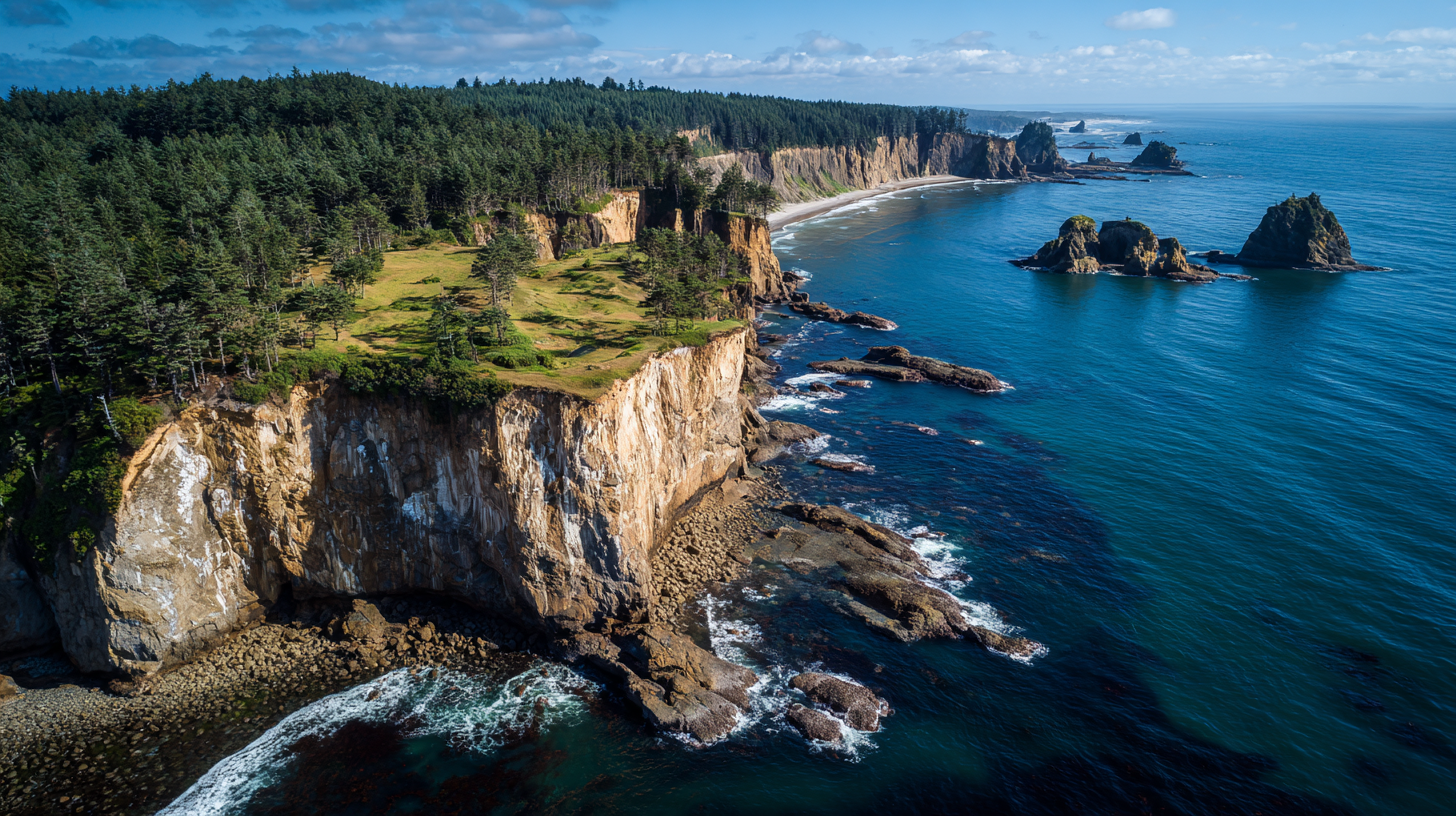
An expansive aerial or drone shot of a dramatic coastal landscape under a clear, bright sky. The image captures a rugged, high cliff face covered in lush green vegetation on its plateau, plunging sharply into the deep blue ocean. The cliff reveals layers of light-colored rock and earth where the vegetation ends. The coastline curves, and in the distance, more verdant cliffs and small, distinct rocky islands or sea stacks are visible protruding from the calm, vast expanse of the ocean. The water directly below the cliffs shows varying shades of blue, indicating depth and clarity, with gentle waves breaking at the base.
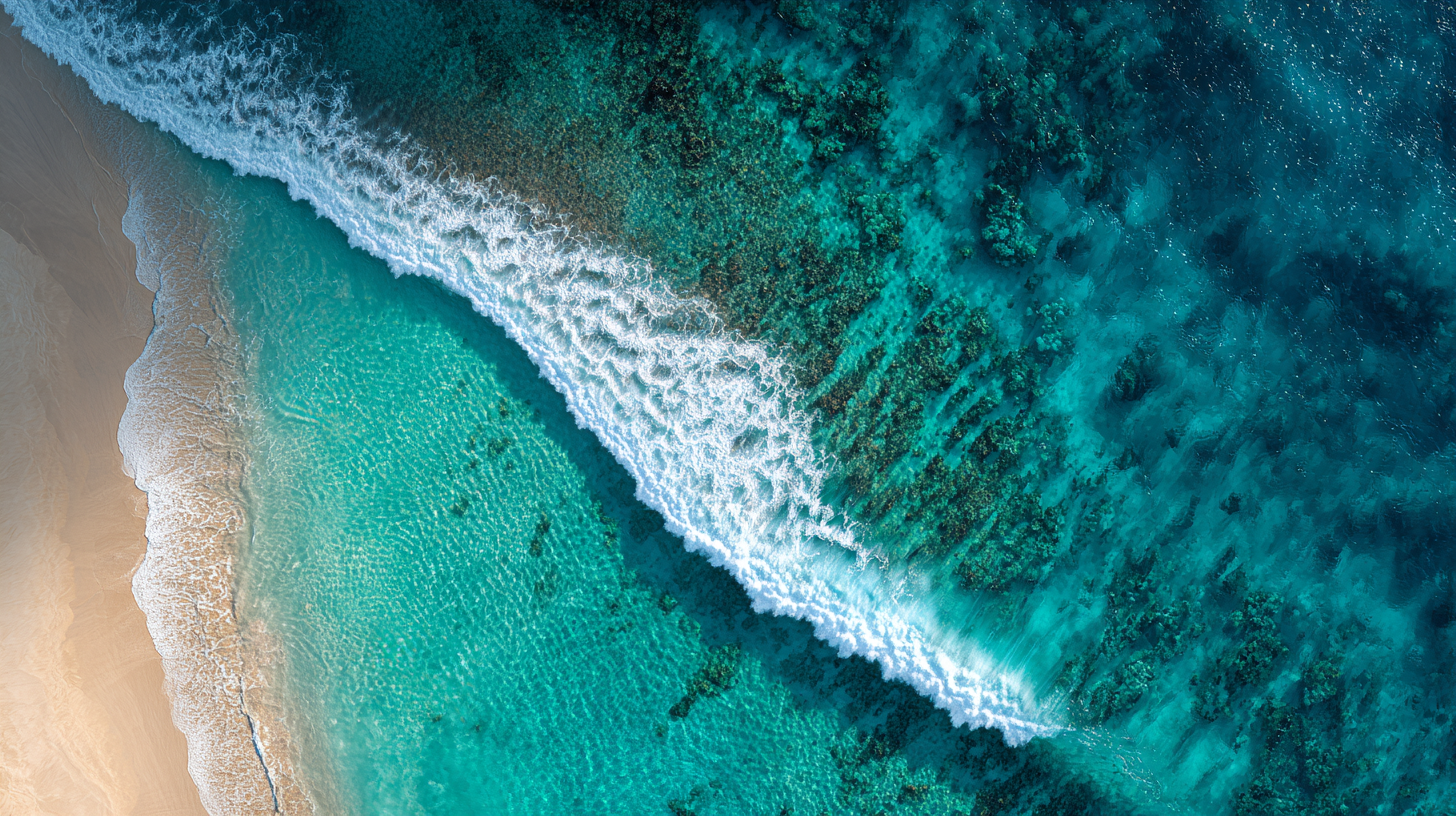
An incredibly high-angle, vertical aerial shot of a tropical or subtropical coastline. The image is split between the brilliant white-sand beach on the left and the clear, turquoise-to-deep-blue ocean on the right. A striking line of foamy white waves crashes along the shore, creating a stark, beautiful separation between the sand and the water. The shallow water near the beach is a light, translucent turquoise, transitioning to a deeper, richer blue in the distance where the water becomes darker and shows patterns of reefs or underwater terrain. The image's colors are saturated and vibrant.
Your subject can be human or environmental, but it comes down to one focal point (cliffs), one light source (the sun), and one location (the coastline). The content of your prompt matters less than the structure of the scene being described.
Visual Fidelity — 8.31/10
Structure gives the model something to hold onto, but structure alone doesn’t guarantee realism. The most reliable way to get lifelike results in Midjourney is to either tighten your focal point or pull the shot dramatically wide.
We see the strongest fidelity in extreme close-ups, and while wide environmental scenes are strong, their fidelity still lags behind macro shots.
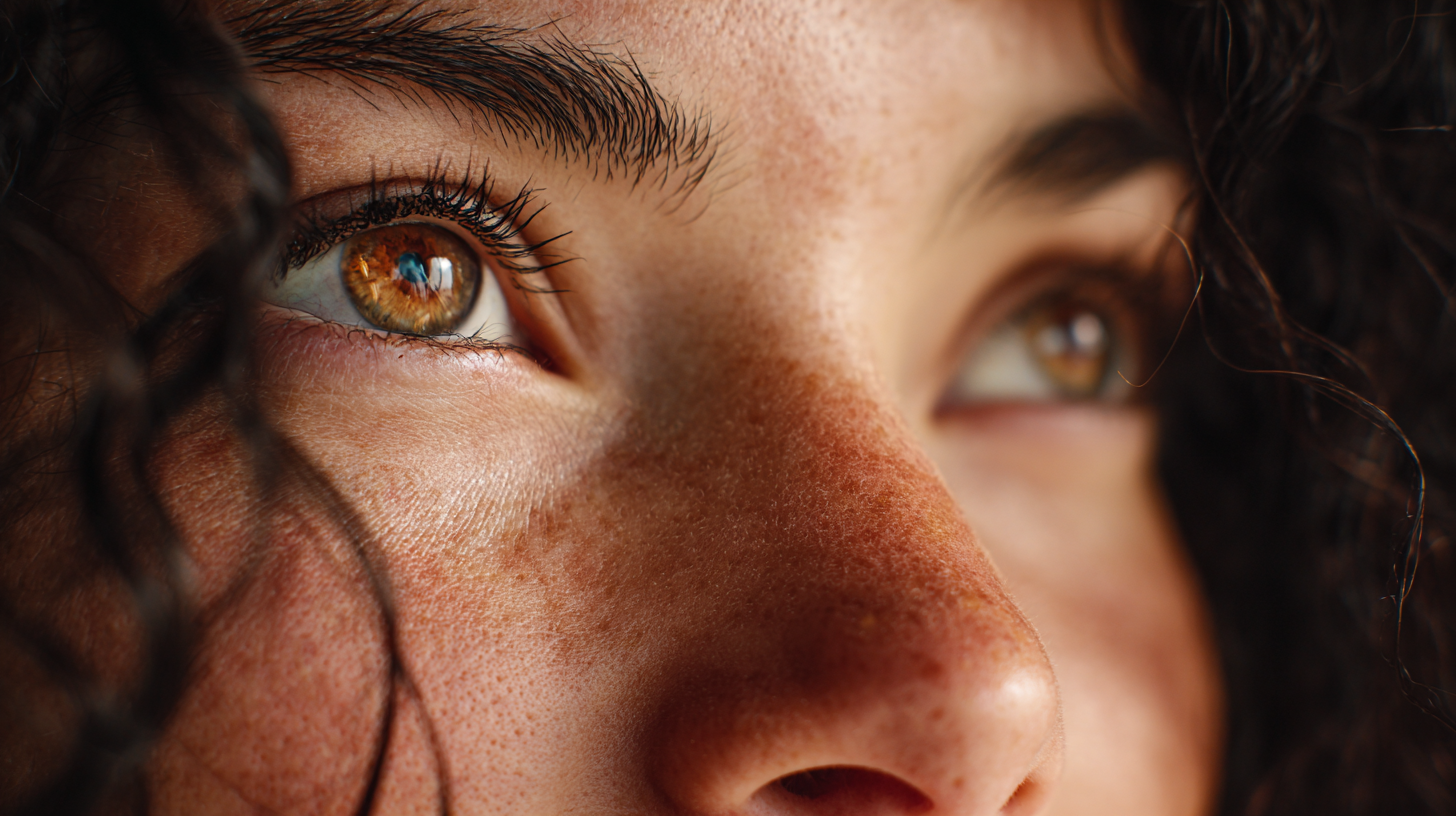
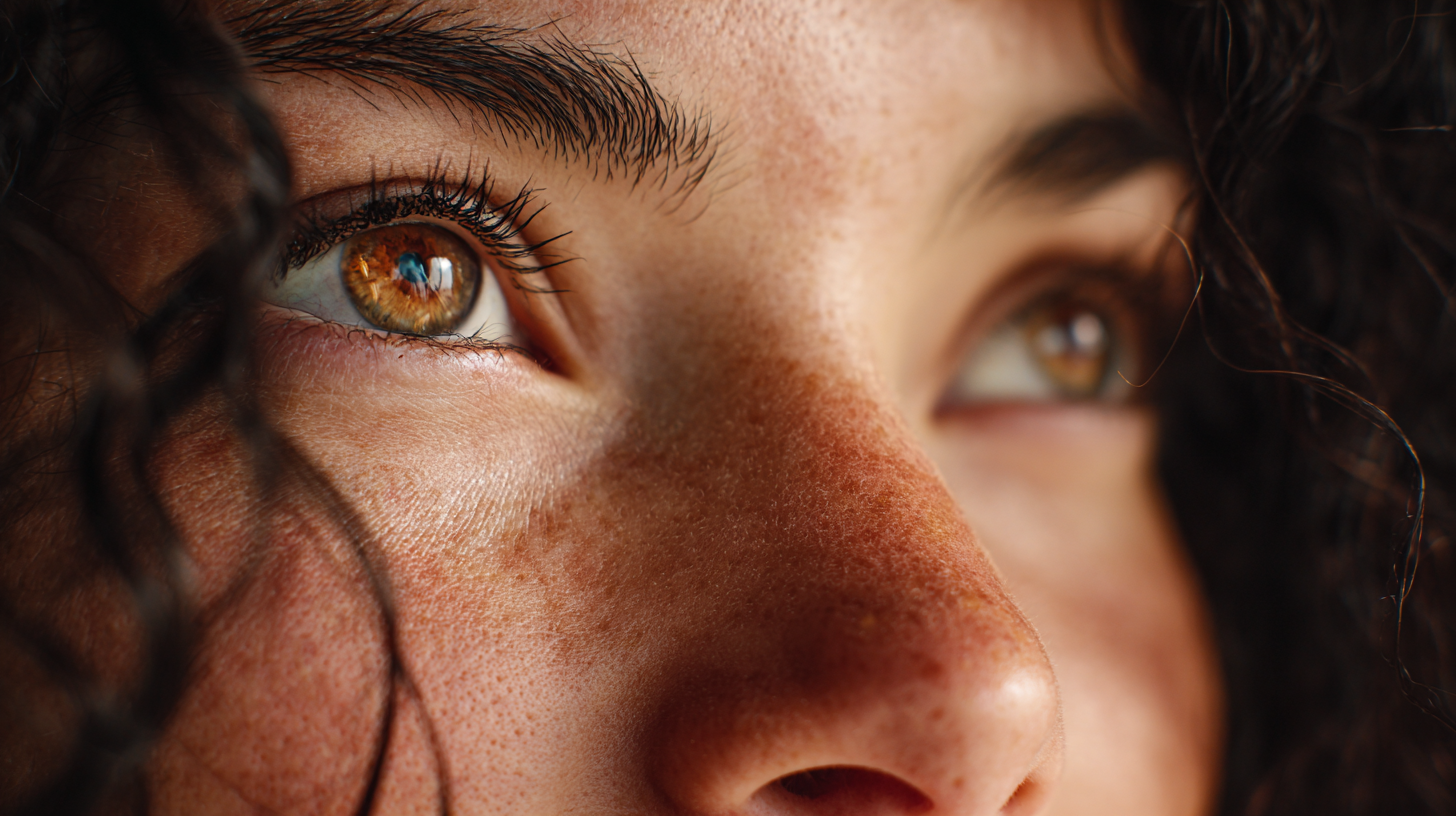
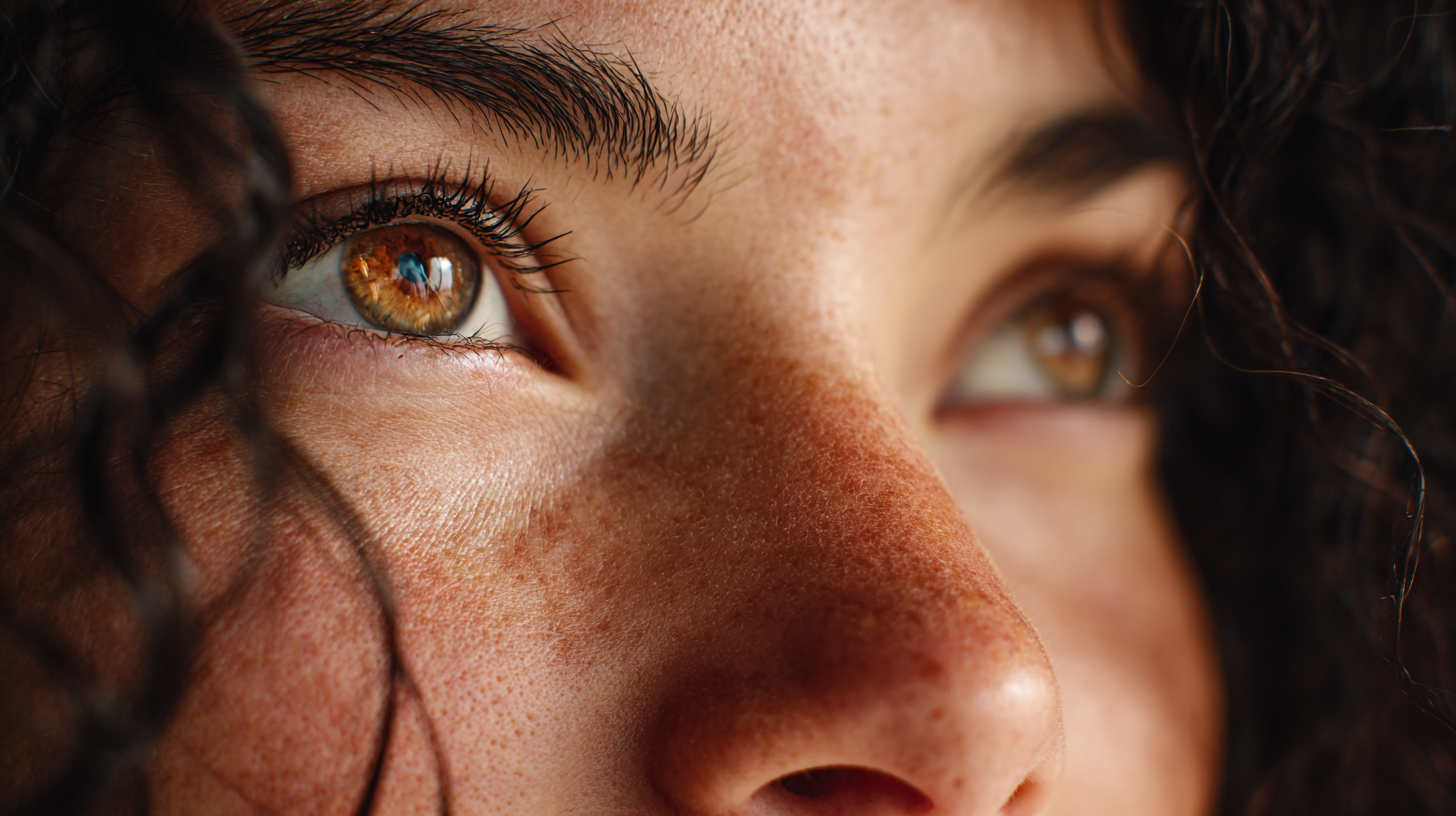
Prompt: An extremely close-up, highly detailed portrait focusing on the eyes and face of a woman with curly dark hair. The shot is framed from the side, looking up towards the eyes. The subject's light brown or amber-colored eyes are the main focus, with a distinct, star-like pattern around the pupils. The eyes are bright and reflective, showing a faint glint of light. A few strands of dark, curly hair are softly blurred in the foreground, framing the face. The skin texture, including a slight rosiness on the nose, is in sharp focus, and the overall lighting is natural and soft.
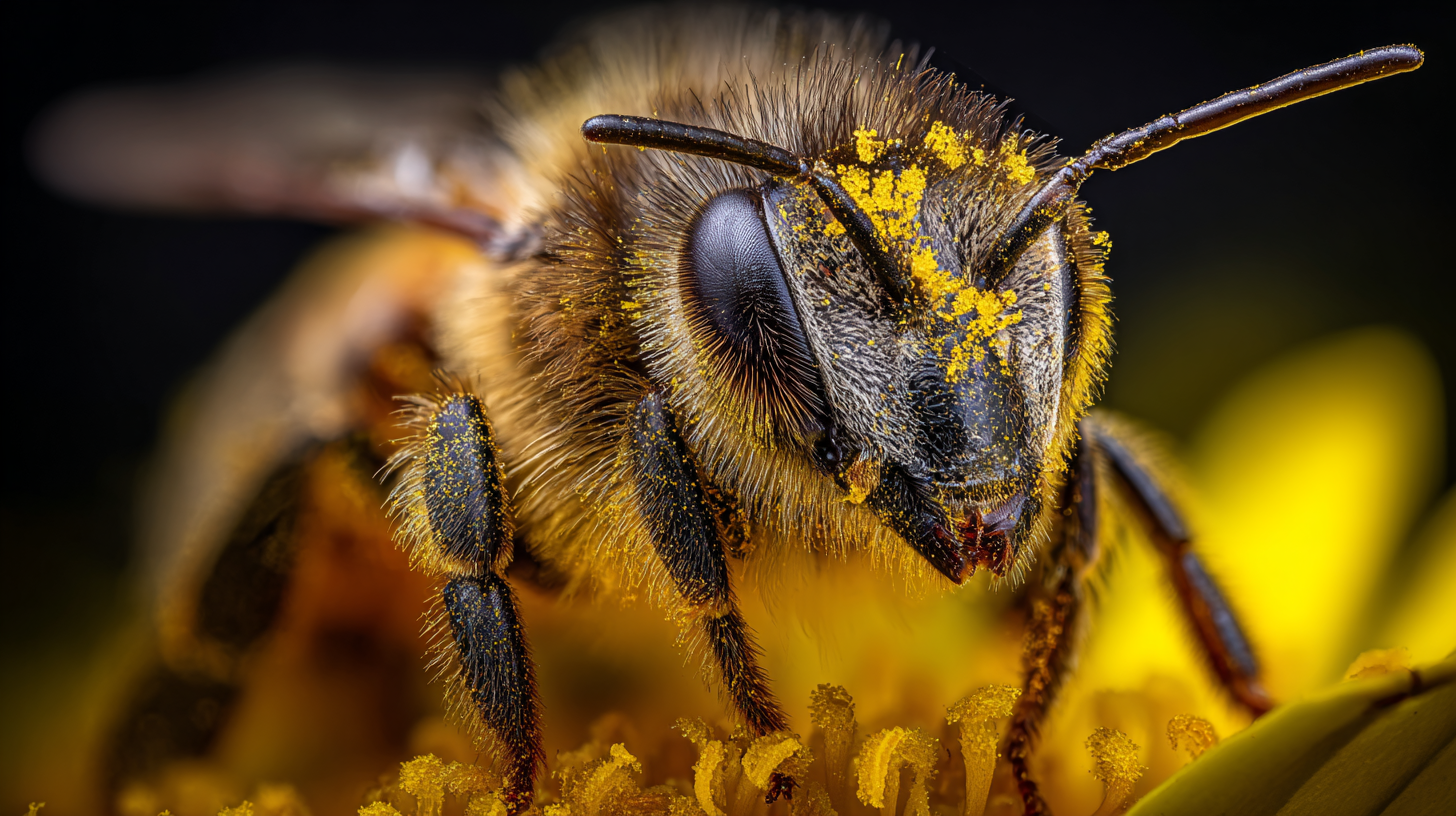
Prompt: An extreme macro shot focusing on the head of a honeybee, captured in stunning detail. The bee's fuzzy, golden-brown body is covered in countless fine hairs, which are themselves dusted with bright yellow pollen grains. Its large, compound black eyes are highly reflective, and its antennae and mandibles are in sharp focus. The bee is positioned on a vibrant yellow flower petal, which is in soft focus and provides a matching backdrop. The background is a very dark, out-of-focus abyss, making the bee the sole point of interest. The lighting is crisp and highlights the intricate textures of the bee's body and the pollen.
In the extreme close-up, pores, irises, and tiny hairs are crystal clear because the prompt focuses the model on minute details.
The shot of the bee shows the same effect: pollen, micro-hairs, and tiny reflective surfaces are sharp because nothing competes for that fidelity “budget.”
For creators, that means tightly framed shots are where Midjourney behaves most like a high-end DSLR camera.
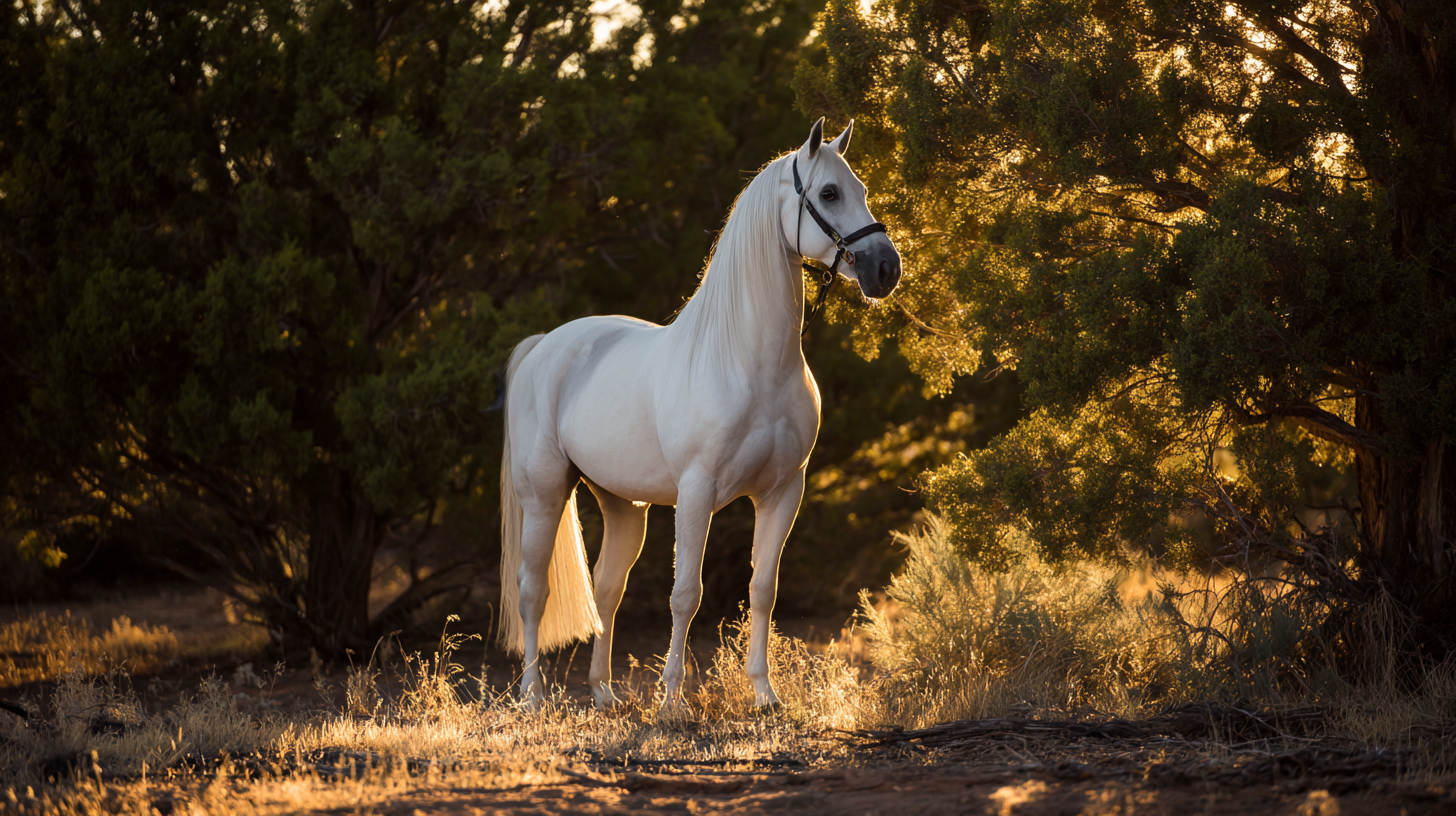
Prompt: A full-body, majestic shot of a pure white or light grey horse standing gracefully in a natural outdoor setting, captured during the golden hour. The horse is positioned slightly to the left of center, facing left, with its head turned slightly, wearing a dark leather bridle. Its coat is clean and well-groomed, with subtle musculature visible. The ground it stands on is a mix of dry grass and dirt, bathed in warm, dappled sunlight, creating elongated shadows. The background consists of dense, dark green foliage and trees, with bright, warm sunlight filtering through the leaves on the right side, creating a luminous glow.
The model renders the broad strokes, body, ground, and trees, but it fails on small details like hair and grass.
Overall, Midjourney achieves its highest Visual Fidelity when one clear central subject is lit by a single clear source, inside a simple frame.
Style & Realism — 8.34/10
Midjourney favors a polished, cinematic look with clean lighting, controlled contrast, and pleasing color harmony, even if the prompt doesn't ask for it.
In techspeak, we’d call that a model’s “prior aesthetic,” and Midjourney’s is filmic, cinematic.
In simple shots like the ones shown below, the bias helps, giving a polished, cinematic look that feels art-directed. But sometimes it creates images that are overly idealized or too polished.

Where this cinematic bias becomes most obvious is in scenes involving physics or unpredictable motion. In the explosion shot below, the flame texture and color palette look straight out of an action film, but the blast expands too symmetrically to be physically accurate.
The explosion is just a little too perfect to be believable.
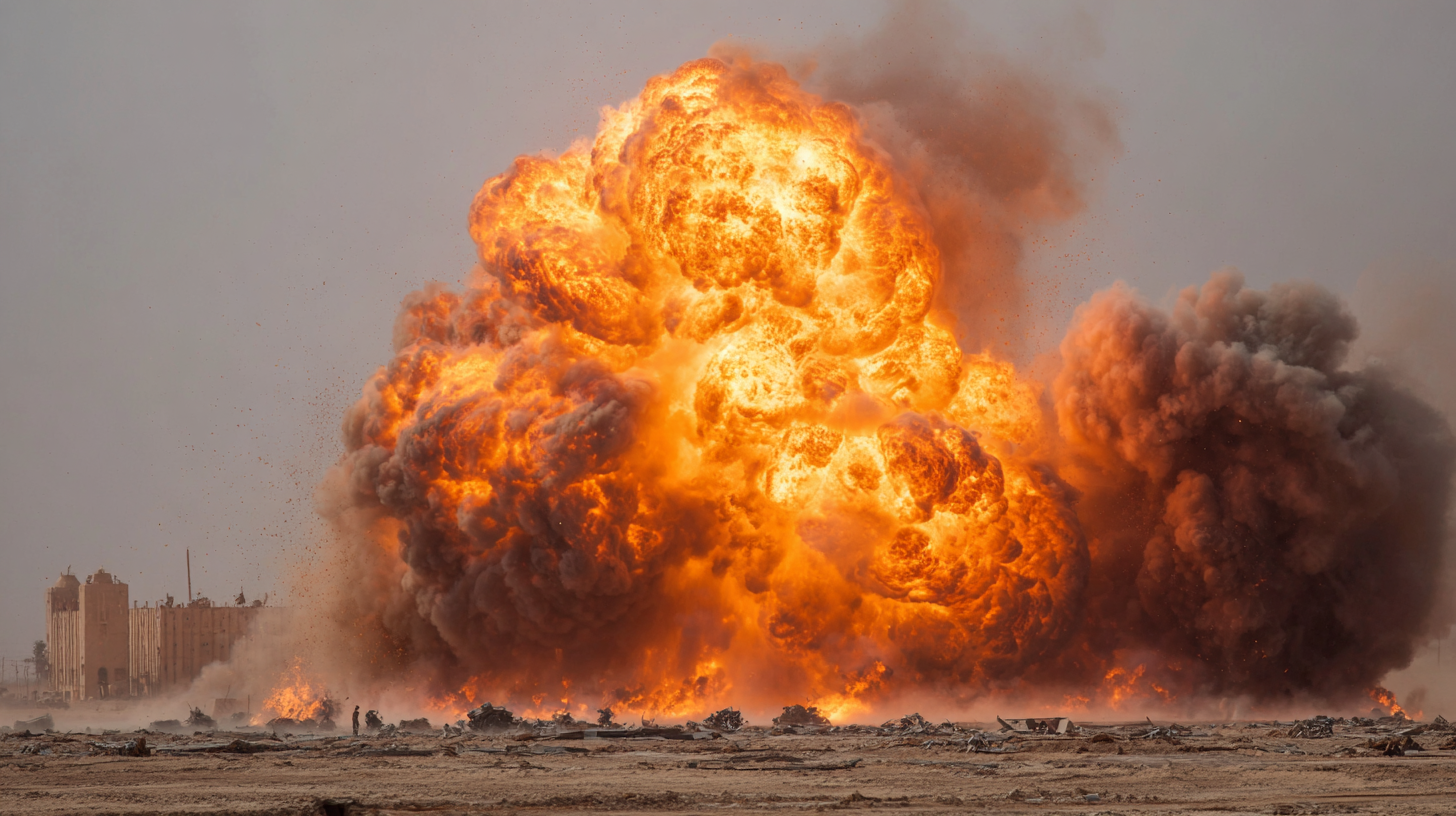
Prompt: A dramatic, high-impact photograph of a massive, fiery explosion. The fireball dominates the center of the frame, a turbulent, roiling cloud of bright orange and yellow flames with dark black smoke plumes. The explosion is low to the ground, kicking up debris and dust. In the background, a distant, light-toned building or structure is visible, along with the silhouette of a few figures and some explosions on a smaller scale. The sky is hazy and light-colored, suggesting a dusty, outdoor environment. The lighting is intense and harsh, coming directly from the blast.
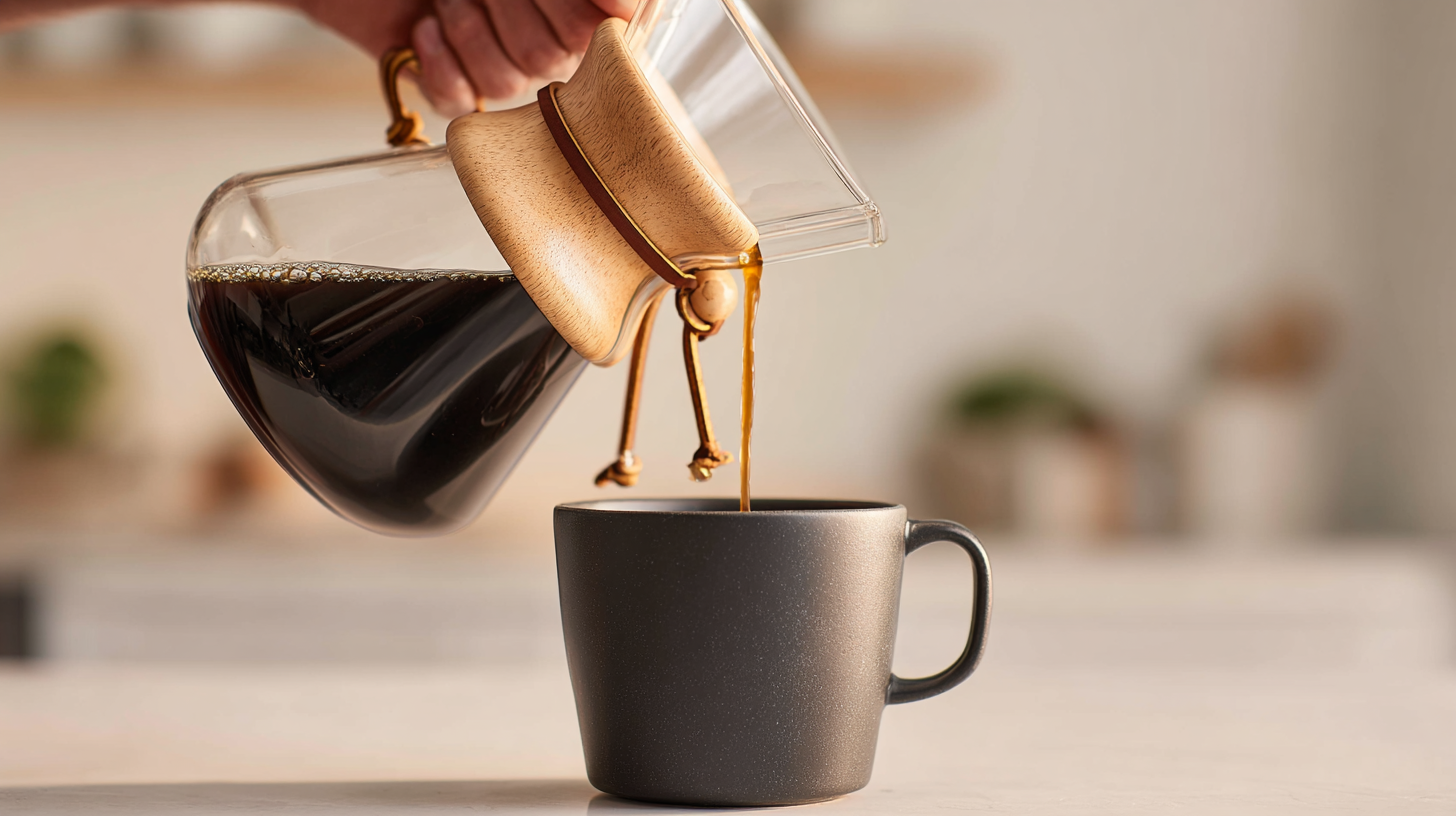
The coffee pour shot below shows a similar pattern: the mug, wood grain, and reflections are rendered beautifully, while the coffee stream behaves like an idealized ribbon rather than a chaotic liquid.
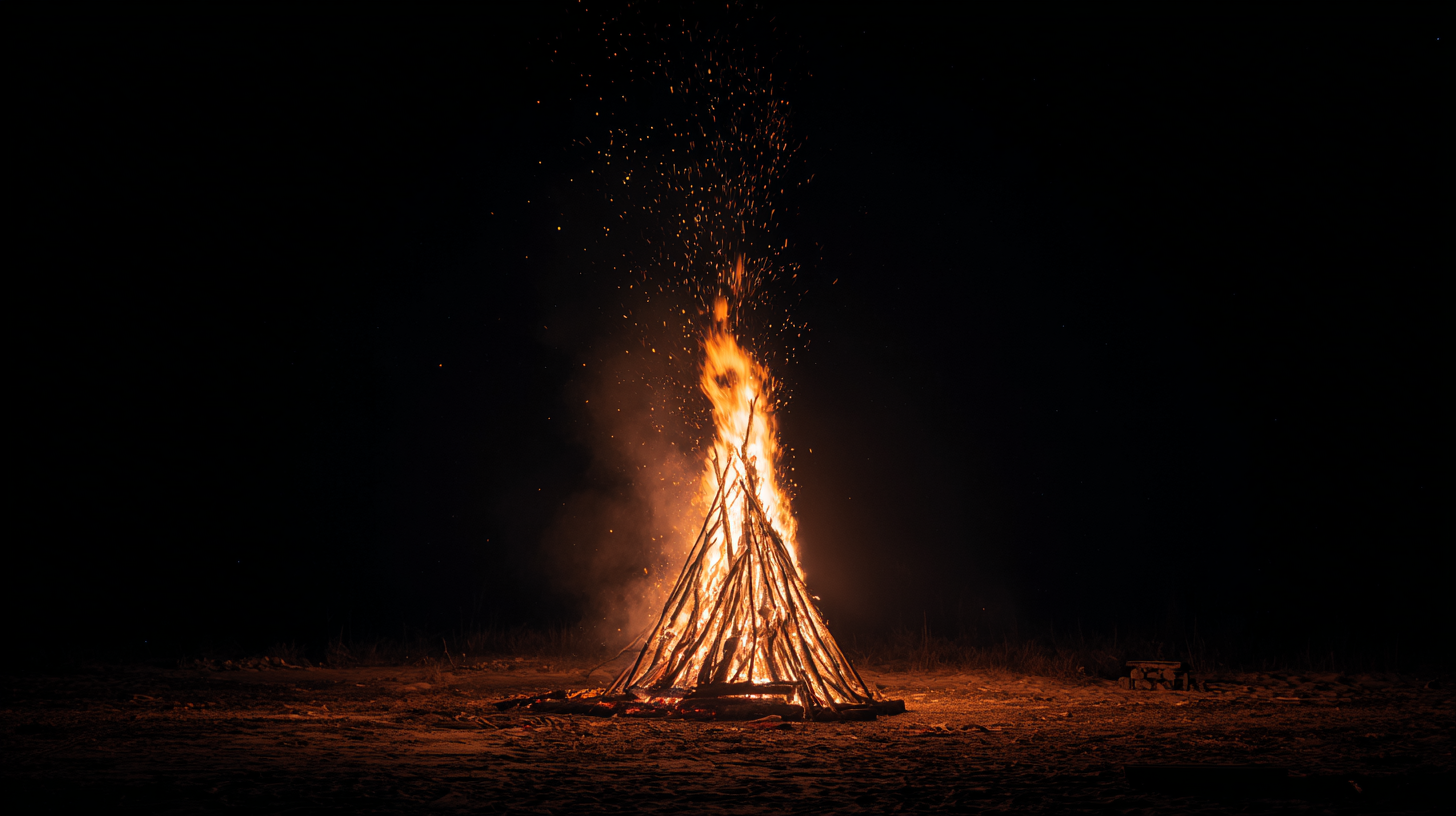
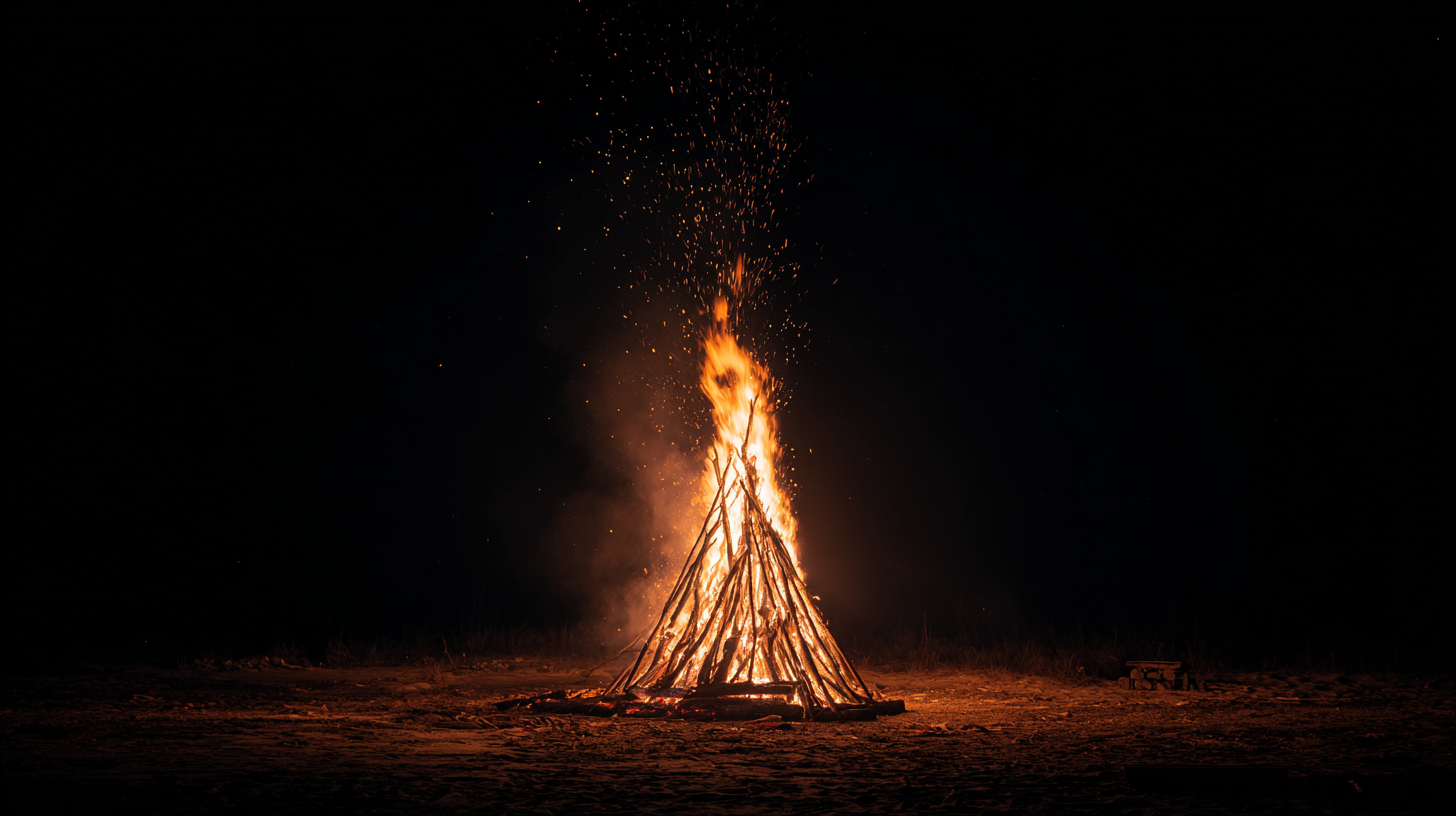
Even the bonfire above leans into stylization, producing elegant ember trails that prioritize visual appeal over chaotic realism.
Midjourney’s Style & Realism lean cinematic: it softens disorder, lights scenes like a movie set, and favors polished visuals over exact physical accuracy.
Do We Recommend MidJourney V7 for AI Artists?
Yes, with important caveats. Midjourney V7 is great for AI artists who need high-quality stills, consistent characters, good lighting, and cinematic framing. It struggles with realistic physics, accurate text, and precise multi-object scenes, so it’s not an all-in-one tool.
Still, it’s one of the best for generating frames, storyboards, and visual development.
How Does MidJourney V7 Stack Up Against Other AI Image Tools?
MidJourney V7 posts a strong showing across our testing, but it still falls short of the current leader. Nana Banana Pro, for reference, scored 9.5 overall, giving it a measurable edge in precision and consistency. V7 remains artistic, powerful, and highly capable, but it isn’t the top performer.
Find the Best AI Tools for Artists and Filmmakers
Check out our full list of AI image generators, image generators, and other AI tools that we recommend.
We give you insight into which tools are best so that you don’t waste your time!
Be sure to check out the page and join our community list if you want to be the first to hear about new AI tools.