
Midjourney v8 | An Honest AI Image Generator Review
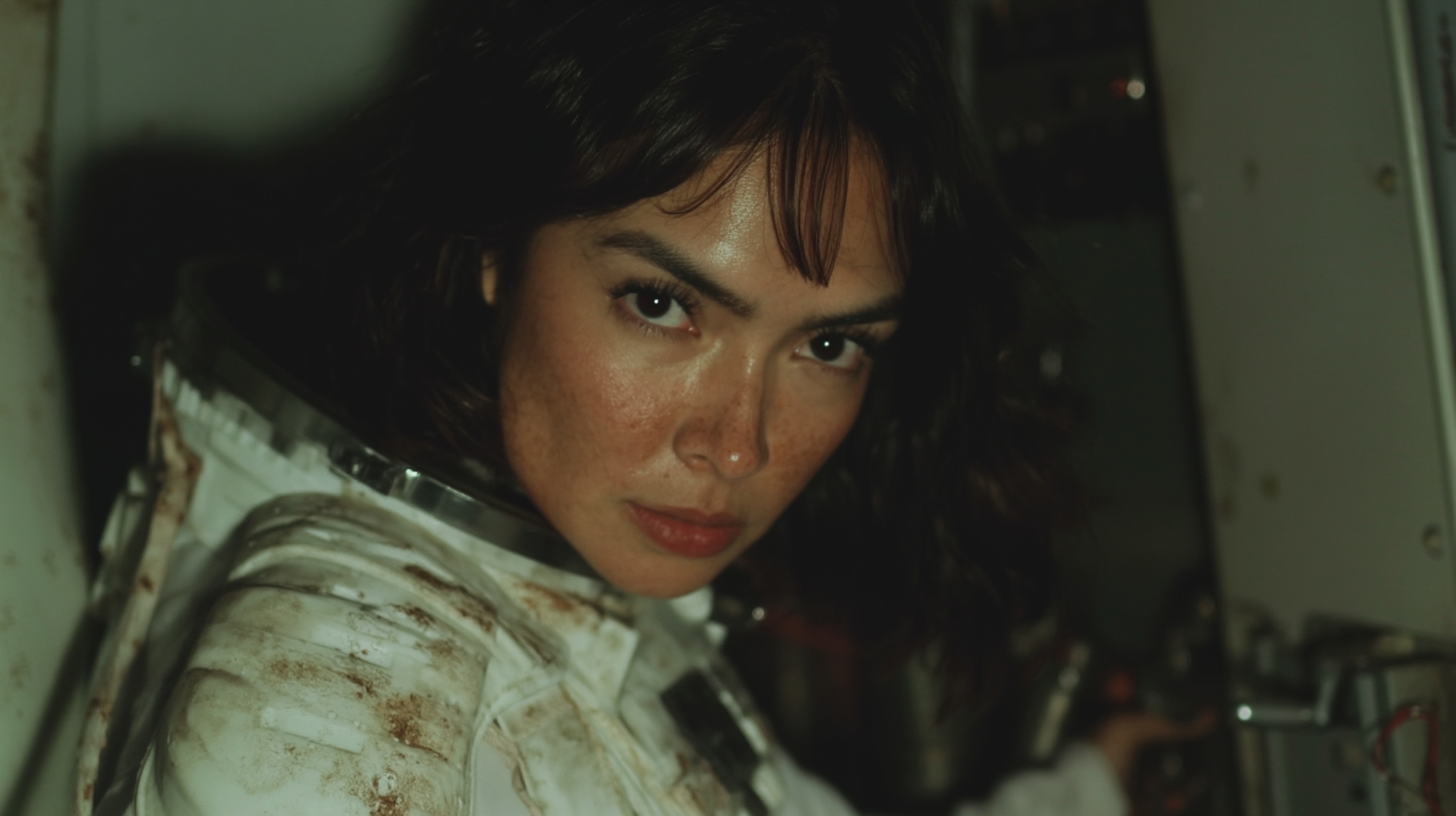
Generated using Midjourney v8
In this article, we will take a look at Midjourney v8 and see how this new model performs in real workflows.
For the majority of the time, Midjourney has been the best available AI image generator on the market. Well, times have changed. Midjourney recently launched a new model, Midjourney v8.
The only thing this new model seems to excel at is the style and aesthetic, but the majority of other tests seems to even possibly perform worse than v7.
In this article, we will take a look at the tool and give you our honest thoughts.
We hope you enjoy!
Midjourney v8 | Video Tutorial
Below is a recent episode of AI Film News, where we show how to use Midjourney 8, and compare it to other available AI image Generators.
Midjourney v8 | An Honest Review
Below is our honest review of Midjourney 8 and the tests we ran.
What’s New in Midjourney v8?
Midjourney is positioning V8 as a meaningful upgrade over V7, with several headline improvements:
Better prompt adherence
Stronger style reference handling
More detailed and coherent images
Improved text rendering
~5x faster generation speeds
New HD mode (2K native resolution)
Optional --q4 parameter for higher quality (but slower renders).
On paper, this sounds like a major leap forward. And to be fair, Midjourney has long been one of the best tools for cinematic, stylized image generation.

Midjourney v8
But once you actually start testing it… Things get interesting.
Where to Access Midjourney v8
Midjourney 8 is currently only accessible through Midjourney’s Alpha Website here.
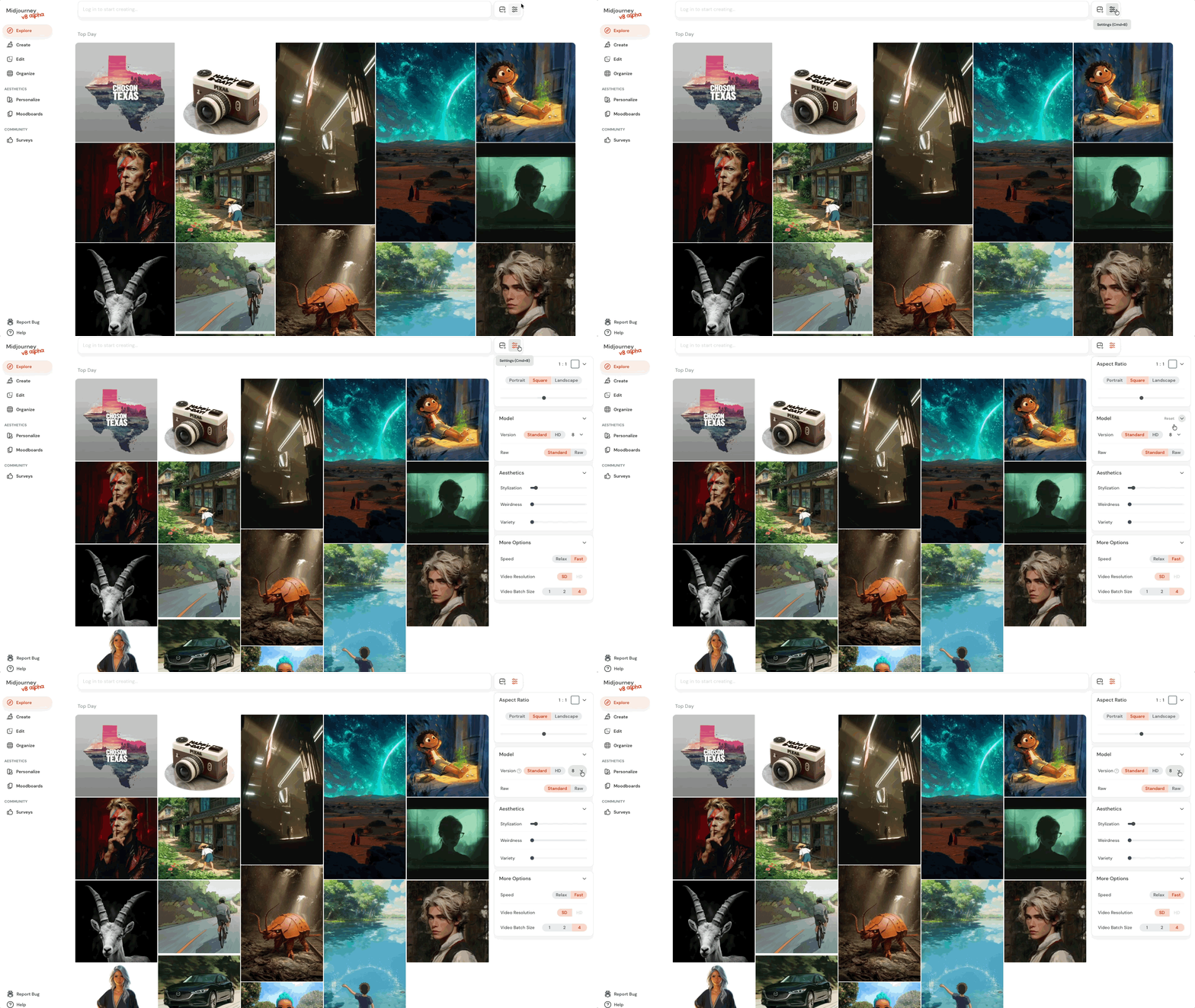
The interface in V8 feels mostly the same, which is a bit of a relief for those of us who use these tools every single day.
Prompt box at the top
Style references and mood boards still supported
Cleaner layout with settings moved to the right panel
You can still upload style references and personalize outputs, but there are new toggles like --HD for higher resolution and --q4 for increased detail.
Midjourney v8 Test #1: Cinematic Sci-Fi Character
Prompt:A man in a blue mech suit in a futuristic market
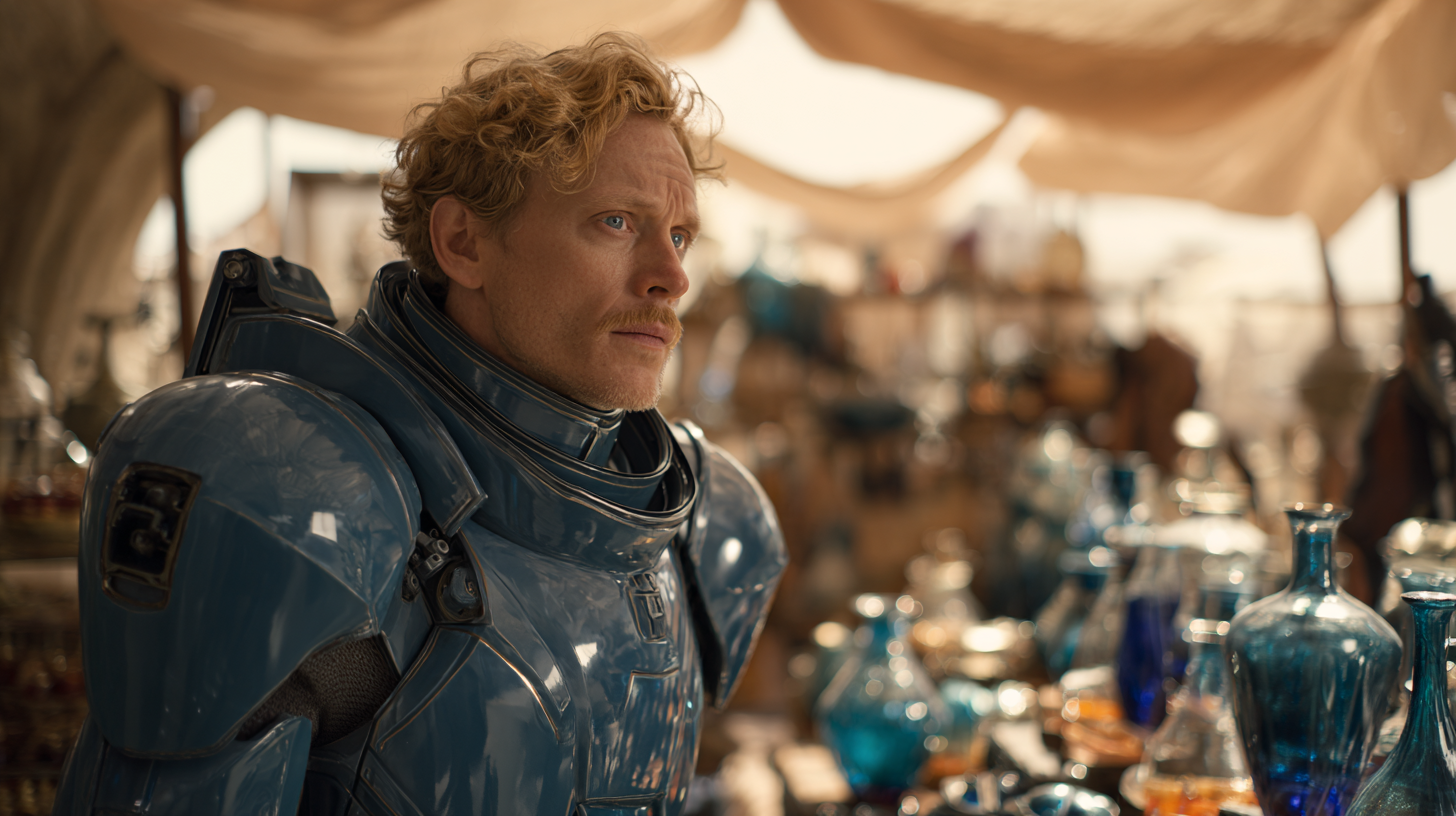
Midjourney v7
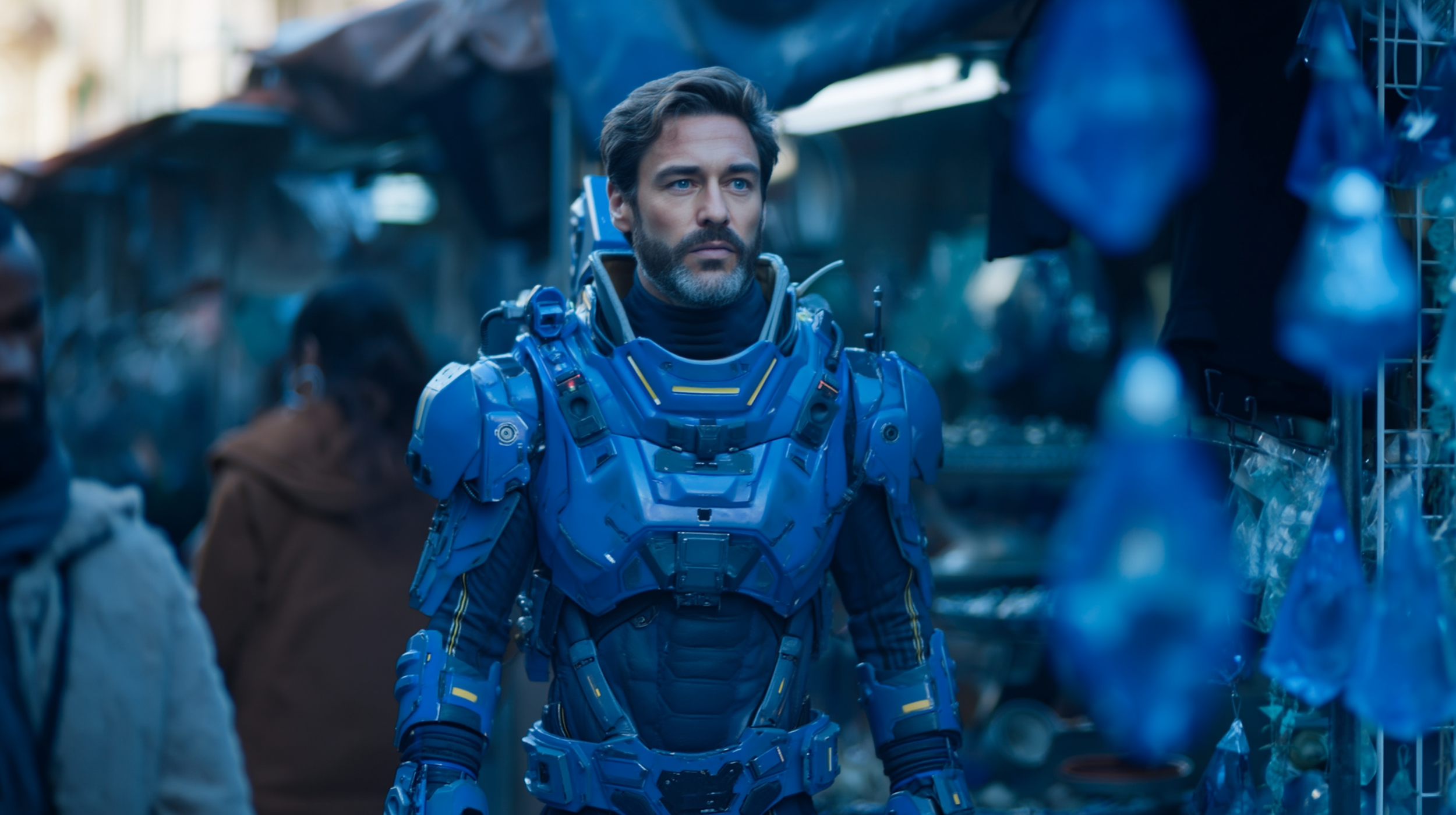
Midjourney v8
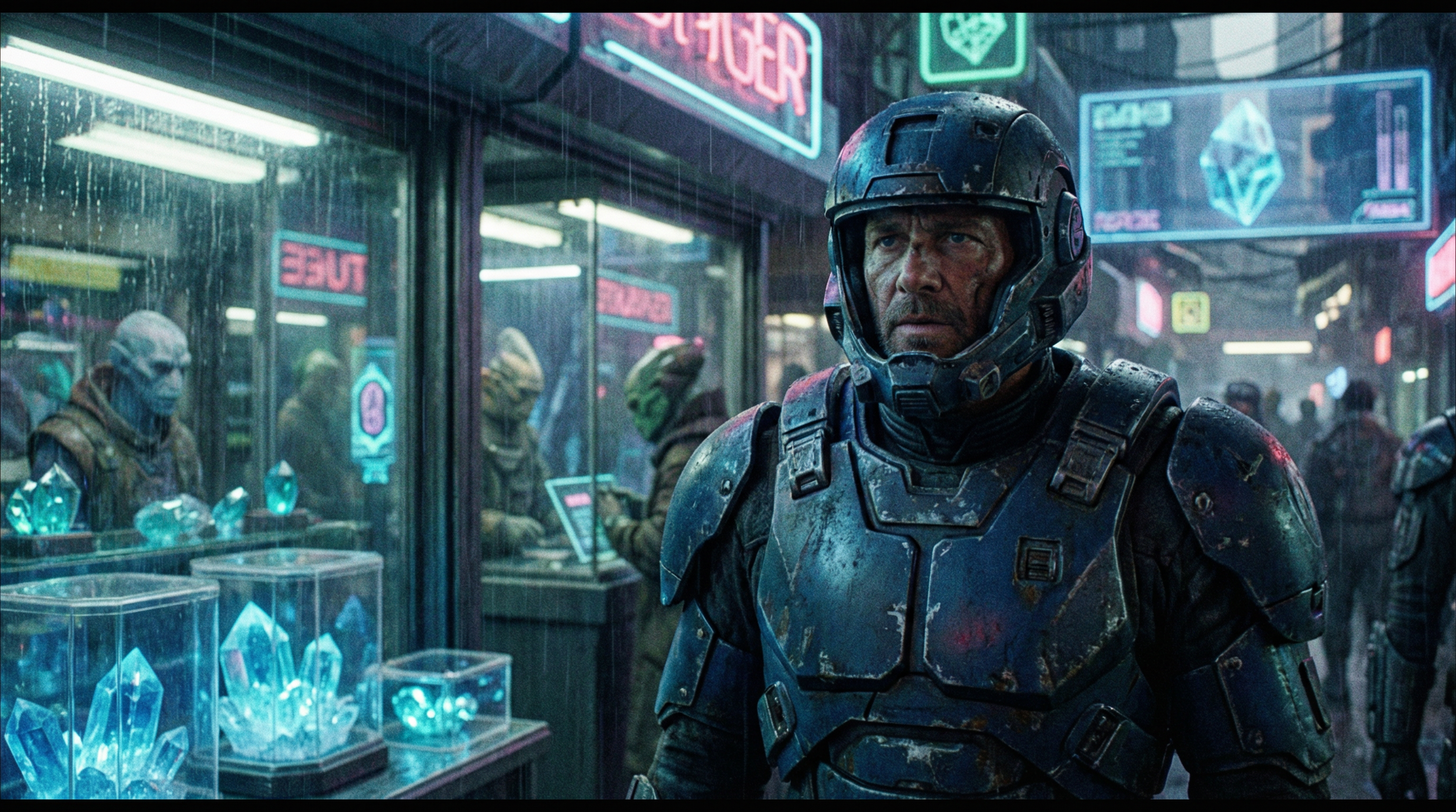
Nano Banana Pro
Midjourney v8 Test #2: Text Rendering
Prompt:A man holding a glowing orb that says, “Find the Stone” Despite claims of improvement, text is still unreliable in V8.
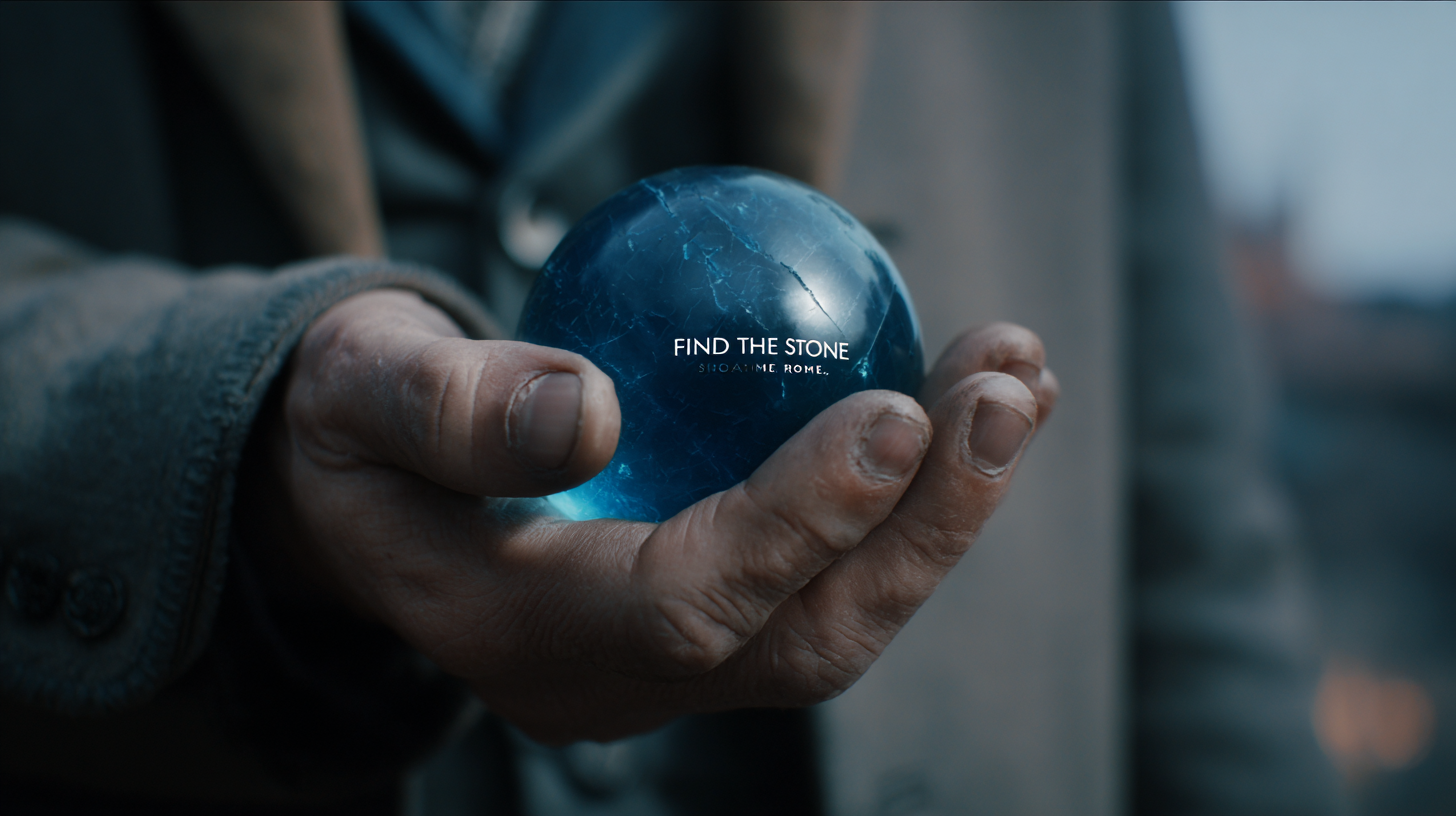
Midjourney v7
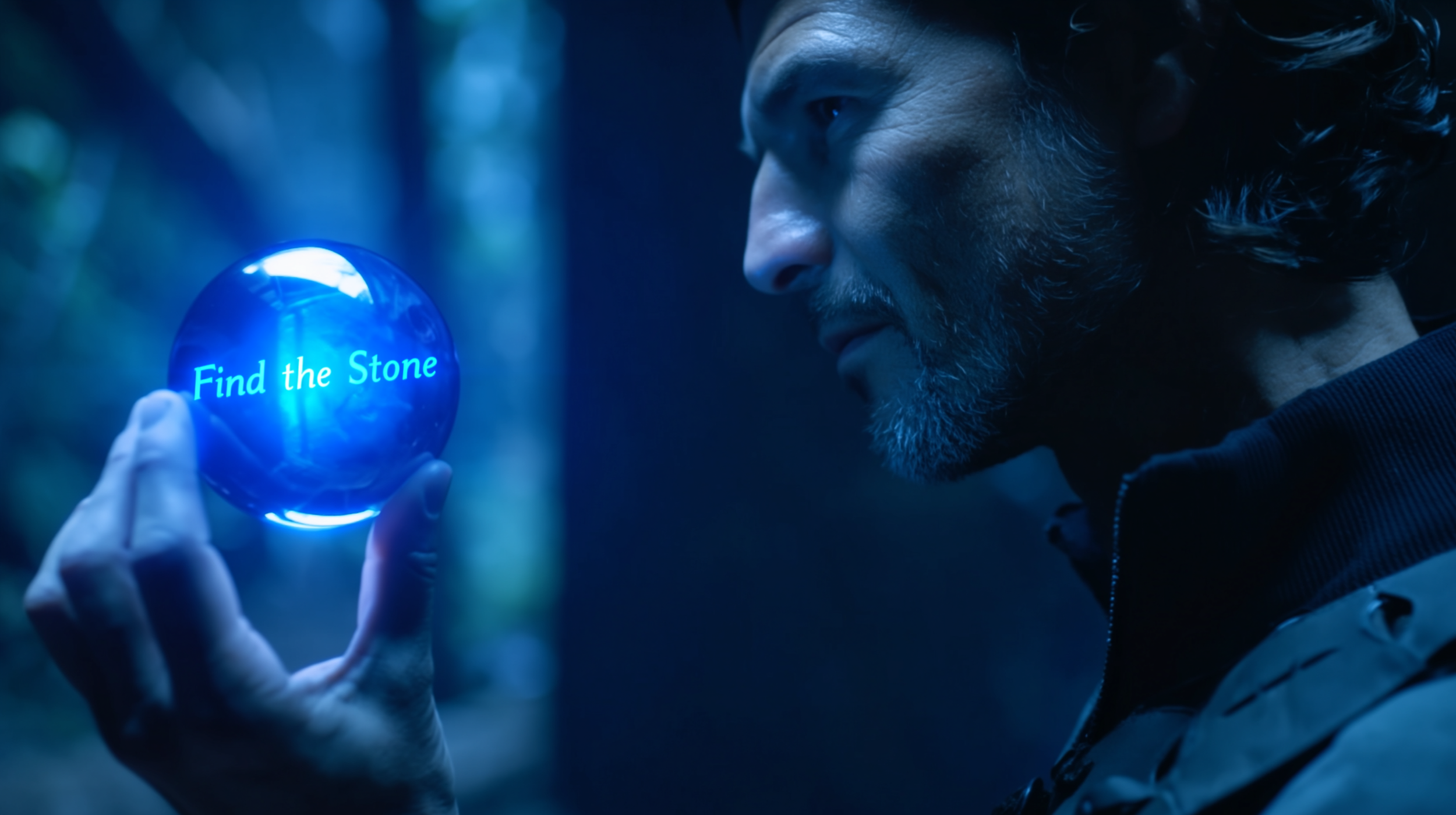
Midjourney v8
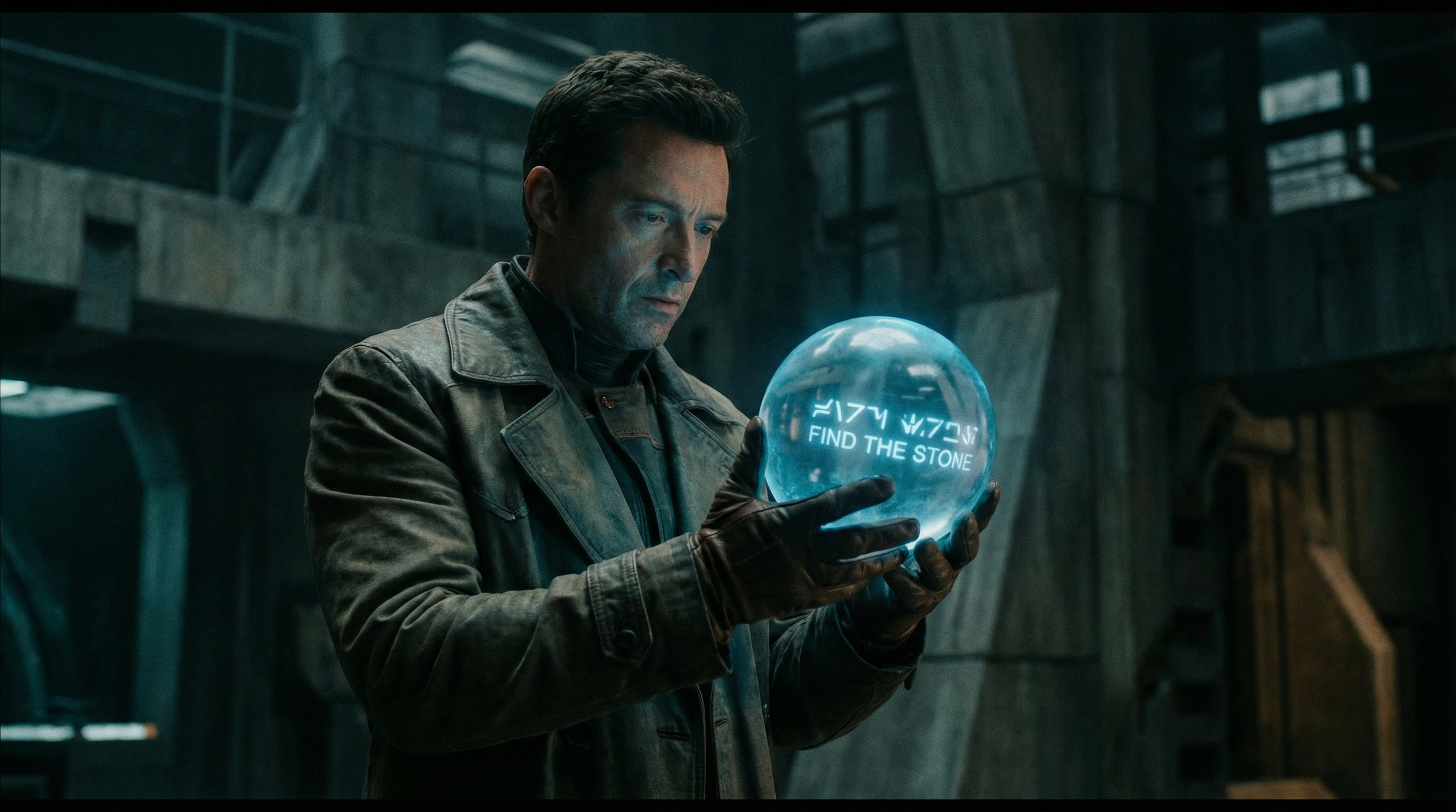
Nano Banana Pro
Midjourney v8 Test #3: Realism
Prompt: A man sitting in a coffee shop with natural lighting V8 struggles with logical scene construction and fine details (like object placement). It’s a bit of a bummer.
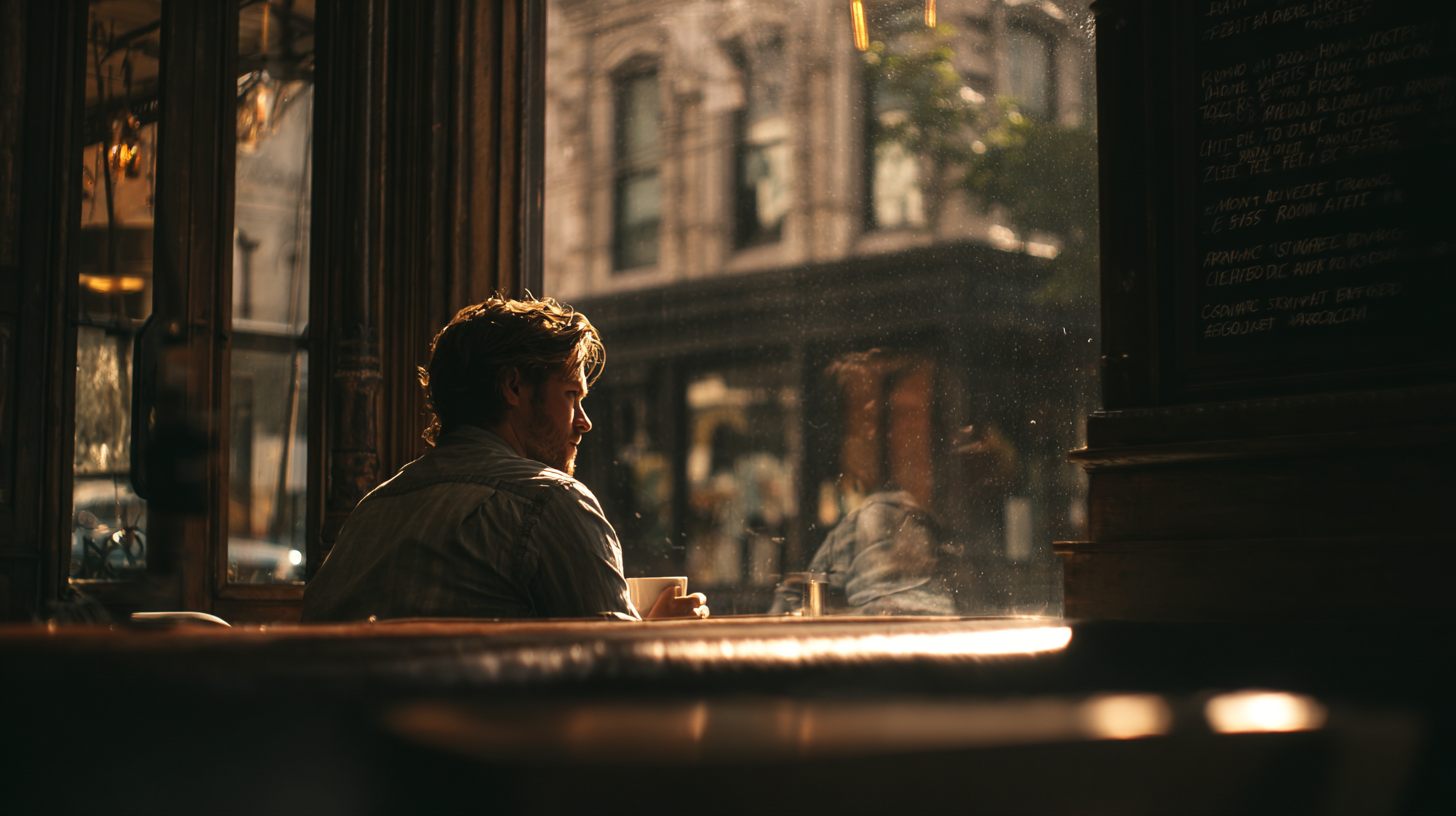
Midjourney v7
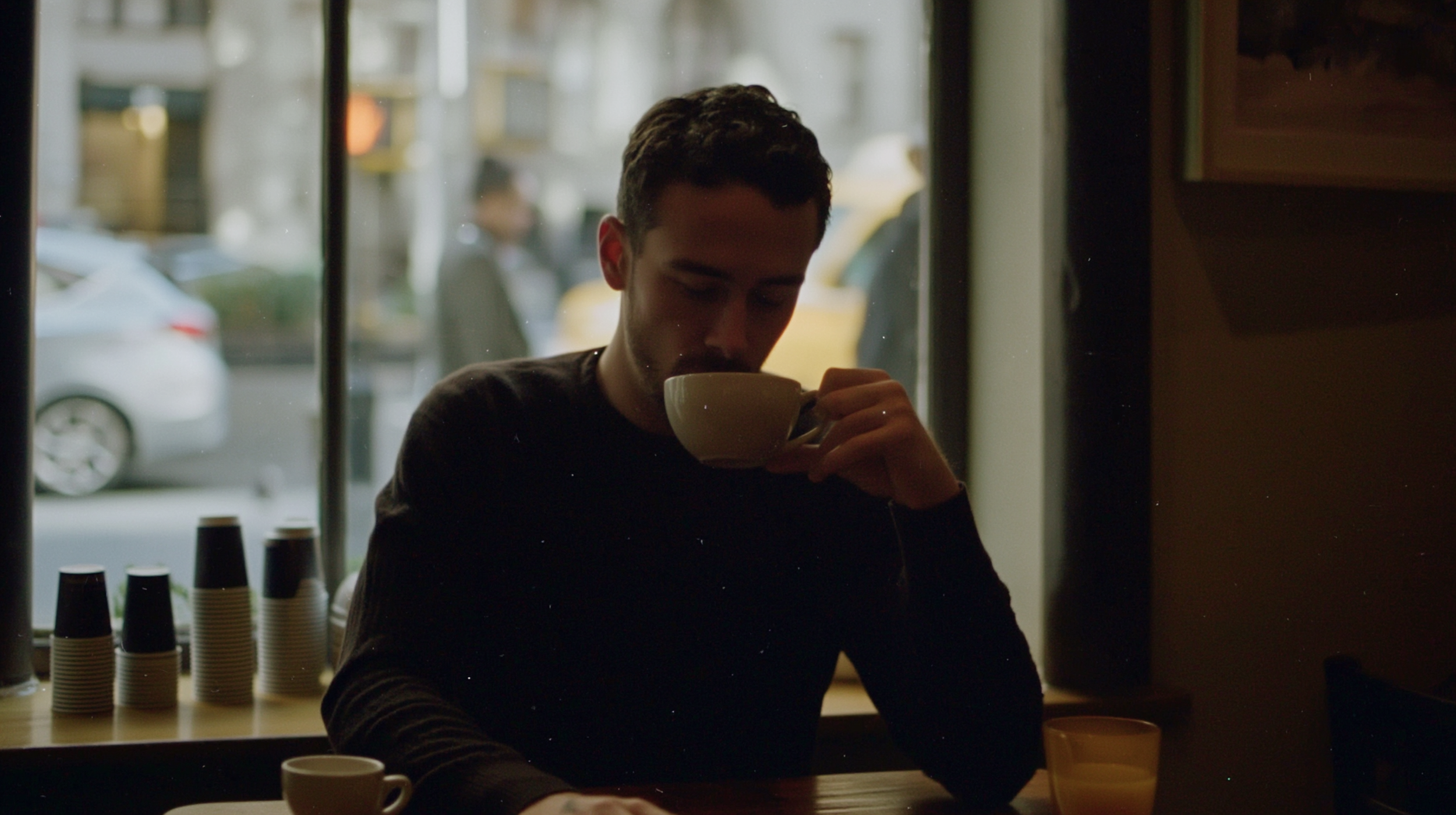
Midjourney v8
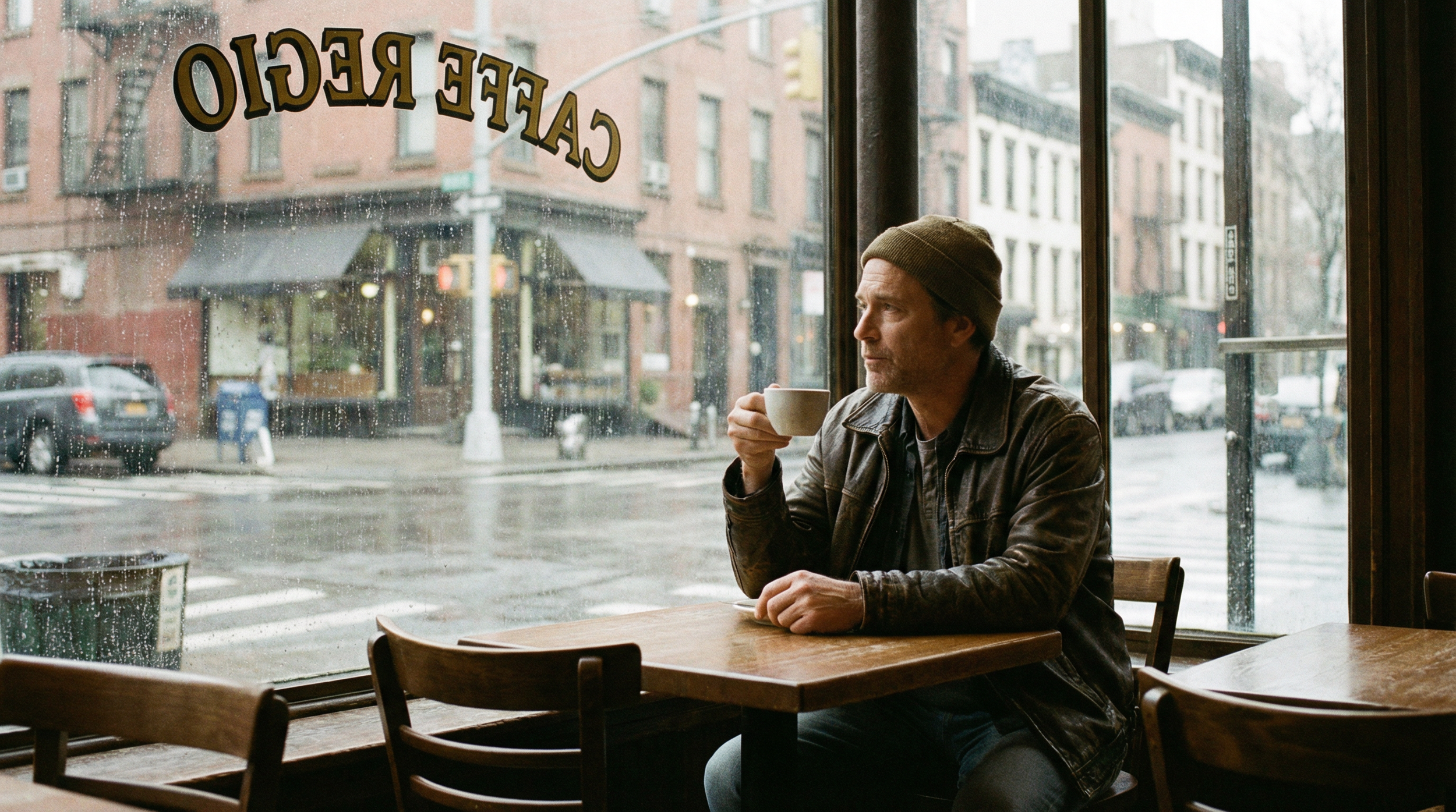
Nano Banana Pro
The Core Problem: How Midjourney v8 Actually Works
To understand why V8 struggles, you have to look at the underlying approach.
Midjourney (Diffusion-Based): Think: “smearing paint across a canvas.” Its strength is in creative, abstract, and cinematic outputs, but it lacks detail accuracy.
Newer Models (Structured Generation): Think: “building with LEGO blocks.” These prioritize realism and structure but can feel a bit generic.
The gap is clear: Midjourney is creative but messy; newer tools are accurate but less artistic.
Is Midjourney v8 Actually Better?
Short answer: Not really (yet). Long answer: It’s roughly on par with V7, and in some cases, it’s actually worse.
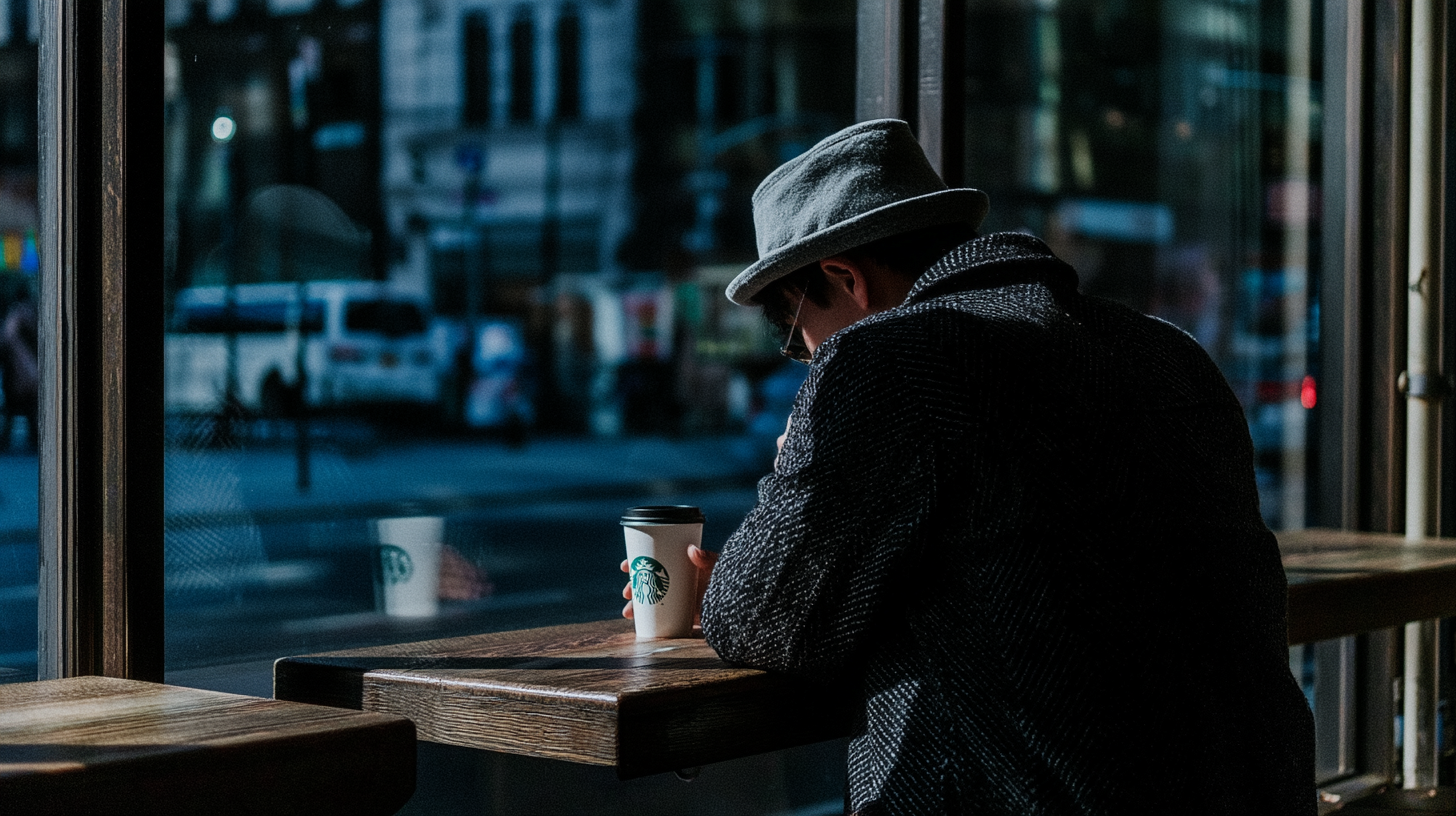
Midjourney v8
The promised improvements don’t consistently show up in the final "export."
Should you use Midjourney v8?
Yes, but only in certain ways. We have reached a place where Midjourney can no longer be your only (or even primary) AI image generator in your workflow.

Midjourney v8
Nano Banana 2 is the better image generation tool by far. That style references accuracy, and the ability to utilize up to 14 reference images is unmatched. At the same time, Nano Banana 2 struggles to produce realistic, cinematic images.
The best workflow would be utilizing both Midjourney and Nano Banana. Midjourney could be an incredible asset when brainstorming style, aesthetic, and moodboards, but will constantly struggle to provide much use outside of those.
Free Intro to AI Storytelling Course
Fill out the form below to be a part of our free intro to AI storytelling course.
In this course we cover basic workflows for utilizing AI tools inside of creative projects.
You also gain access to our exclusive Discord channel where you can network with artists and industry professionals from all around the world.
Best of luck on your image generation projects!
