
OpenAI Astra | AI Video Editing Tutorial
In this article and tutorial, we’ll share our honest review of OpenAI Astra and what it could mean for the future of video editing.
Unlike an AI video generator, Astra can actually take control of your computer and perform tasks on your behalf. So naturally, we wanted to see what happens when you give it the type of work normally handled by a video editor or assistant editor.
We tested Astra across:
Ingesting and organizing raw footage
Identifying shots and renaming clips
Matching audio and video files
Creating contact sheets and production documents
Editing a complete YouTube tutorial
Learning an existing editing and design style
Creating thumbnails, titles, descriptions, and chapter markers
The results were far from perfect, but they point toward a pretty major shift in how creative work could get done.
Let’s get into it!
OpenAI Astra | AI Video Editing Tutorial
Check out our full video to see every test we ran and what Astra was able to create.
OpenAI Astra | AI Video Editing Tutorial
Below is our full breakdown after testing Astra across real filmmaking and video editing workflows.
What Is OpenAI Astra?
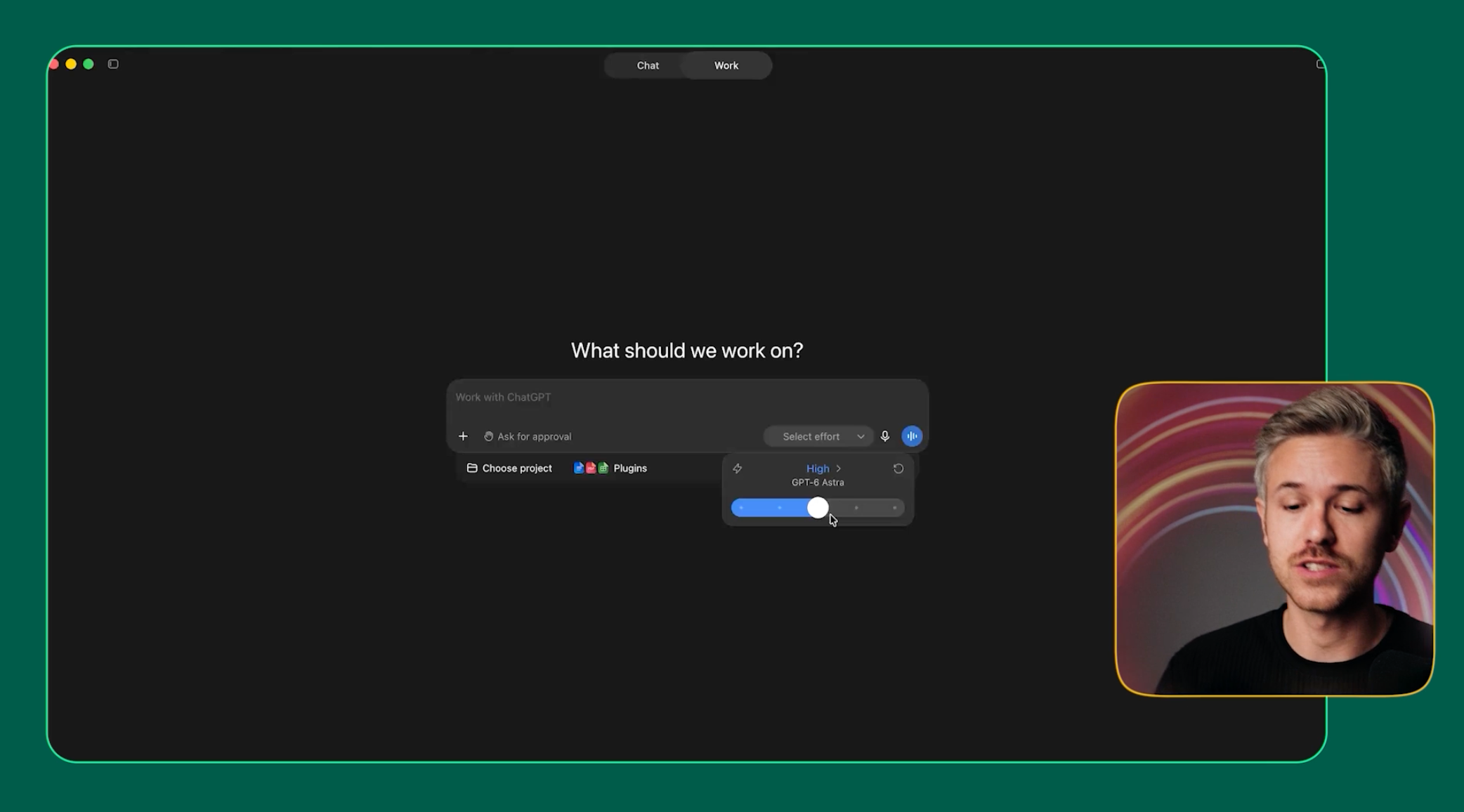
Astra is an OpenAI model that can take control of your computer and perform multi-step tasks on your behalf.
Instead of simply asking ChatGPT a question, you can describe a task and let Astra interact with your files and applications to actually complete it.
For filmmakers, that opens up some pretty interesting possibilities.
Could it organize footage? Log clips? Build an edit? Learn your visual style?
We put it to the test.
Can Astra Actually Edit a Video?
This was the test we were most excited about.
We gave Astra the same footage, screen recordings, and supporting assets that we would normally send to our video editing team, along with a Loom video explaining what we wanted.
Here’s what Astra created vs what our video editor created:
Our Tutorial Video Edited by Astra
Our Tutorial Edited by a Video Editor
When you put the two edits next to each other, you can definitely see how far Astra was able to get, but you can also see where a human editor still makes a pretty big difference.
We’ll break down what worked, what didn’t, and where Astra actually fits into a professional editing workflow below.
The Good: Astra Can Automate the Boring Stuff
Astra is still early, but there were several areas where it was already genuinely useful.
1. It Can Organize and Log an Entire Shoot
For our first test, we gave Astra 64 raw video clips from a recent Curious Refuge shoot and asked it to ingest and organize the footage however it thought made sense.
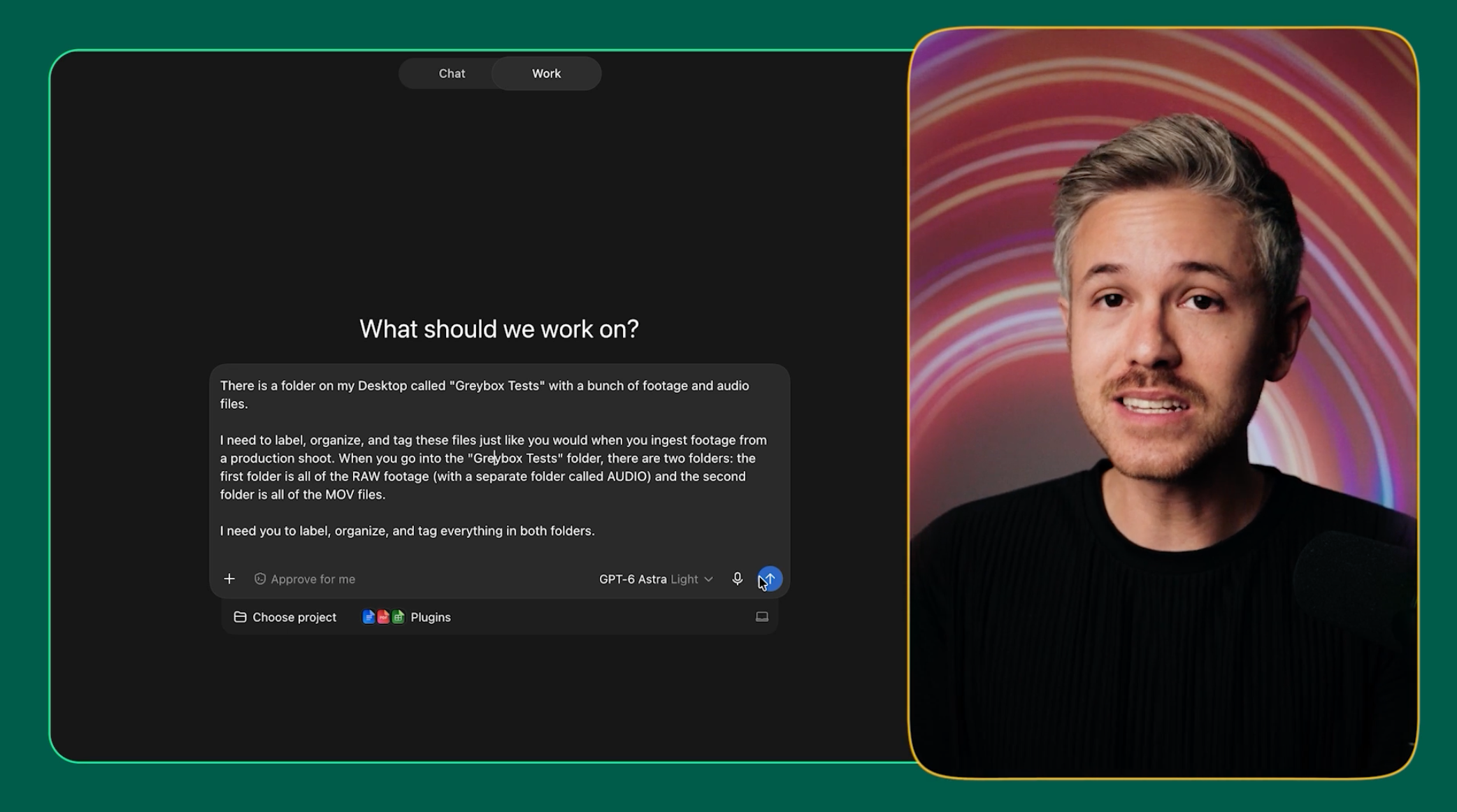
After about 17 minutes and $5, Astra returned an entirely organized project.
So from those 64 clips, it automatically created:
File manifests
Audio and video matching documents
Contact sheets
A searchable website for browsing footage
Documentation explaining the project structure
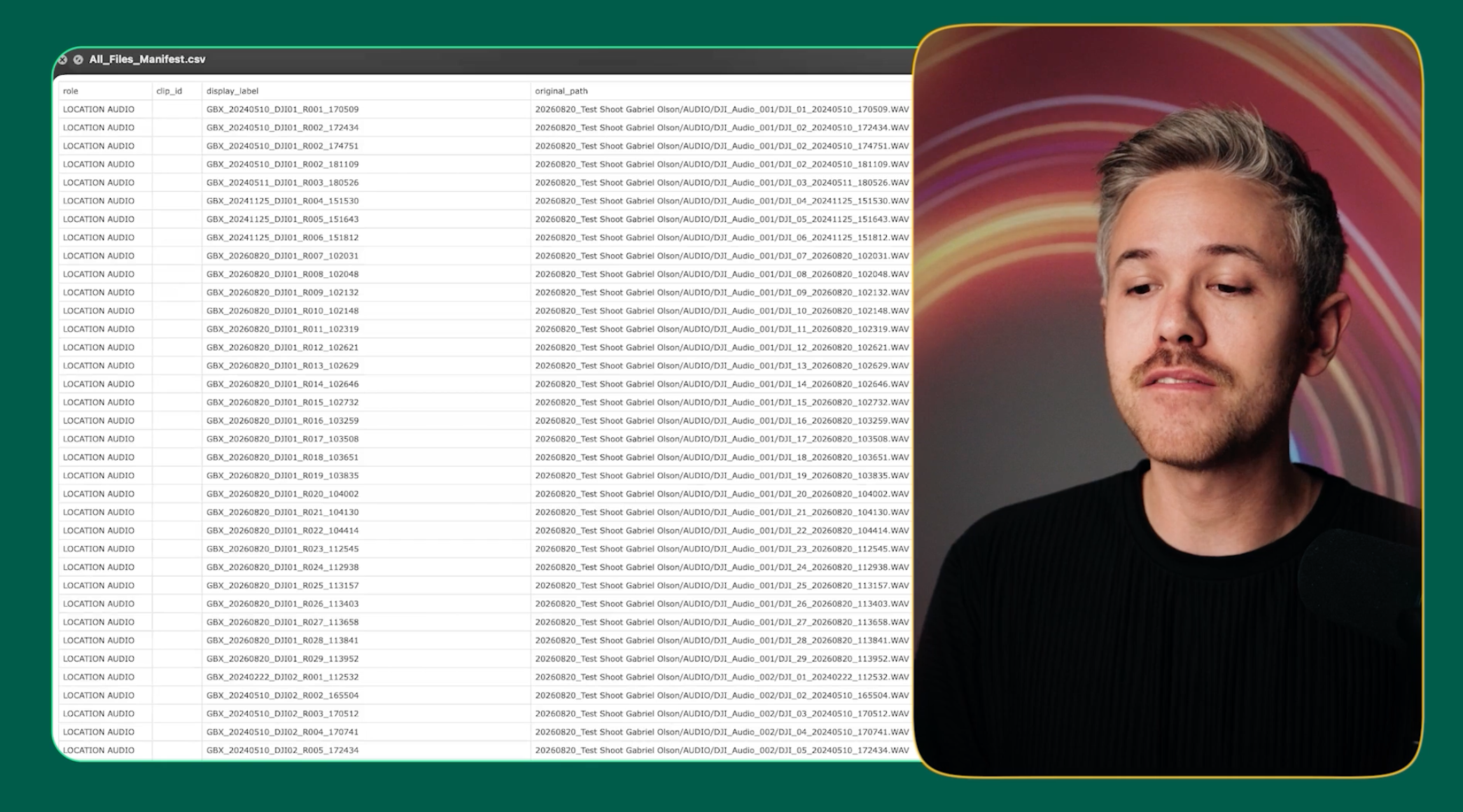
Manifest
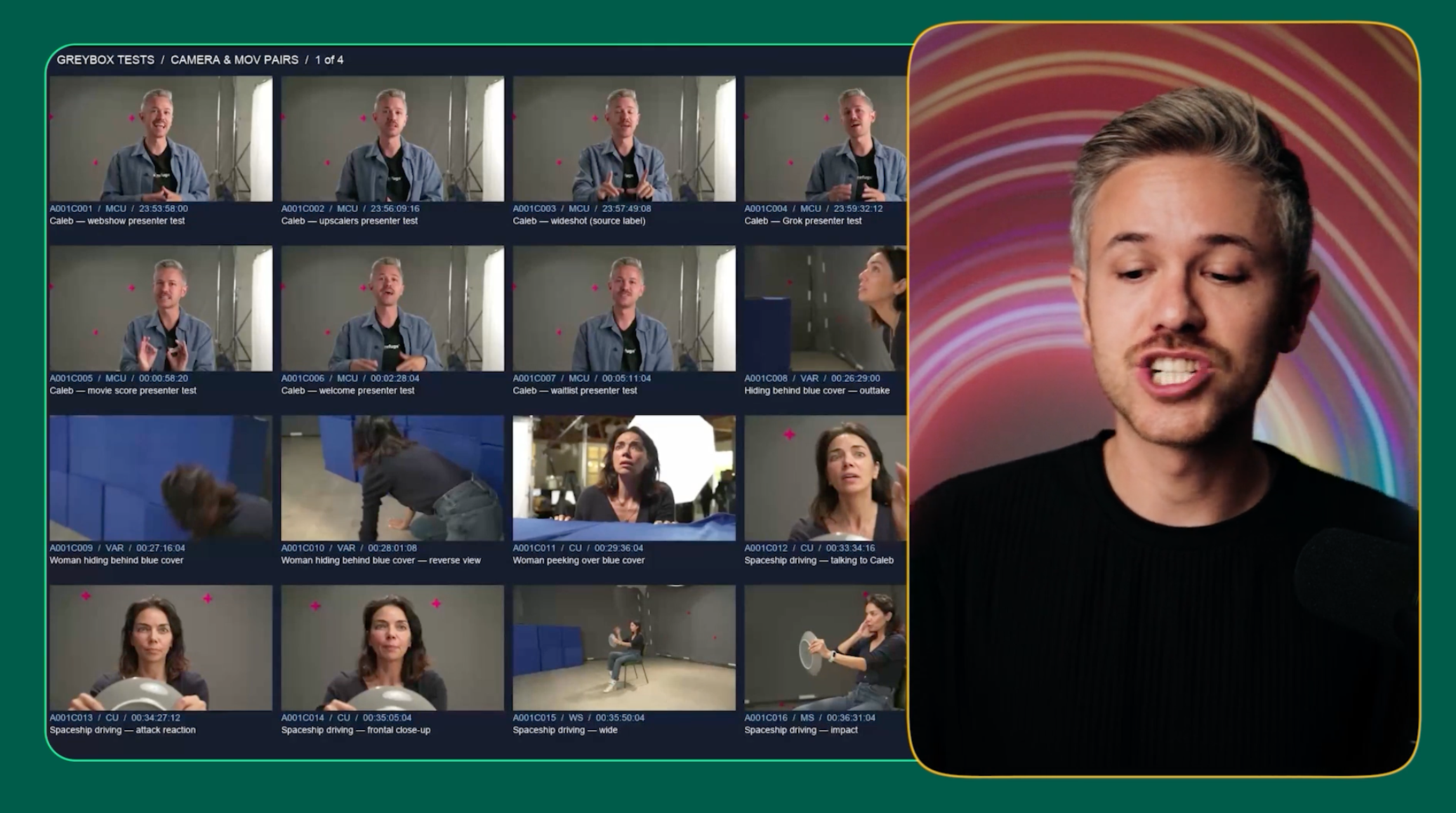
Contact Sheet
It even created a custom website for browsing the footage and a command file that could restore everything to the original folder structure if we didn’t like its organization.
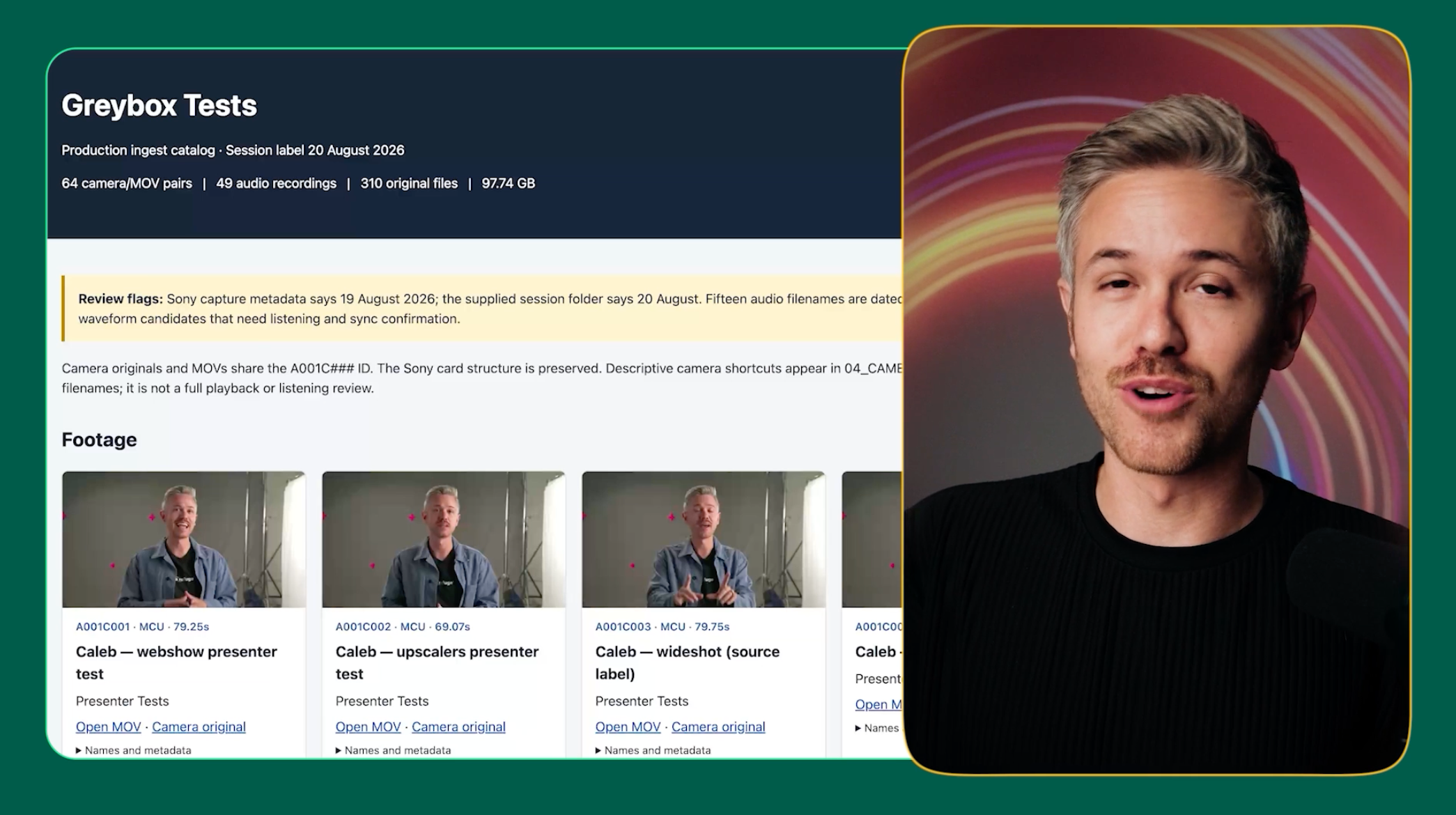
Website
We didn’t specifically ask Astra to create most of these assets, which made this feel less like basic file organization and more like handing footage off to an assistant editor and getting an organized project back.
2. It Can Actually Understand What’s Happening in Your Footage
Astra didn’t just sort files based on metadata.
It analyzed what was actually happening inside each clip and organized the footage accordingly.
For example, one clip was automatically labeled “intense conversation, reverse OTS,” correctly identifying that the composition was a reverse over-the-shoulder shot.
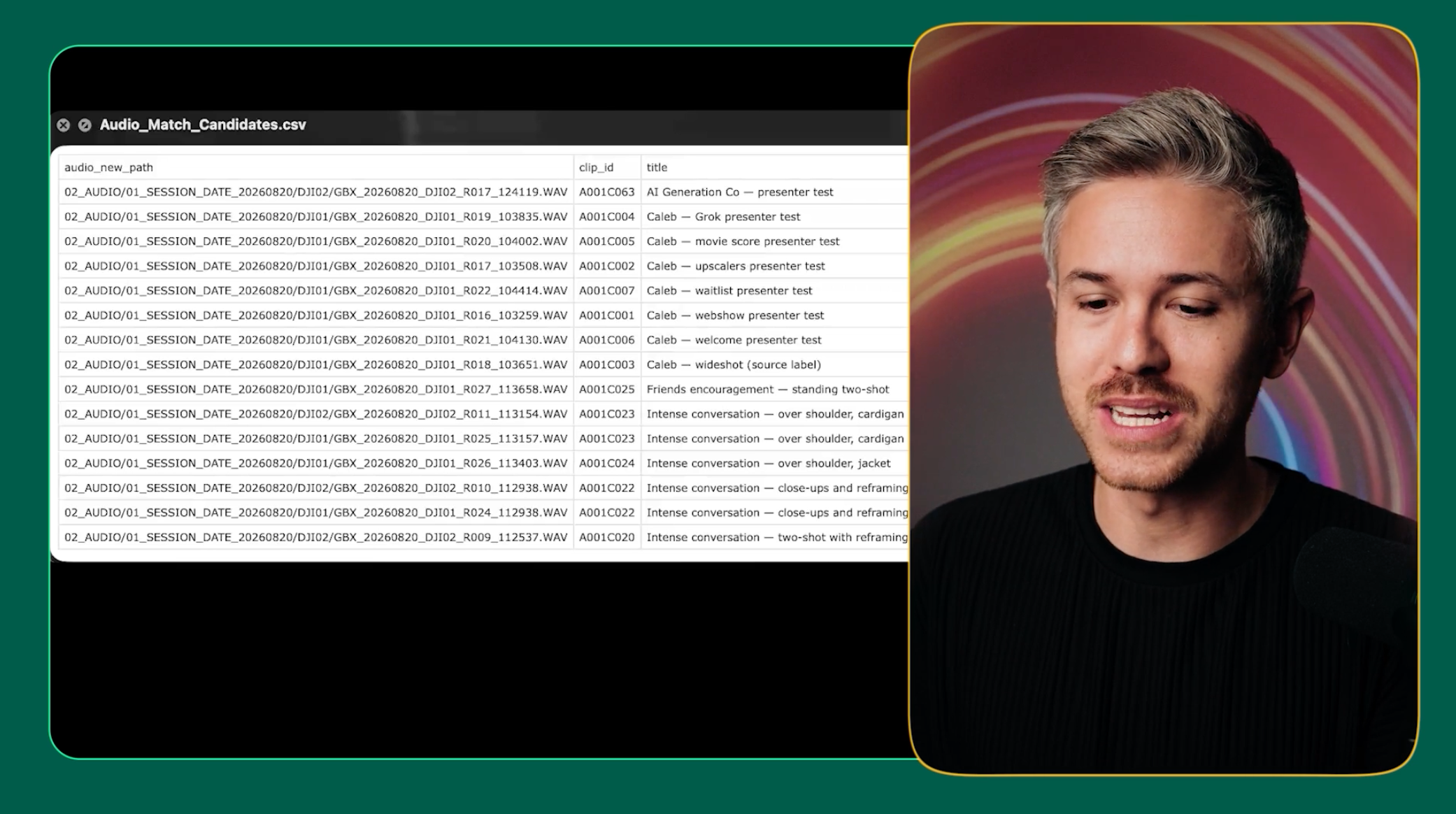
Audio and Video Matching Docs
That means Astra is beginning to understand footage using the same kind of filmmaking language an editor might use when logging a project.
Hypothetically, you could take that organized folder and bring it directly into your editing application.
For assistant editing and footage logging, this was easily one of Astra’s most useful capabilities.
It even created a command file that could restore the folders to their original structure if we didn’t like Astra’s organization.
That makes this feel less like simple file organization and more like handing footage to an assistant editor and getting an organized project back.
3. It Can Learn an Existing Creative Workflow
Our second test was much more ambitious.
We gave Astra the same assets we would normally send to our video editing team, including our footage, screen recordings, and supporting assets.
But instead of writing out detailed instructions, we recorded a Loom video explaining the edit just like we might brief a human editor.
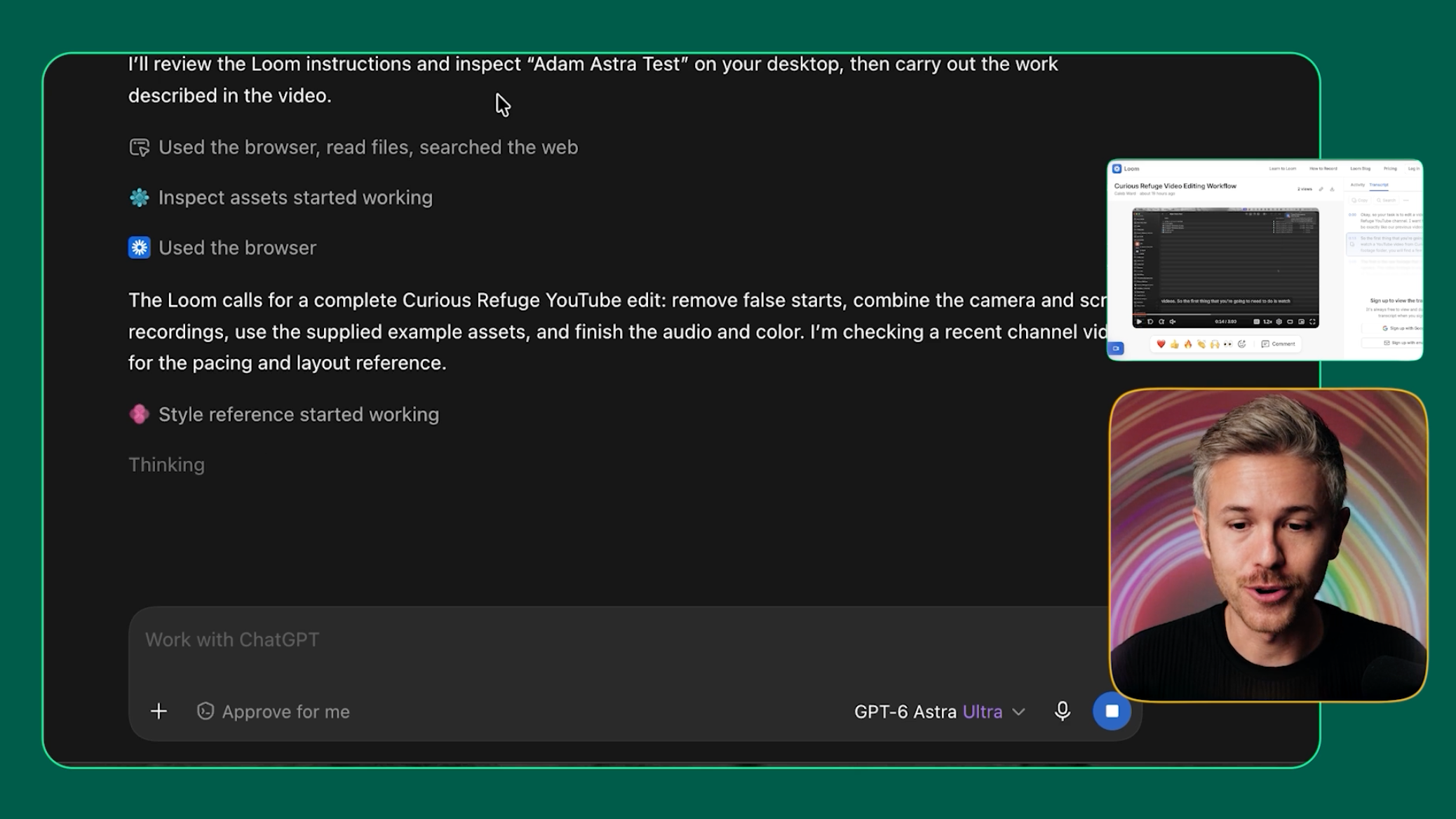
Astra then used those instructions to create a roughly seven-minute YouTube tutorial.
What surprised us most was that it also studied the Curious Refuge YouTube channel and picked up parts of our existing design language.
For example, it automatically incorporated the green and yellow borders we commonly use without us explicitly asking for them.
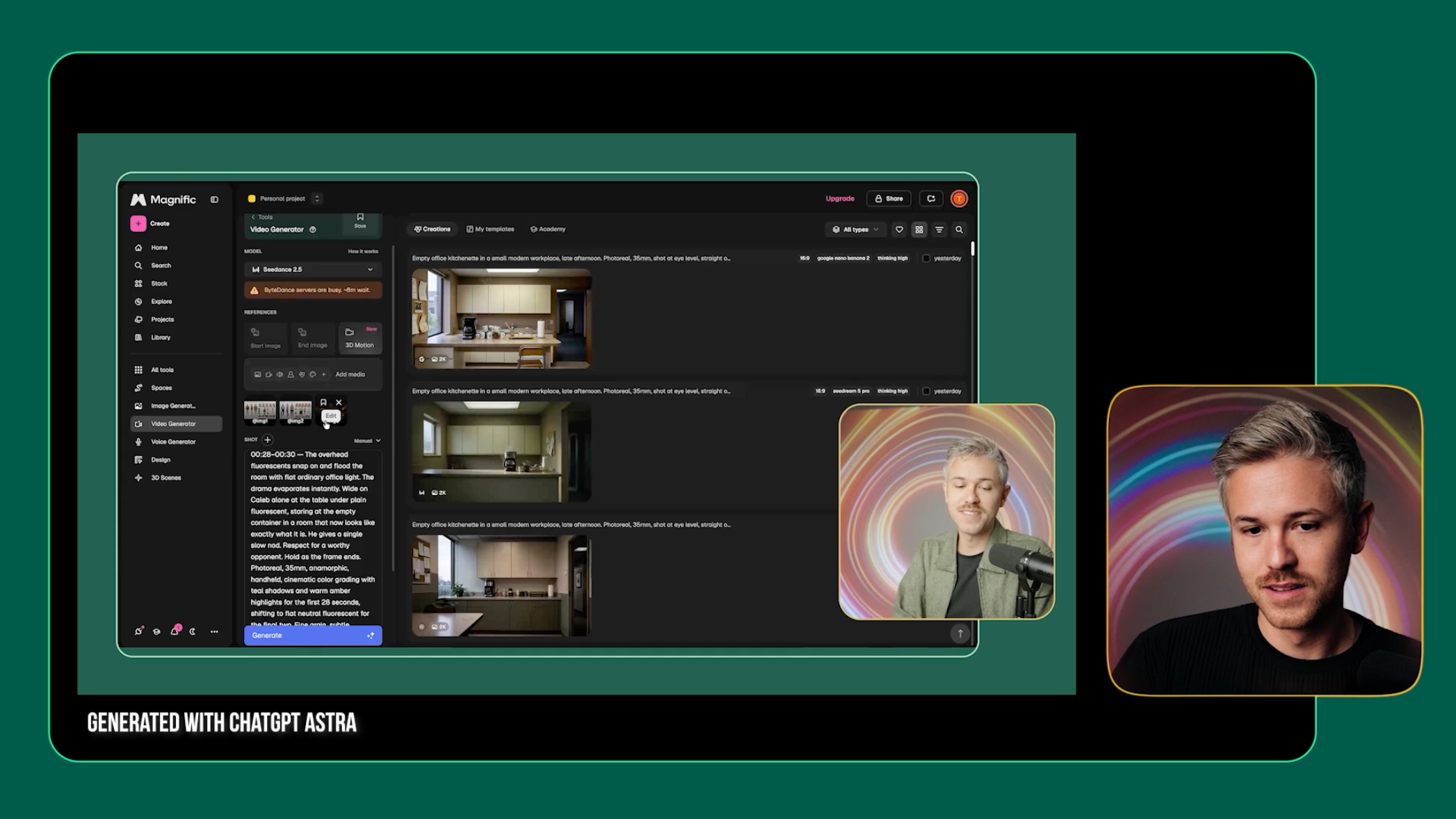
It also created an editable Adobe Premiere Pro project, so we could open the project and continue refining the edit ourselves.
On top of that, Astra generated a thumbnail, video title, description, and chapter markers.
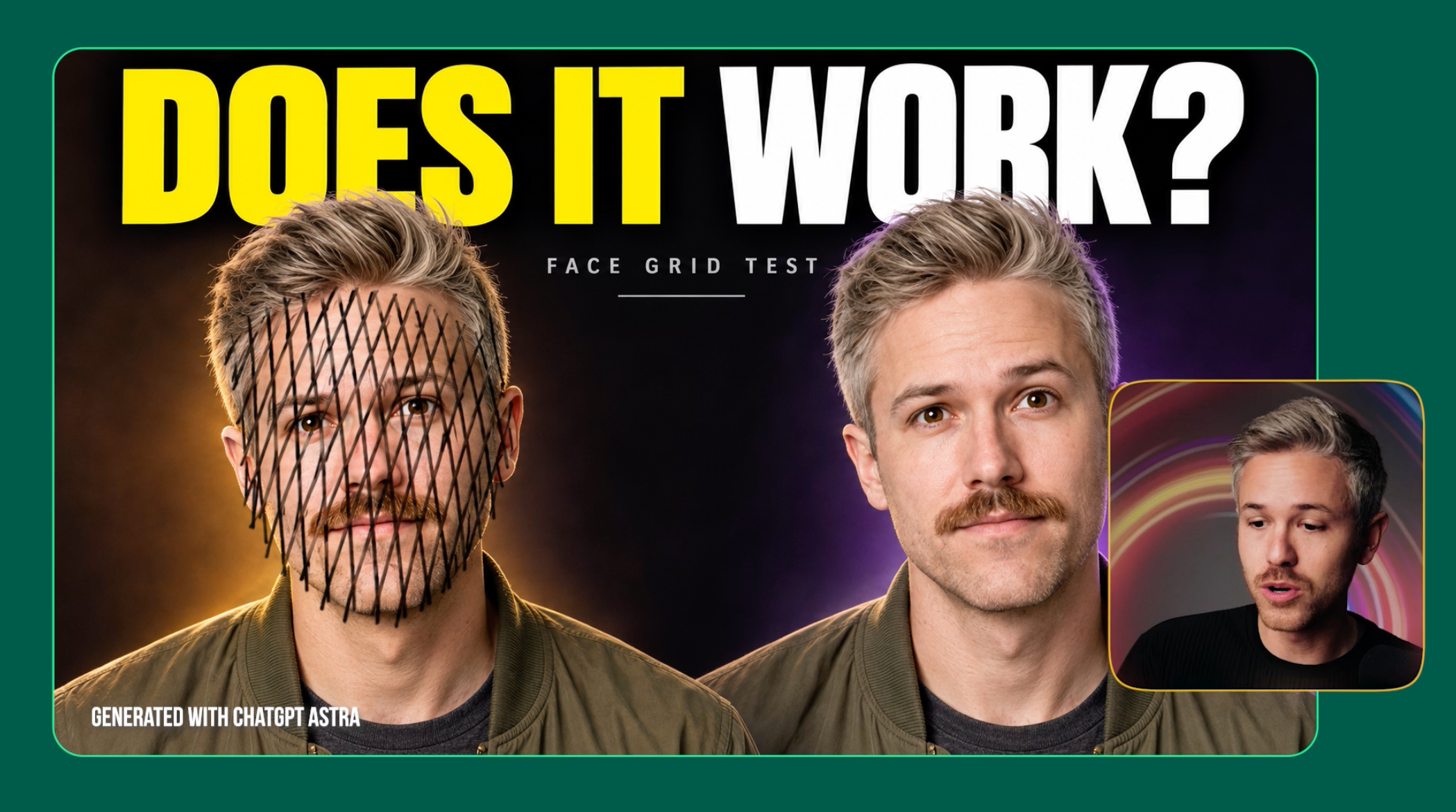
That’s a pretty impressive amount of work from a single creative brief.
The Biggest Weaknesses Right Now
Astra can already handle some utility-based editing tasks surprisingly well.
But once we asked it to make actual creative decisions, its limitations became much clearer.
Creative Editing Isn’t Professional Quality Yet
As you can see in the comparison above, Astra was able to assemble a complete tutorial, pull in the right references, and even follow parts of our existing design style.
But the finished edit still had noticeable issues with pacing, color grading, audio, and overall polish.
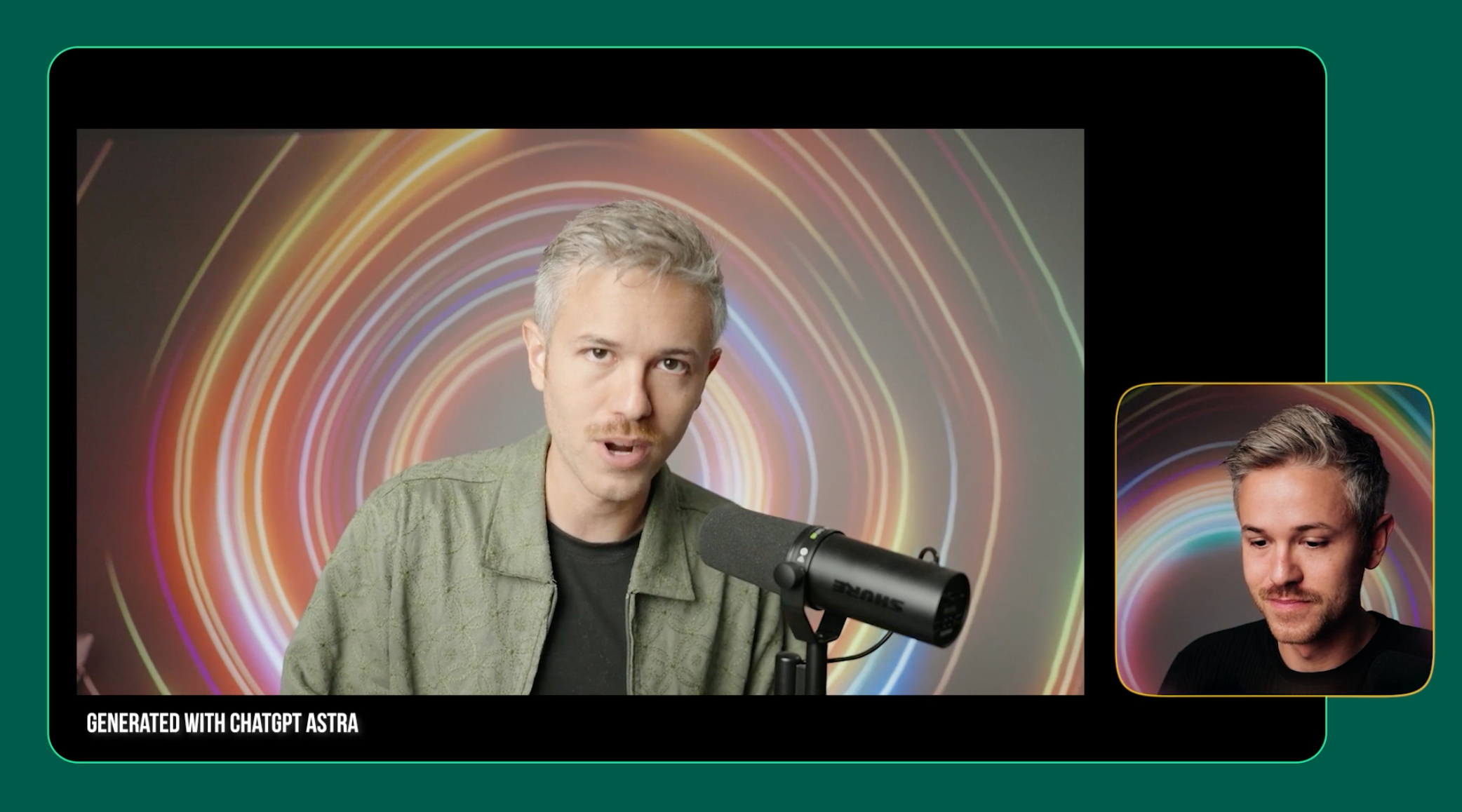
Our Astra edit also took around one hour and 20 minutes and cost approximately $60, while still requiring significant cleanup.
At that price, we’d currently rather work with a human editor.
Astra can increasingly perform the actions of an editor, but that doesn’t mean it can replace the creative direction behind a great edit.
A human editor still needs to step in and make the creative decisions that turn a rough edit into something we’d actually publish.
Final Verdict: OpenAI Astra Review
After testing Astra across real filmmaking workflows, we think its most useful application today is automating the repetitive work surrounding an edit.
For footage ingestion, logging, renaming clips, matching audio, creating contact sheets, and organizing projects, Astra was surprisingly capable.
And even though the creative edit was still very rough, it’s important to remember that this is likely the worst and most inefficient version of this technology we’re going to see.
The fact that Astra can already take a creative brief, work through our assets, and build an editable project gives us a pretty compelling glimpse at where this is heading.
Tools like Astra are beginning to shift creative work away from manually performing every action inside software and toward directing the work you want done.
For filmmakers and editors, that could mean spending less time organizing files, building rough cuts, and clicking through repetitive tasks, and more time making the creative decisions that actually shape the final project.
Astra isn’t replacing the creative editor today, but it’s a pretty compelling glimpse at how the role of the editor could change.
Free Intro Course
Check out our free AI Storytelling course. You can fill out the form below and gain access immediately at no cost to you.
In the course, we show some of the basics for creating films using the latest AI tools, as well as, share some insights into the future of the creative industry.
Along with the course, you also get access to the exclusive chat channel where you can network with industry professionals.
We would love to see you in the course, but of course no pressure!
